8

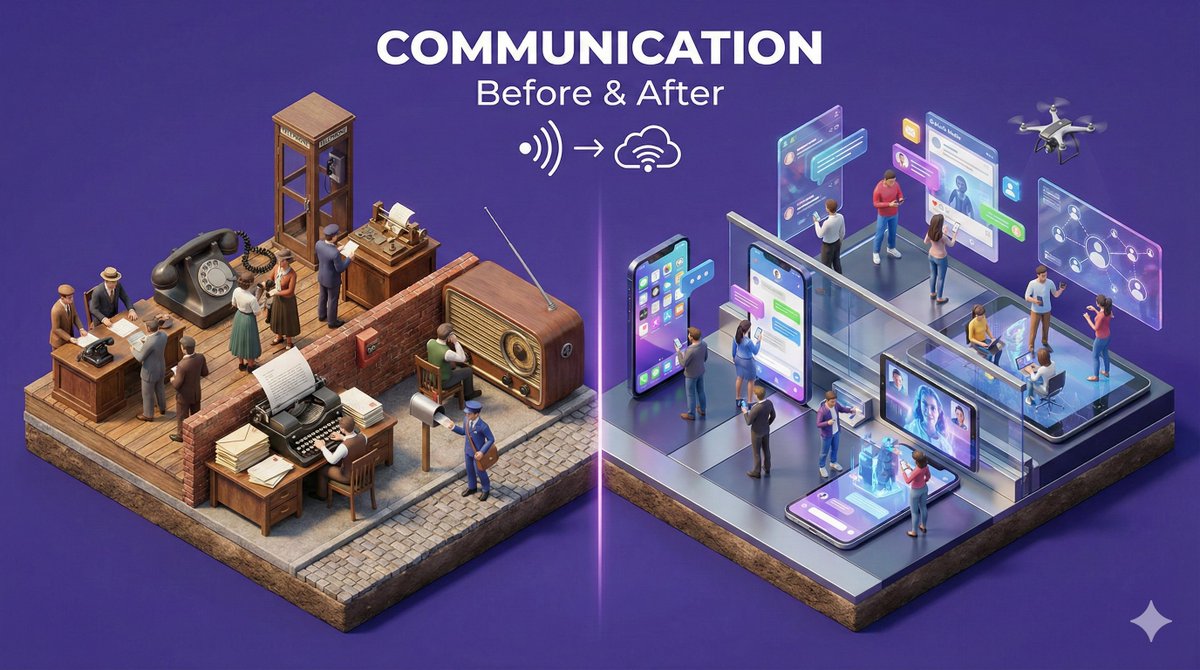
NANO BANANA PRO的3D发明
Enlarge

NANO BANANA PRO的3D发明

Prompt
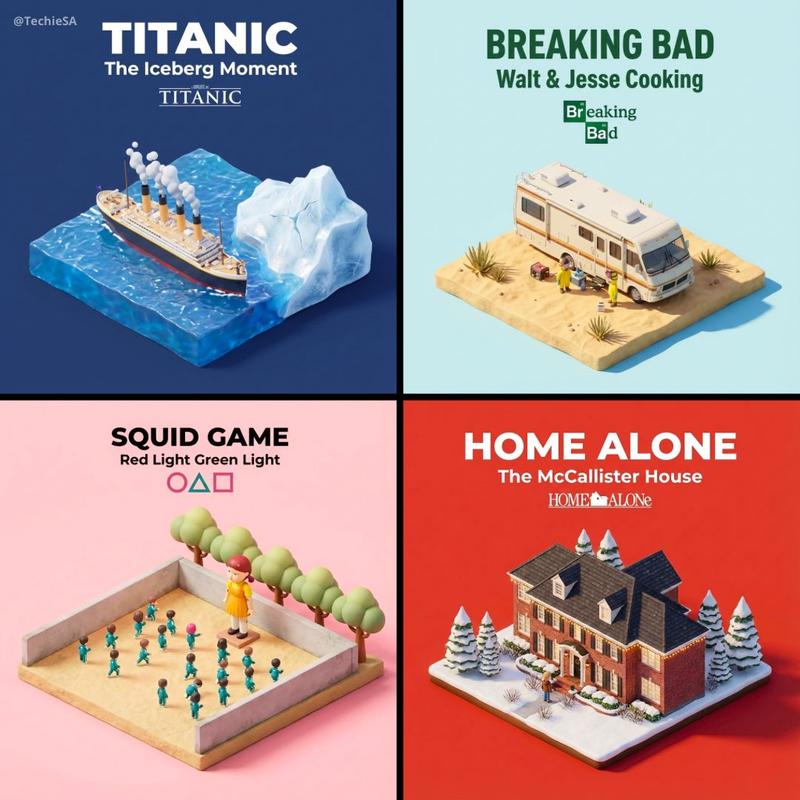
3D Inventions by NANO BANANA PRO on @atomu_ai ☎️🍌
Prompt👇🏻 https://t.co/TdD8Ona8tS
“Present a clear, 45° top-down isometric miniature 3D cartoon diorama on a small raised rectangular base with identical proportions across the series.
Use soft refined textures, realistic PBR materials, and neutral even lighting. No glow, no bloom, no shadows.
SCENE:
Depict [INVENTION] centered on the base.
Include two tiny stylized human figures beside the main object. Human size, pose simplicity, and placement must remain identical across all images (no facial details).
All objects and figures must keep the same scale and footprint as the rest of the series.
BACKGROUND:
Clean solid [BACKGROUND COLOR], flat with no gradient.
TEXT:
Top-center: “[EVENT TITLE]” in extra-large bold text.
Below: “[YEAR — SHORT CONTEXT]” in large bold text.
Below that: a small minimal icon related to the event.
Text must automatically match background contrast (white or black).
Perfectly centered layout, square 1080x1080.
Ultra-clean, high-clarity diorama style with identical angle and structure.”
My workflow on Atomu:🤩👇🏻
https://t.co/QtlXDWVLnF
Category
Illustration & Art
Model
Nano Banana Pro
Creator
TechieSA
Views1
Source ID
nano-banana-pros-3d-inventions

Guide

About "NANO BANANA PRO的3D发明"

What is this prompt for?

"NANO BANANA PRO的3D发明" AI image prompt for Nano Banana Pro (Illustration & Art). 3D Inventions by NANO BANANA PRO on @atomu_ai ☎️🍌 Prompt👇🏻 https://t.co/TdD…

The full copyable prompt and example visuals above are ready for AI image generation or one-click recreate in Picva.

How to use this prompt

  1. Step 1

    Open the prompt detail

    Review the example visuals, category, and full prompt text for "NANO BANANA PRO的3D发明".

  2. Step 2

    Copy the prompt

    Copy the prompt body from this page, or load it directly in Studio.

  3. Step 3

    Pick a model (Nano Banana Pro)

    Prefer Nano Banana Pro. If you switch models, keep subject and composition and tweak style terms.

  4. Step 4

    Generate and export

    Recreate the look in Picva, or export into your workflow for editing and publishing.

FAQ

What is the "NANO BANANA PRO的3D发明" prompt?
It is an AI image-generation prompt for Nano Banana Pro in the Illustration & Art category. This page includes the full prompt text, example visuals, and a one-click recreate path in Picva.
How do I use this prompt to generate an image?
Copy the prompt from this page, or use Generate / Studio. Paste it into a compatible image model, or recreate the look in Picva with optional reference images.
Which model is this prompt for?
This page lists Nano Banana Pro. Most descriptive prompts also transfer to nearby image models such as GPT Image, Flux, or Midjourney with light style tweaks.
Can I use the result commercially?
You can usually copy the prompt for creation, but commercial use of the final image depends on the model terms, reference-image rights, and the generated content. Follow the source author and platform rules.