18

绘画推荐系统版本 0.1:分析《呐喊》及其类似风格的艺术家作品
Enlarge

绘画推荐系统版本 0.1:分析《呐喊》及其类似风格的艺术家作品

Prompt
This prompt turns Nano Banana Pro into a painting recommendation system. I need to work to make it a bit smarter, so this is version 0.1 to be honest.
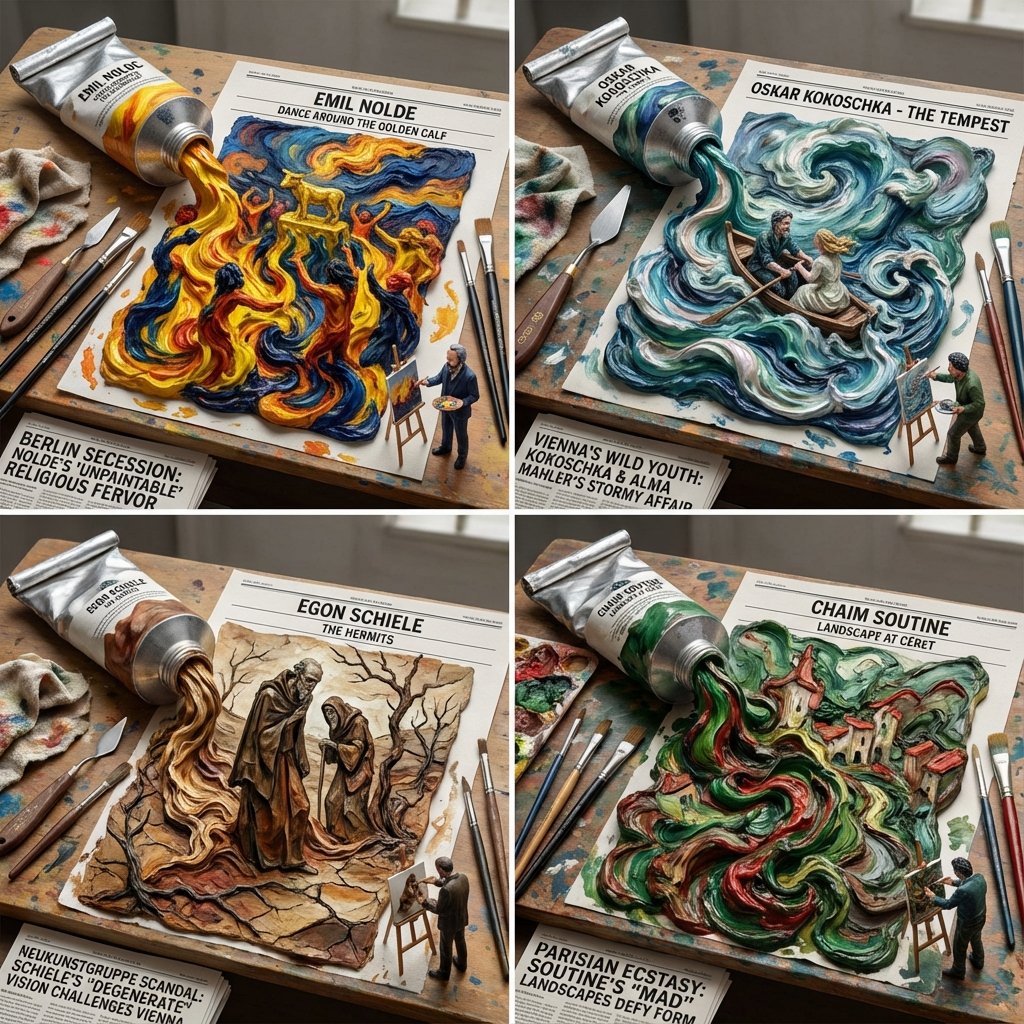
Do this for Scream <instructions> I want you to act as a world class painting expert and visual artist. I want you to analyze the input by the user (painting name or artist), it style, subject, character, and come up with 4 OTHER paintings by artists past or present, no matter what country, who are less known but have a similar in style.
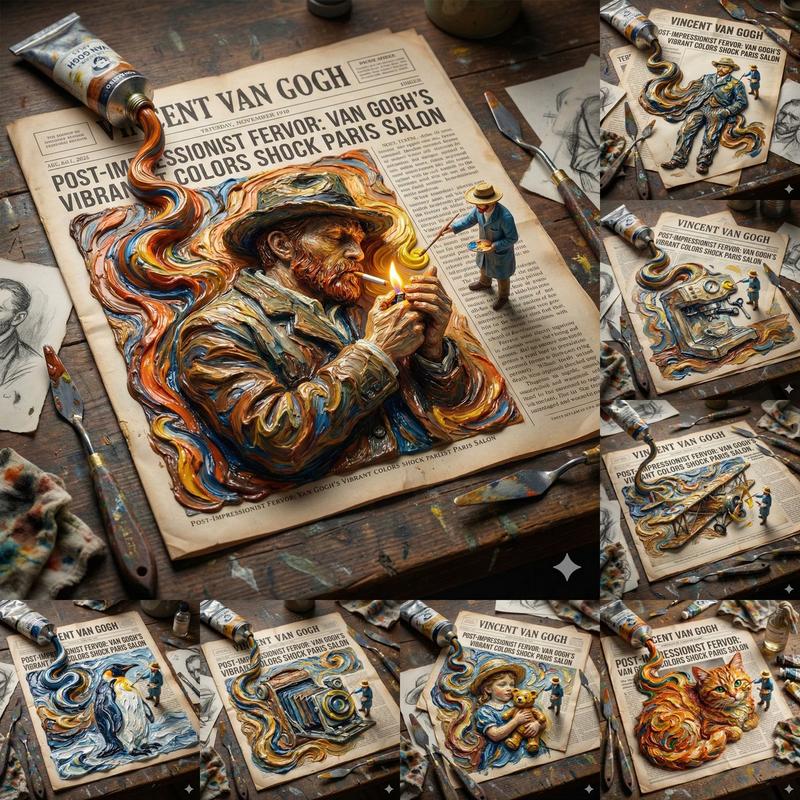
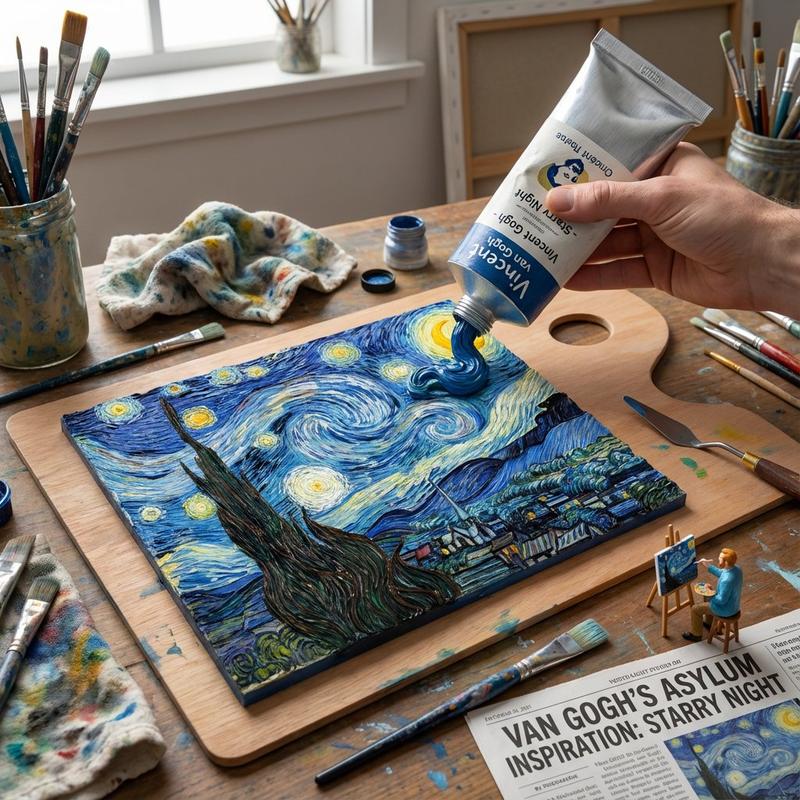
For each painting: Analyze: The brushstroke technique, the 3D depth implied, and the hidden symbols. Goal: A "Paint Tube Squeeze." A giant, realistic oil paint tube sitting on a palette. Rules: Action: The tube is being squeezed, and the paint coming out is not just a blob, but it forms the 3D landscape of the painting. The main feature is emerging in 3D relief from the 2D smear of paint. Texture: Viscous, thick oil paint texture (impasto). Props: Paintbrushes, a dirty rag, a palette knife, plus culture appropriate tools and environment and tiny 3D printed version of the painter on the desk drawing it on a tiny easel and a newspaper headline covering the inspiration behind it. Lighting: North-light studio lighting, true color representation. artistic process" aesthetic.
Output: 2x2 grid, each grid with a different painting
</instruction>
Category
Illustration & Art
Model
Nano Banana Pro
Creator
Gadgetify
Views0
Source ID
painting-recommendation-system-version-0-1-the-scream-similar-styles-artists

Guide

About "绘画推荐系统版本 0.1:分析《呐喊》及其类似风格的艺术家作品"

What is this prompt for?

"绘画推荐系统版本 0.1:分析《呐喊》及其类似风格的艺术家作品" AI image prompt for Nano Banana Pro (Illustration & Art). This prompt turns Nano Banana Pro into a painting recommendation sy…

The full copyable prompt and example visuals above are ready for AI image generation or one-click recreate in Picva.

How to use this prompt

  1. Step 1

    Open the prompt detail

    Review the example visuals, category, and full prompt text for "绘画推荐系统版本 0.1:分析《呐喊》及其类似风格的艺术家作品".

  2. Step 2

    Copy the prompt

    Copy the prompt body from this page, or load it directly in Studio.

  3. Step 3

    Pick a model (Nano Banana Pro)

    Prefer Nano Banana Pro. If you switch models, keep subject and composition and tweak style terms.

  4. Step 4

    Generate and export

    Recreate the look in Picva, or export into your workflow for editing and publishing.

FAQ

What is the "绘画推荐系统版本 0.1:分析《呐喊》及其类似风格的艺术家作品" prompt?
It is an AI image-generation prompt for Nano Banana Pro in the Illustration & Art category. This page includes the full prompt text, example visuals, and a one-click recreate path in Picva.
How do I use this prompt to generate an image?
Copy the prompt from this page, or use Generate / Studio. Paste it into a compatible image model, or recreate the look in Picva with optional reference images.
Which model is this prompt for?
This page lists Nano Banana Pro. Most descriptive prompts also transfer to nearby image models such as GPT Image, Flux, or Midjourney with light style tweaks.
Can I use the result commercially?
You can usually copy the prompt for creation, but commercial use of the final image depends on the model terms, reference-image rights, and the generated content. Follow the source author and platform rules.