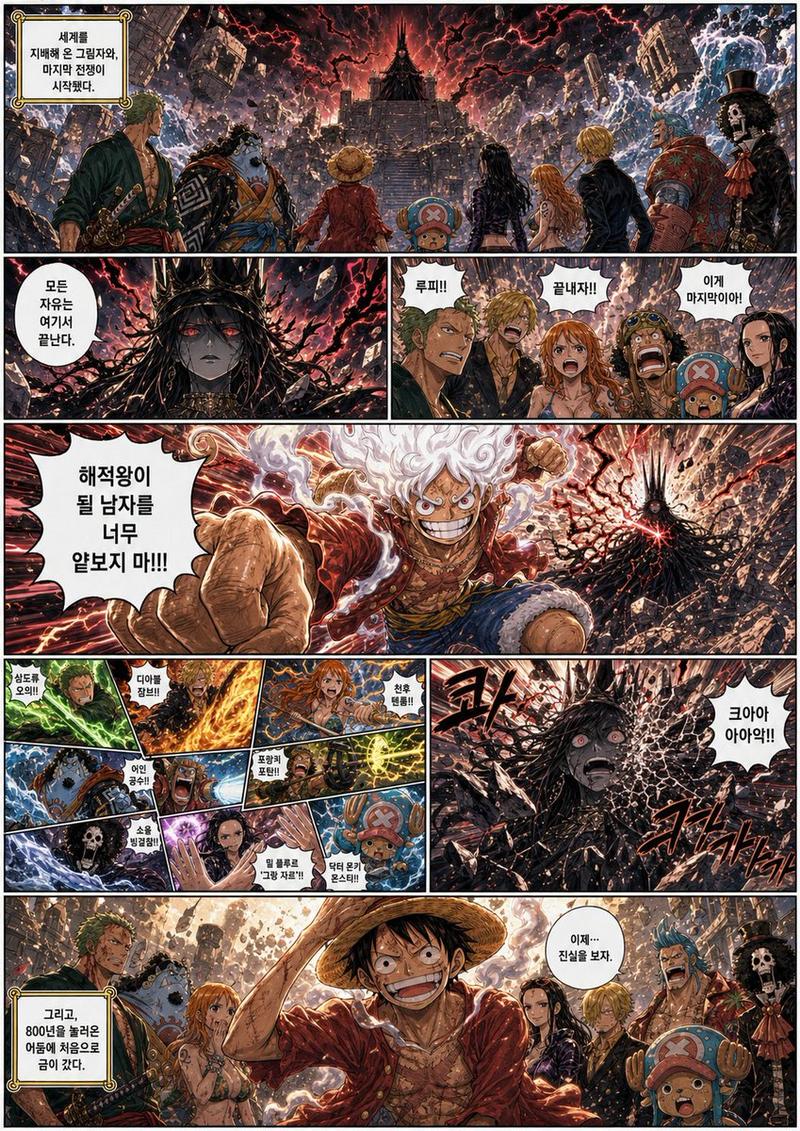
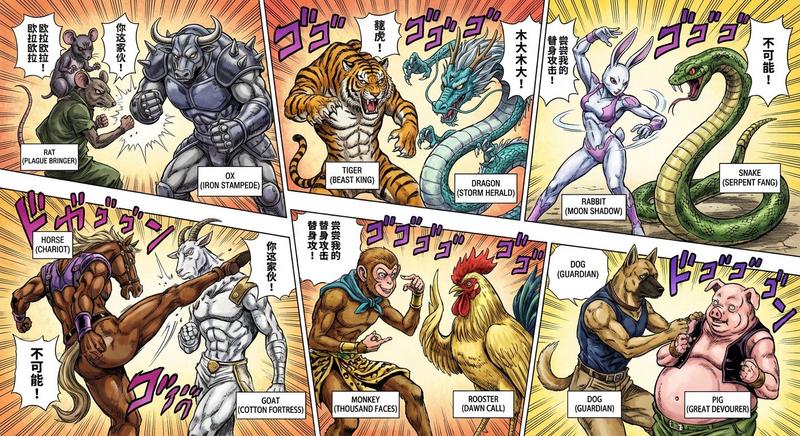
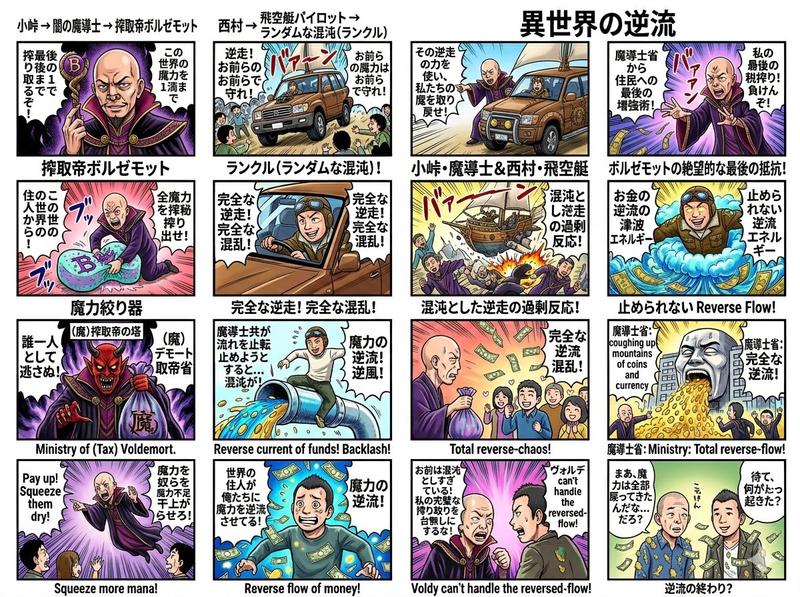
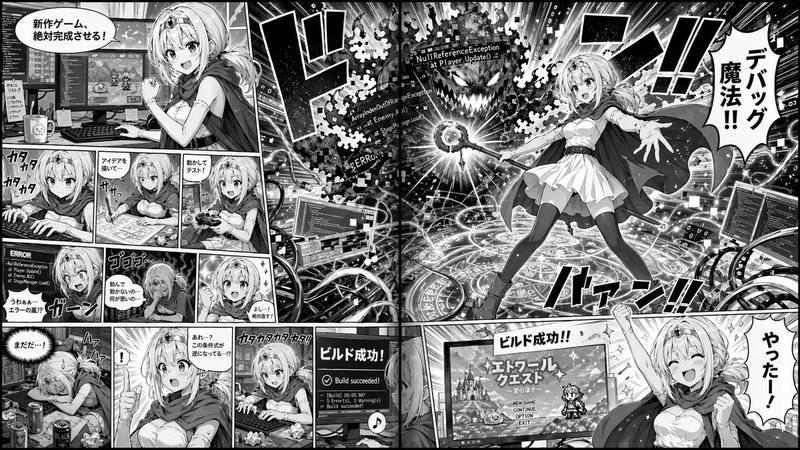
彩色少年漫画战斗跨页
Prompt
Goal: Create a full-color manga double-page spread in the style of a dramatic shonen battle scene, resembling a French-translated One Piece chapter page, with heavy black panel borders, dynamic action, expressive hand-lettered sound effects, and saturated blue-red cinematic coloring.

Canvas: Landscape 4:3 comic page collage, approximately 1024×768, with a white gutter grid separating panels. The image should look like a restored and colorized manga scan: inked line art, painterly digital color, high contrast shadows, and slightly gritty paper texture.

Layout: Use exactly 14 visible comic panels arranged as a dense two-page spread. Left side contains 8 panels: 3 small panels across the top, 4 narrow action panels beneath them, and 1 large dramatic panel at the bottom. Right side contains 6 panels: 1 huge blue forest panel at the top right and 5 smaller panels along the bottom right, including two thin stacked panels on the left, one vertical center panel, one large right panel, and small speech-bubble areas integrated into the right panel.

Subject details: Show {argument name="hero character" default="a white-haired rubbery warrior with flame-like hair, round eyes, a huge grin, and cartoonish Gear Five energy"} fighting {argument name="villain character" default="a massive horned dragon-like emperor with long white hair, black shadowed armor, and an enormous spiked club"}. The scene alternates between close-ups of the hero’s manic smiling face, explosive attacks, and a vast blue forest battlefield. The hero appears glowing and elastic, with pale skin, swirling white hair, and exaggerated anime expressions. The villain is towering, menacing, mostly dark purple and black, with horns, flowing hair, and a brutal silhouette.

Panel-by-panel content count: Panel 1, top-left small: close-up of the grinning flame-haired hero saying “HEIN ?!” with orange fire lighting. Panel 2, top row middle: white speech bubble reading “…QUE TU N’ES PAS JOY BOY !” against pale blue motion energy. Panel 3, top row right: glowing blue-white impact sphere with speed lines and a speech bubble reading “MU SAIT PARFAI-TEMENT…”. Panel 4, second row far left: red-brown motion panel with distorted ground or body and large vertical sound effects. Panel 5, second row narrow: red beam-like action panel with a tiny speech bubble reading “ALLONS-Y !”. Panel 6, second row center: close-up of the hero’s wild grin framed by huge black Japanese sound effect lettering. Panel 7, second row right: dark close-up of a single intense eye in purple shadow. Panel 8, bottom-left large: the hero hangs injured or limp in front of the towering horned villain holding a club, red smoky sky behind them, with two large speech bubbles reading “…N’ÉTAIT PAS AUSSI FAIBLE…!” and “JOY BOY, LUI…”, plus a small black caption box reading “LE ROI DU MONDE DANS TOUTE SA SPLENDEUR…!!”. Panel 9, top-right huge: immense blue enchanted forest vortex, twisted trees, swirling leaves and wind, a black silhouetted warrior at the right edge holding a weapon, and bold black Japanese sound effects; add the watermark {argument name="watermark text" default="@stein_lr"} near the lower-left of this large panel. Panel 10, bottom-right upper-left small: close-up of the hero spinning or rushing downward, speech bubble “PAREIL POUR MOI !”. Panel 11, bottom-right lower-left small: narrow vertical impact panel with a falling figure, blue explosion, and a small empty or dotted speech bubble. Panel 12, bottom-right center vertical: blue sky and dead trees with a flaming projectile streaking diagonally, speech bubble reading “MU Y VOIT PLUS CLAIR DÉSORMAIS !”. Panel 13, bottom-right large: the hero spinning like a pale tornado above a dried forest, blue spiral energy and falling debris, speech bubbles reading “LA FORÊT S’EST DES-SÉCHÉE !”, “HEIN ??”, and “!!?”. Panel 14, embedded small speech region near the right edge: preserve the sharp white bubble with “!!?” as part of the large action panel composition.

Text style: Use French uppercase manga lettering in thick irregular black font inside white speech bubbles with black outlines. Use multiple oversized black Japanese-style sound effects, especially around impacts and motion. Keep all visible text legible but hand-drawn.

Color and mood: Left page should be dominated by fiery oranges, reds, smoky browns, and black shadows. Right page should be dominated by icy blues, navy, cyan highlights, pale moonlit whites, and black silhouettes. Strong contrast between warm villain confrontation and cold supernatural forest vortex.

Constraints: Preserve the exact 14-panel count and the described panel arrangement. Do not add extra characters beyond the hero, villain, silhouettes, and tiny action figures implied by the panels. Keep thick manga panel gutters, dramatic perspective, dense speed lines, painterly colorization, and no modern UI elements.- Category
- UI & Interfaces
- Model
- GPT Image 2
- Creator
- STEIN (bin)
- Source ID
- 28436
- Published
- Jul 11, 2026
Views4