20

牛仔衬衫自画像创作指南
Enlarge

牛仔衬衫自画像创作指南

Prompt
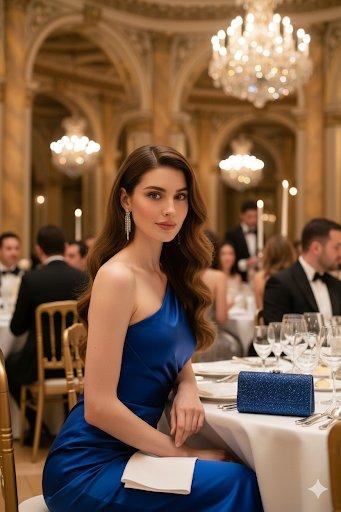
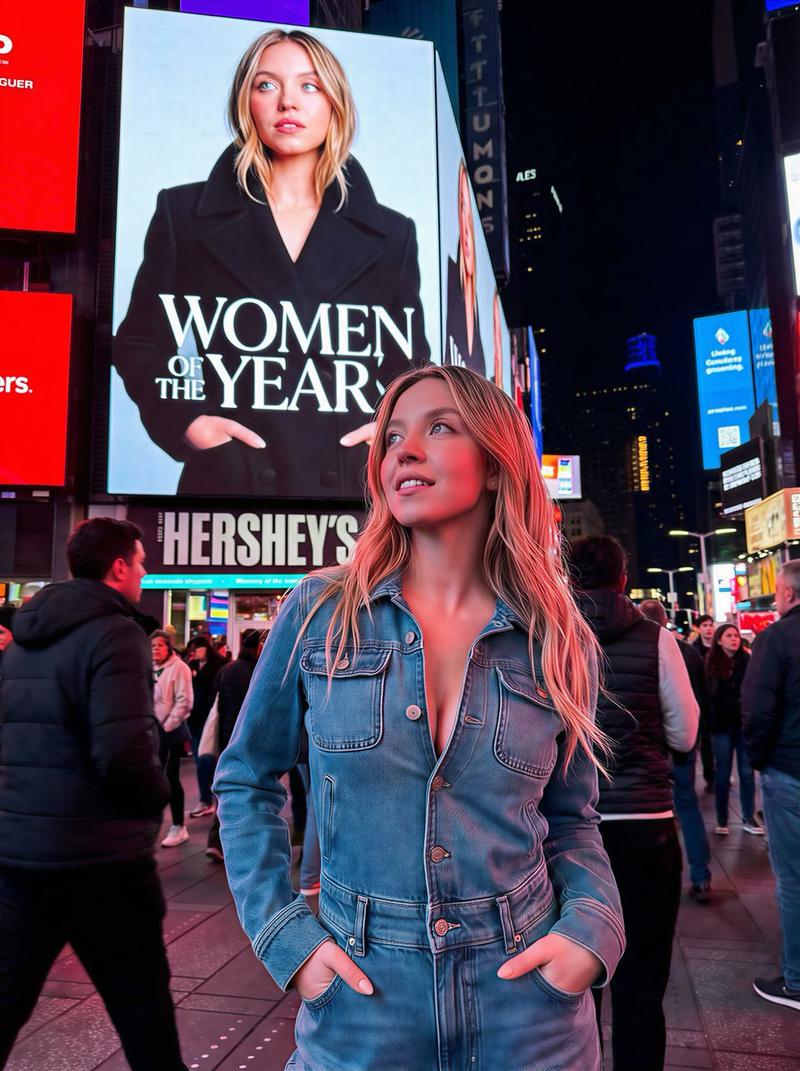
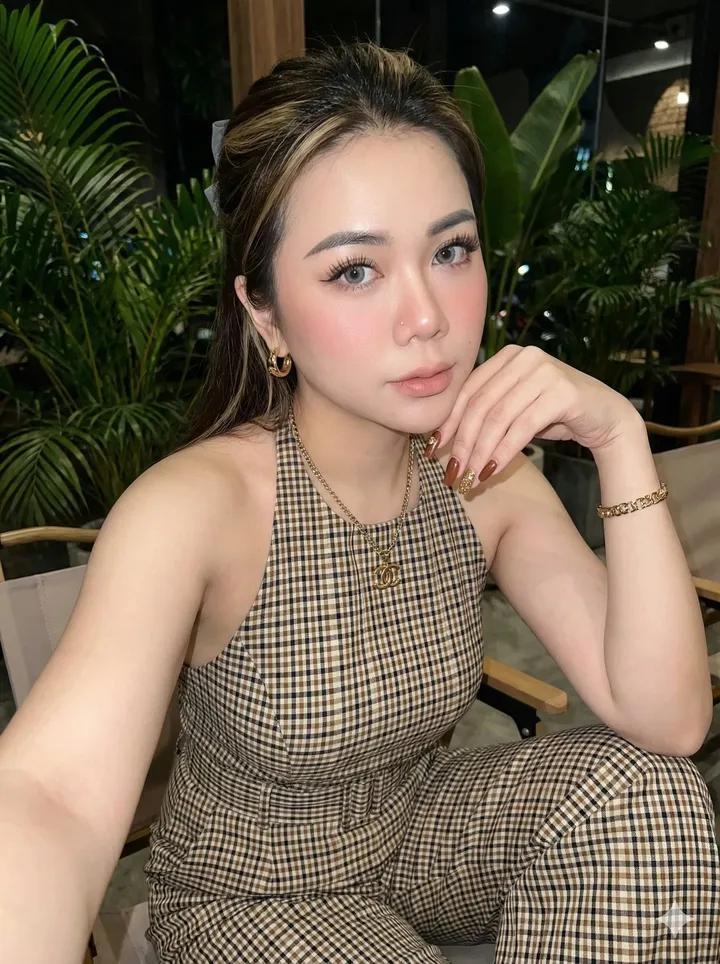
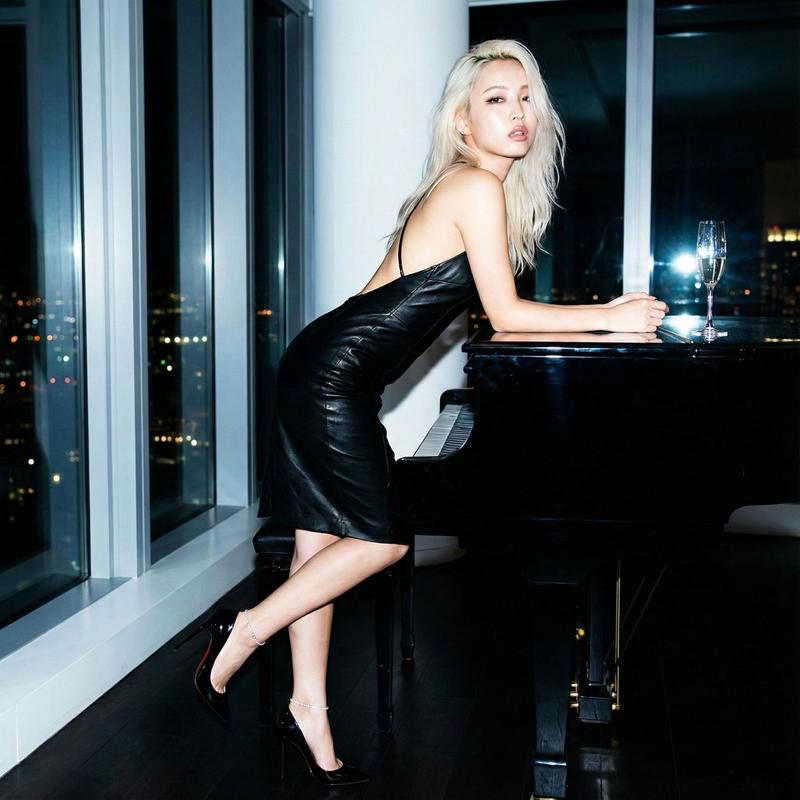
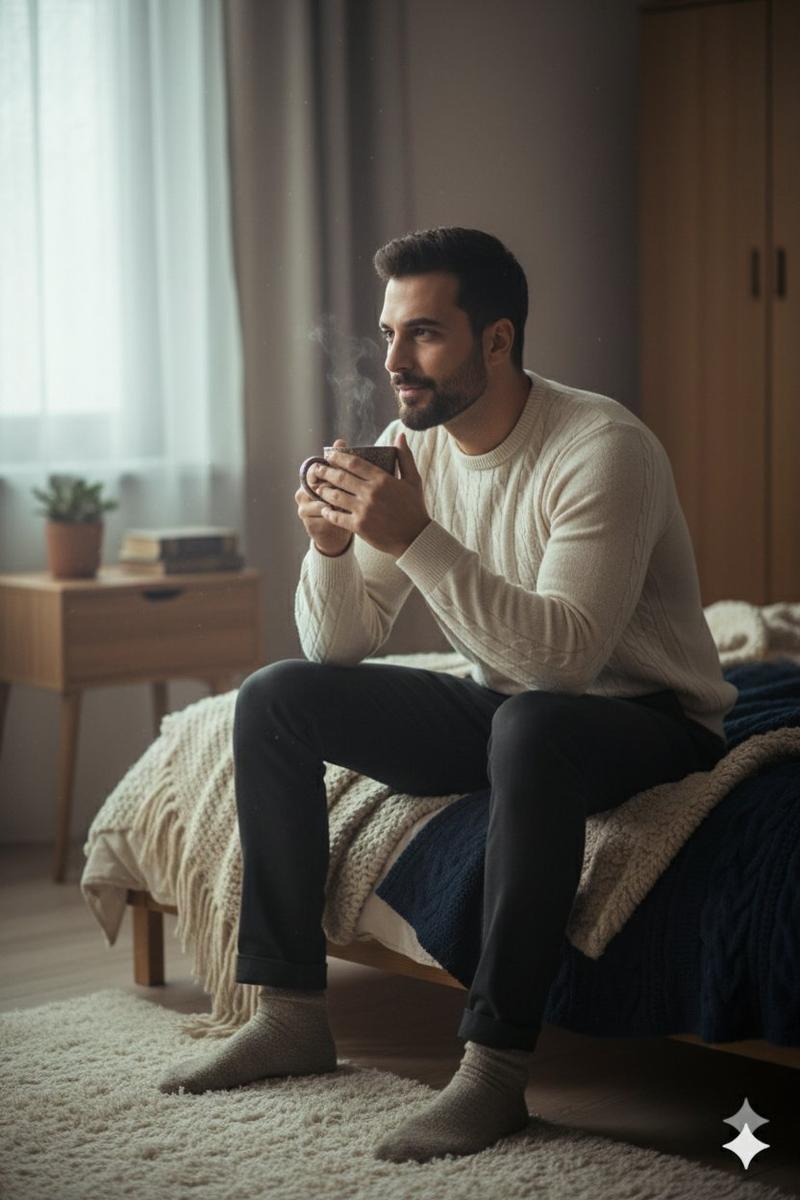
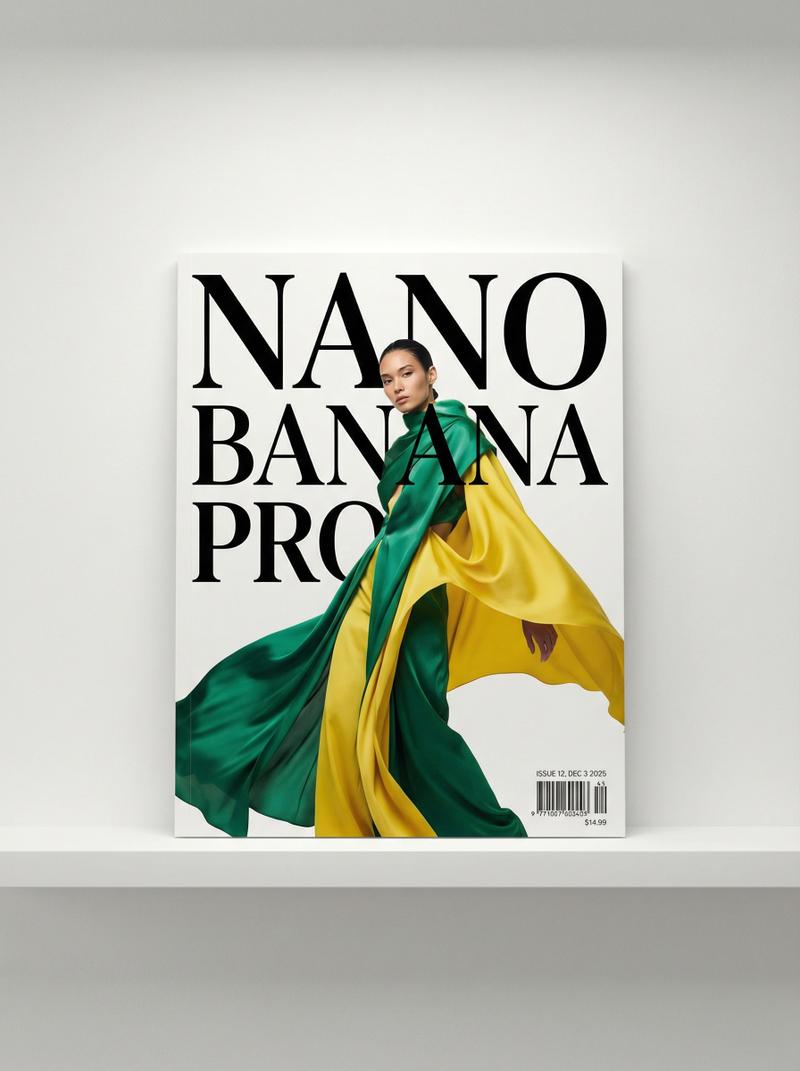
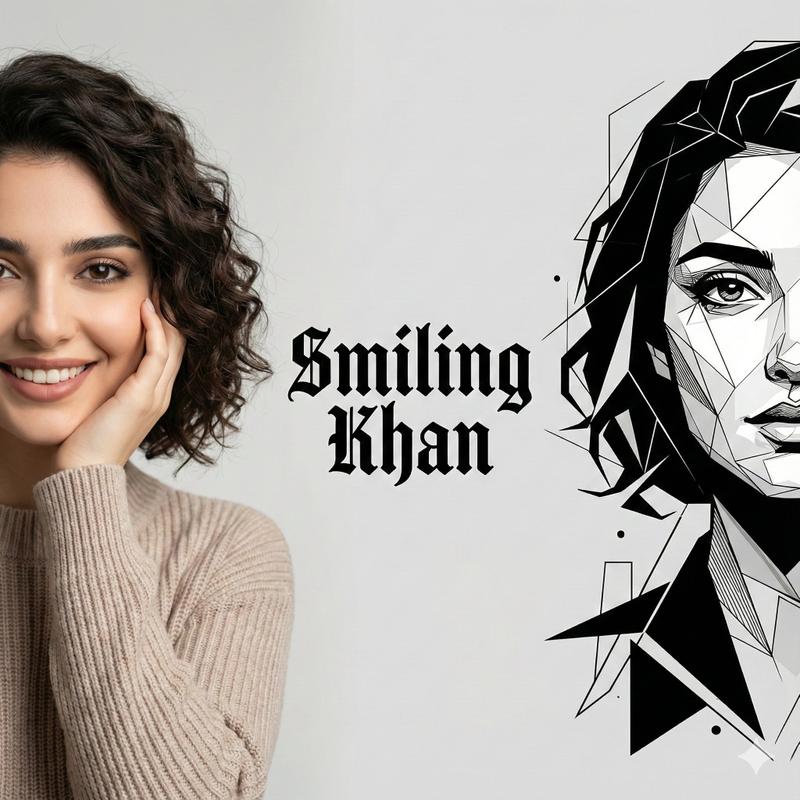
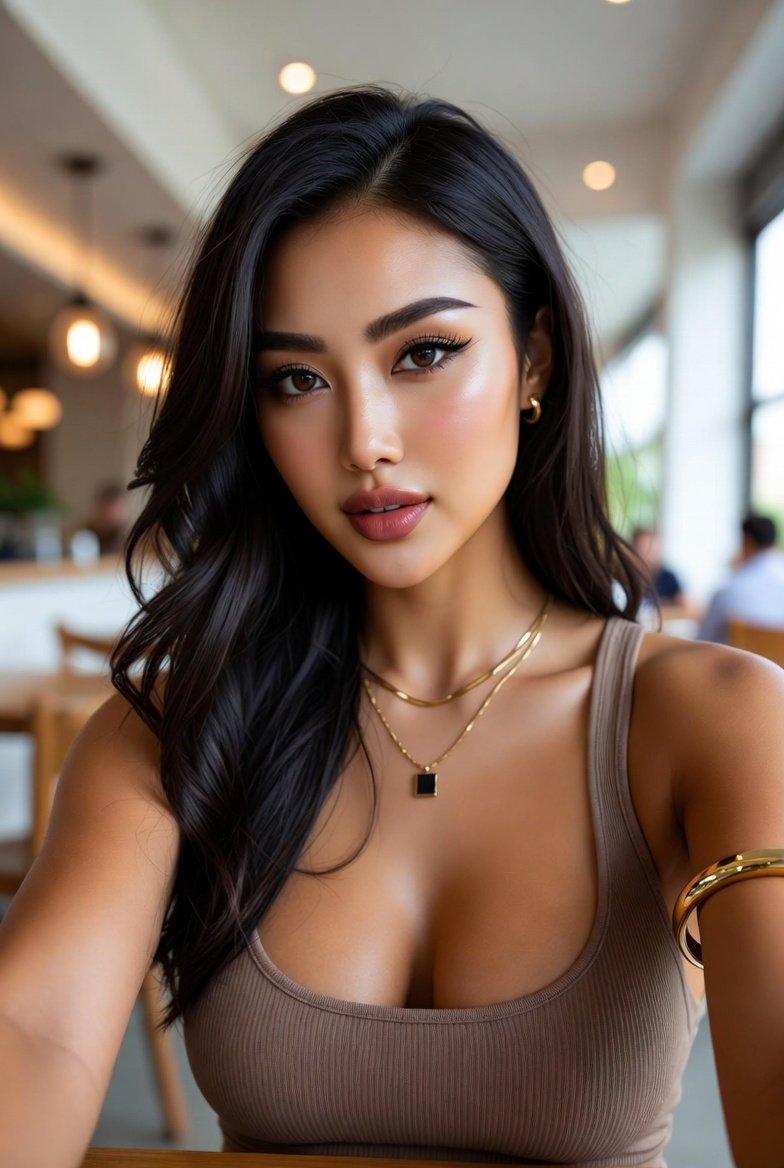
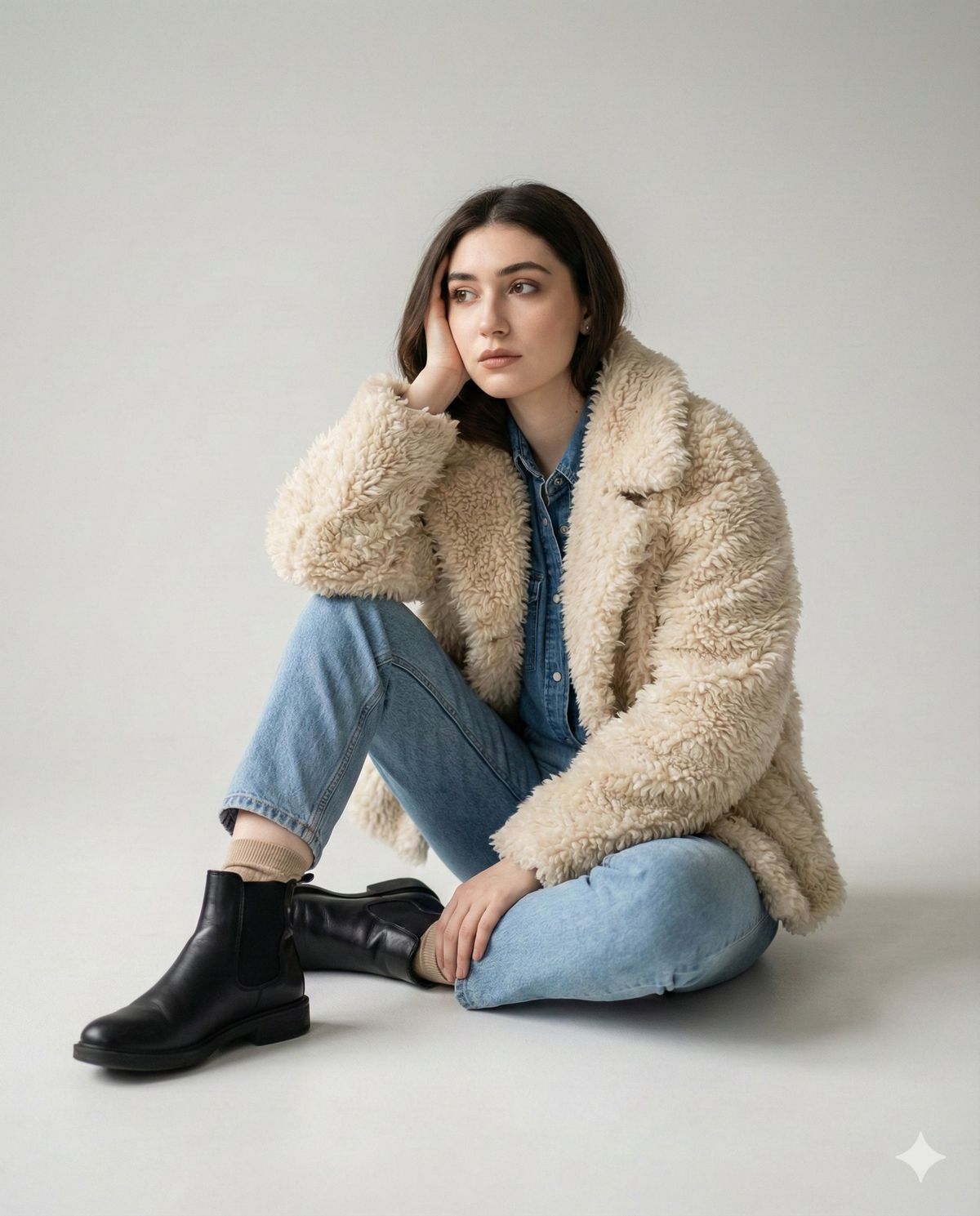
Create a portrait of yourself in denim shirt using Gemini Nano Banana Pro.
Prompt ⤵️
{
"photo": {
"type": "editorial_fashion_photo",
"quality": "8k photorealistic",
"lens": "50mm shallow depth of field",
"composition": "medium portrait, editorial framing, no text, no watermark",
"face": {
"preserve_original": true,
"reference_match": true,
"description": "The model\'s face must remain 100% identical to the provided reference picture in all facial features, proportions, makeup style, and expression."
},
"model_pose": {
"position": "seated",
"legs": "relaxed pose with one leg bent",
"hands": "one hand supporting the head",
"expression": "calm, minimalist mood"
},
"wardrobe": {
"jacket": {
"type": "cream shearling jacket",
"texture": "shaggy, fluffy, tactile"
},
"shirt": {
"type": "denim shirt",
"layered": true
},
"pants": {
"type": "light blue jeans"
},
"boots": {
"type": "black leather Chelsea boots",
"texture": "smooth polished leather"
},
"socks": {
"color": "beige"
}
},
"textures": {
"emphasis": [
"fluffy shearling fibers",
"rugged denim fabric",
"smooth leather boots",
"visible seams",
"visible stitches"
]
},
"environment": {
"backdrop": "clean light gray studio backdrop",
"lighting": {
"style": "soft natural studio lighting",
"key_light": "gentle side key light",
"fill_light": "subtle fill",
"shadows": "soft shadows"
}
},
"color_grade": {
"type": "cinematic",
"balance": "neutral warm-cool tone balance"
}
}
}
Category
Photography & Realism
Model
Nano Banana Pro
Creator
Zara
Views0
Source ID
portrait-creation-guide-in-denim-shirt

Guide

About "牛仔衬衫自画像创作指南"

What is this prompt for?

"牛仔衬衫自画像创作指南" AI image prompt for Nano Banana Pro (Photography & Realism). Create a portrait of yourself in denim shirt using Gemini Nano Banana Pro. Prompt ⤵️…

The full copyable prompt and example visuals above are ready for AI image generation or one-click recreate in Picva.

How to use this prompt

  1. Step 1

    Open the prompt detail

    Review the example visuals, category, and full prompt text for "牛仔衬衫自画像创作指南".

  2. Step 2

    Copy the prompt

    Copy the prompt body from this page, or load it directly in Studio.

  3. Step 3

    Pick a model (Nano Banana Pro)

    Prefer Nano Banana Pro. If you switch models, keep subject and composition and tweak style terms.

  4. Step 4

    Generate and export

    Recreate the look in Picva, or export into your workflow for editing and publishing.

FAQ

What is the "牛仔衬衫自画像创作指南" prompt?
It is an AI image-generation prompt for Nano Banana Pro in the Photography & Realism category. This page includes the full prompt text, example visuals, and a one-click recreate path in Picva.
How do I use this prompt to generate an image?
Copy the prompt from this page, or use Generate / Studio. Paste it into a compatible image model, or recreate the look in Picva with optional reference images.
Which model is this prompt for?
This page lists Nano Banana Pro. Most descriptive prompts also transfer to nearby image models such as GPT Image, Flux, or Midjourney with light style tweaks.
Can I use the result commercially?
You can usually copy the prompt for creation, but commercial use of the final image depends on the model terms, reference-image rights, and the generated content. Follow the source author and platform rules.