16

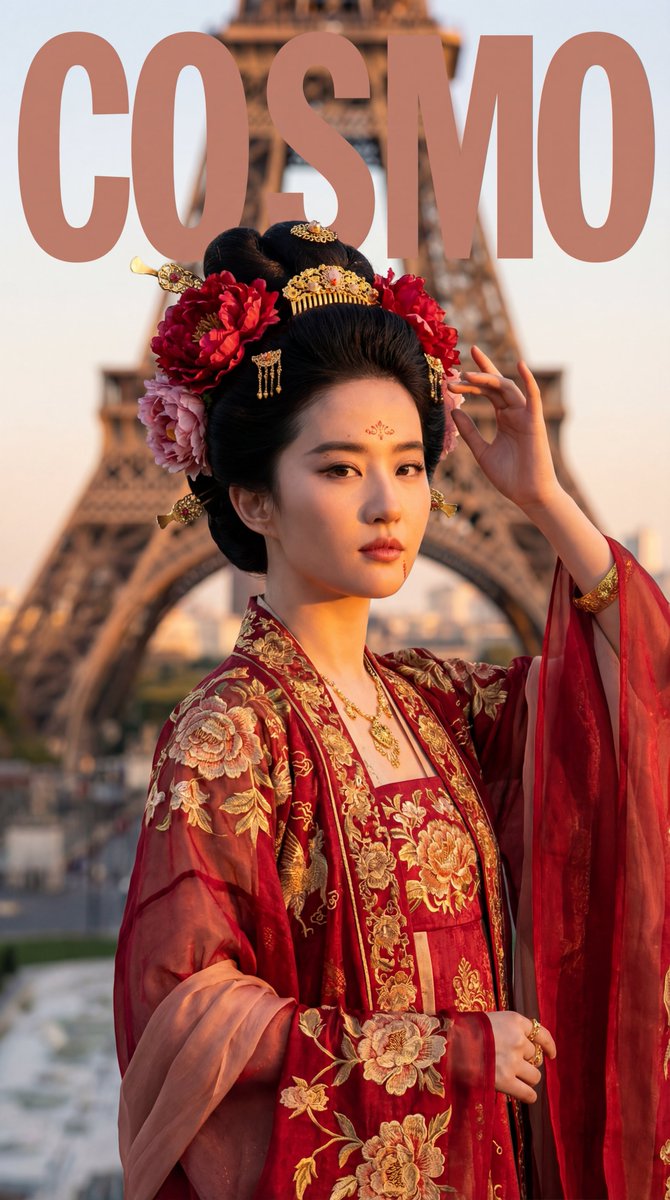
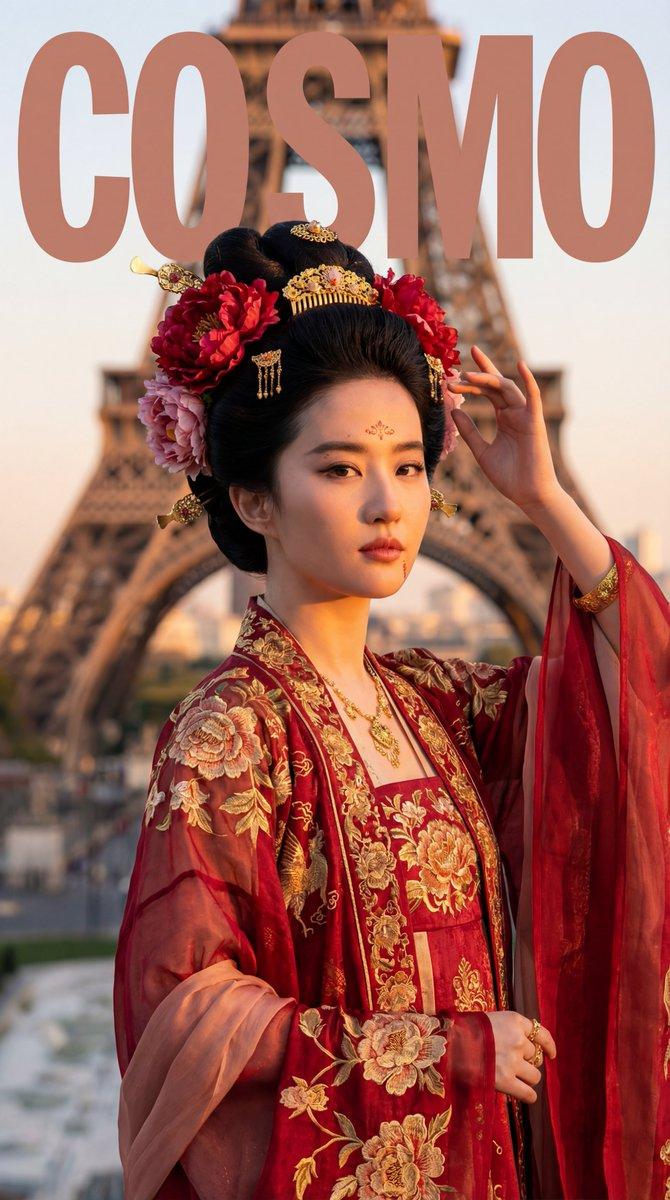
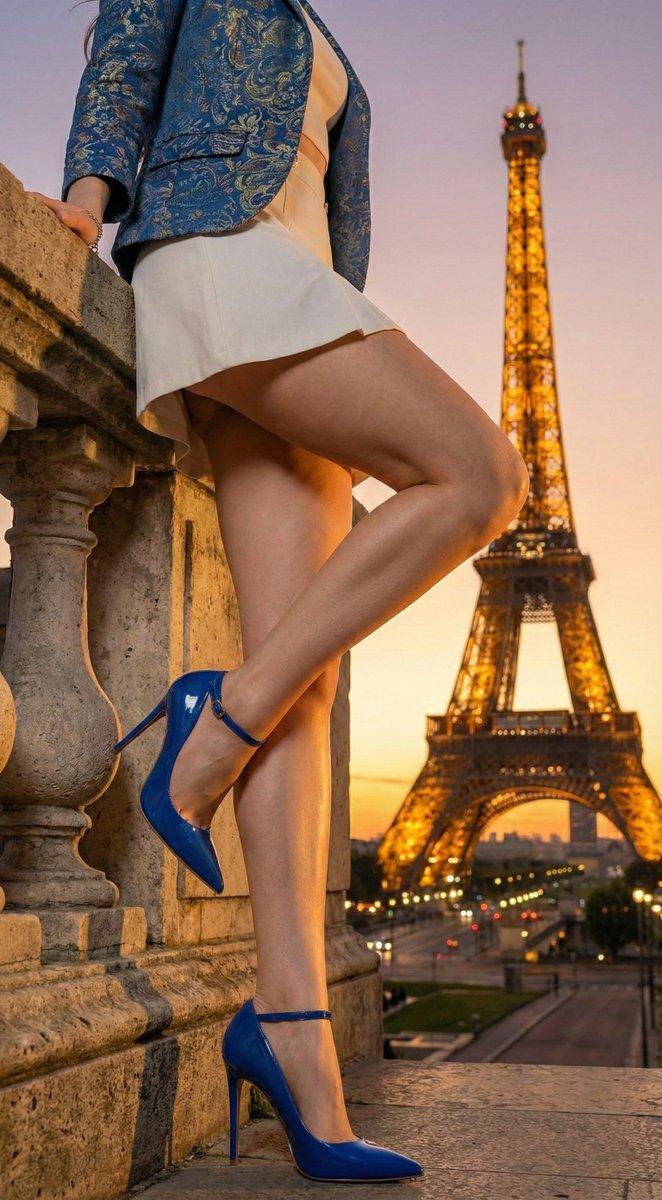
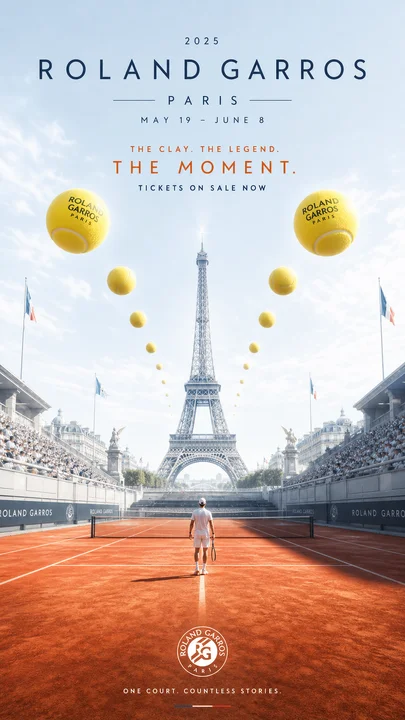
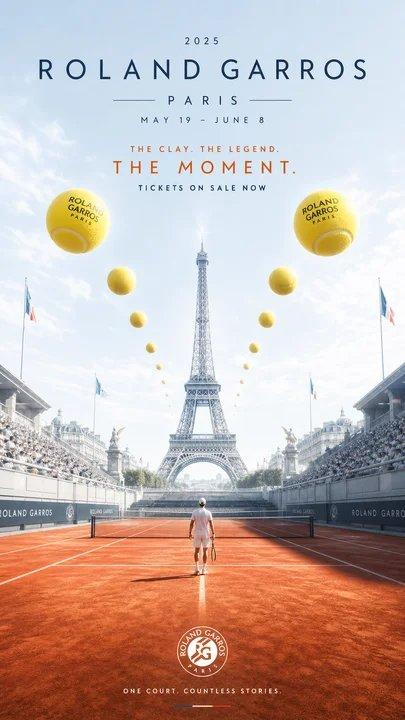
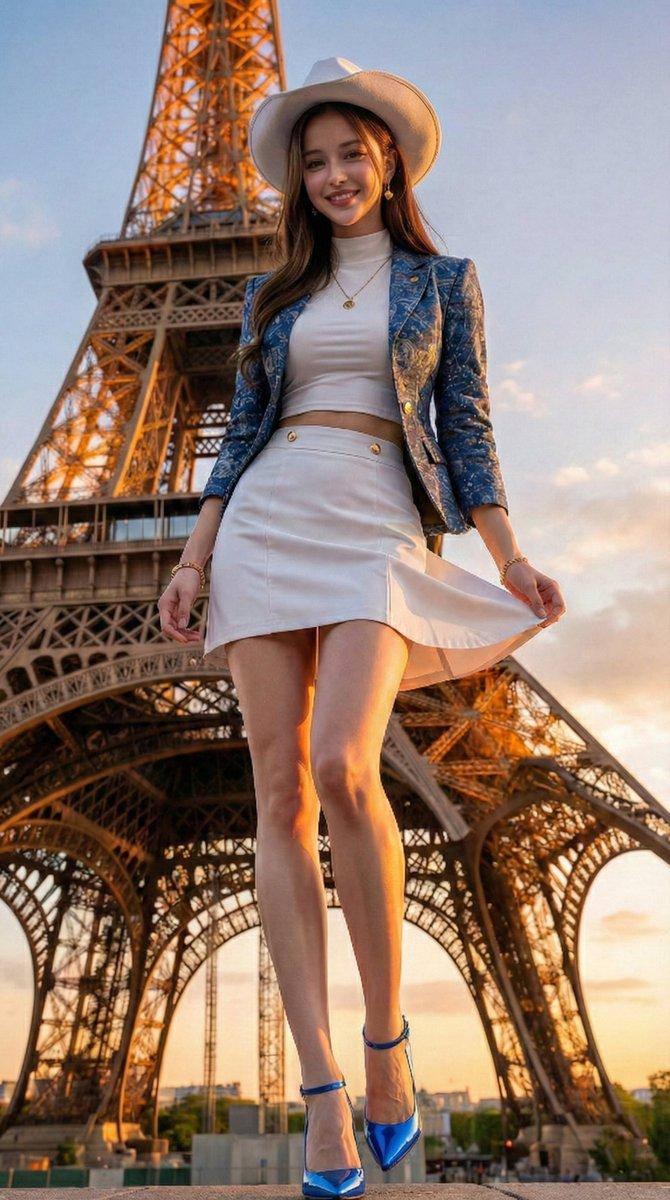
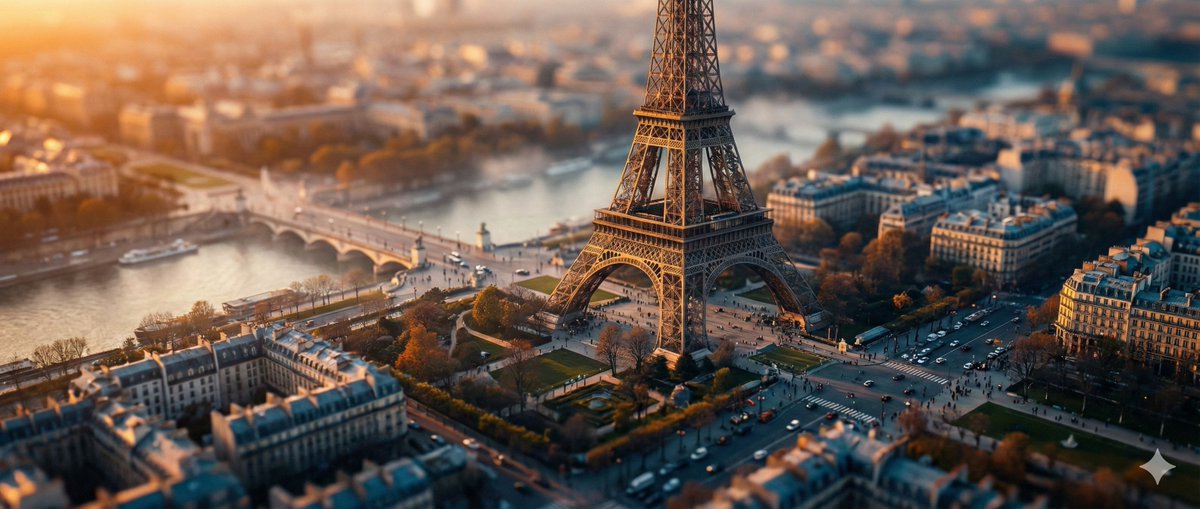
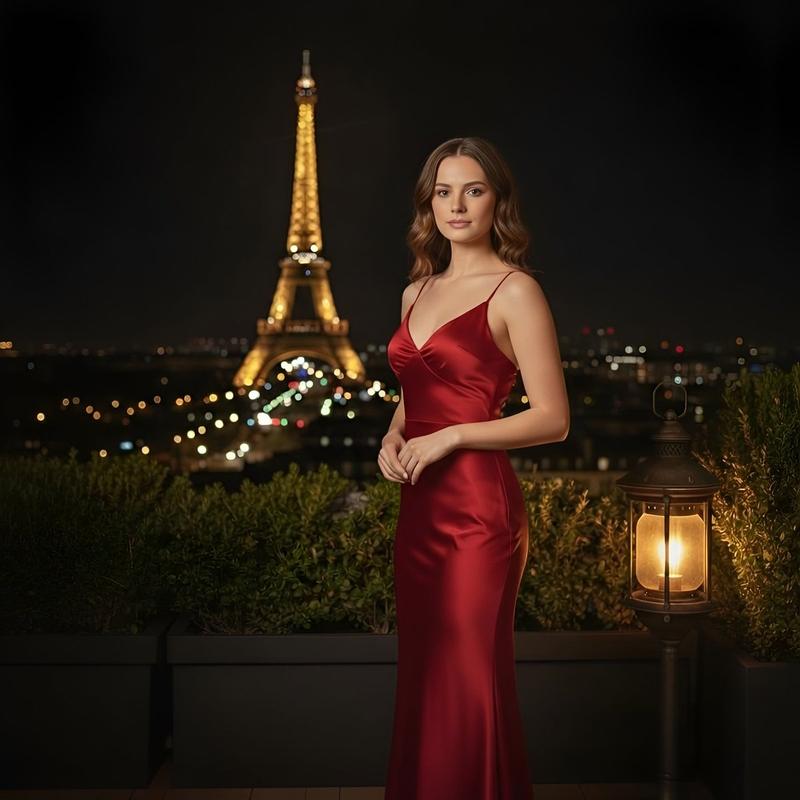
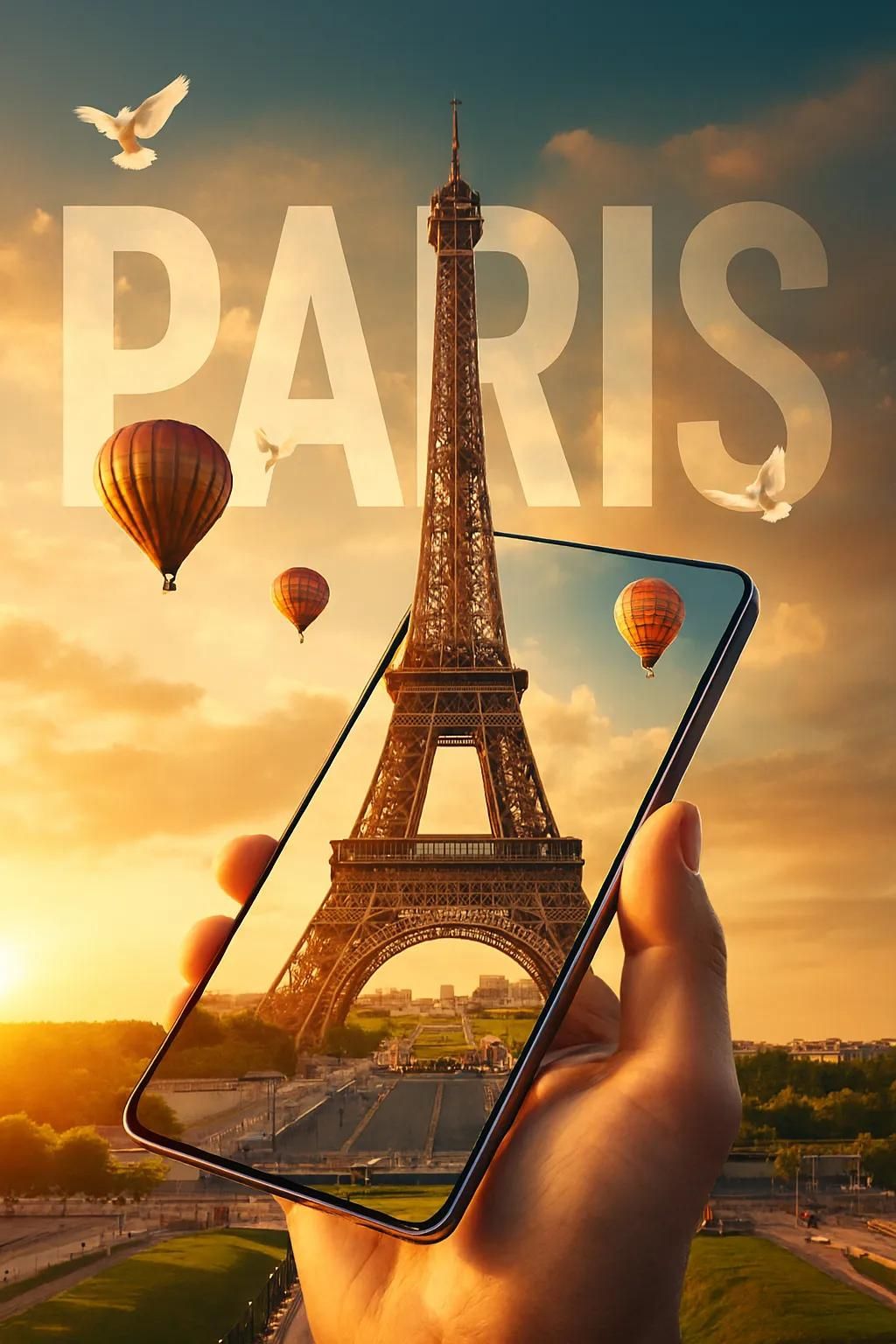
超现实旅行主题数字艺术作品
Enlarge

超现实旅行主题数字艺术作品

Prompt
A surreal travel themed digital Artwork create using Google Gemini Nano Banana Pro 🍌
Prompt 👇
A SURREAL TRAVEL-THEMED DIGITAL ARTWORK DEPICTING A HAND HOLDING A SLEEK, FRAMELESS SMARTPHONE OR TABLET TILTED AT A 45-DEGREE ANGLE.
THE DEVICE DISPLAYS A HIGH-RESOLUTION IMAGE OF THE EIFFEL TOWER, SEAMLESSLY BLENDING INTO THE REALISTIC LANDSCAPE BEHIND IT. THE EIFFEL TOWER EXTENDS OUT OF THE SCREEN AND RISES INTO THE SKY, CREATING A HYPER-REALISTIC 3D ILLUSION.
HOT AIR BALLOONS FLOAT AROUND THE TOWER, AND WHITE DOVES FLY ACROSS A SOFT GOLDEN SUNSET SKY. THE BOLD TEXT "PARIS" APPEARS IN THE CLOUDS BEHIND THE TOWER IN A DOUBLE-EXPOSURE STYLE, USING A CLEAN,
MODERN SANS-SERIF FONT.
THE OVERALL STYLE IS DREAMY,
PHOTOREALISTIC, AND VIBRANT - PERFECT FOR A LUXURY TRAVEL CAMPAIGN OR SOCIAL MEDIA ADVERTISEMENT
Category
Photography & Realism
Model
Nano Banana Pro
Views0
Source ID
surreal-travel-themed-digital-artwork

Guide

About "超现实旅行主题数字艺术作品"

What is this prompt for?

"超现实旅行主题数字艺术作品" AI image prompt for Nano Banana Pro (Photography & Realism). A surreal travel themed digital Artwork create using Google Gemini Nano Banana Pro…

The full copyable prompt and example visuals above are ready for AI image generation or one-click recreate in Picva.

How to use this prompt

  1. Step 1

    Open the prompt detail

    Review the example visuals, category, and full prompt text for "超现实旅行主题数字艺术作品".

  2. Step 2

    Copy the prompt

    Copy the prompt body from this page, or load it directly in Studio.

  3. Step 3

    Pick a model (Nano Banana Pro)

    Prefer Nano Banana Pro. If you switch models, keep subject and composition and tweak style terms.

  4. Step 4

    Generate and export

    Recreate the look in Picva, or export into your workflow for editing and publishing.

FAQ

What is the "超现实旅行主题数字艺术作品" prompt?
It is an AI image-generation prompt for Nano Banana Pro in the Photography & Realism category. This page includes the full prompt text, example visuals, and a one-click recreate path in Picva.
How do I use this prompt to generate an image?
Copy the prompt from this page, or use Generate / Studio. Paste it into a compatible image model, or recreate the look in Picva with optional reference images.
Which model is this prompt for?
This page lists Nano Banana Pro. Most descriptive prompts also transfer to nearby image models such as GPT Image, Flux, or Midjourney with light style tweaks.
Can I use the result commercially?
You can usually copy the prompt for creation, but commercial use of the final image depends on the model terms, reference-image rights, and the generated content. Follow the source author and platform rules.