10

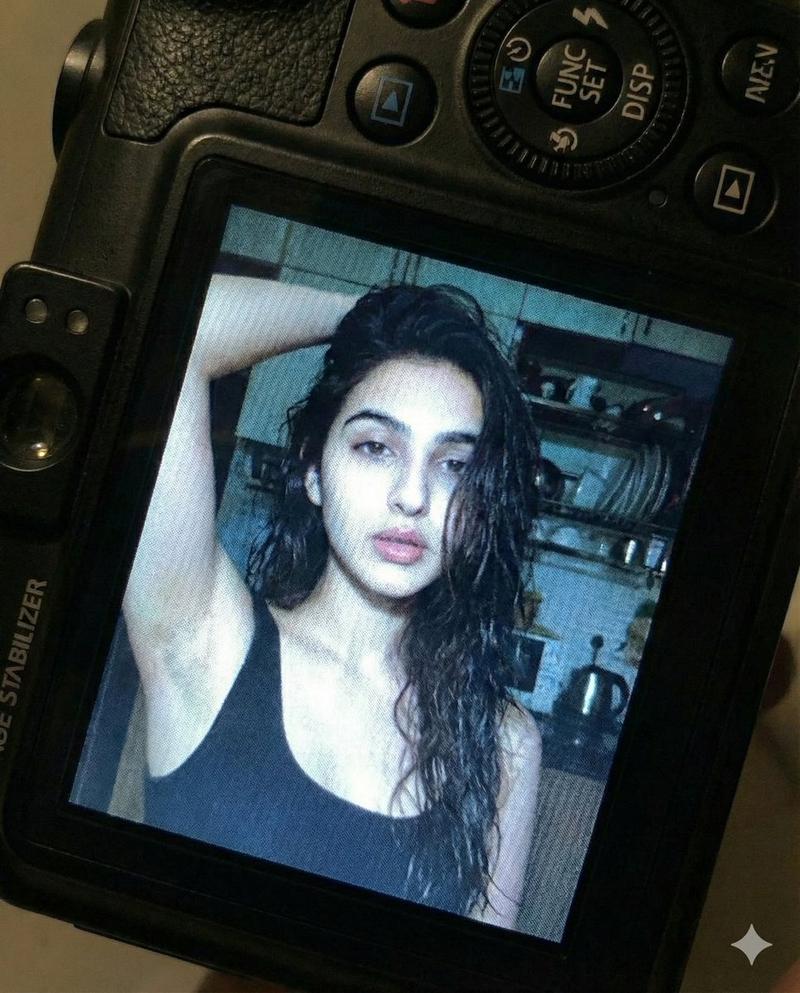
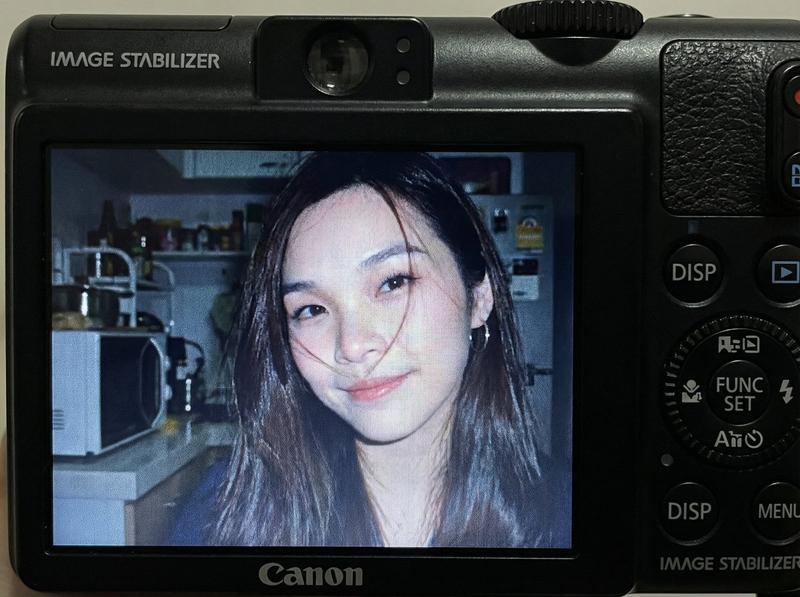
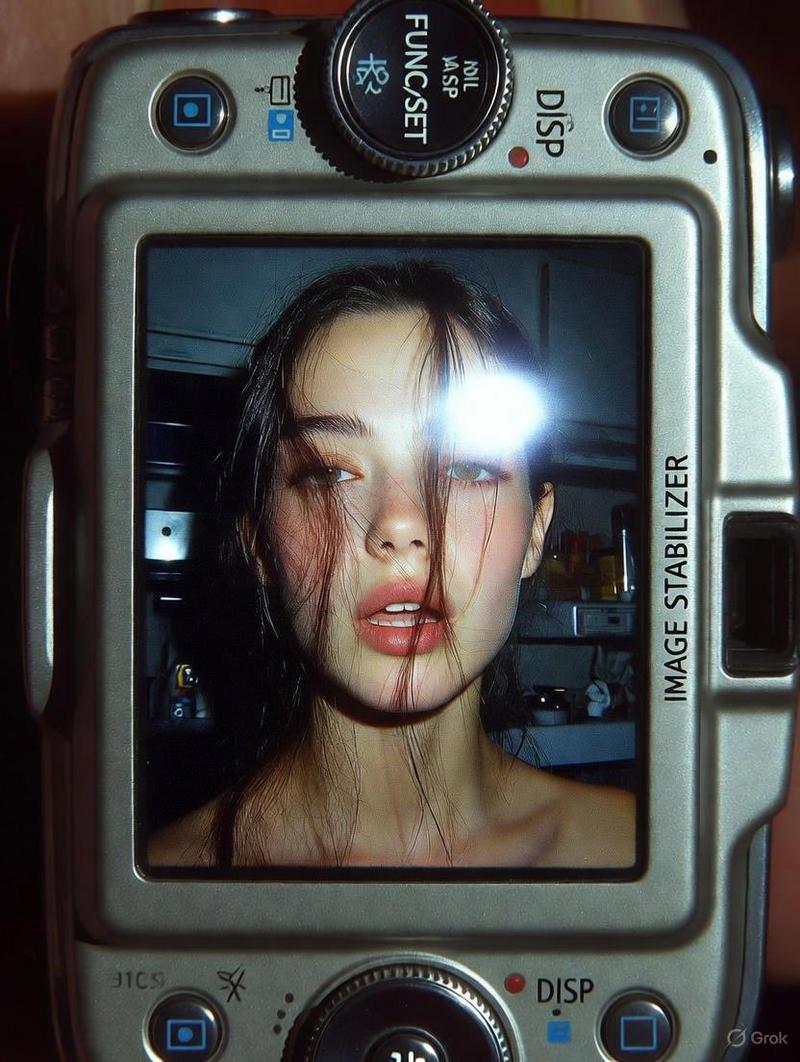
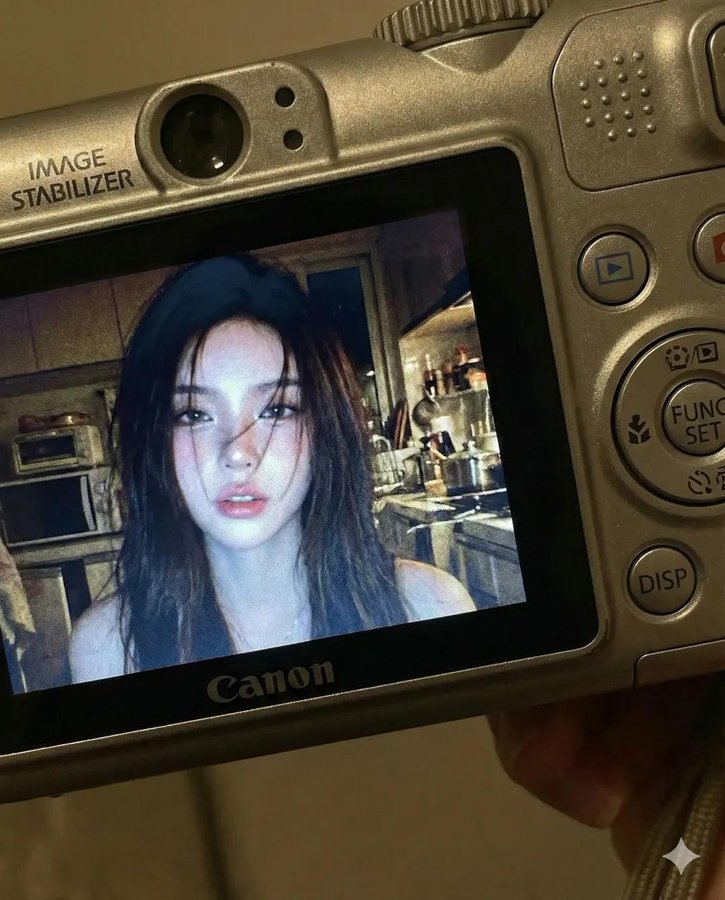
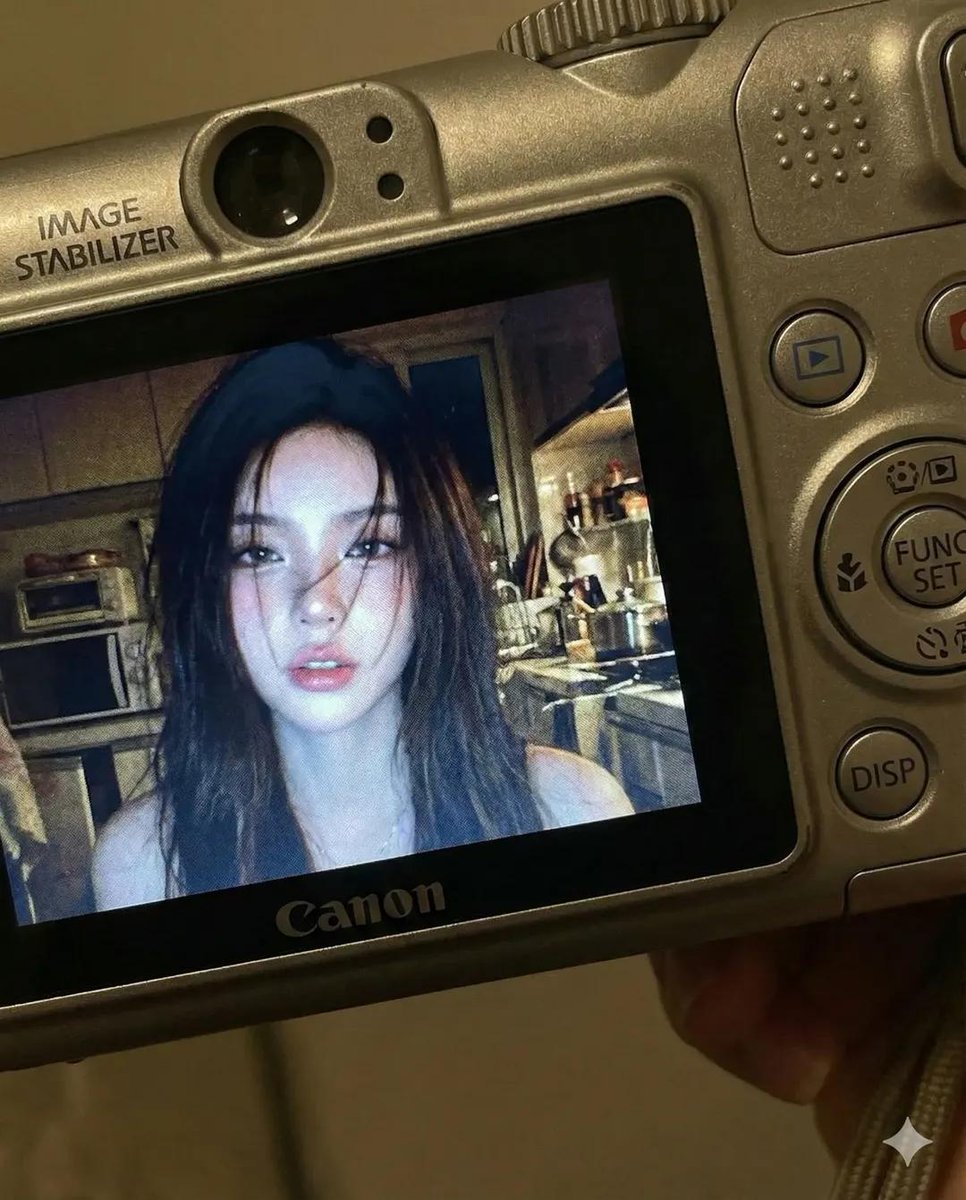
使用参考照片面部特征的年轻女性使用紧凑型数码相机
Enlarge

使用参考照片面部特征的年轻女性使用紧凑型数码相机

Prompt
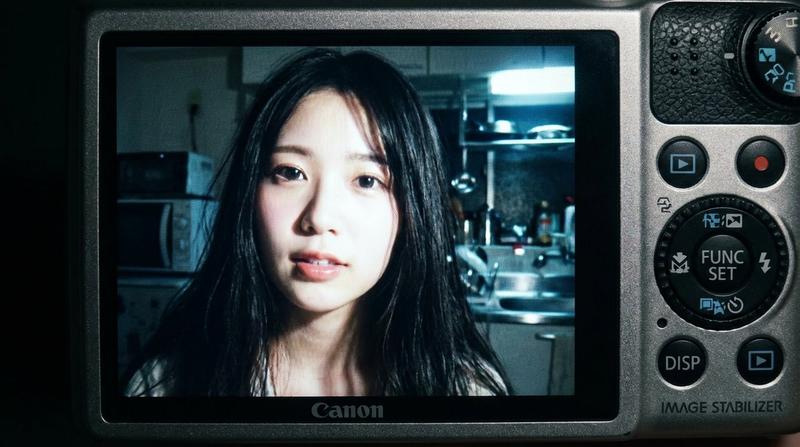
Create a compact 4:5 vertical close-up image showing a young woman using the exact facial features from the attached reference photo, with no changes. The image appears on the screen of a compact Canon-style digital camera, with the camera body visible around the preview, including buttons, dials, textured surface, FUNC/SET wheel, DISP button, and an “IMAGE STABILIZER” label. No text or logos inside the photo preview.On the screen, the woman is indoors at night, lit by a harsh built-in flash. Long dark hair falls across part of her face, lips slightly parted, candid expression. Background is a dim, cluttered kitchen, softly blurred. Early-2000s digital camera vibe with cool muted tones, strong flash contrast, subtle screen grain, and authentic display glow.
Category
Photography & Realism
Model
Unknown
Creator
simply
Views0
Source ID
young-woman-compact-digital-camera-reference-features

Guide

About "使用参考照片面部特征的年轻女性使用紧凑型数码相机"

What is this prompt for?

"使用参考照片面部特征的年轻女性使用紧凑型数码相机" AI image prompt for Unknown (Photography & Realism). Create a compact 4:5 vertical close-up image showing a young woman using the ex…

The full copyable prompt and example visuals above are ready for AI image generation or one-click recreate in Picva.

How to use this prompt

  1. Step 1

    Open the prompt detail

    Review the example visuals, category, and full prompt text for "使用参考照片面部特征的年轻女性使用紧凑型数码相机".

  2. Step 2

    Copy the prompt

    Copy the prompt body from this page, or load it directly in Studio.

  3. Step 3

    Pick a model (Unknown)

    Prefer Unknown. If you switch models, keep subject and composition and tweak style terms.

  4. Step 4

    Generate and export

    Recreate the look in Picva, or export into your workflow for editing and publishing.

FAQ

What is the "使用参考照片面部特征的年轻女性使用紧凑型数码相机" prompt?
It is an AI image-generation prompt for Unknown in the Photography & Realism category. This page includes the full prompt text, example visuals, and a one-click recreate path in Picva.
How do I use this prompt to generate an image?
Copy the prompt from this page, or use Generate / Studio. Paste it into a compatible image model, or recreate the look in Picva with optional reference images.
Which model is this prompt for?
This page lists Unknown. Most descriptive prompts also transfer to nearby image models such as GPT Image, Flux, or Midjourney with light style tweaks.
Can I use the result commercially?
You can usually copy the prompt for creation, but commercial use of the final image depends on the model terms, reference-image rights, and the generated content. Follow the source author and platform rules.