15

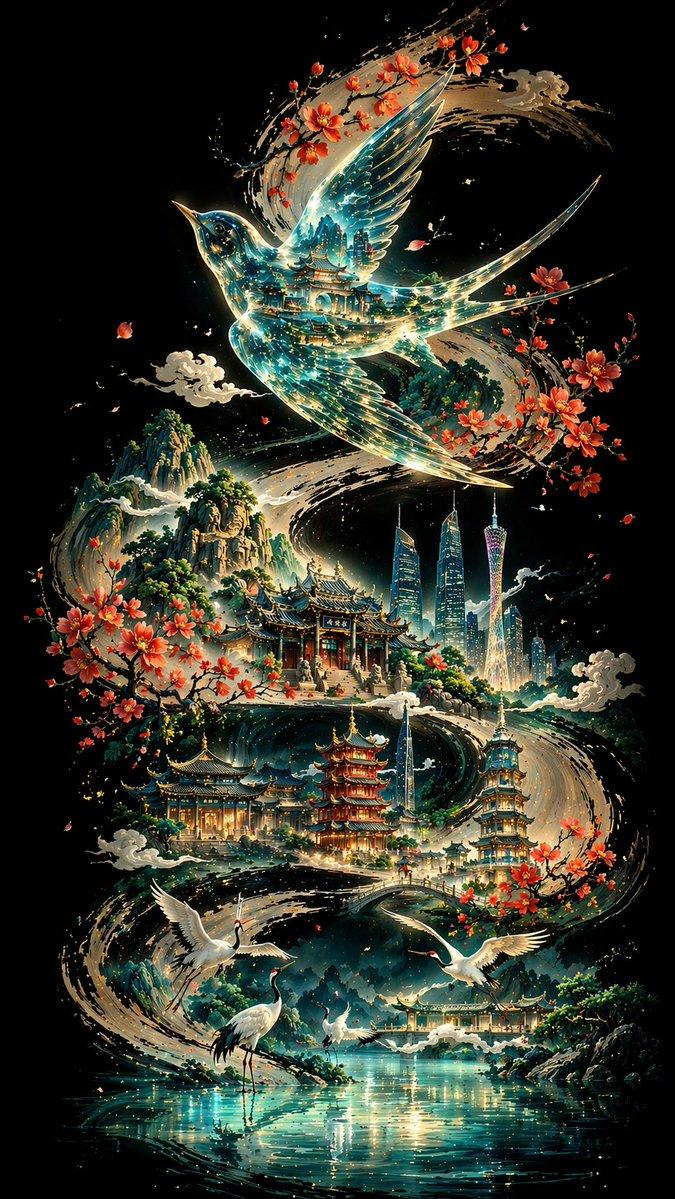
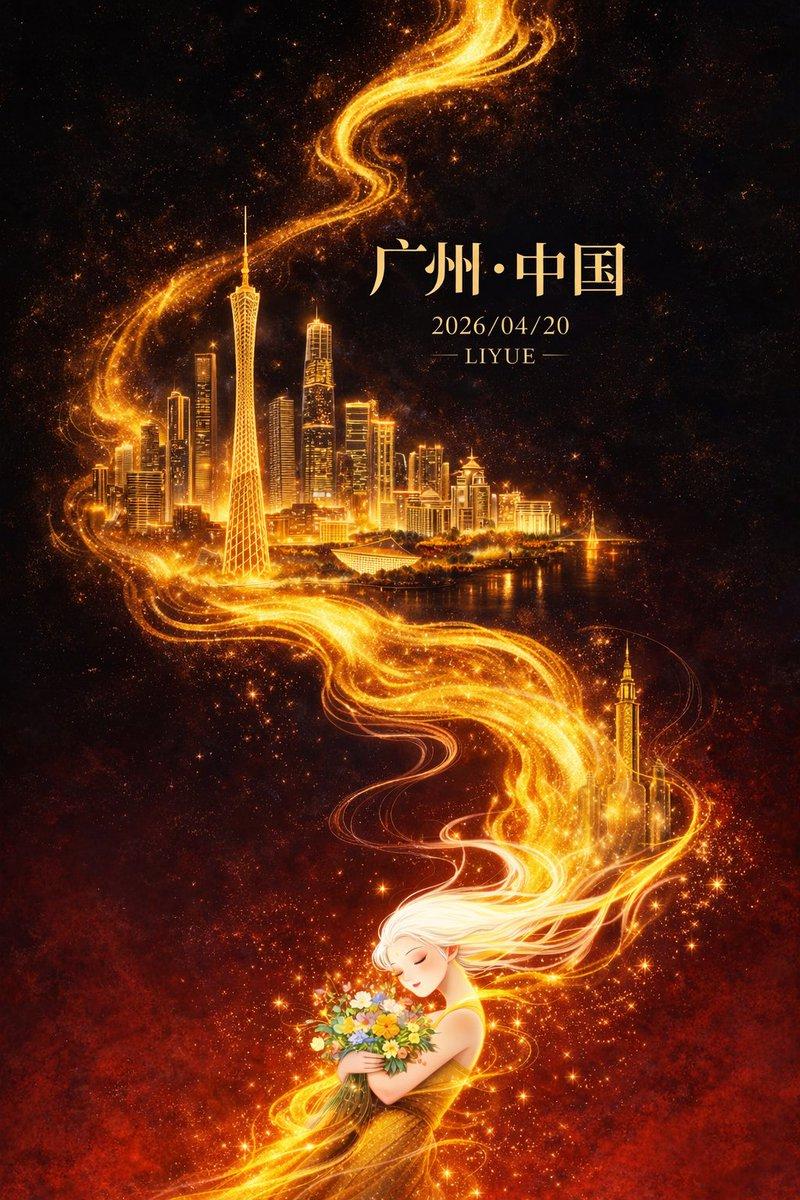
书法城市印象海报
Enlarge

书法城市印象海报

Prompt
【背景与骨架线条】 纯黑深邃底色,一条粗壮有力的墨色书法S型曲线自画面一端蜿蜒贯穿至另一端,笔触苍劲,墨迹浓淡有致,如大写意行笔,构成整幅画面的视觉骨架与叙事动线。 【主体:{argument name="主体鸟类" default="画眉鸟"}】 曲线上方,一只展翅飞翔的画眉鸟占据视觉核心;身体呈玻璃透明质感,内部映射传统建筑群叠影,蓝绿色光流在透明羽翼间流转折射,仿佛时间长河与文明记忆凝缩其中;轮廓以极细金线勾边,增强立体感与神圣感。 【中景:古典建筑序列】 燕子下方,沿墨线曲线错落分布{argument name="城市" default="广州"}的各种风景名胜:白云山、陈家祠、双子塔、广州塔、猎德大桥、海珠塔依次浮现;主色调青绿与淡金,建筑细节清晰,琉璃瓦、飞檐翘角、石阶回廊;木棉花簇拥点缀于建筑周围,花瓣随风轻散,静谧而悠远;几朵水墨云朵轻盈飘浮其间,增添空灵层次。 【前景:白鹤与水面】 前景湖畔:数只白鹤或静立水边、或振翅腾飞,姿态各异,优雅从容;浅蓝湖面如镜,倒影荡漾,波光细碎,营造宁静氛围。 【远景:山峦】 远处山峦层叠起伏,青黛色晕染,墨色由浓至淡,朦胧氤氲,富有水墨层次;与前景形成近实远虚的空间纵深。 【构图与光影】 非线性透视构图,墨线曲线为叙事主轴,古今元素沿线嵌入;光源自画面中心向外辐射扩散,形成强烈明暗对比,中心亮、四周渐暗;冷色调主导(深蓝、青绿、银白),暖色点缀(樱花粉、淡金),和谐而神秘;东方美学与现代意象交融,超现实诗意意境。 【技术规格】 8K超高清渲染,极致细节精度,最佳画质,比例 {argument name="比例" default="9:16"}
Category
Charts & Infographics
Model
GPT Image 2
Creator
李岳
Views3
Source ID
13512
Published
Apr 19, 2026

Guide

About "书法城市印象海报"

What is this prompt for?

"书法城市印象海报" AI image prompt for GPT Image 2 (Charts & Infographics). 一个精致的提示词,用于创作融合中国传统书法与现代建筑元素的艺术城市海报,包含透明鸟类图案及细腻的城市地标细节。 Copy it on Picva and recreate the l…

The full copyable prompt and example visuals above are ready for AI image generation or one-click recreate in Picva.

How to use this prompt

  1. Step 1

    Open the prompt detail

    Review the example visuals, category, and full prompt text for "书法城市印象海报".

  2. Step 2

    Copy the prompt

    Copy the prompt body from this page, or load it directly in Studio.

  3. Step 3

    Pick a model (GPT Image 2)

    Prefer GPT Image 2. If you switch models, keep subject and composition and tweak style terms.

  4. Step 4

    Generate and export

    Recreate the look in Picva, or export into your workflow for editing and publishing.

FAQ

What is the "书法城市印象海报" prompt?
It is an AI image-generation prompt for GPT Image 2 in the Charts & Infographics category. This page includes the full prompt text, example visuals, and a one-click recreate path in Picva.
How do I use this prompt to generate an image?
Copy the prompt from this page, or use Generate / Studio. Paste it into a compatible image model, or recreate the look in Picva with optional reference images.
Which model is this prompt for?
This page lists GPT Image 2. Most descriptive prompts also transfer to nearby image models such as GPT Image, Flux, or Midjourney with light style tweaks.
Can I use the result commercially?
You can usually copy the prompt for creation, but commercial use of the final image depends on the model terms, reference-image rights, and the generated content. Follow the source author and platform rules.