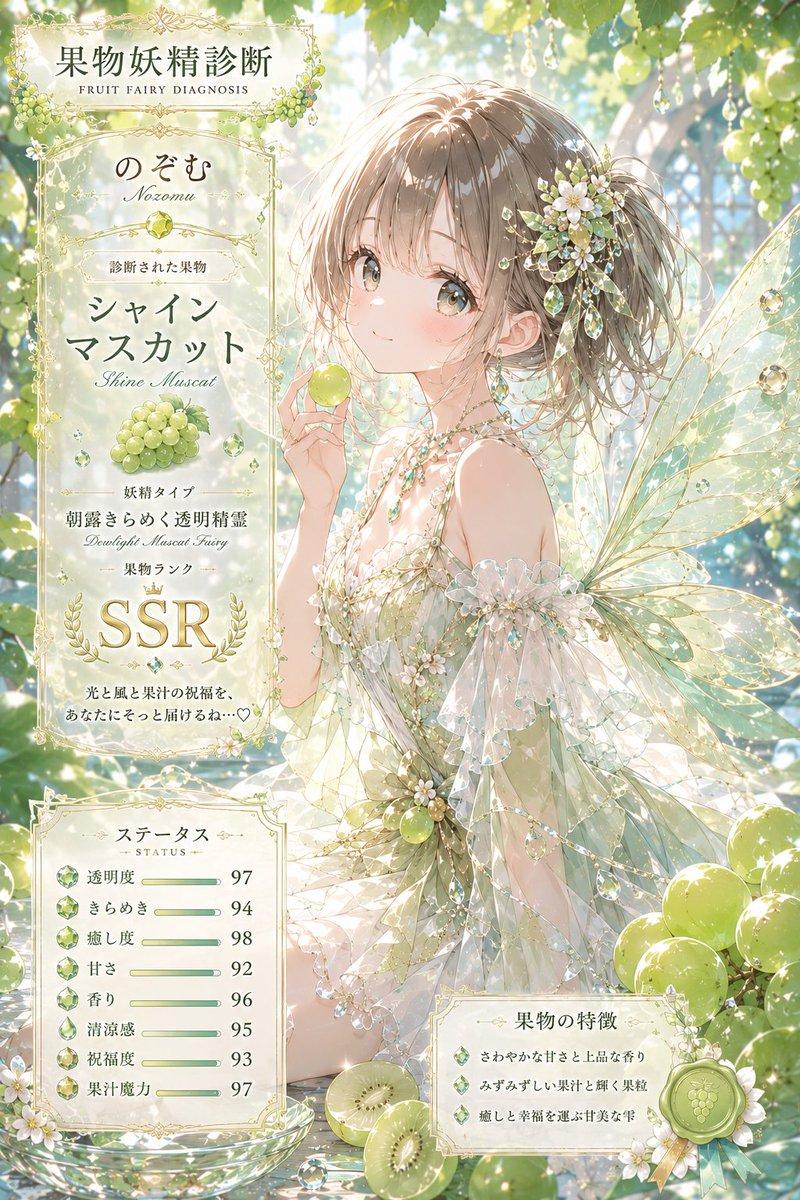
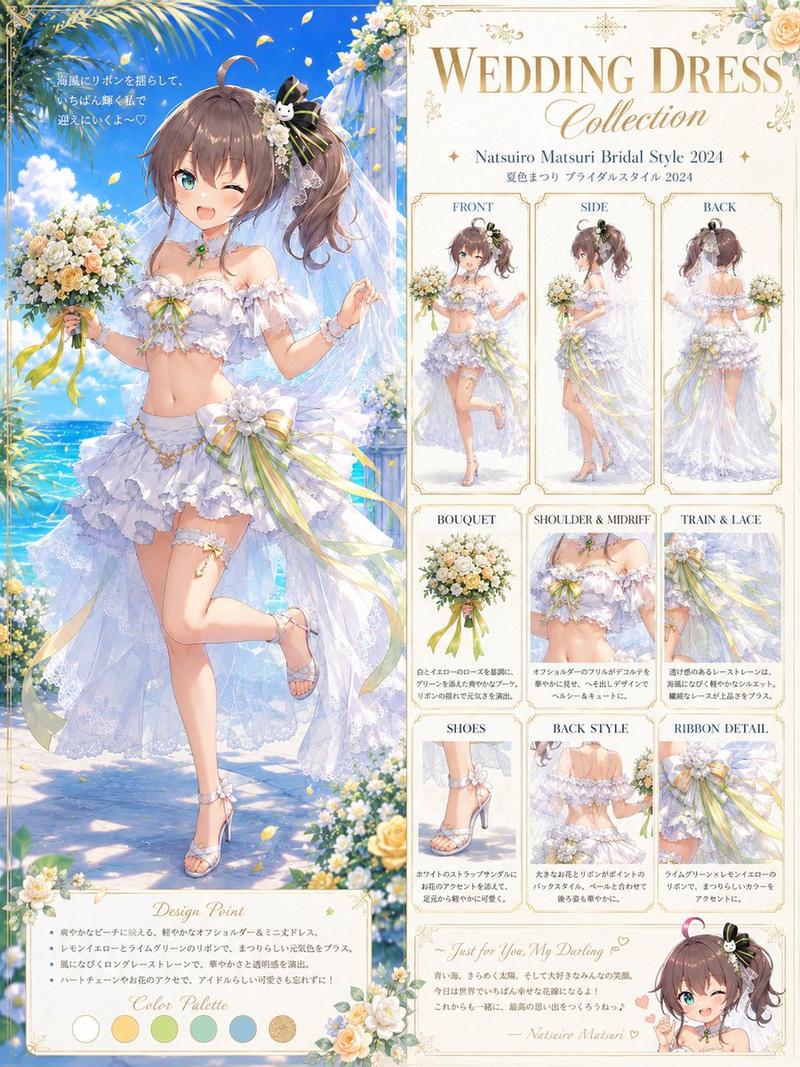
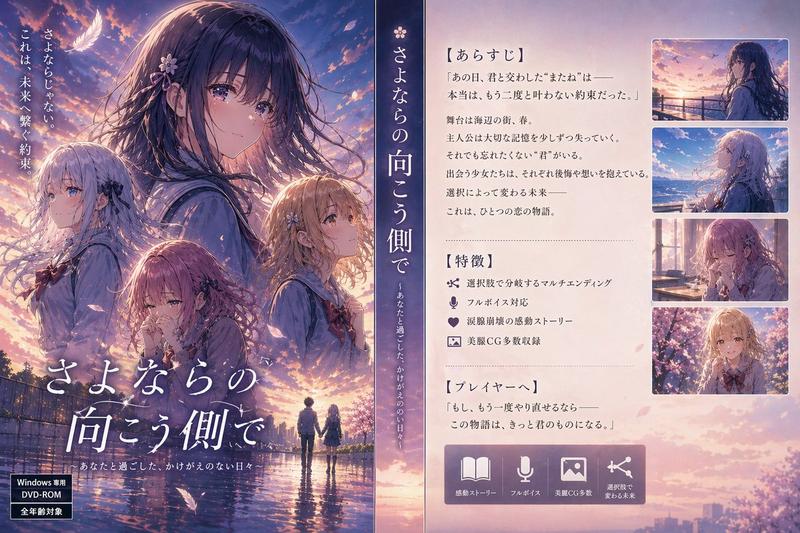
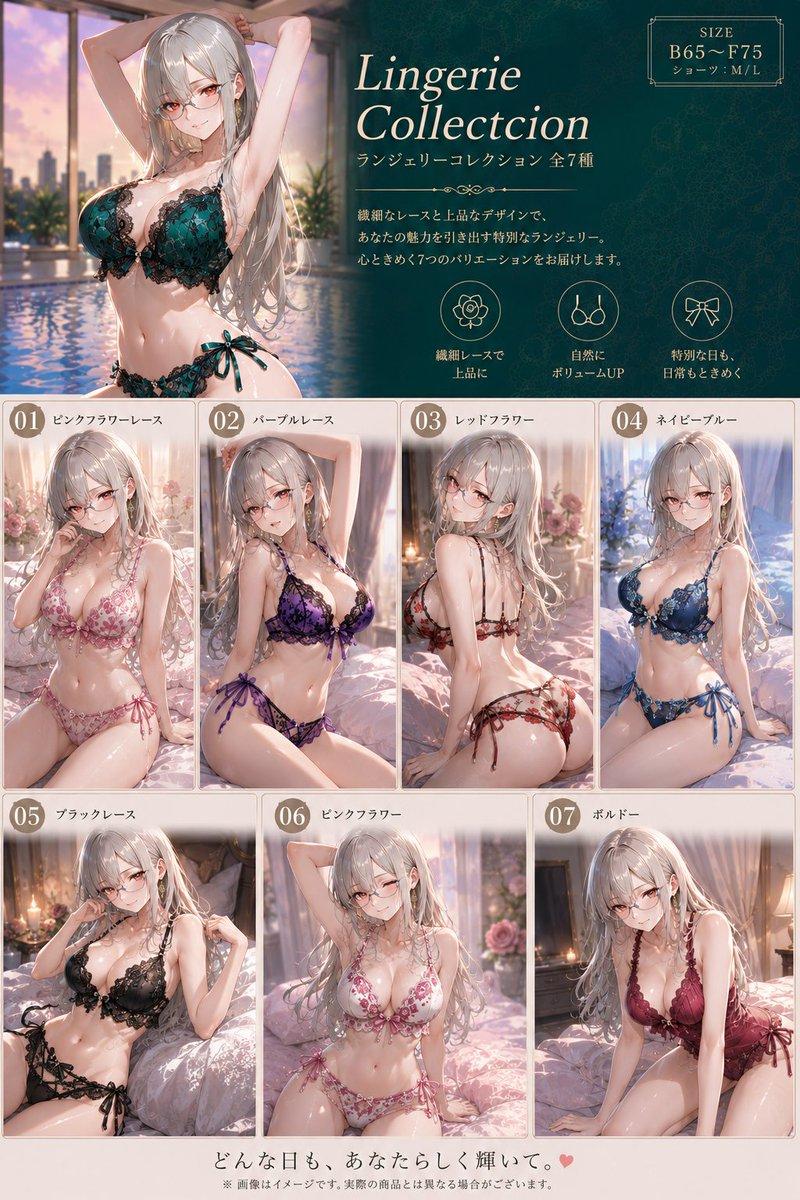
动漫艺术创作流程信息图
Prompt
{
  "type": "digital art production process infographic",
  "header": {
    "title": "{argument name=\"main title\" default=\"真夏の少女\"}",
    "subtitle": "青い空、きらめく光。その一瞬が、永遠の思い出になる。",
    "process_label": "{argument name=\"process title\" default=\"制作工程\"}"
  },
  "centerpiece": {
    "description": "Large high-quality anime illustration of {argument name=\"character appearance\" default=\"an anime girl with long flowing blue hair, a straw hat with a blue ribbon, and a white sleeveless summer dress\"} standing in front of a {argument name=\"setting\" default=\"bright sunny beach, sparkling blue ocean, clear sky with lens flare\"}."
  },
  "layout": {
    "left_column": {
      "count": 3,
      "steps": [
        { "label": "1 ラフ構図", "image_type": "rough pencil sketch", "bullet_points": 3 },
        { "label": "2 線画", "image_type": "clean monochrome line art", "bullet_points": 3 },
        { "label": "3 ベースカラー", "image_type": "flat colors", "extra_elements": "7 circular color swatches", "bullet_points": 3 }
      ]
    },
    "bottom_row": {
      "count": 4,
      "steps": [
        { "label": "4 影付け", "image_type": "basic cell shading", "bullet_points": 2 },
        { "label": "5 ライティング", "image_type": "lighting and highlights added", "bullet_points": 2 },
        { "label": "6 ディテールアップ", "image_type": "fine details rendered", "bullet_points": 2 },
        { "label": "7 エフェクト追加", "image_type": "final post-processing effects", "bullet_points": 3 }
      ]
    },
    "right_column": {
      "top_section": {
        "label": "完成",
        "image_type": "scaled down final illustration",
        "description_text": "2 lines of text"
      },
      "focus_points": {
        "title": "こだわりポイント",
        "count": 4,
        "items": [
          { "label": "光の表現", "image_crop": "lens flare and sun", "description_text": "short paragraph" },
          { "label": "瞳の輝き", "image_crop": "close-up of the girl's blue eye", "description_text": "short paragraph" },
          { "label": "髪のなびき", "image_crop": "close-up of flowing hair", "description_text": "short paragraph" },
          { "label": "色と空気感", "image_crop": "ocean and sky background", "description_text": "short paragraph" }
        ]
      },
      "tools_used": {
        "title": "使用ツール",
        "count": 3,
        "logos": [
          "{argument name=\"primary software\" default=\"CLIP STUDIO PAINT\"}",
          "Photoshop (Ps)",
          "Lightroom (Lr)"
        ]
      }
    },
    "footer": {
      "text": "小さな感動が、世界を彩る。どんな瞬間も、きっと未来の宝物になる。"
    }
  }
}- Category
- Charts & Infographics
- Model
- GPT Image 2
- Creator
- art55@リス駆動人生
- Source ID
- 13611
- Published
- Apr 13, 2026
Views2