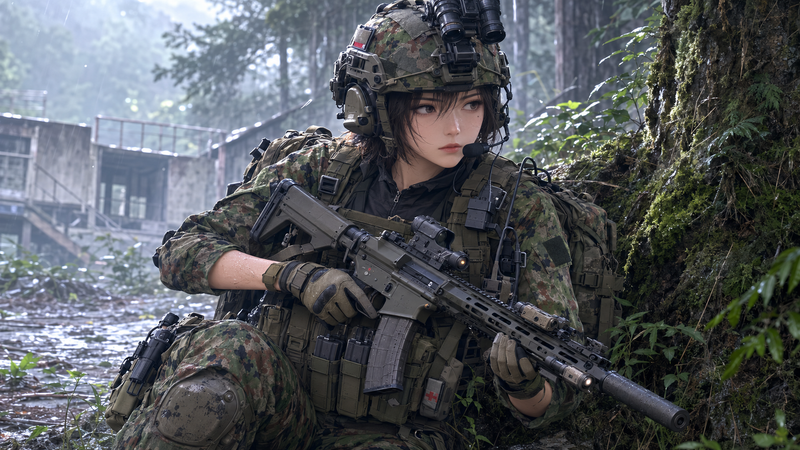
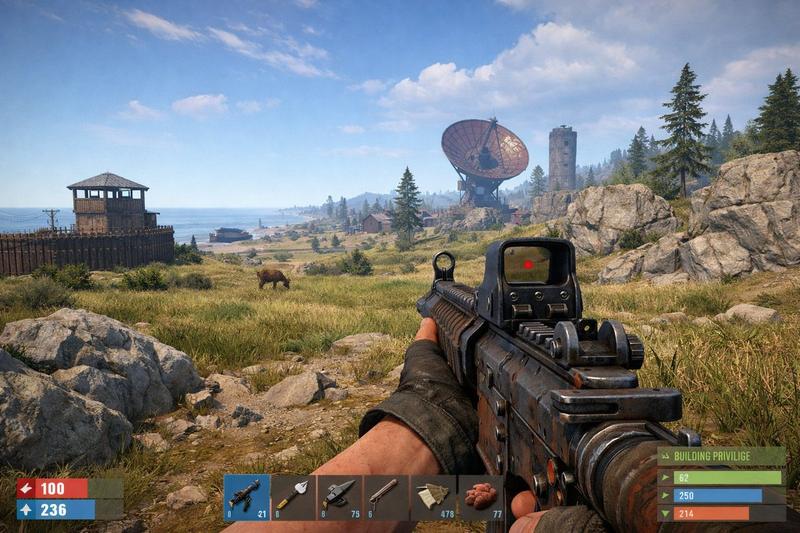
FPS 自定义武器皮肤截图
Prompt
{
  "type": "first-person shooter video game screenshot",
  "setting": {
    "environment": "{argument name=\"map background\" default=\"dusty middle eastern street resembling Dust II\"}",
    "details": "white buildings, green street sign reading 'HOTEL AURORE' with Arabic text and a red 'A' bombsite directional arrow"
  },
  "perspective": "first-person view holding a weapon",
  "character_hands": "wearing {argument name=\"theme\" default=\"Spider-Man\"} suit gloves, red with black web patterns and blue forearms",
  "weapon": {
    "model": "{argument name=\"weapon name\" default=\"AK-47\"} assault rifle",
    "skin_design": "red and blue color block design with black web patterns",
    "decals": [
      "large white spider logo on the receiver",
      "'CS2' in white on the blue section",
      "'MARVEL' in red on the blue magazine",
      "'SPIDER-MAN' in white stylized text on the red stock",
      "small yellow text 'F.R.3.4' near the trigger"
    ]
  },
  "ui_overlay": {
    "top_center": {
      "icon": "black shield with red spider logo",
      "title": "{argument name=\"weapon name\" default=\"AK-47\"} | {argument name=\"skin name\" default=\"Web-Slinger\"}",
      "subtitle": "{argument name=\"collection text\" default=\"The CS2 Collection\"}",
      "divider": "red horizontal line"
    },
    "bottom_left": {
      "count": 5,
      "description": "row of white interface icons",
      "icons": ["pistol", "spray can", "player silhouette", "info 'i'", "picture frame"]
    },
    "bottom_right": {
      "text": "CLOSE"
    }
  }
}- Category
- Charts & Infographics
- Model
- GPT Image 2
- Creator
- Vi
- Source ID
- 13832
- Published
- Apr 16, 2026
Views4