20

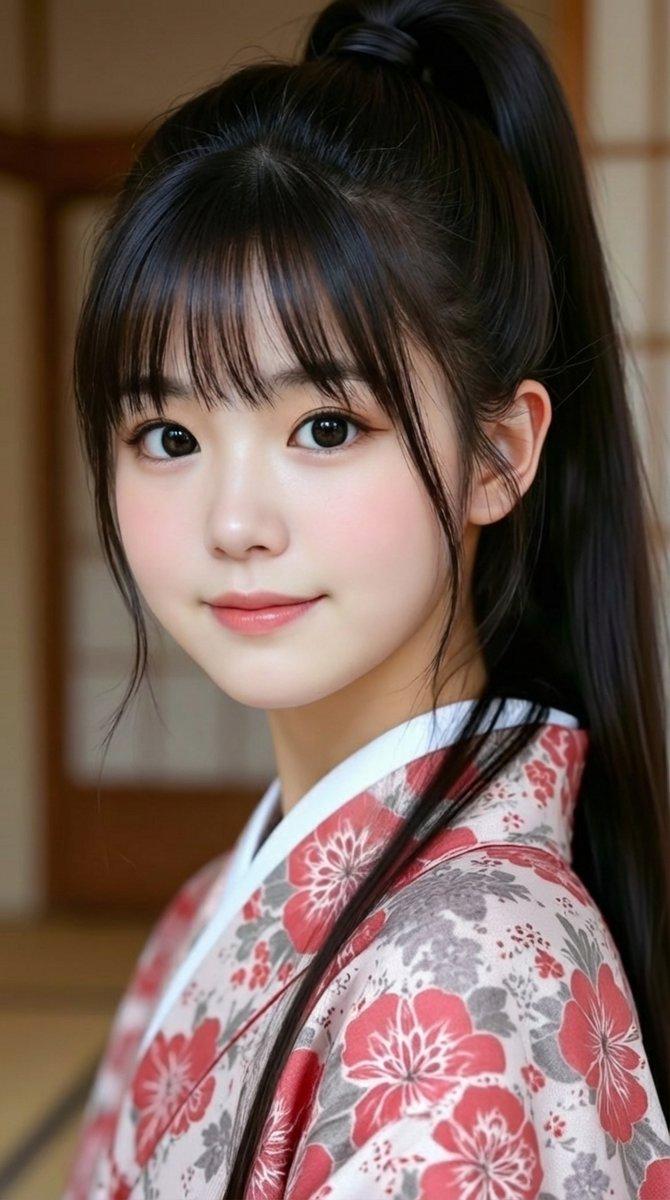
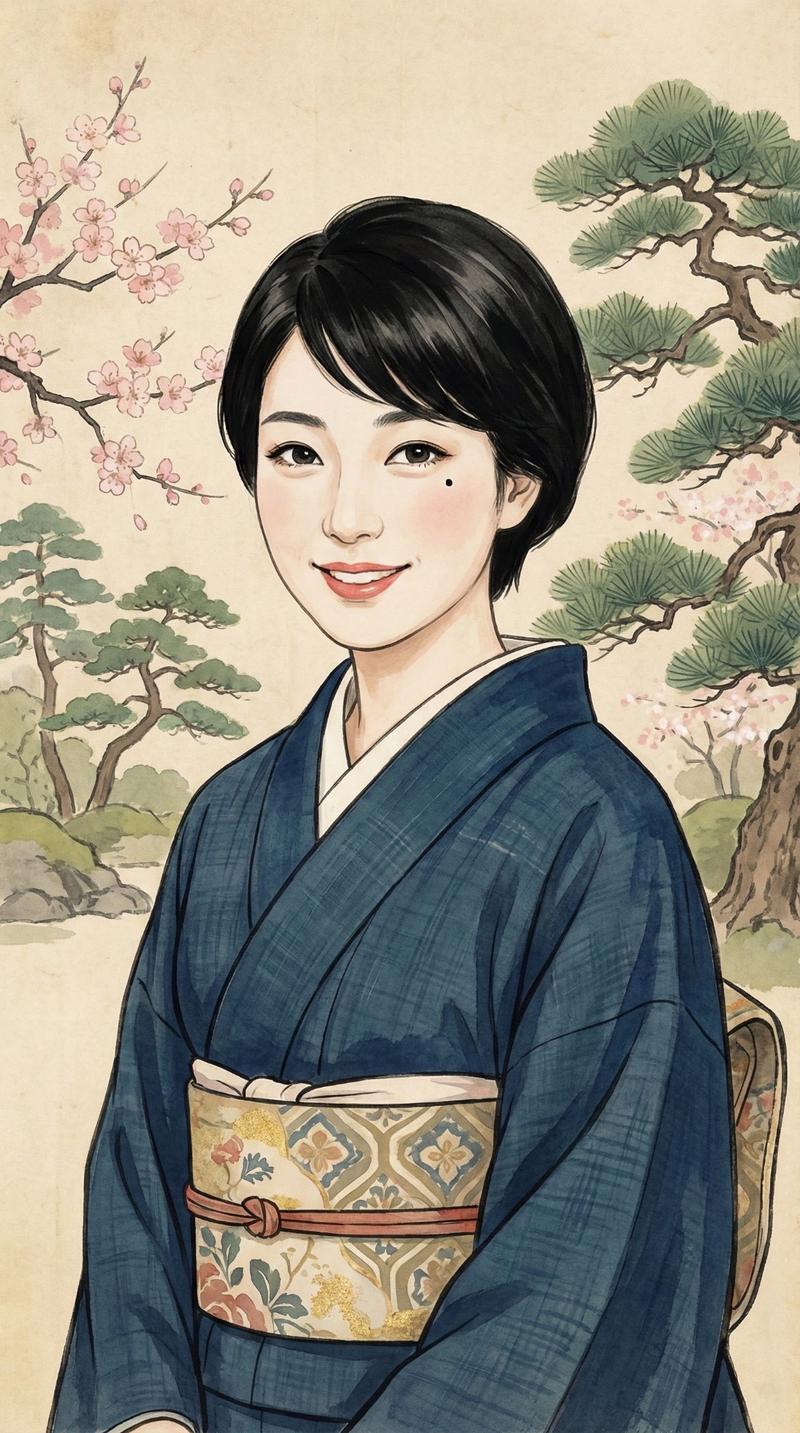
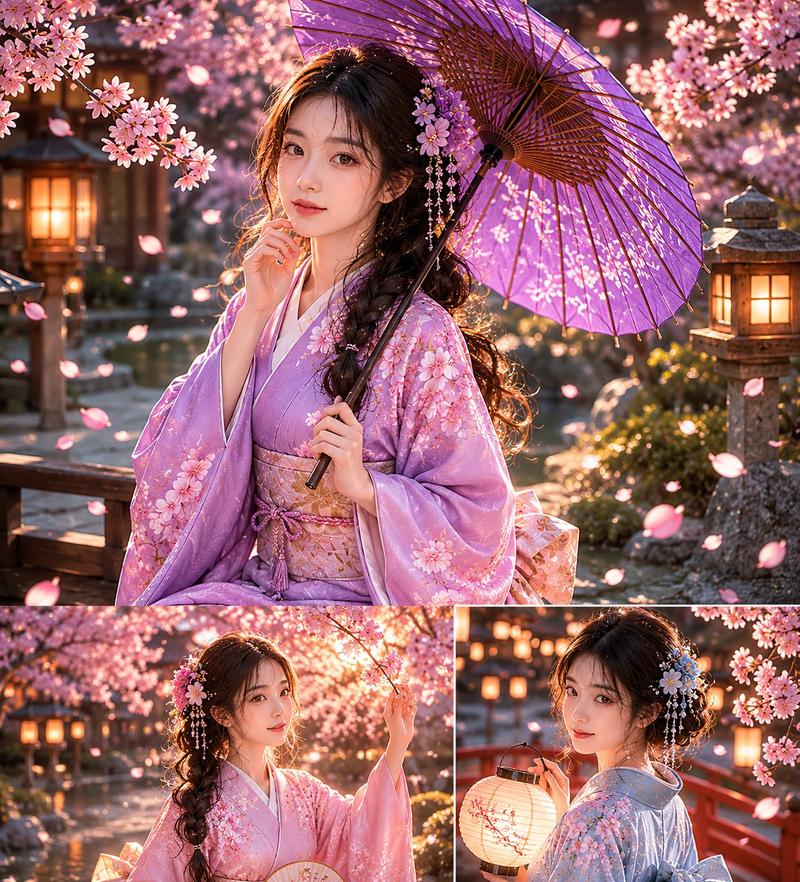
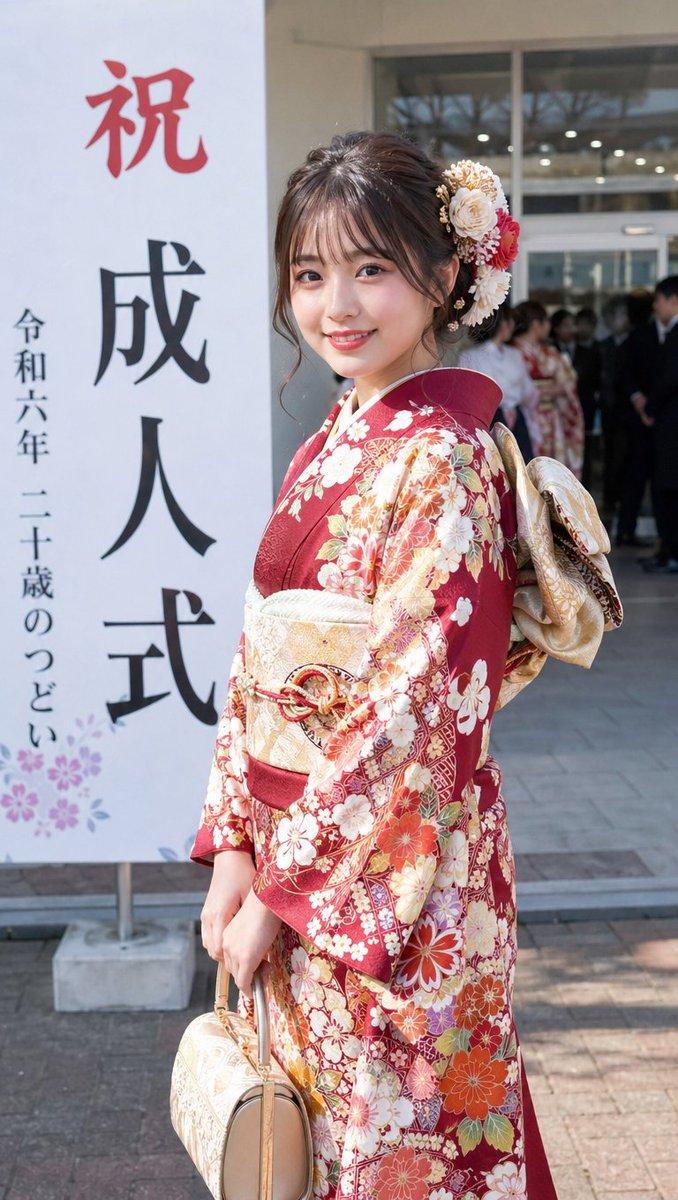
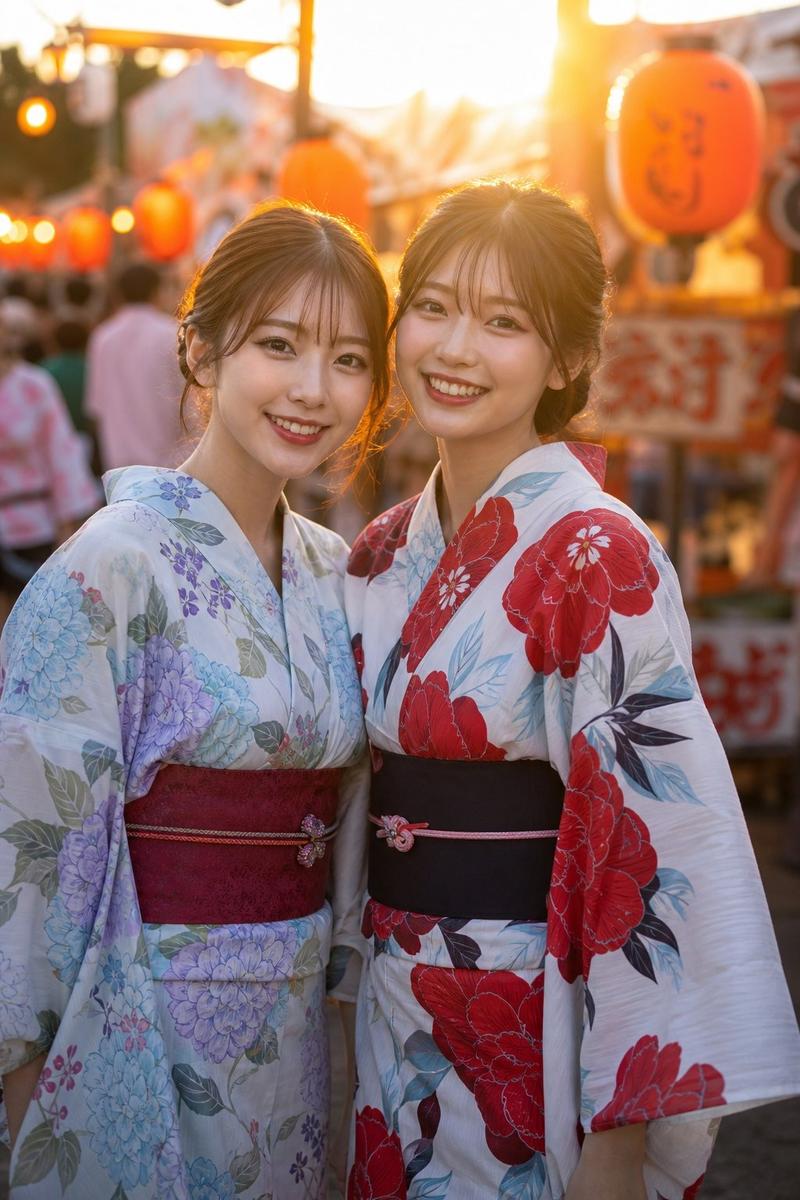
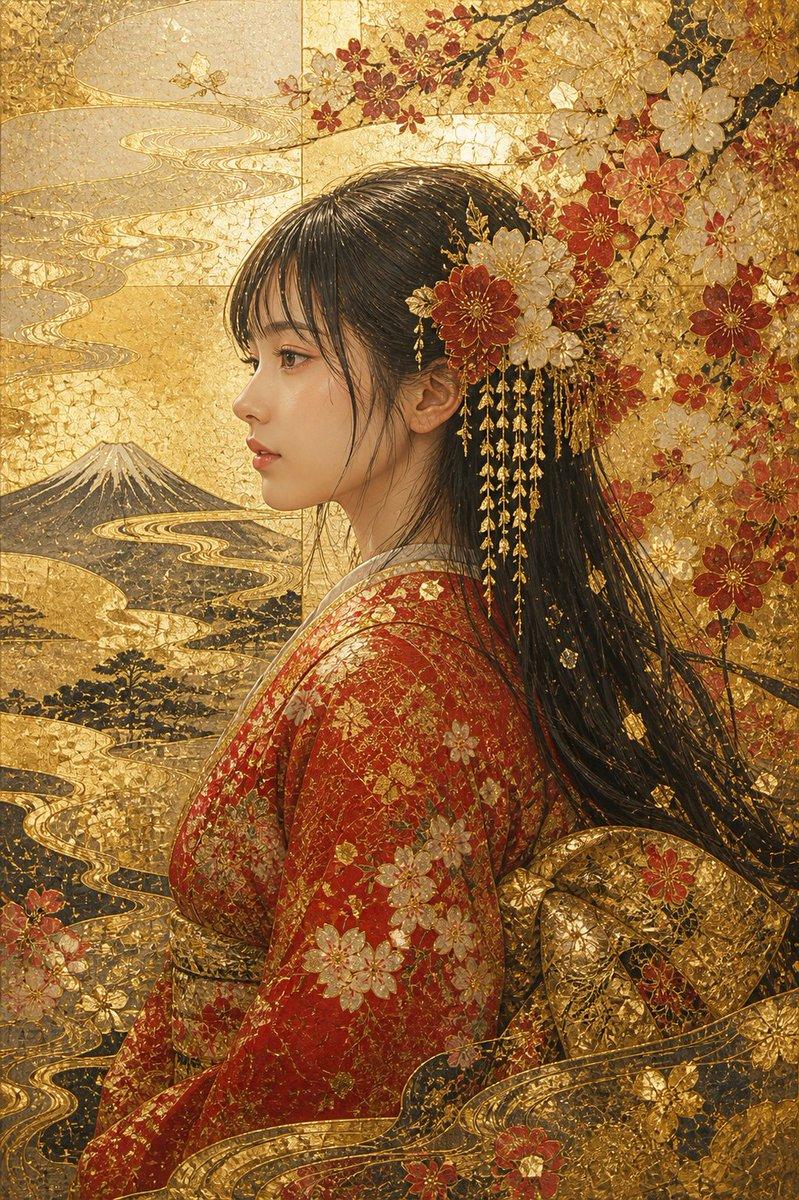
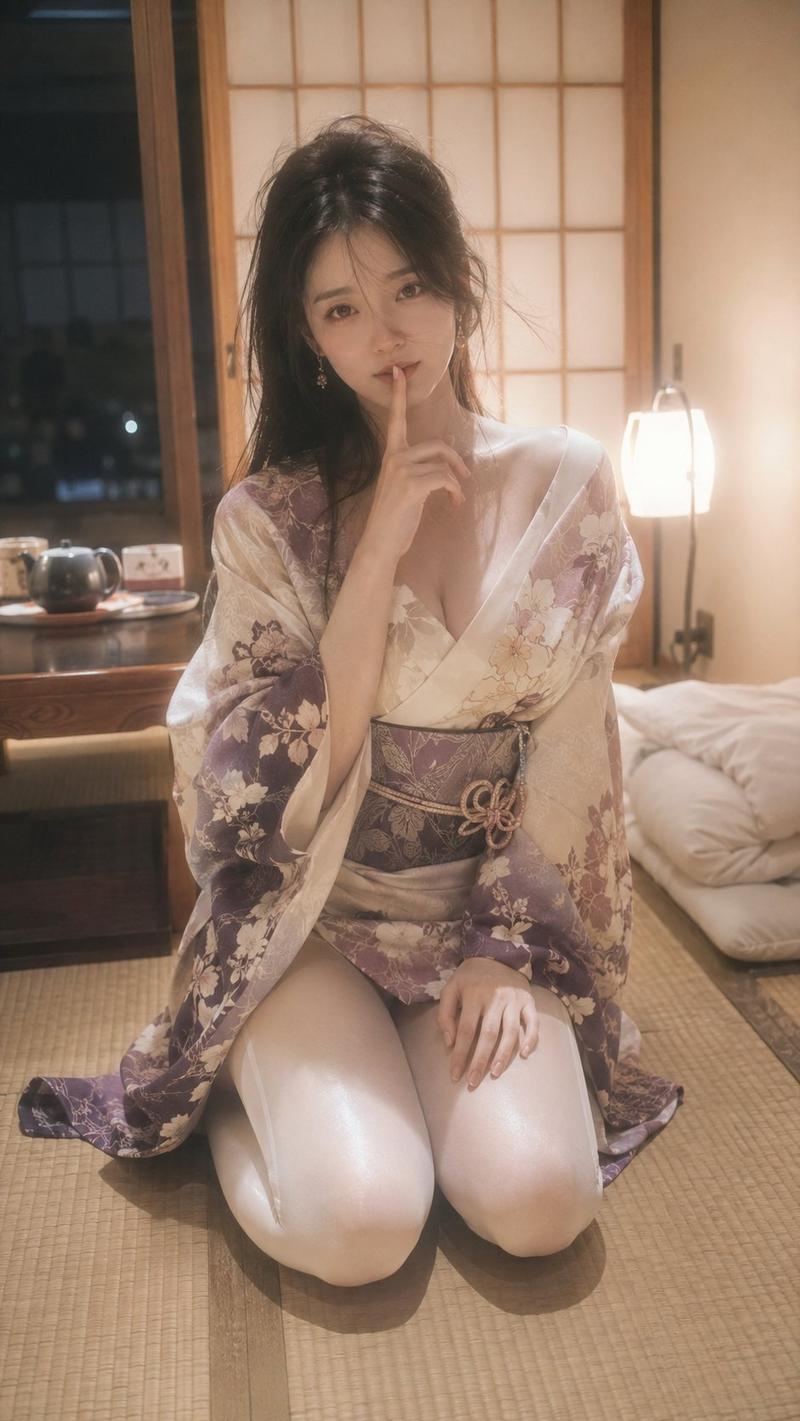
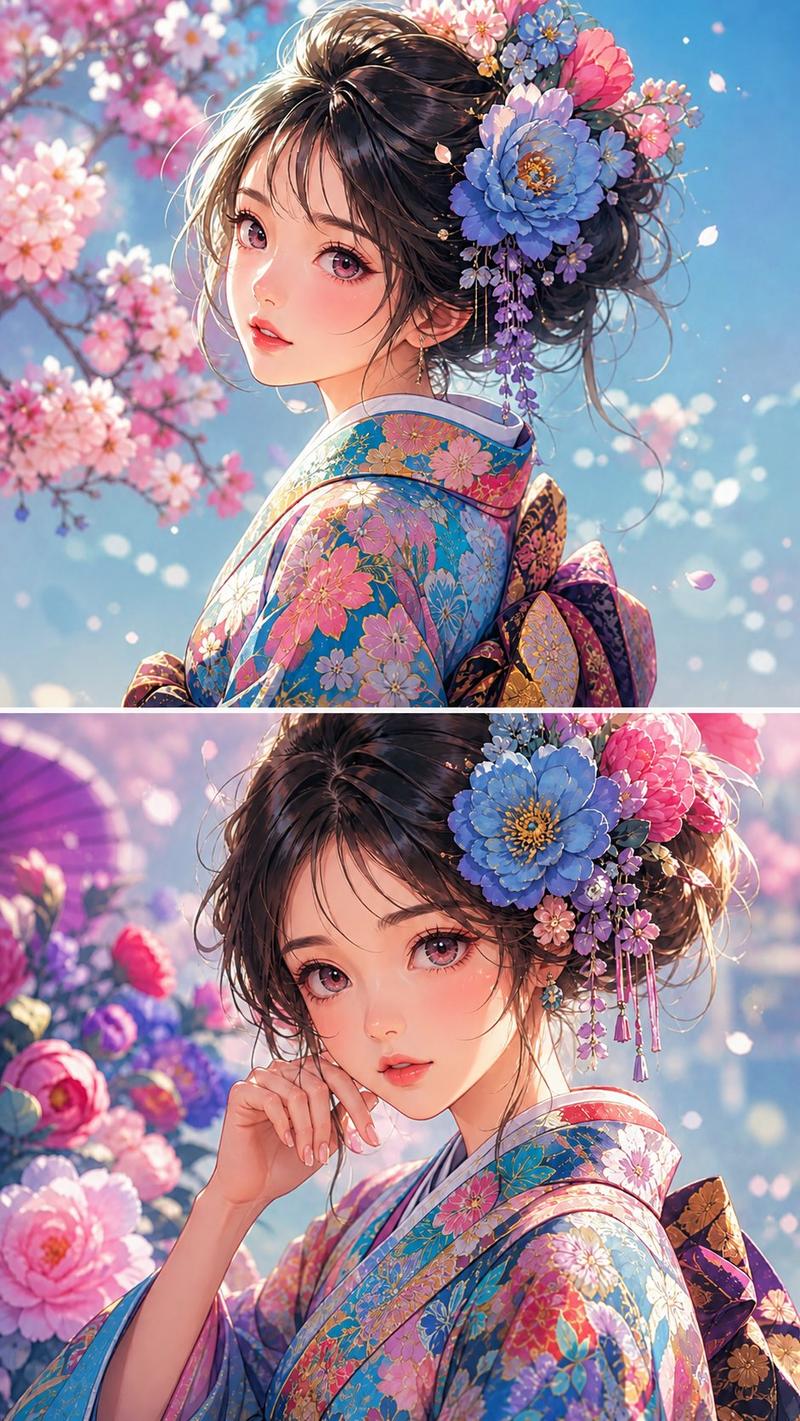
写实风格秋季和服人像
Enlarge

写实风格秋季和服人像

Prompt
A {argument name="photography style" default="photorealistic portrait with shallow depth of field and soft bokeh"} of a {argument name="subject" default="young Japanese woman"} looking back over her shoulder at the camera with a {argument name="expression" default="gentle smile"}. She is wearing a {argument name="attire" default="light beige kimono with orange maple leaf patterns"} and a gold obi. Her dark hair is styled in an elegant updo with loose strands framing her face, and she wears small pearl earrings. The background features an {argument name="setting" default="autumn garden with vibrant red maple leaves"}, with bright red foliage framing the top left and a heavily blurred, soft background creating a serene, cinematic atmosphere.
Category
Charts & Infographics
Model
GPT Image 2
Views5
Source ID
14017
Published
Apr 18, 2026

Guide

About "写实风格秋季和服人像"

What is this prompt for?

"写实风格秋季和服人像" AI image prompt for GPT Image 2 (Charts & Infographics). 生成一张极具真实感的人像照片,背景为色彩鲜艳、带有丰富虚化效果的秋景,主角身着和服。 Copy it on Picva and recreate the look in one…

The full copyable prompt and example visuals above are ready for AI image generation or one-click recreate in Picva.

How to use this prompt

  1. Step 1

    Open the prompt detail

    Review the example visuals, category, and full prompt text for "写实风格秋季和服人像".

  2. Step 2

    Copy the prompt

    Copy the prompt body from this page, or load it directly in Studio.

  3. Step 3

    Pick a model (GPT Image 2)

    Prefer GPT Image 2. If you switch models, keep subject and composition and tweak style terms.

  4. Step 4

    Generate and export

    Recreate the look in Picva, or export into your workflow for editing and publishing.

FAQ

What is the "写实风格秋季和服人像" prompt?
It is an AI image-generation prompt for GPT Image 2 in the Charts & Infographics category. This page includes the full prompt text, example visuals, and a one-click recreate path in Picva.
How do I use this prompt to generate an image?
Copy the prompt from this page, or use Generate / Studio. Paste it into a compatible image model, or recreate the look in Picva with optional reference images.
Which model is this prompt for?
This page lists GPT Image 2. Most descriptive prompts also transfer to nearby image models such as GPT Image, Flux, or Midjourney with light style tweaks.
Can I use the result commercially?
You can usually copy the prompt for creation, but commercial use of the final image depends on the model terms, reference-image rights, and the generated content. Follow the source author and platform rules.