19

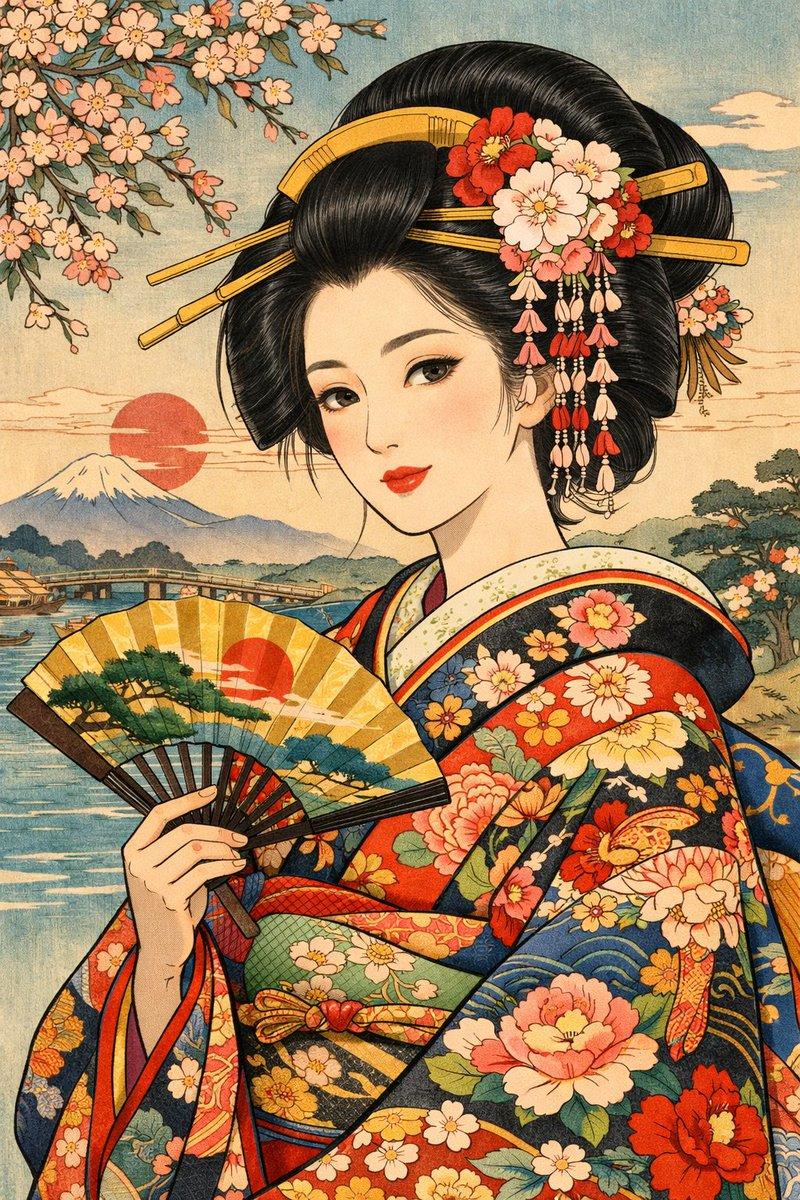
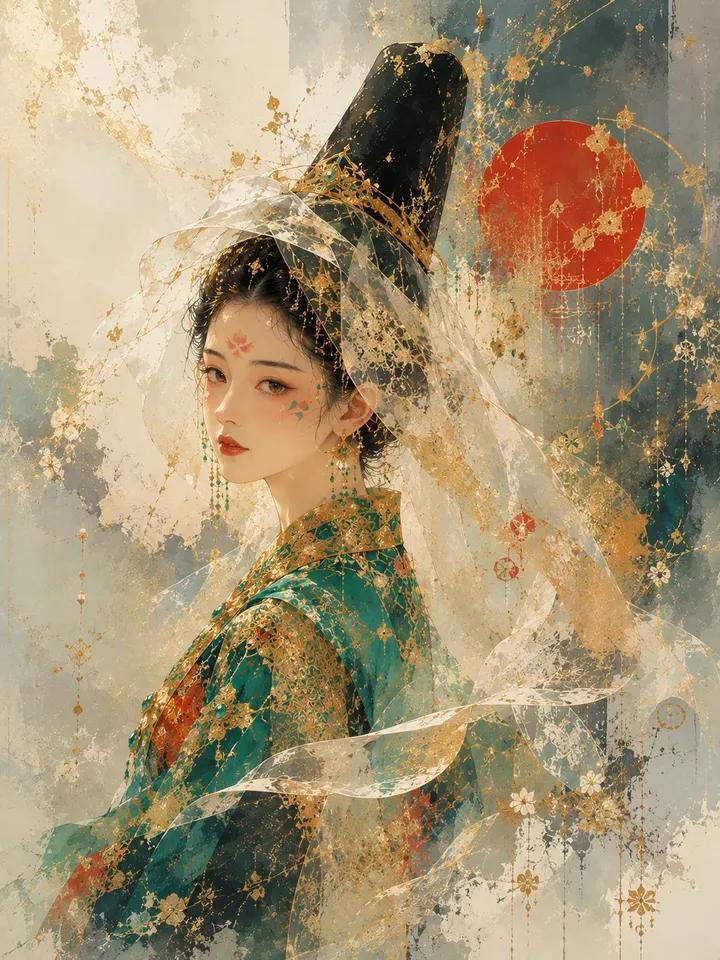
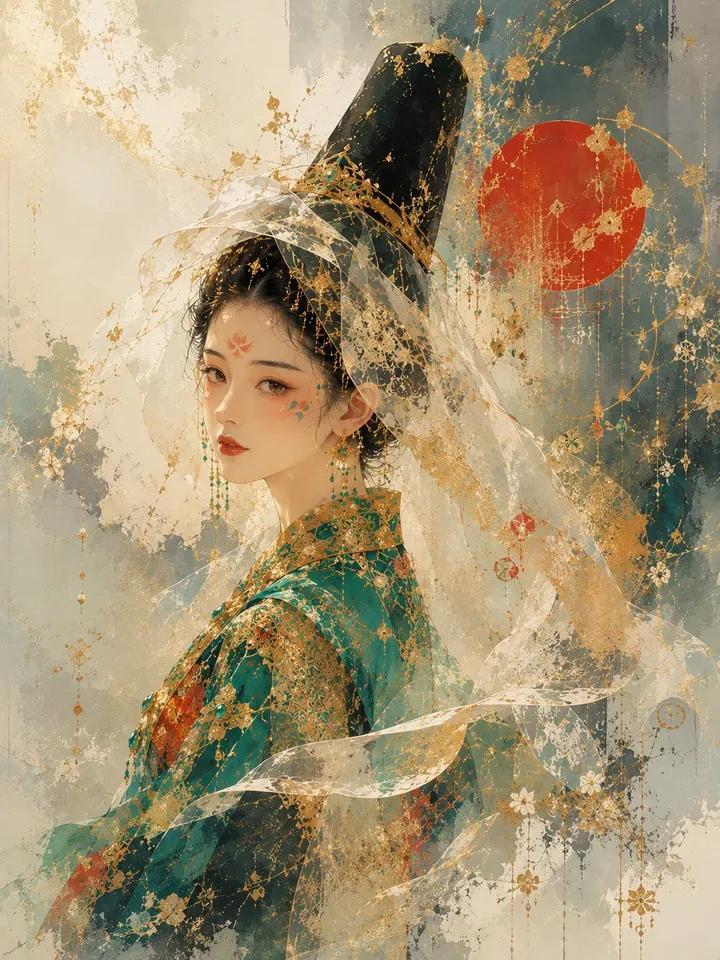
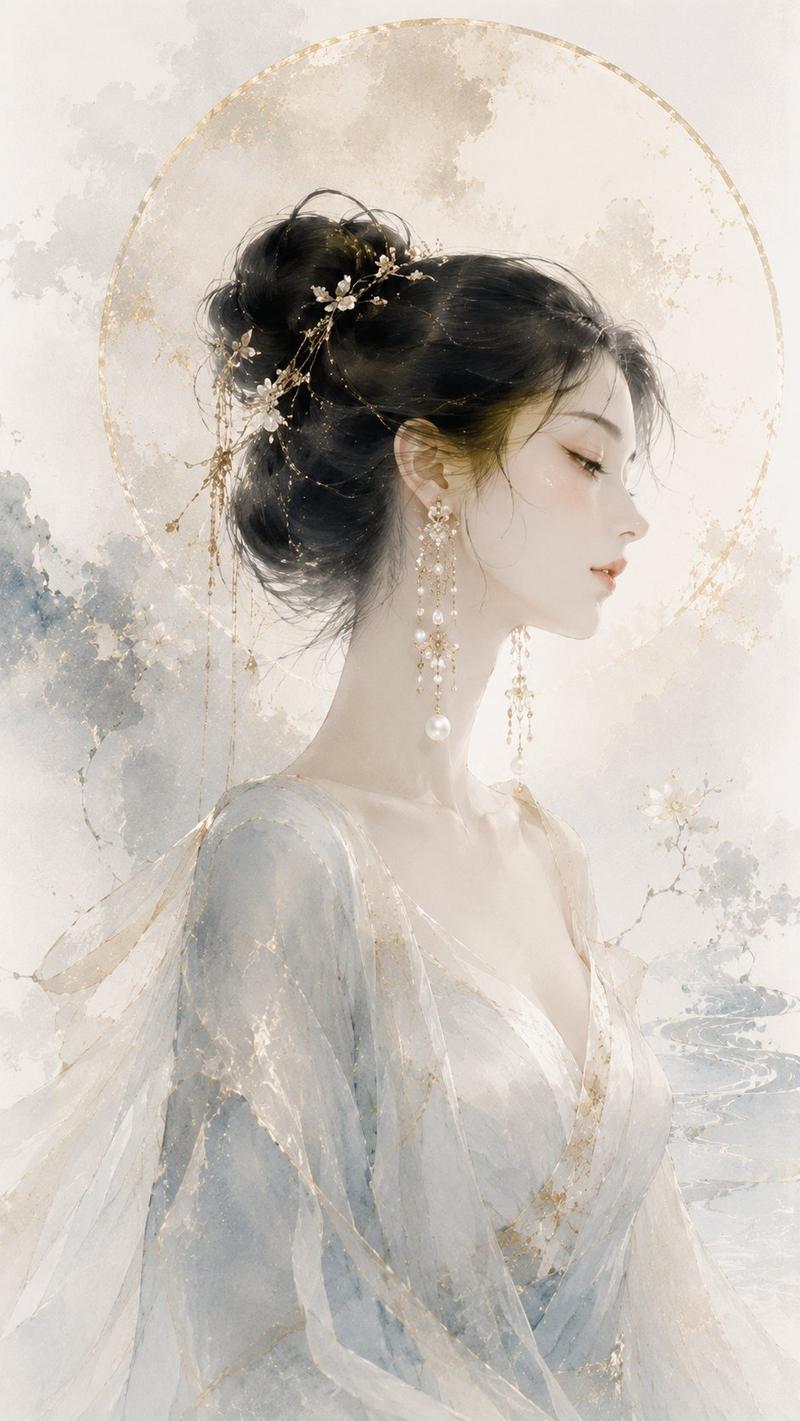
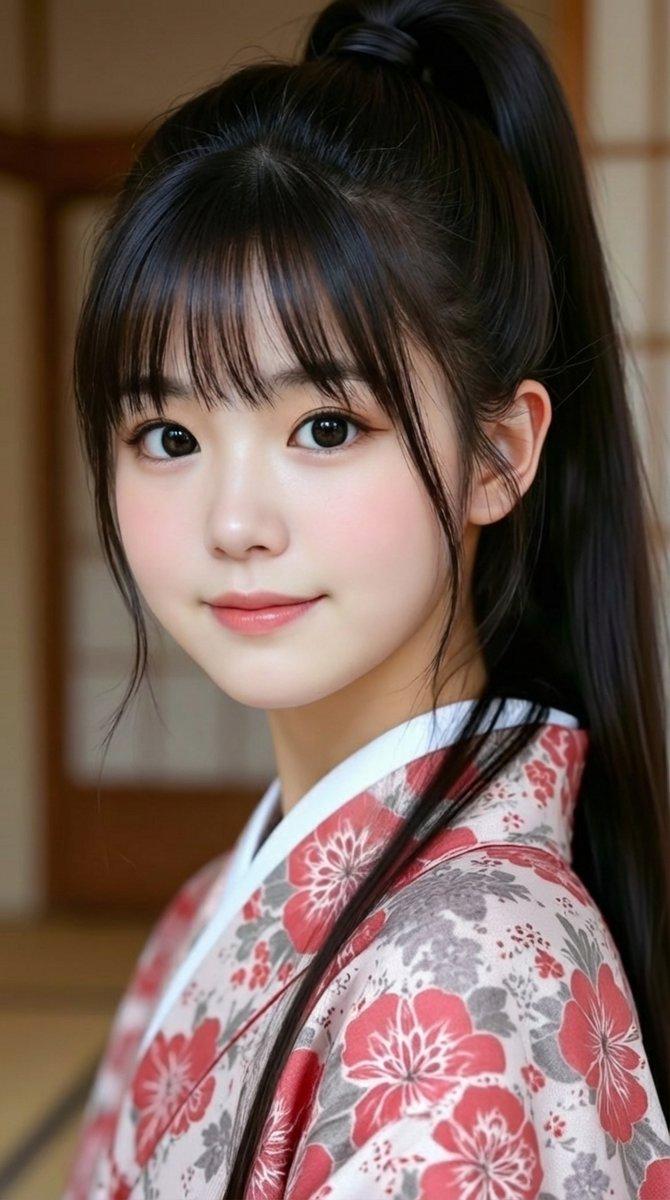
切金工艺金箔和服肖像
Enlarge

切金工艺金箔和服肖像

Prompt
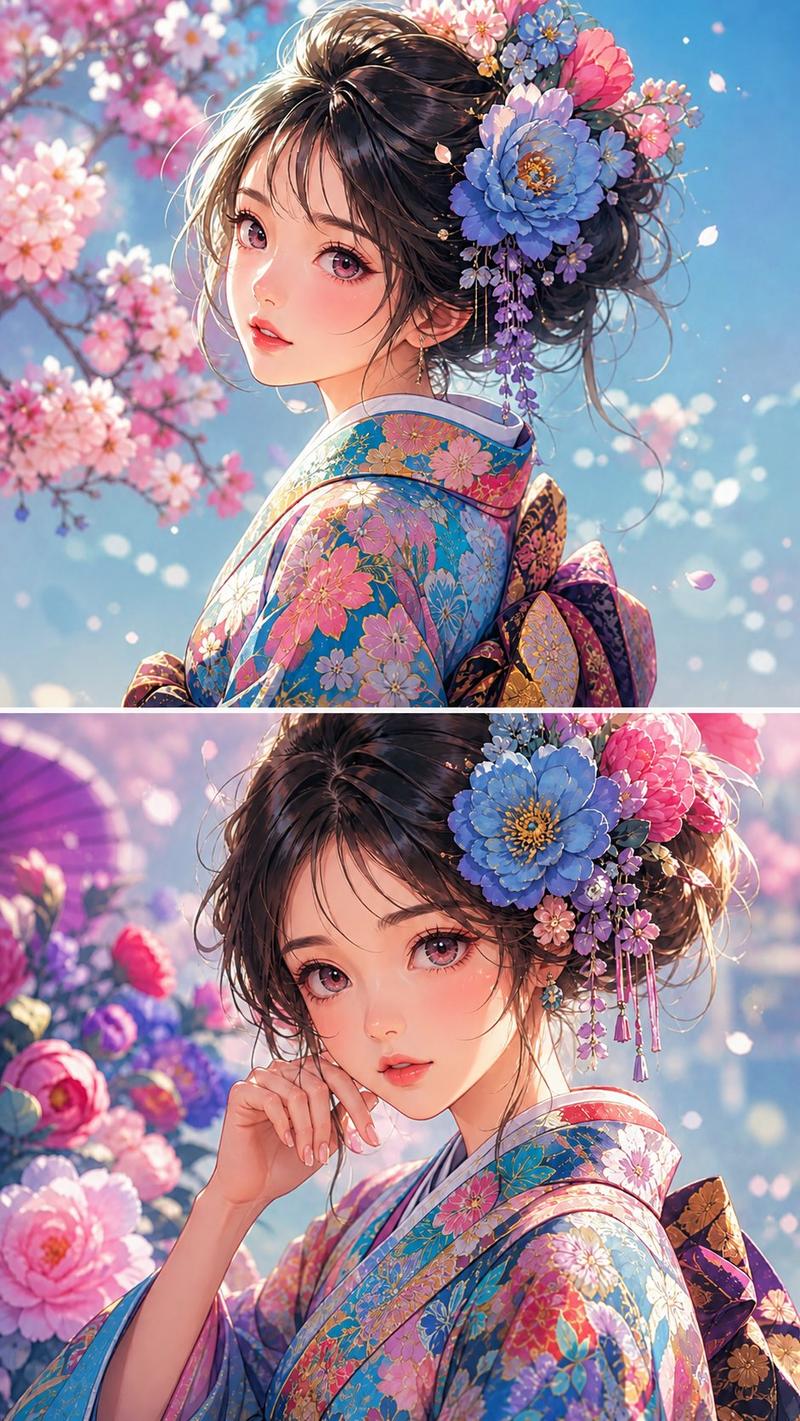
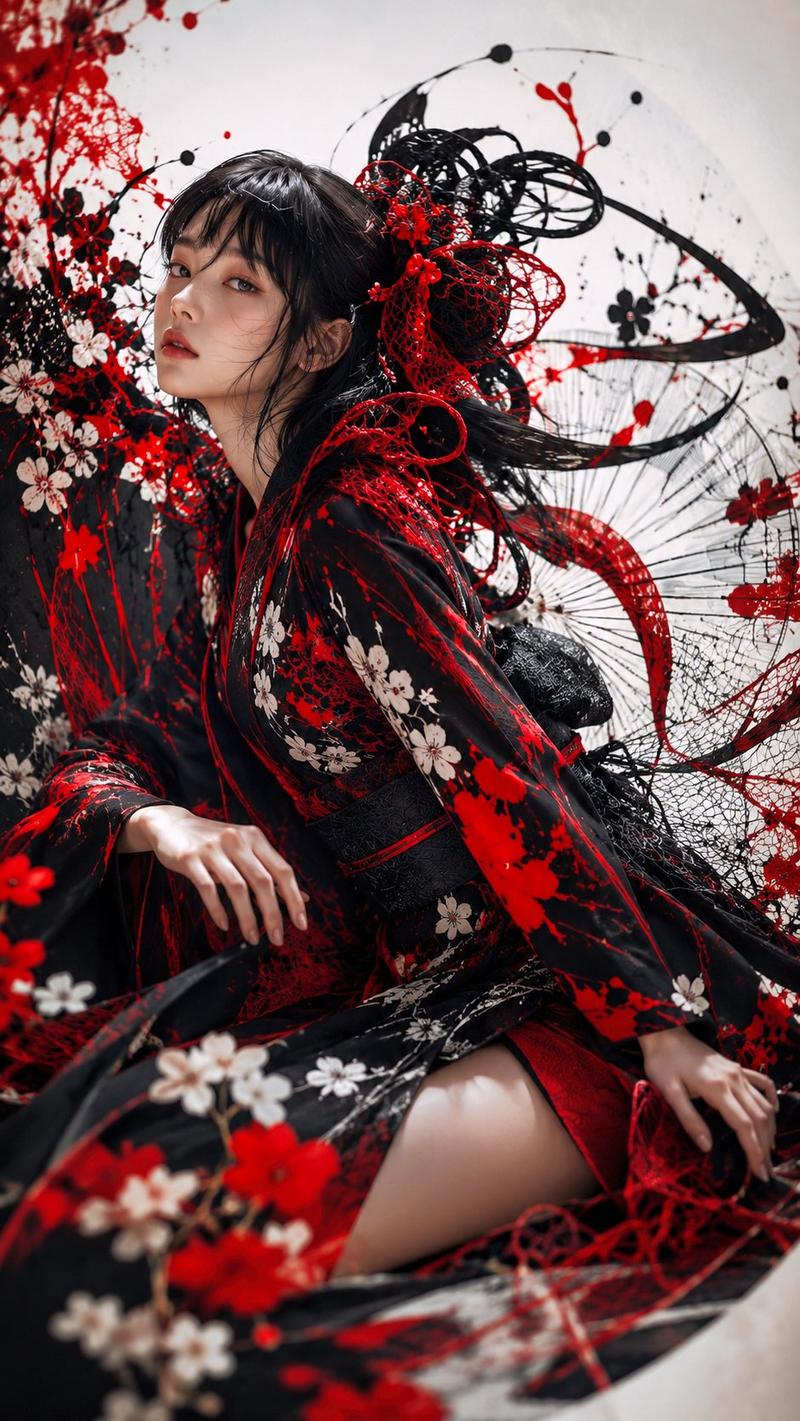
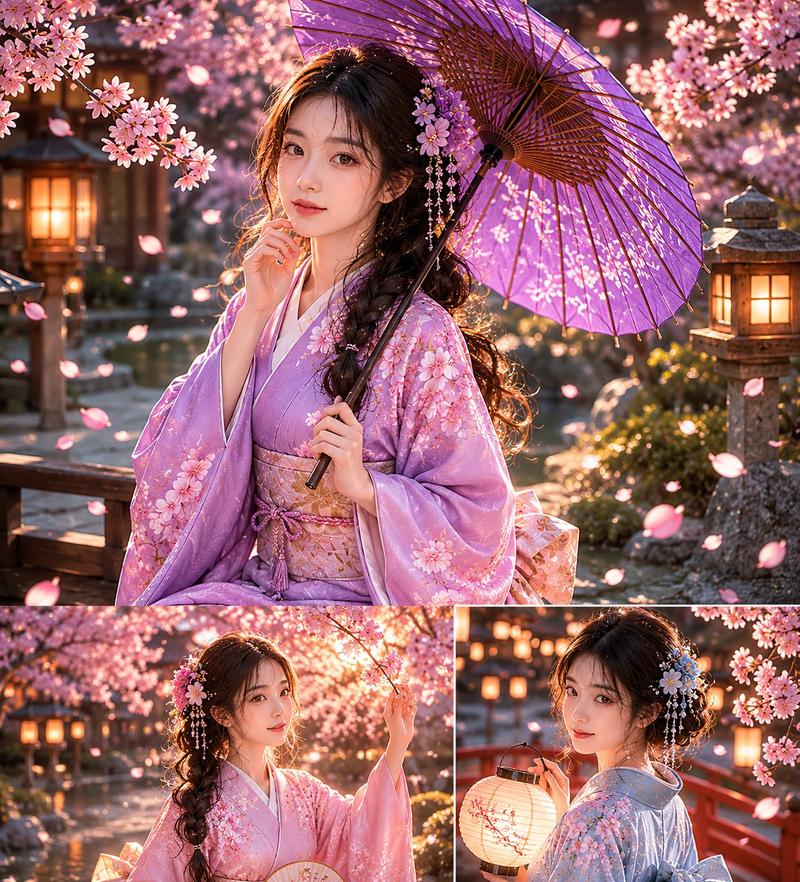
Create a vertical, ultra-detailed Japanese decorative portrait in the style of a luxurious byobu folding screen and kirikane cut-gold leaf craft. Show a young Japanese woman in side profile facing left, wearing an ornate {argument name="kimono color" default="deep vermilion red"} bridal kimono covered with gold leaf, pale cherry blossom patterns, and intricate brocade texture. Her long glossy {argument name="hair color" default="black"} hair flows down her back, decorated with an elaborate cluster of red and ivory sakura hair ornaments and many dangling golden kanzashi chains. Place a flat opaque {argument name="face covering" default="warm tan square"} over the center of her face, hiding facial features. The background is a radiant antique gold-leaf landscape with visible cracked foil texture, fine engraved kirikane lines, swirling rivers of gold and cream, distant {argument name="background mountain" default="Mount Fuji"}, dark pine silhouettes, and abundant red and white cherry blossoms blooming across the upper right and lower foreground. Use a dense gilded composition with layered metallic flakes, raised lacquer-like outlines, mosaic gold cracks, delicate floral filigree, and shimmering highlights; make it feel like traditional Japanese nihonga mixed with high-fashion portraiture. Warm golden lighting, extremely ornate surface detail, elegant asymmetrical composition, no modern objects, no text, vertical 2:3 aspect ratio.
Category
Charts & Infographics
Model
GPT Image 2
Views4
Source ID
18411
Published
May 4, 2026

Guide

About "切金工艺金箔和服肖像"

What is this prompt for?

"切金工艺金箔和服肖像" AI image prompt for GPT Image 2 (Charts & Infographics). 生成一幅华丽的日本金箔女性和服肖像,适用于装饰性传统艺术和奢华编辑视觉内容。 Copy it on Picva and recreate the look in one clic…

The full copyable prompt and example visuals above are ready for AI image generation or one-click recreate in Picva.

How to use this prompt

  1. Step 1

    Open the prompt detail

    Review the example visuals, category, and full prompt text for "切金工艺金箔和服肖像".

  2. Step 2

    Copy the prompt

    Copy the prompt body from this page, or load it directly in Studio.

  3. Step 3

    Pick a model (GPT Image 2)

    Prefer GPT Image 2. If you switch models, keep subject and composition and tweak style terms.

  4. Step 4

    Generate and export

    Recreate the look in Picva, or export into your workflow for editing and publishing.

FAQ

What is the "切金工艺金箔和服肖像" prompt?
It is an AI image-generation prompt for GPT Image 2 in the Charts & Infographics category. This page includes the full prompt text, example visuals, and a one-click recreate path in Picva.
How do I use this prompt to generate an image?
Copy the prompt from this page, or use Generate / Studio. Paste it into a compatible image model, or recreate the look in Picva with optional reference images.
Which model is this prompt for?
This page lists GPT Image 2. Most descriptive prompts also transfer to nearby image models such as GPT Image, Flux, or Midjourney with light style tweaks.
Can I use the result commercially?
You can usually copy the prompt for creation, but commercial use of the final image depends on the model terms, reference-image rights, and the generated content. Follow the source author and platform rules.