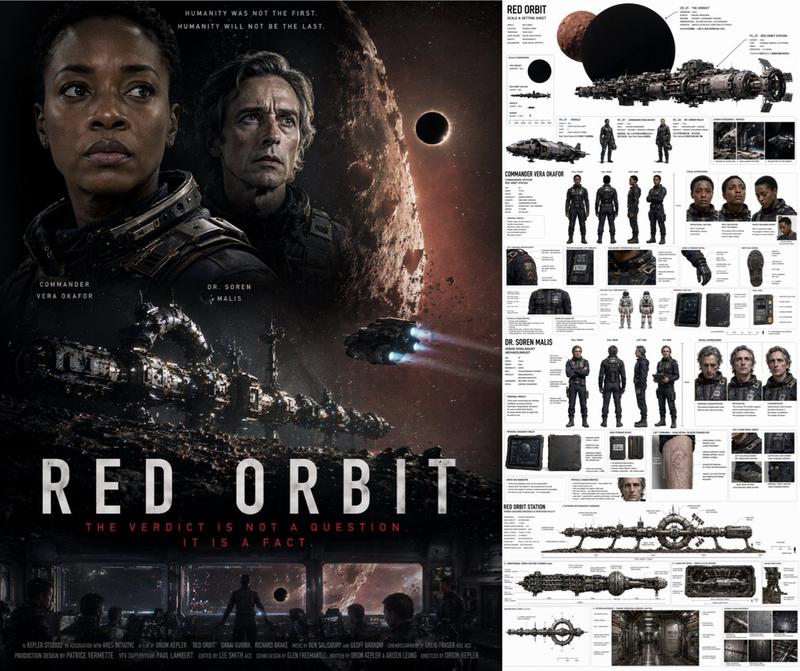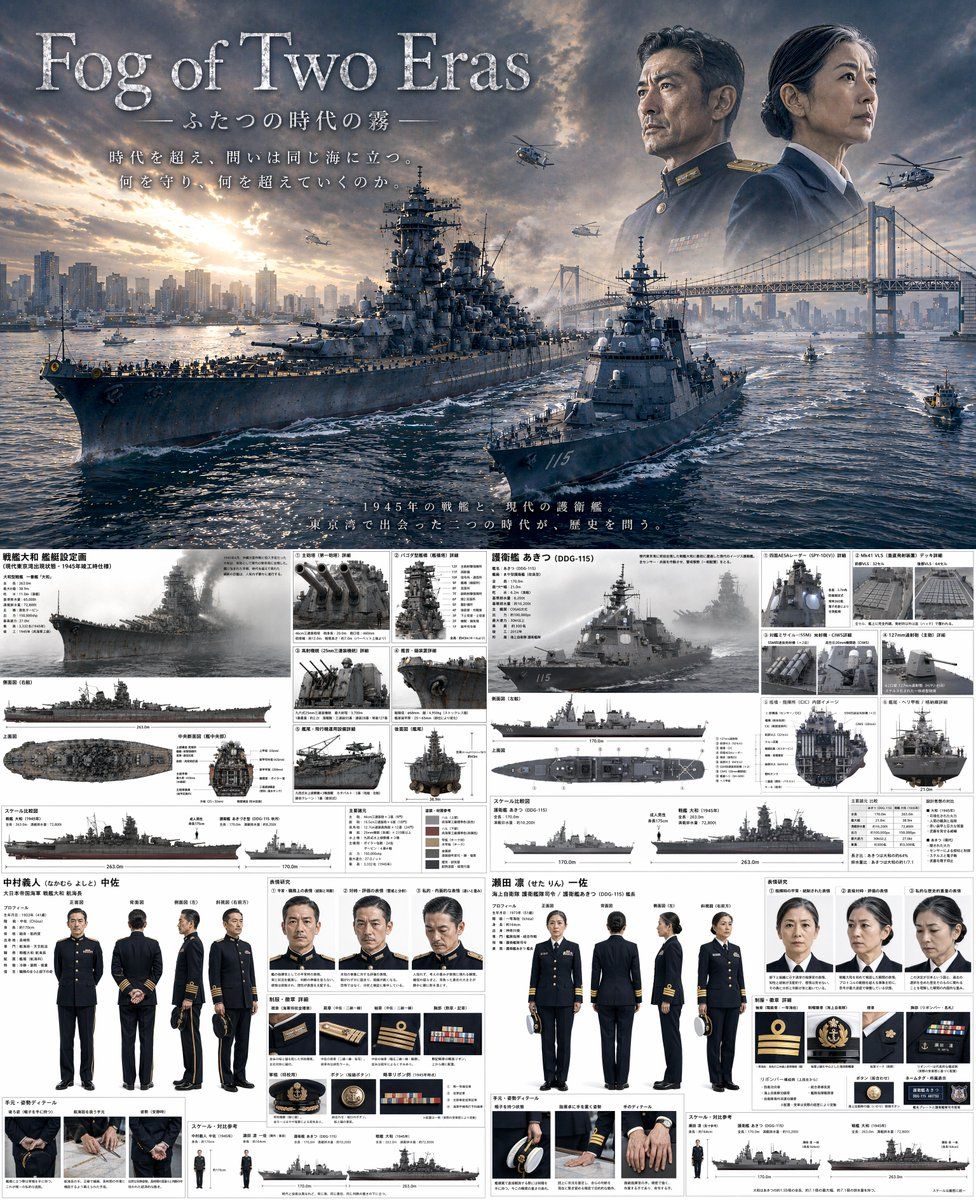
双时代海军题材海报与规格说明书
Prompt
{
  "type": "combined cinematic poster and technical reference sheet",
  "theme": "{argument name=\"theme\" default=\"time-slip military drama\"}",
  "layout": {
    "top_half": {
      "type": "movie poster",
      "title": "{argument name=\"main title\" default=\"Fog of Two Eras\"}",
      "subtitle": "ふたつの時代の霧",
      "tagline": "時代を超え、問いは同じ海に立つ。何を守り、何を超えていくのか。",
      "scene": "A {argument name=\"ww2 ship class\" default=\"Yamato-class battleship\"} and a {argument name=\"modern ship class\" default=\"Aegis destroyer\"} sailing side-by-side in {argument name=\"setting\" default=\"Tokyo Bay with Rainbow Bridge and city skyline\"} at sunset.",
      "sky_elements": "Faded portraits of a WWII naval commander and a modern female naval captain looking out over the bay, with military helicopters flying."
    },
    "bottom_half": {
      "type": "split technical reference sheet",
      "left_column": {
        "subject": "WWII Battleship and Commander",
        "ship_details": {
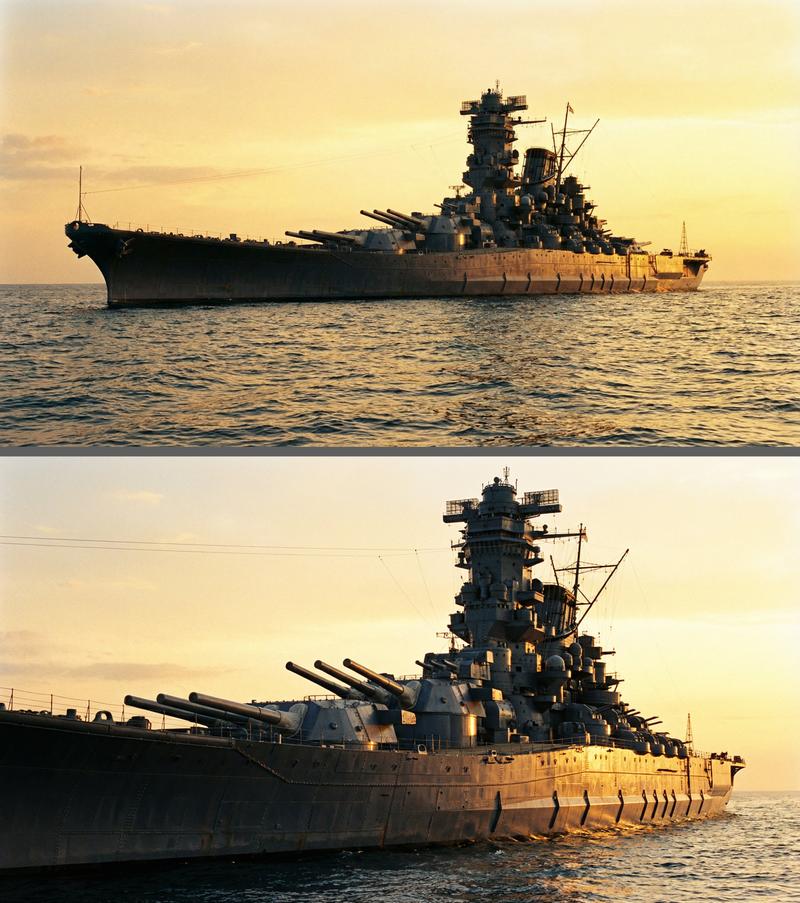
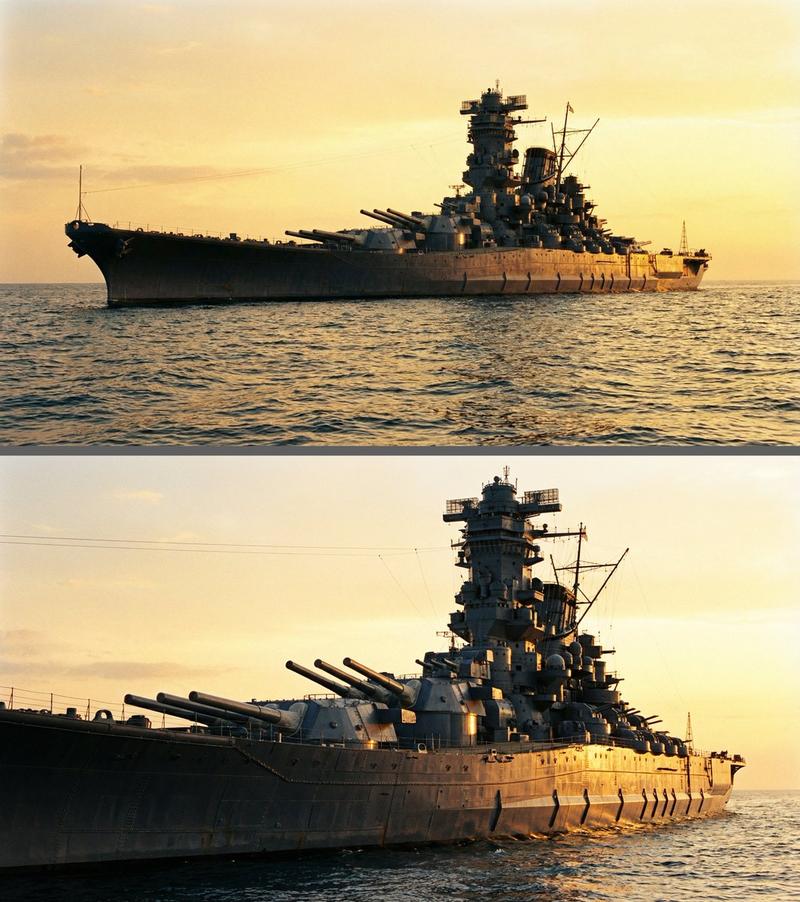
          "title": "戦艦大和 艦艇設定画",
          "main_render": "1 angled side view",
          "orthographic_views": "3 views (side, top, front cross-section)",
          "detail_panels": {
            "count": 6,
            "descriptions": ["Main guns", "Pagoda mast", "AA guns", "Radar", "Catapult", "Stern"]
          },
          "scale_chart": "1 silhouette comparison"
        },
        "character_details": {
          "name": "中村義人 中佐",
          "turnaround": { "count": 5, "poses": ["front", "back", "side", "3/4 front", "3/4 back"] },
          "expressions": { "count": 3, "types": ["neutral", "stern", "pensive"] },
          "uniform_details": { "count": 6, "items": ["rank insignia", "buttons", "medals", "cap details"] },
          "hand_details": { "count": 3, "poses": ["holding cap", "resting", "clenched"] }
        }
      },
      "right_column": {
        "subject": "Modern Destroyer and Captain",
        "ship_details": {
          "title": "護衛艦 あきつ (DDG-115)",
          "main_render": "1 angled side view",
          "orthographic_views": "3 views (side, top, front cross-section)",
          "detail_panels": {
            "count": 6,
            "descriptions": ["Radar panels", "VLS cells", "Anti-ship missiles", "Main gun", "Bridge interior", "Helicopter deck"]
          },
          "scale_chart": "1 silhouette comparison"
        },
        "character_details": {
          "name": "瀬田 凛 一佐",
          "turnaround": { "count": 5, "poses": ["front", "back", "side", "3/4 front", "3/4 back"] },
          "expressions": { "count": 3, "types": ["neutral", "stern", "pensive"] },
          "uniform_details": { "count": 6, "items": ["rank insignia", "buttons", "ribbons", "cap details"] },
          "hand_details": { "count": 3, "poses": ["holding cap", "resting", "clenched"] }
        }
      }
    }
  }
}- Category
- Charts & Infographics
- Model
- GPT Image 2
- Source ID
- 14054
- Published
- Apr 18, 2026
Views4