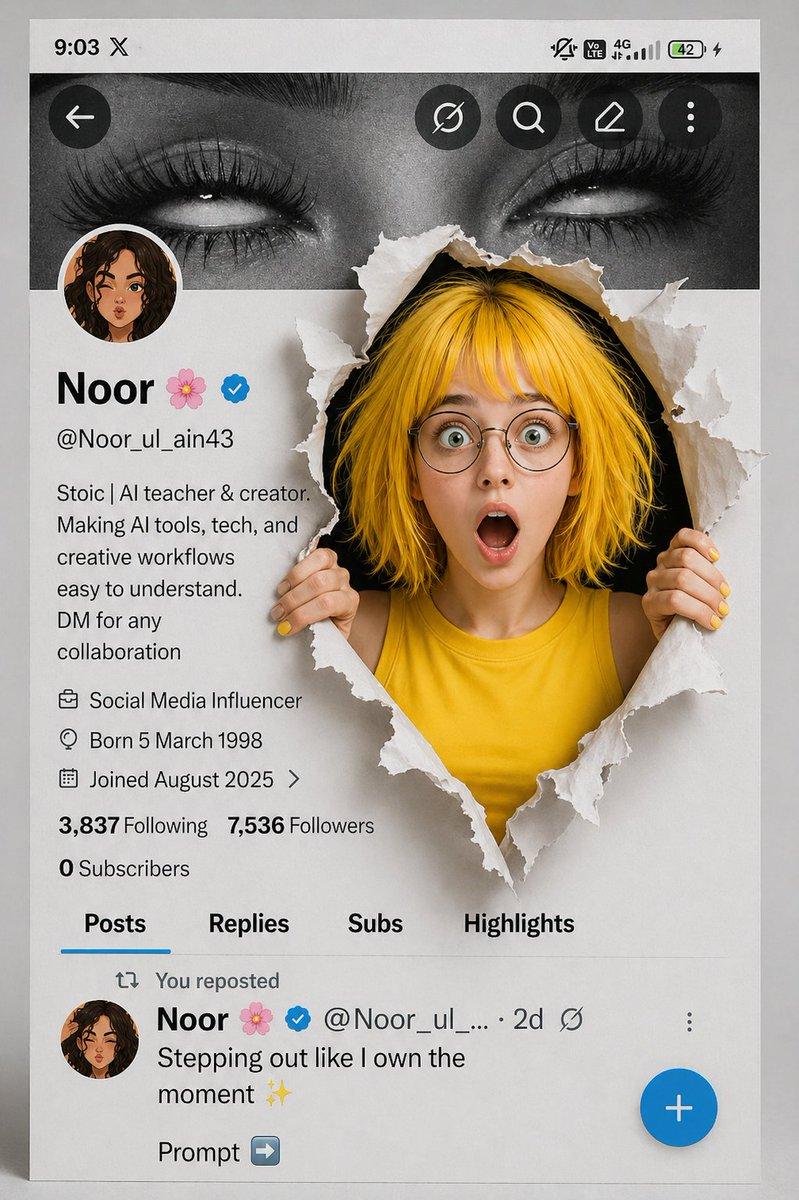
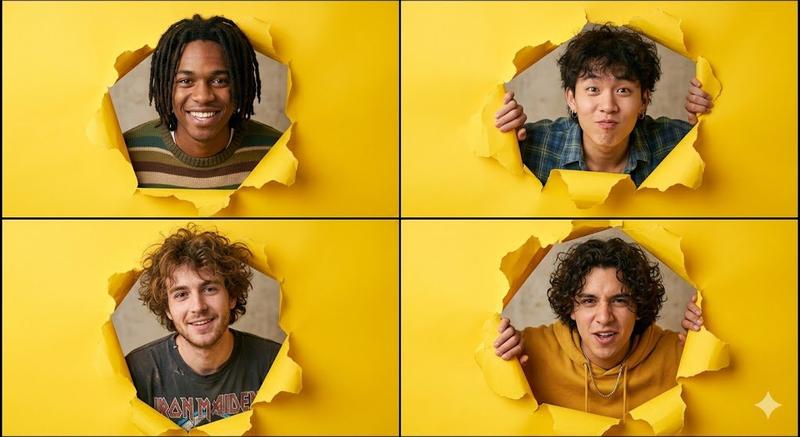
3D 动画角色表情九宫格
Prompt
{
  "type": "3x3 character expression grid",
  "style": "{argument name=\"art style\" default=\"3D animation, Pixar style\"}",
  "character_base": "{argument name=\"character description\" default=\"young woman with voluminous dark wavy hair and round wire-rimmed glasses\"}",
  "common_theme": "{argument name=\"framing concept\" default=\"peeking through a torn hole in white paper\"}",
  "layout": {
    "rows": 3,
    "columns": 3,
    "total_panels": 9,
    "panels": [
      {"position": "top-left", "expression": "winking", "action": "adjusting glasses", "outfit": "green sweater"},
      {"position": "top-center", "expression": "smirking", "action": "lowering dark sunglasses", "outfit": "red leather jacket"},
      {"position": "top-right", "expression": "thinking", "action": "finger on chin", "outfit": "yellow hoodie"},
      {"position": "middle-left", "expression": "big smile", "action": "arms resting on edge", "outfit": "black and white striped shirt"},
      {"position": "middle-center", "expression": "smiling", "action": "thumbs up", "outfit": "orange button-up shirt"},
      {"position": "middle-right", "expression": "neutral", "action": "drinking boba tea", "outfit": "blue sweater"},
      {"position": "bottom-left", "expression": "happy", "action": "waving", "outfit": "purple sweater vest over white shirt"},
      {"position": "bottom-center", "expression": "laughing with eyes closed", "action": "arms crossed", "outfit": "pink cardigan"},
      {"position": "bottom-right", "expression": "silly", "action": "poking cheeks", "outfit": "teal sweater"}
    ]
  }
}- Category
- Posters & Typography
- Model
- GPT Image 2
- Creator
- Austin
- Source ID
- 14158
- Published
- Apr 20, 2026
Views3