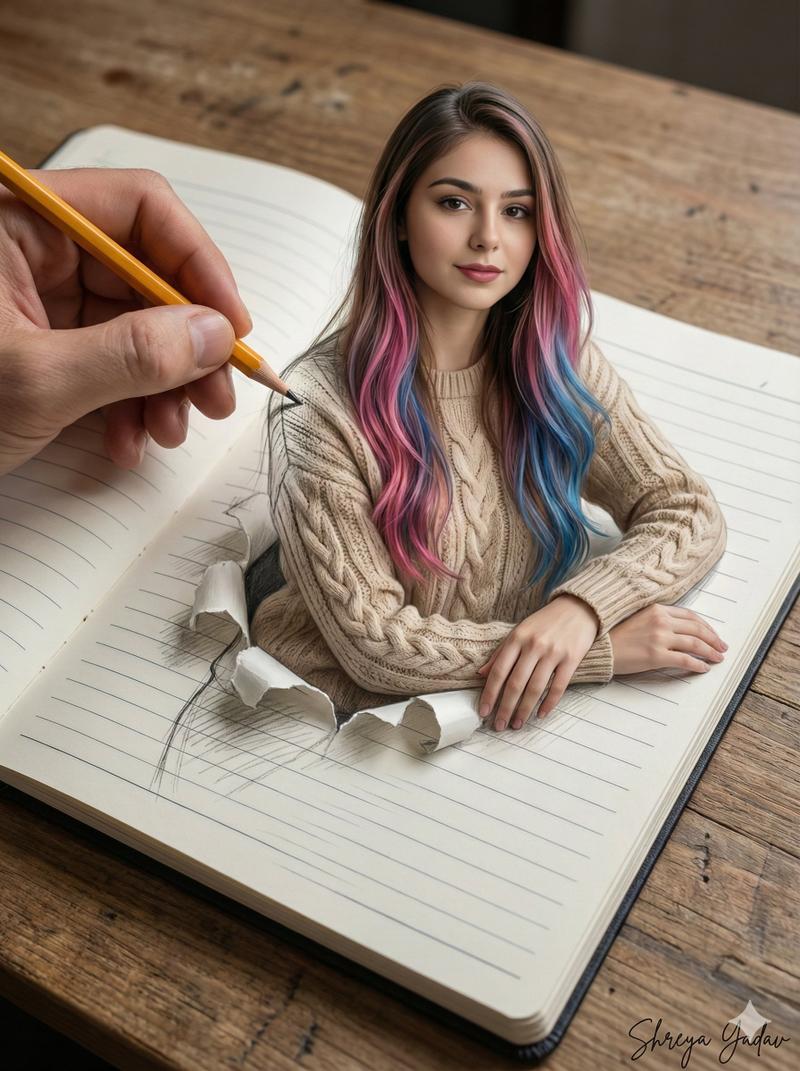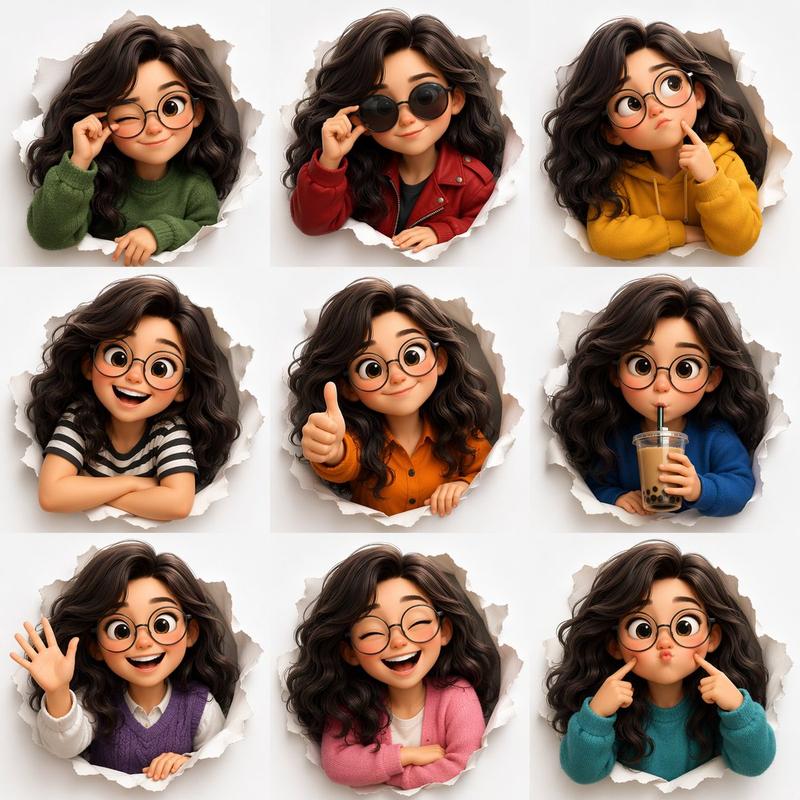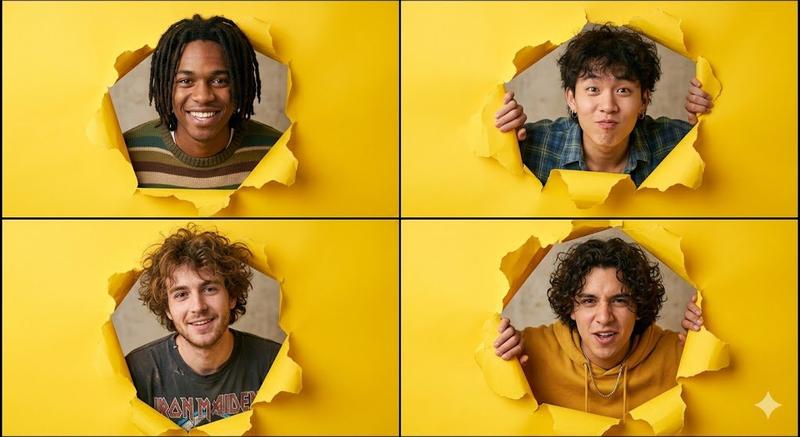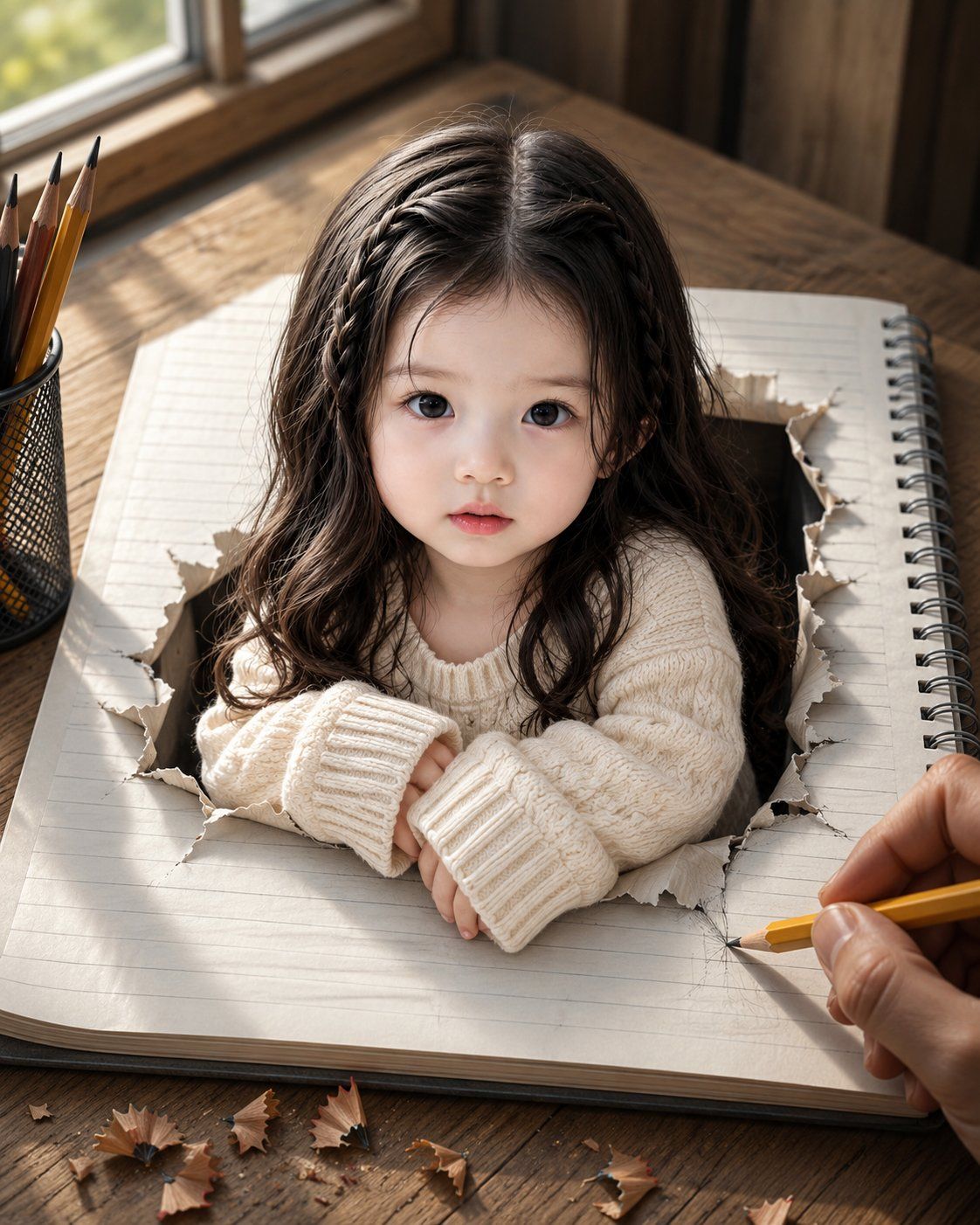
从撕裂笔记本中浮现的女孩
Prompt
Create an ultra-realistic surreal portrait on a vertical 4:5 canvas: a tiny {argument name="child subject" default="young East Asian girl, about 3 to 4 years old"} appears to be emerging from a torn rectangular hole in the center of a large lined spiral notebook lying on a rustic wooden desk. She faces the camera directly with a calm, curious, slightly vulnerable expression, large dark eyes, soft natural skin, small parted lips, and long dark wavy hair with two thin braids framing the top sides of her head. Dress her in an oversized chunky cream knit sweater with long ribbed cuffs, her small hands folded on the paper edge as if leaning out of the notebook. Make the notebook realistic with pale ruled pages, a black metal spiral binding on the right, thick page edges, and ragged curled torn paper surrounding the hole. Add a right adult hand at the lower right holding a sharpened yellow pencil, sketching near the torn opening, implying the girl has been drawn into reality. Include a black mesh pencil cup at the left containing exactly 5 visible pencils, plus scattered pencil shavings across the bottom foreground; count 8 distinct shavings visible on the desk. Place the scene beside a sunlit window in the upper left, with warm morning light, soft shadows, shallow depth of field, and blurred outdoor greenery. Use a cozy wooden interior background, cinematic photorealism, lifelike textures, natural color grading, high detail in hair, knit fabric, torn paper fibers, wood grain, graphite marks, and skin. Avoid text, logos, watermarks, extra people, cartoon styling, distorted hands, or changing the child’s facial identity.- Category
- Brand & Logos
- Model
- GPT Image 2
- Creator
- Mehwish kiran
- Source ID
- 27015
- Published
- Jun 27, 2026
Views0