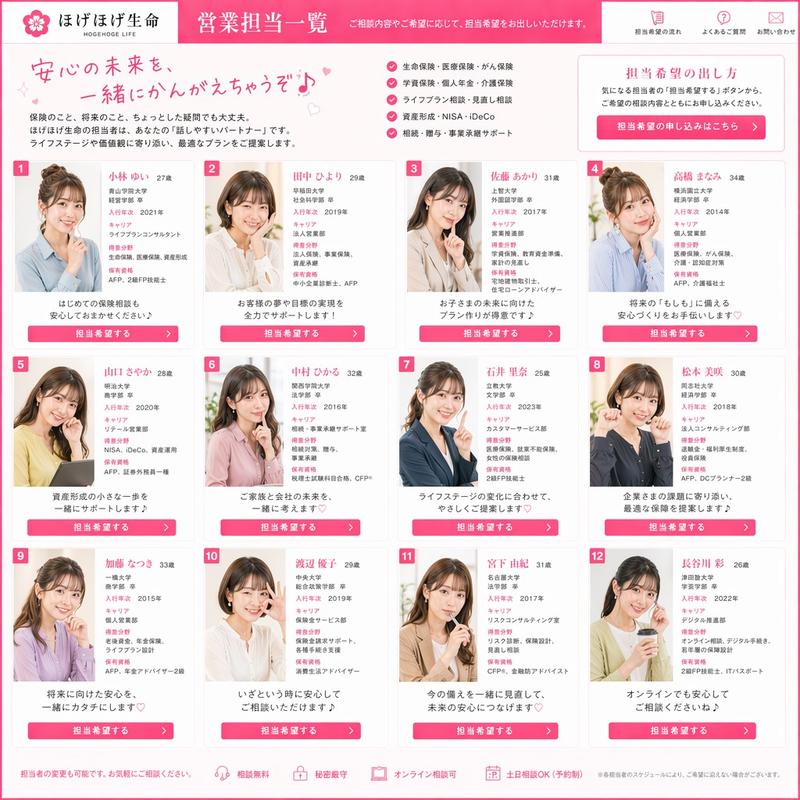
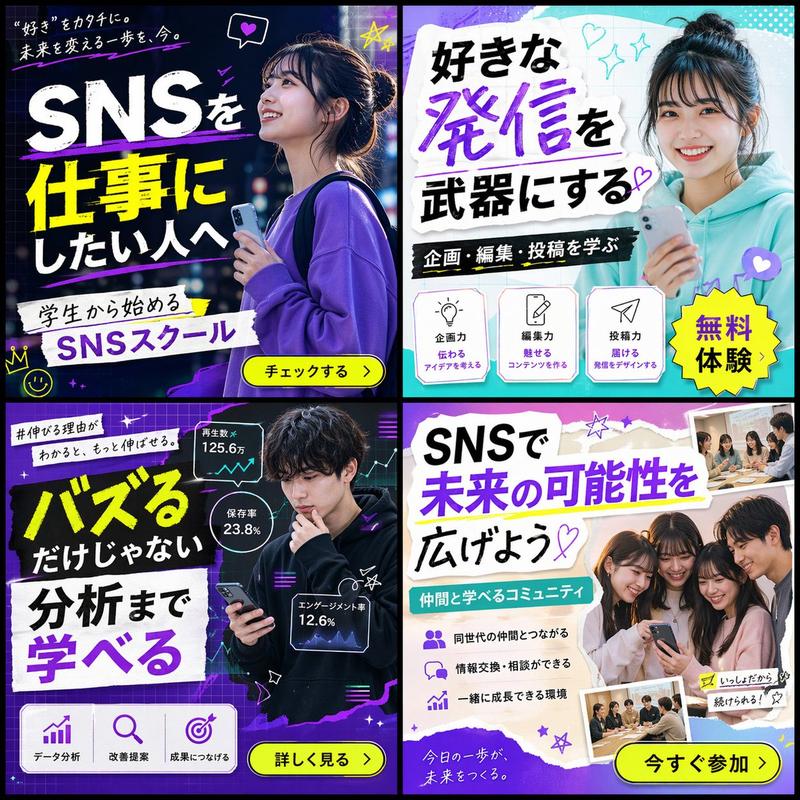
2x2 社交媒体学校横幅广告网格
Prompt
{
  "type": "2x2 banner ad grid",
  "theme": "{argument name=\"school type\" default=\"SNSスクール\"}",
  "demographic": "{argument name=\"model demographic\" default=\"young Japanese women\"}",
  "color_palette": "{argument name=\"primary color theme\" default=\"pink and light blue\"}",
  "layout": {
    "panels": [
      {
        "position": "top-left",
        "color": "pink",
        "subject": "woman with hair up, resting chin on hand, laptop",
        "headline": "{argument name=\"top left headline\" default=\"未経験からでも 大丈夫♡\"}",
        "subheadline": "SNSスクールで 理想の働き方へ",
        "icon_count": 3,
        "icon_labels": ["初心者OK", "基礎から学べる", "在宅で学べる"],
        "cta_button": "無料説明会へ >"
      },
      {
        "position": "top-right",
        "color": "light blue",
        "subject": "woman with long dark hair, holding smartphone",
        "headline": "{argument name=\"top right headline\" default=\"SNSで 未来を変える\"}",
        "subheadline": "発信・運用・収益化まで 学べる!",
        "icon_count": 3,
        "icon_labels": ["発信力", "運用力", "収益化"],
        "cta_button": "今すぐチェック >"
      },
      {
        "position": "bottom-left",
        "color": "pink",
        "subject": "woman with hair up, looking down at laptop",
        "headline": "好きなことを 仕事に",
        "subheadline": "スキマ時間で 学べる♪",
        "icon_count": 3,
        "icon_labels": ["スキマ時間でOK", "自分のペースで", "好きが活かせる"],
        "cta_button": "詳細を見る >"
      },
      {
        "position": "bottom-right",
        "color": "light blue",
        "subject": "woman with long dark hair, white blouse, hands on desk",
        "headline": "自分らしい 働き方を 叶える♡",
        "subheadline": "個別サポートつき",
        "icon_count": 3,
        "icon_labels": ["マンツーマンで安心", "学習プランを提案", "伴走サポート"],
        "cta_button": "無料相談 >"
      }
    ]
  }
}- Category
- Charts & Infographics
- Model
- GPT Image 2
- Creator
- パク🎈動画広告分析Pro × AI
- Source ID
- 14181
- Published
- Apr 20, 2026
Views3