14

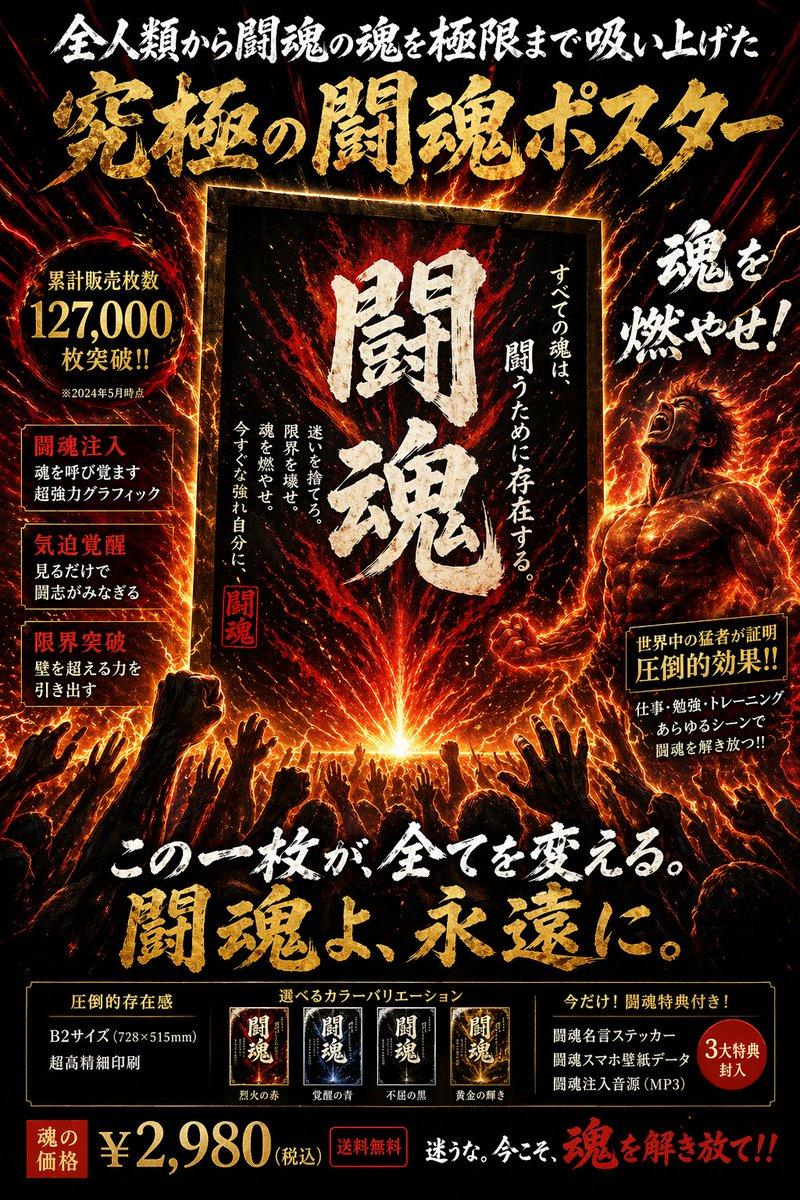
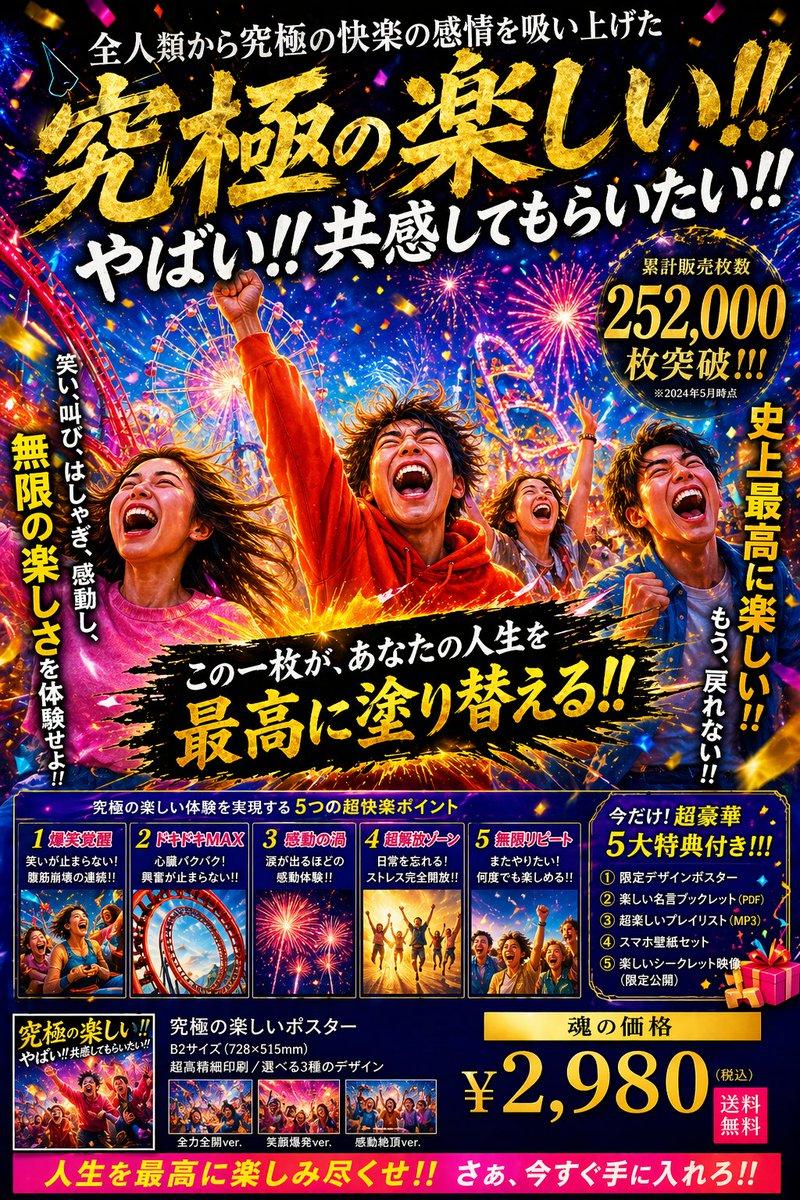
极具张力的日式宣传海报
Enlarge

极具张力的日式宣传海报

Prompt
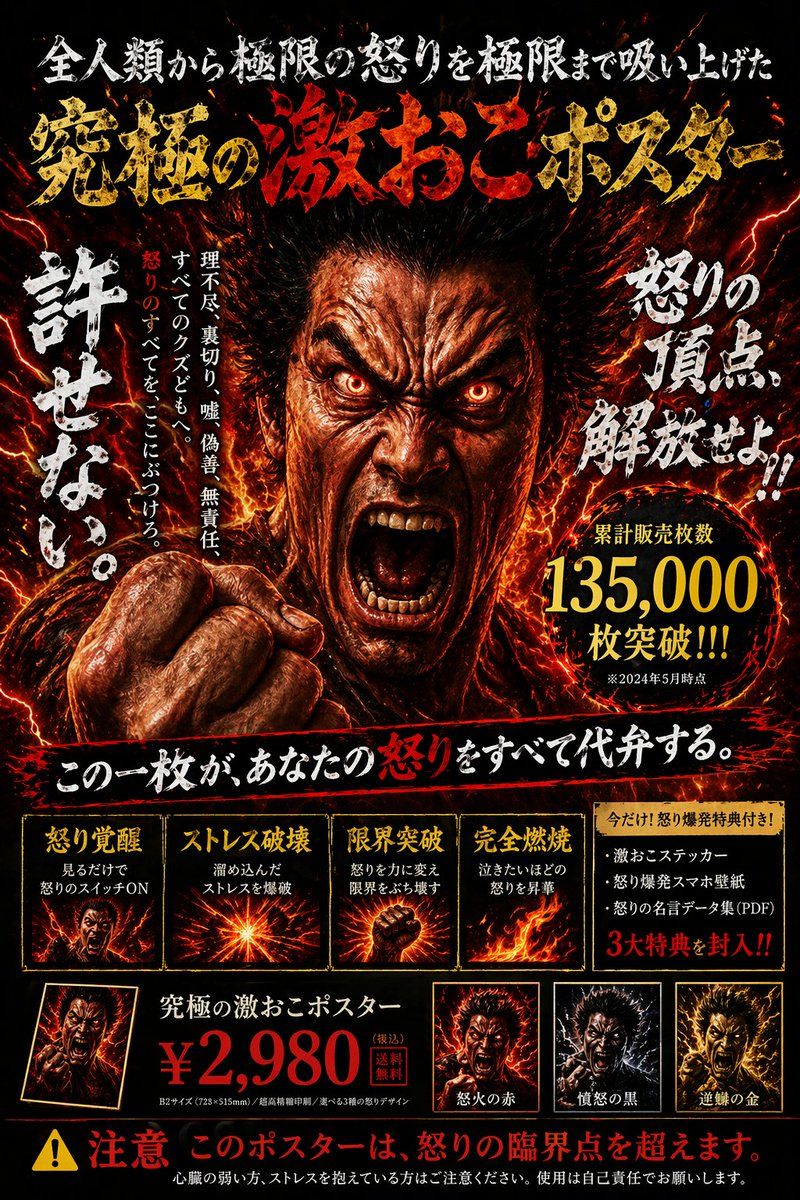
{"type":"Japanese promotional poster","style":"hyper-intense, fiery, dark realism, high contrast","centerpiece":"close-up of a furious Asian man screaming, glowing red eyes, popping veins, clenched fist, fiery aura, red lightning","layout":{"header":{"top_text":"{argument name=\"top headline\" default=\"全人類から極限の怒りを極限まで吸い上げた\"}","main_title":"{argument name=\"main title\" default=\"究極の激おこポスター\"}"},"middle":{"left_vertical_text":"{argument name=\"vertical text\" default=\"許せない。\"}","right_angled_text":"怒りの頂点、解放せよ!!","sales_badge":"circular gold badge with {argument name=\"sales figure\" default=\"135,000\"}"},"sections":[{"title":"features_grid","count":4,"labels":["怒り覚醒","ストレス破壊","限界突破","完全燃焼"]},{"title":"bonus_box","count":1,"labels":["今だけ!怒り爆発特典付き!"]},{"title":"price_and_variants","count":3,"price":"{argument name=\"price\" default=\"¥2,980\"}","labels":["怒火の赤","憤怒の黒","逆鱗の金"]}],"footer":"yellow warning triangle, red text: 注意 このポスターは、怒りの臨界点を超えます。"}}
Category
Posters & Typography
Model
GPT Image 2
Views2
Source ID
14259
Published
Apr 20, 2026

Guide

About "极具张力的日式宣传海报"

What is this prompt for?

"极具张力的日式宣传海报" AI image prompt for GPT Image 2 (Posters & Typography). 生成一张细节丰富、充满火热氛围的日式宣传海报,包含多个文本区域、功能网格及产品变体。 Copy it on Picva and recreate the look in one…

The full copyable prompt and example visuals above are ready for AI image generation or one-click recreate in Picva.

How to use this prompt

  1. Step 1

    Open the prompt detail

    Review the example visuals, category, and full prompt text for "极具张力的日式宣传海报".

  2. Step 2

    Copy the prompt

    Copy the prompt body from this page, or load it directly in Studio.

  3. Step 3

    Pick a model (GPT Image 2)

    Prefer GPT Image 2. If you switch models, keep subject and composition and tweak style terms.

  4. Step 4

    Generate and export

    Recreate the look in Picva, or export into your workflow for editing and publishing.

FAQ

What is the "极具张力的日式宣传海报" prompt?
It is an AI image-generation prompt for GPT Image 2 in the Posters & Typography category. This page includes the full prompt text, example visuals, and a one-click recreate path in Picva.
How do I use this prompt to generate an image?
Copy the prompt from this page, or use Generate / Studio. Paste it into a compatible image model, or recreate the look in Picva with optional reference images.
Which model is this prompt for?
This page lists GPT Image 2. Most descriptive prompts also transfer to nearby image models such as GPT Image, Flux, or Midjourney with light style tweaks.
Can I use the result commercially?
You can usually copy the prompt for creation, but commercial use of the final image depends on the model terms, reference-image rights, and the generated content. Follow the source author and platform rules.