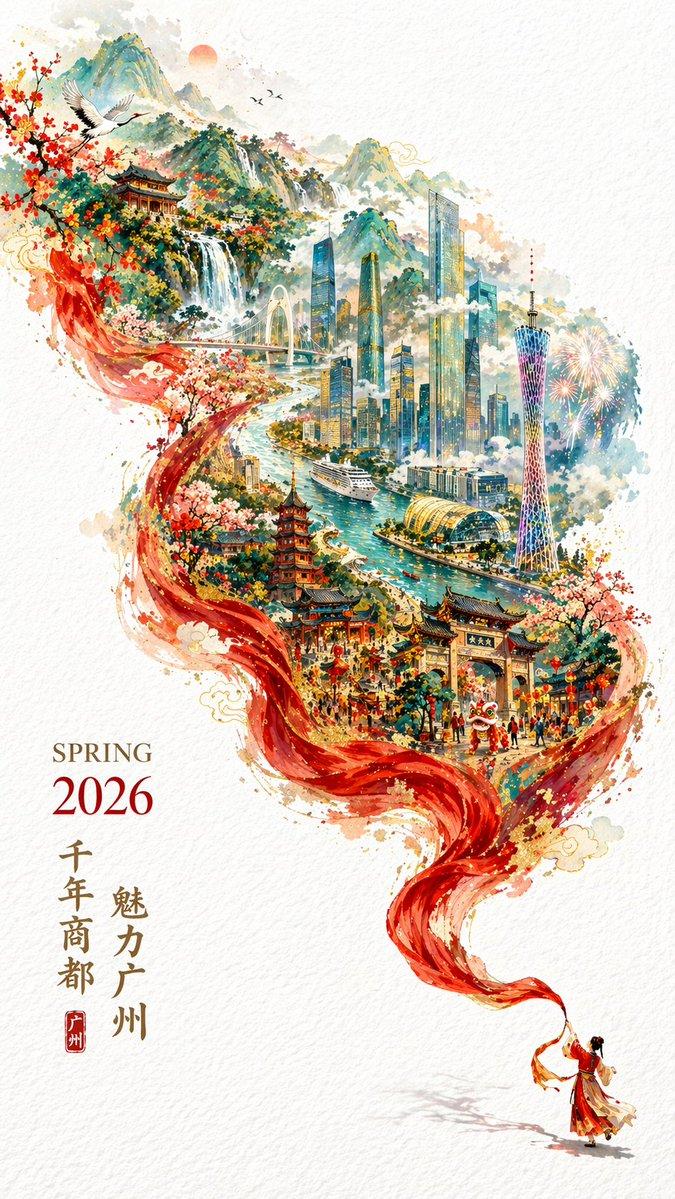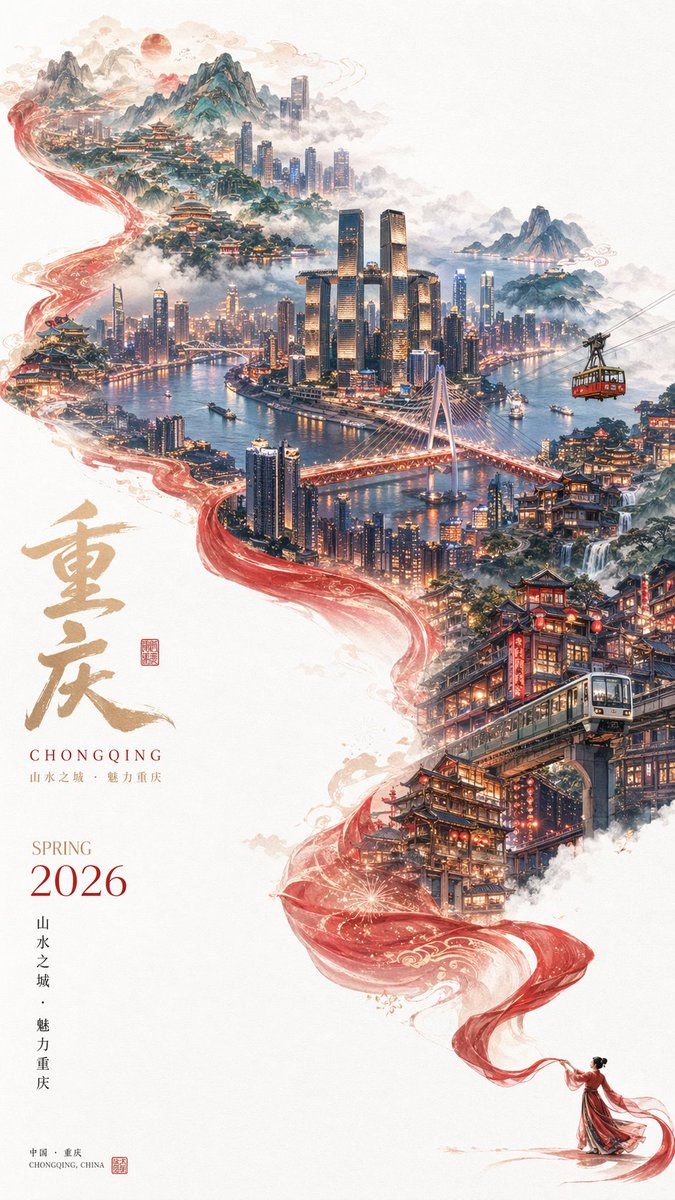
超现实城市风光旅行海报
Prompt
A breathtaking, surreal travel poster on a white canvas background, featuring a magical, glowing red silk ribbon that flows diagonally from the bottom right to the top left, seamlessly blending traditional and modern elements of a city. At the bottom right, a tiny figure of a woman in a flowing red Hanfu holds the end of the ribbon. As the ribbon winds upward, it transforms into a dynamic cityscape. The lower-middle section features {argument name="traditional landmark" default="multi-story wooden stilt houses glowing with warm lanterns"} with a modern monorail train passing through them. The center showcases a vibrant, illuminated modern metropolis with {argument name="modern landmark" default="a cluster of futuristic skyscrapers connected by a skybridge"}, a wide river with boats, a red suspension bridge, and a cable car suspended in the air. The top fades into majestic, misty mountains, traditional pavilions, and a pale red sun. The left side of the poster features elegant typography: large, golden, textured Chinese calligraphy reading "{argument name="city name chinese" default="重庆"}", with the English text "{argument name="city name english" default="CHONGQING"}" below it. Further down, the text "{argument name="season and year" default="SPRING 2026"}" is displayed in a clean, serif font, accompanied by smaller vertical Chinese text and red traditional seal stamps. The overall style is a masterful blend of traditional Chinese ink wash painting and hyper-realistic, cinematic 3D rendering with soft, ethereal clouds and mist framing the composition.- Category
- Charts & Infographics
- Model
- GPT Image 2
- Creator
- boon陈庚阳
- Source ID
- 14262
- Published
- Apr 20, 2026
Views7