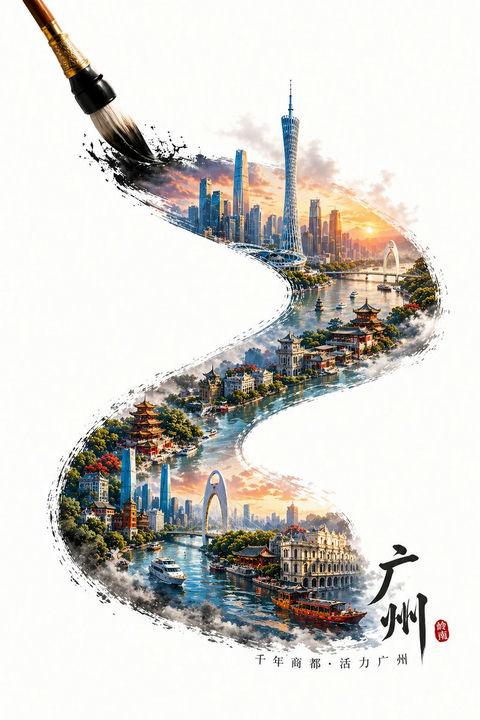
红绸幻化壮阔国潮羊城
Prompt
[中文]
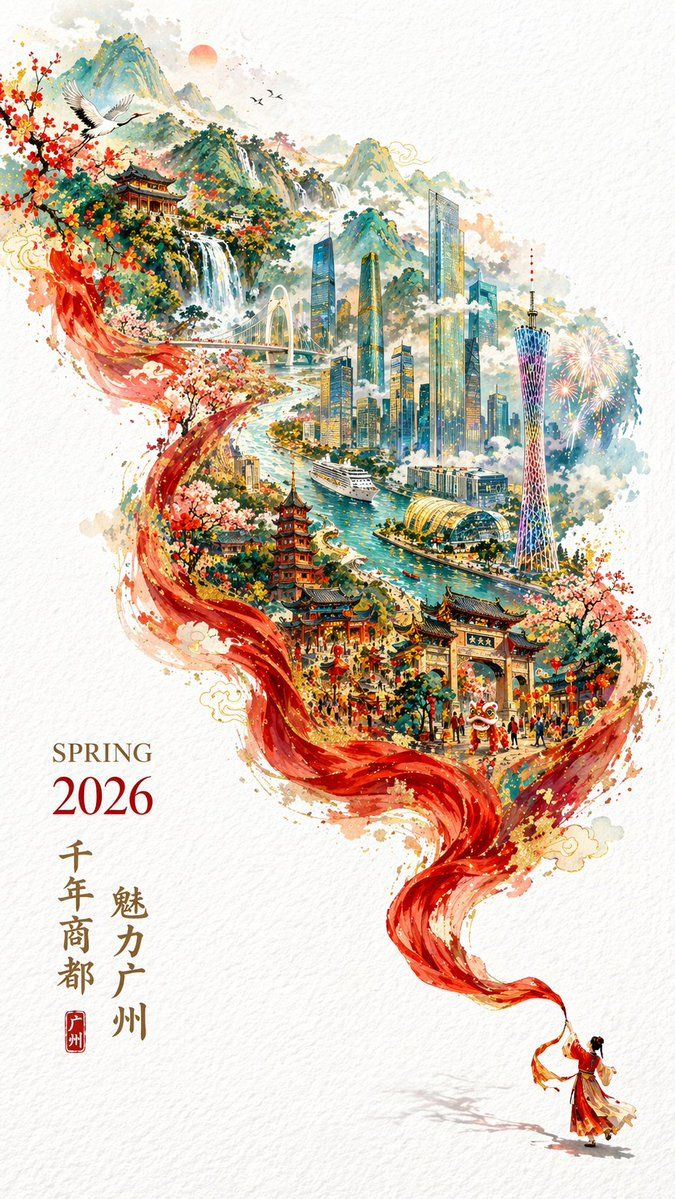
一张充满新春喜庆氛围但不失高雅格调的 2026 城市宣传海报。
双重曝光,构图延续了S型的流动感;
在纯白的纹理背景右下角,一个身穿中国传统服饰的微缩人物正在挥舞着一条长长的红色丝绸舞带,这条红绸在空中舞动,不仅展现出丝绸的柔顺质感,更在向左上方飘动的过程中,奇幻地变形成了一条壮丽的山脉河流。
在这条"河流"中,叠加了一个有山有海河的广州城市手绘图,国潮,景色尽在眼底,壮阔雄伟,令人震撼。
广州的地标建筑(广州塔,珠江新城建筑群,珠江, 广州城里古建筑,游轮,白云山)。
云雾环绕,仙气缥缈,色彩丰富,结构复杂,细节丰富,但因为大面积的留白,画面依然显得清新脱俗,左下角排版着"SPRING 2026"和竖排的宣传语,整体寓意"千年商都,魅力广州"。
文字排版优美,大方,字迹清晰完整,尺寸9:16。

[English]
A 2026 city promotional poster full of a festive Chinese New Year atmosphere yet maintaining an elegant style.
Double exposure, the composition continues the flowing sense of an S-shape;
In the lower right corner of the pure white textured background, a miniature figure wearing traditional Chinese clothing is waving a long red silk dance ribbon, this red silk dances in the air, not only showing the smooth texture of the silk, but also in the process of drifting to the upper left, magically transforming into a magnificent mountain range and river.
In this "river", a hand-drawn map of Guangzhou city with mountains, sea, and rivers is superimposed, Guochao, the scenery is fully in view, magnificent and majestic, breathtaking.
Guangzhou's landmark buildings (Canton Tower, Pearl River New City building complex, Pearl River, ancient buildings in Guangzhou city, cruise ships, Baiyun Mountain).
Surrounded by clouds and mist, ethereal and misty, rich in colors, complex in structure, rich in details, but because of a large area of negative space, the picture still appears fresh and refined, the lower left corner is typeset with "SPRING 2026" and vertical promotional slogans, the overall implication is "Millennium Commercial Capital, Charming Guangzhou".
Beautiful and generous typography, clear and complete handwriting, aspect ratio 9:16.
- Category
- Posters & Typography
- Model
- GPT Image 2
- Creator
- freestylefly
- Source ID
- 276
Views2