16

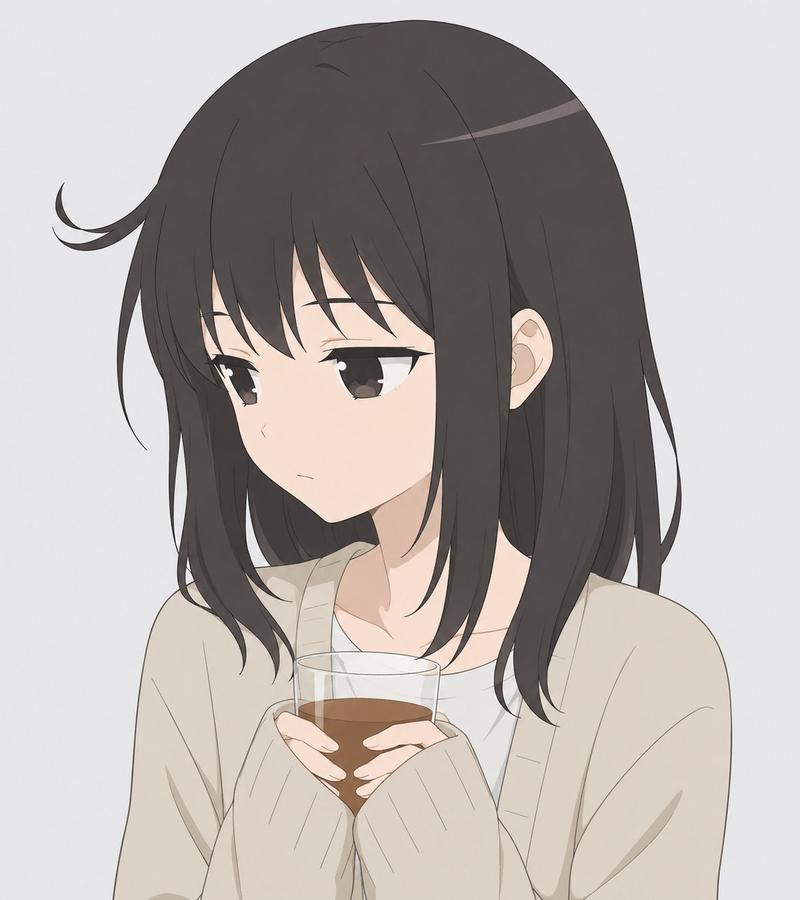
困惑的金发动漫少女肖像
Enlarge

Example images

困惑的金发动漫少女肖像

Prompt
A soft, minimalist anime portrait of a cute young woman from the waist up against a plain light gray background, drawn in a clean pastel style with very thin sketch-like line art and flat gentle colors. She has long, flowing pale blonde hair with soft layers and long front bangs partially covering her forehead, large round light-blue eyes, fair skin, and a small slightly open mouth conveying mild confusion. She is wearing an oversized loose {argument name="clothing color" default="light pastel blue"} long-sleeve top with a wide relaxed neckline. Her pose is slightly angled toward the viewer, with one hand raised and one index finger touching the side of her head as if puzzled. Place exactly 1 floating blue question mark near the upper left side of her head. The expression should feel innocent, absentminded, and endearing. Keep the composition centered, airy, and uncluttered, with no extra objects, no detailed background, and no strong shadows.
Category
Charts & Infographics
Model
GPT Image 2
Views18
Source ID
14474
Published
Apr 21, 2026

Guide

About "困惑的金发动漫少女肖像"

What is this prompt for?

"困惑的金发动漫少女肖像" AI image prompt for GPT Image 2 (Charts & Infographics). 此提示词可生成一张简约的粉彩风动漫半身像,描绘了一位身穿蓝色毛衣的困惑少女,适用于头像、个人资料图或休闲角色插画。 Copy it on Picva and recreate…

The full copyable prompt and example visuals above are ready for AI image generation or one-click recreate in Picva.

How to use this prompt

  1. Step 1

    Open the prompt detail

    Review the example visuals, category, and full prompt text for "困惑的金发动漫少女肖像".

  2. Step 2

    Copy the prompt

    Copy the prompt body from this page, or load it directly in Studio.

  3. Step 3

    Pick a model (GPT Image 2)

    Prefer GPT Image 2. If you switch models, keep subject and composition and tweak style terms.

  4. Step 4

    Generate and export

    Recreate the look in Picva, or export into your workflow for editing and publishing.

FAQ

What is the "困惑的金发动漫少女肖像" prompt?
It is an AI image-generation prompt for GPT Image 2 in the Charts & Infographics category. This page includes the full prompt text, example visuals, and a one-click recreate path in Picva.
How do I use this prompt to generate an image?
Copy the prompt from this page, or use Generate / Studio. Paste it into a compatible image model, or recreate the look in Picva with optional reference images.
Which model is this prompt for?
This page lists GPT Image 2. Most descriptive prompts also transfer to nearby image models such as GPT Image, Flux, or Midjourney with light style tweaks.
Can I use the result commercially?
You can usually copy the prompt for creation, but commercial use of the final image depends on the model terms, reference-image rights, and the generated content. Follow the source author and platform rules.