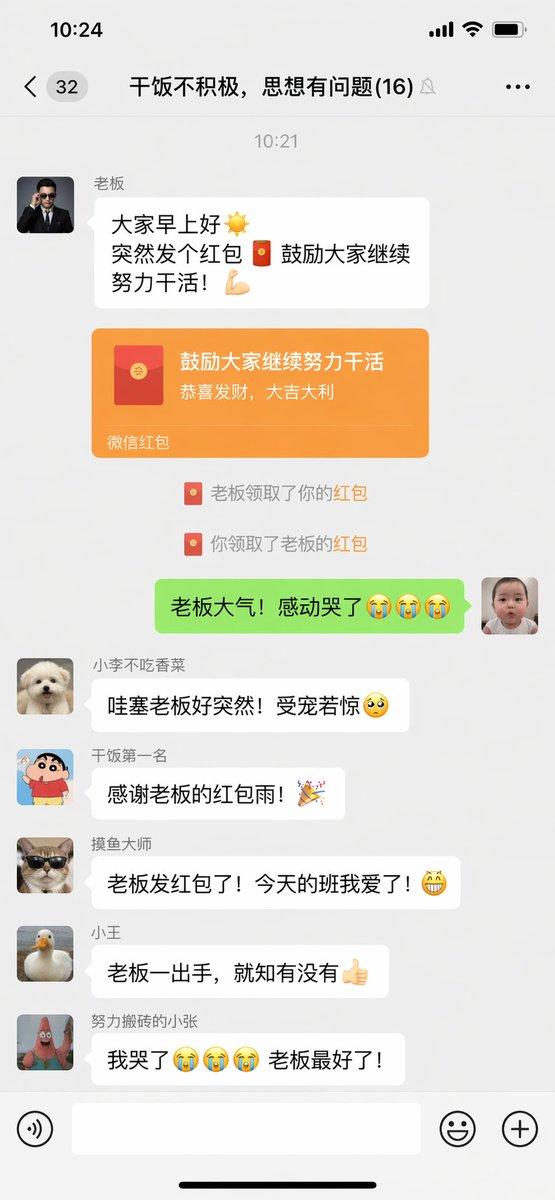
ChatGPT 应用展示微信朋友圈截图
Prompt
A realistic dark-mode smartphone screenshot of the ChatGPT mobile app in Chinese, shown full screen on a black background with an iPhone-style status bar. The top status bar shows the time 20:57 on the left, small cellular signal, Wi‑Fi, and battery icons on the right, with the battery reading 61. Below it is the ChatGPT conversation header with a left menu icon, the title ChatGPT, a pencil/edit icon, and a three-dot menu icon. In the chat area, show 1 user message bubble in Chinese reading “生成一张微信朋友圈截图,随机生成用户名和分享内容”, displayed as a rounded dark gray bubble aligned to the right. Beneath it, show an assistant response area with the Chinese text “图片已创建”. Under that, display 1 generated image preview: a tall rounded-rectangle screenshot mockup of a WeChat Moments page on a white phone screen. Inside the generated image, include a top bar with the time 20:42 and the title “朋友圈”. Show 2 separate Moments posts. The first post has a female profile photo and the username “星星都不醒”, followed by a short Chinese caption about life and weekends, then a 3x3 collage containing exactly 9 square images: sunset over water, flowers, plated food, a tree-lined road, a white fluffy dog, a warm glowing lamp, green fruit or dessert, pink clouds or sky, and a silhouette shadow photo. Below it, include a timestamp line “2小时前”, a likes row with exactly 3 usernames, and a comments block with exactly 3 short Chinese comments. The second post has a male profile photo and the username “山川与海”, followed by a short fitness-themed Chinese caption with a green check emoji and flexed biceps emoji, then exactly 1 gym mirror selfie image, and a timestamp line “3小时前” with a likes row beneath. Outside the generated image preview but still within the ChatGPT app screenshot, show a horizontal row of 4 action icons below the image: thumbs up, thumbs down, share/export, and more. At the bottom of the screen, include the ChatGPT input bar in dark mode with a circular plus button on the left, placeholder text “询问 ChatGPT”, a microphone icon, and a round voice button on the right. Use authentic mobile UI proportions, crisp typography, realistic Chinese app interface details, and photorealistic screenshot rendering so it looks like a genuine capture of the ChatGPT app displaying an AI-generated WeChat Moments screenshot.
- Category
- Charts & Infographics
- Model
- GPT Image 2
- Creator
- CY.Sean
- Source ID
- 14480
- Published
- Apr 21, 2026
Views5