16

极简鹈鹕骑自行车
Enlarge

极简鹈鹕骑自行车

Prompt
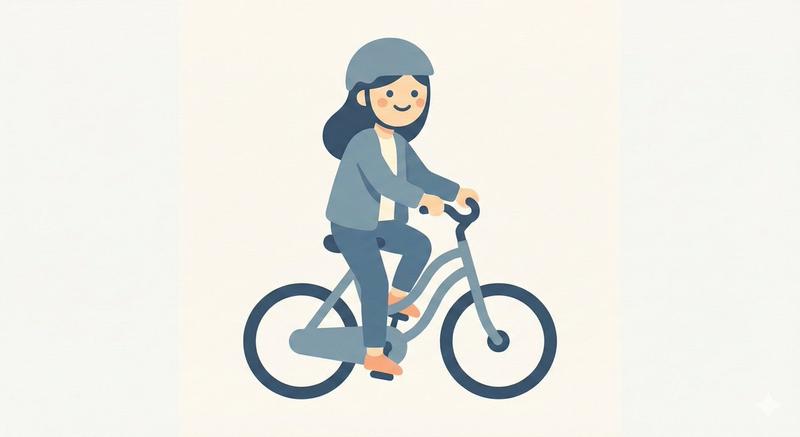
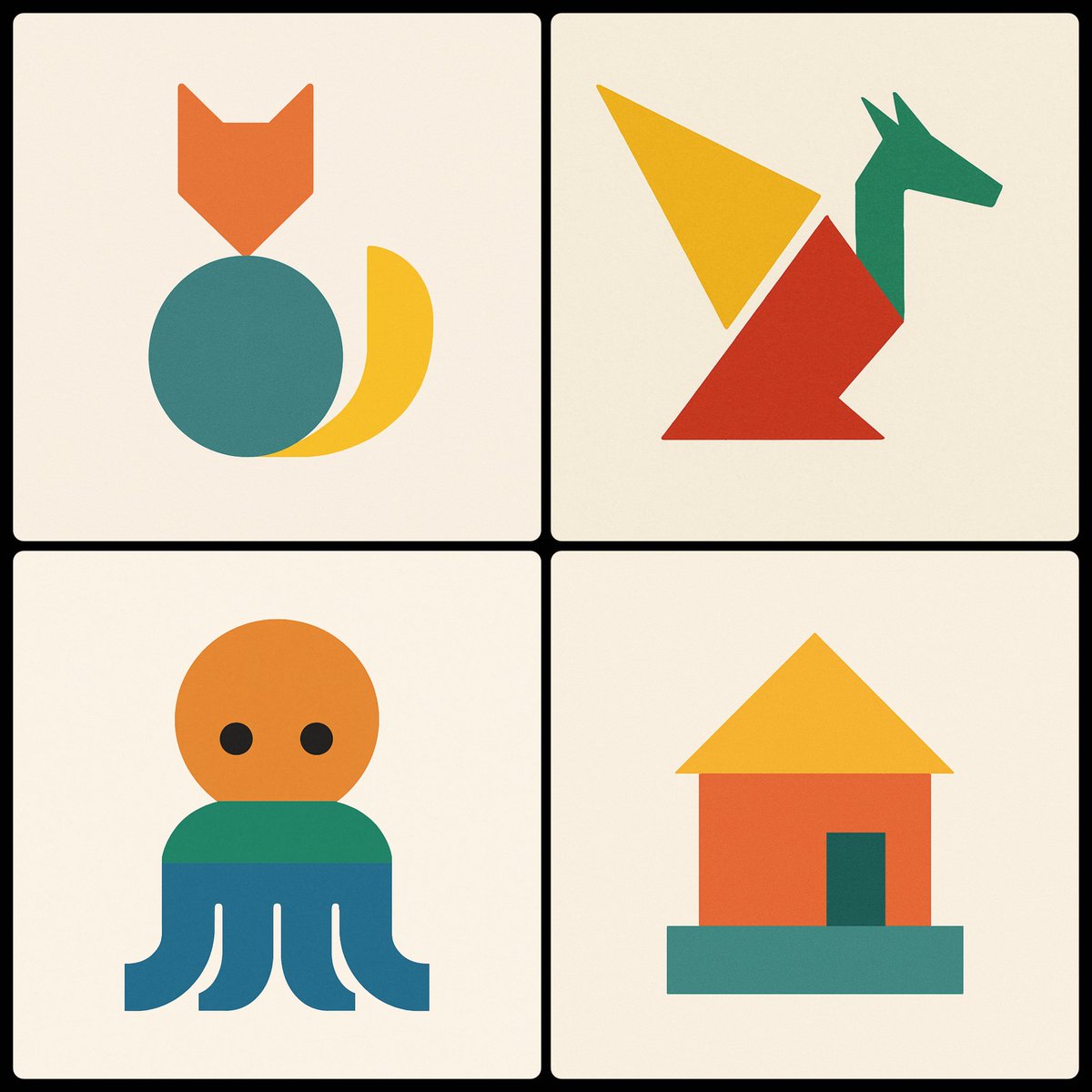
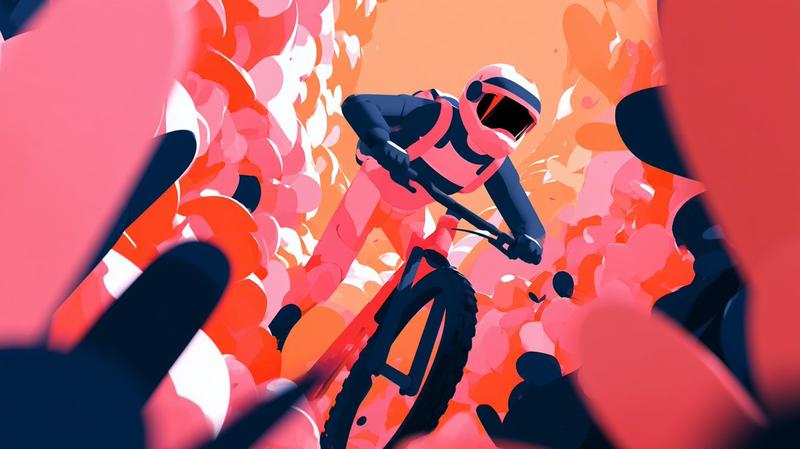
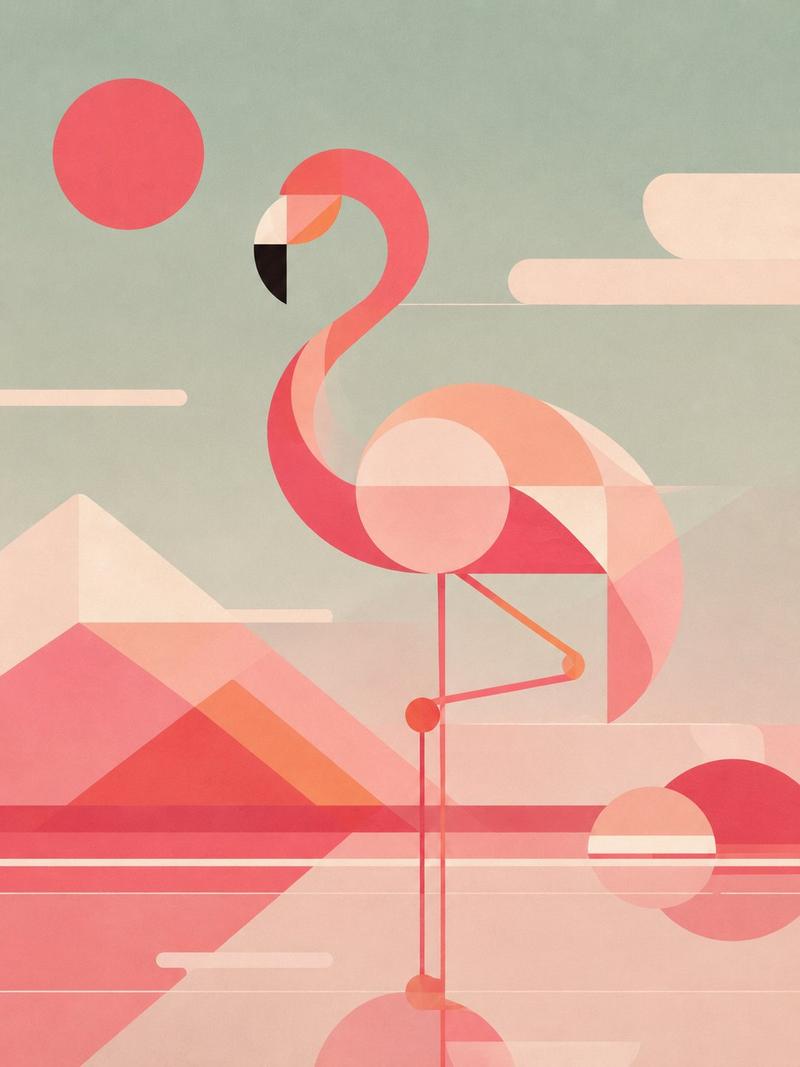
A minimalist vector-style illustration on a flat light gray background showing a pelican riding a bicycle, drawn from simple geometric shapes with thick dark charcoal outlines. The composition is wide and centered, with the bicycle occupying the lower two-thirds of the image and the bird’s head floating slightly above and forward of the handlebars in a deliberately abstract, diagram-like way. The bicycle is a simple black road-bike silhouette in side view with exactly 2 large wheels, each with a thick outer rim and exactly 4 visible spoke lines forming a cross, a straight horizontal ground line beneath both wheels, a triangular frame, a short black saddle, and simplified crank and pedal details near the rear of the frame. The pelican is constructed from clean abstract pieces: a white rounded head with a small black circular eye, a long open beak pointing left made of 2 parts with an upper orange triangular section and a lower pale pink pouch section, a short dark curve on top of the head, a small separate white oval neck/body connector, a larger white rounded body positioned over the bike, and a single white wing-like shape angled upward over the back. Add exactly 2 orange leg shapes, long narrow rectangles leaning downward from the body toward the bicycle frame, suggesting the bird is pedaling. Keep the forms intentionally sparse and slightly surreal, like a logo test or simple code-editor doodle, with no shading, no gradients, no textures, no text, and lots of negative space.
Category
Charts & Infographics
Model
GPT Image 2
Views8
Source ID
14657
Published
Apr 21, 2026

Guide

About "极简鹈鹕骑自行车"

What is this prompt for?

"极简鹈鹕骑自行车" AI image prompt for GPT Image 2 (Charts & Infographics). 此提示词可生成一张鹈鹕骑自行车的简约几何矢量插图,适用于测试简单形状构图或创作趣味十足的抽象图标风格图像。 Copy it on Picva and recreate the loo…

The full copyable prompt and example visuals above are ready for AI image generation or one-click recreate in Picva.

How to use this prompt

  1. Step 1

    Open the prompt detail

    Review the example visuals, category, and full prompt text for "极简鹈鹕骑自行车".

  2. Step 2

    Copy the prompt

    Copy the prompt body from this page, or load it directly in Studio.

  3. Step 3

    Pick a model (GPT Image 2)

    Prefer GPT Image 2. If you switch models, keep subject and composition and tweak style terms.

  4. Step 4

    Generate and export

    Recreate the look in Picva, or export into your workflow for editing and publishing.

FAQ

What is the "极简鹈鹕骑自行车" prompt?
It is an AI image-generation prompt for GPT Image 2 in the Charts & Infographics category. This page includes the full prompt text, example visuals, and a one-click recreate path in Picva.
How do I use this prompt to generate an image?
Copy the prompt from this page, or use Generate / Studio. Paste it into a compatible image model, or recreate the look in Picva with optional reference images.
Which model is this prompt for?
This page lists GPT Image 2. Most descriptive prompts also transfer to nearby image models such as GPT Image, Flux, or Midjourney with light style tweaks.
Can I use the result commercially?
You can usually copy the prompt for creation, but commercial use of the final image depends on the model terms, reference-image rights, and the generated content. Follow the source author and platform rules.