
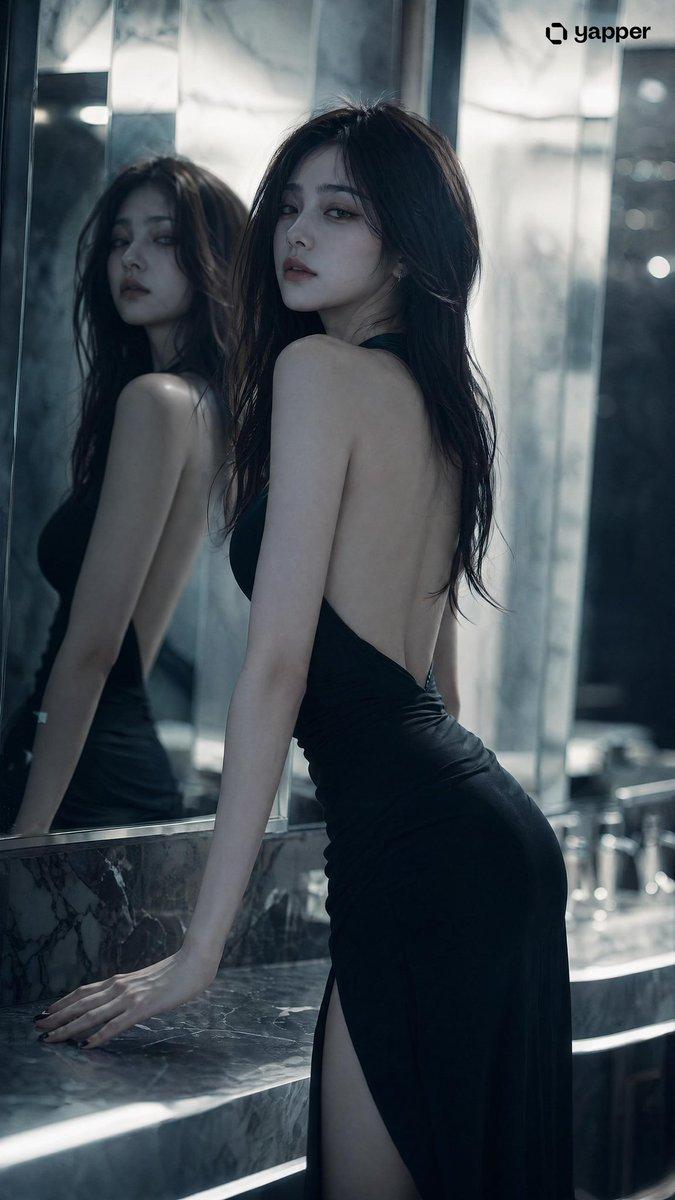
氛围感冷艳镜面人像
Prompt
Stunningly beautiful {argument name="subject" default="woman"} with a {argument name="vibe" default="cool, aloof atmospheric vibe"}, exquisite and refined facial features, cold and glamorous high-end face, long flowing hair, graceful and alluring figure, (character features completely locked and consistent) Scene: Indoor space with mirrors (bathroom or mirrored wall), multiple reflections, layered depth in the space Pose: Standing in front of the mirror, one hand lightly touching the mirror surface or resting on the countertop, body slightly angled, head gently turned toward the camera Expression: Calm and emotionless, with a hint of cold indifference and detachment Camera angle: Low angle or slight side angle shot, with the mirror reflection clearly visible in the frame Lighting: Cool white light as the main source, with localized shadows, emphasizing structural contours and three-dimensionality Style: High-end fashion editorial, subtle film grain, low contrast Details: Delicately realistic skin texture, clear yet softly layered and slightly blurred mirror reflections Atmosphere: Restrained, rational, distant, with a touch of surreal unreality Quality: Ultra-sharp 8K, extreme details, cinematic lighting and shadows, beautiful depth-of-field bokeh- Category
- Charts & Infographics
- Model
- GPT Image 2
- Creator
- BubbleBrain
- Source ID
- 14727
- Published
- Apr 22, 2026
Views8





![[ 只需上传肖像即可生成 ] 提示词](https://i.pixshop.app/storage/v1/render/image/public/prompt-source-media/youmind/just-upload-your-portrait-to/image-1-783884dc42e5c41a.jpg?width=800&quality=75&resize=contain)

