17

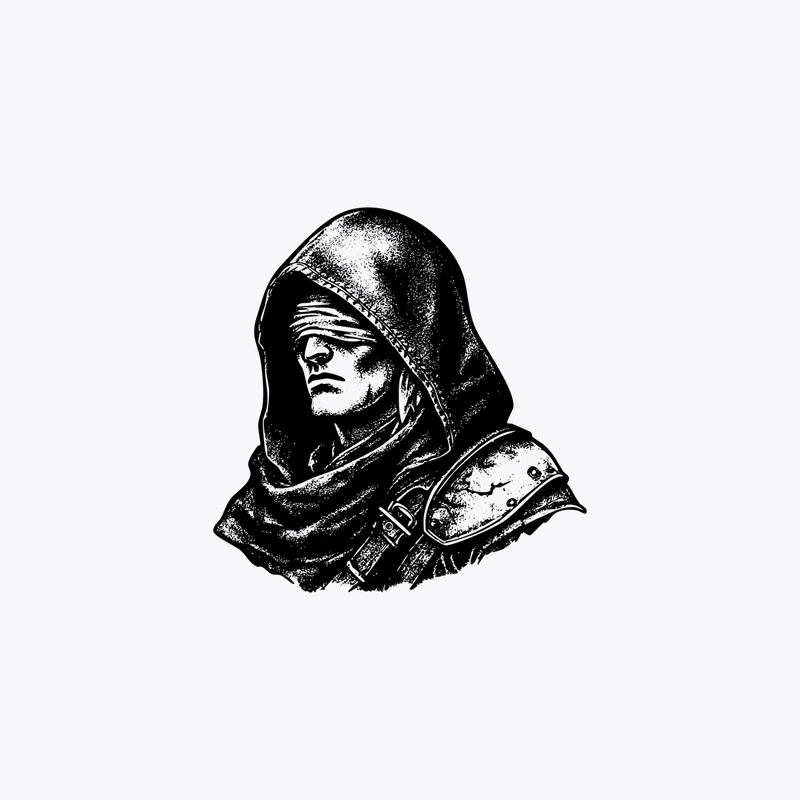
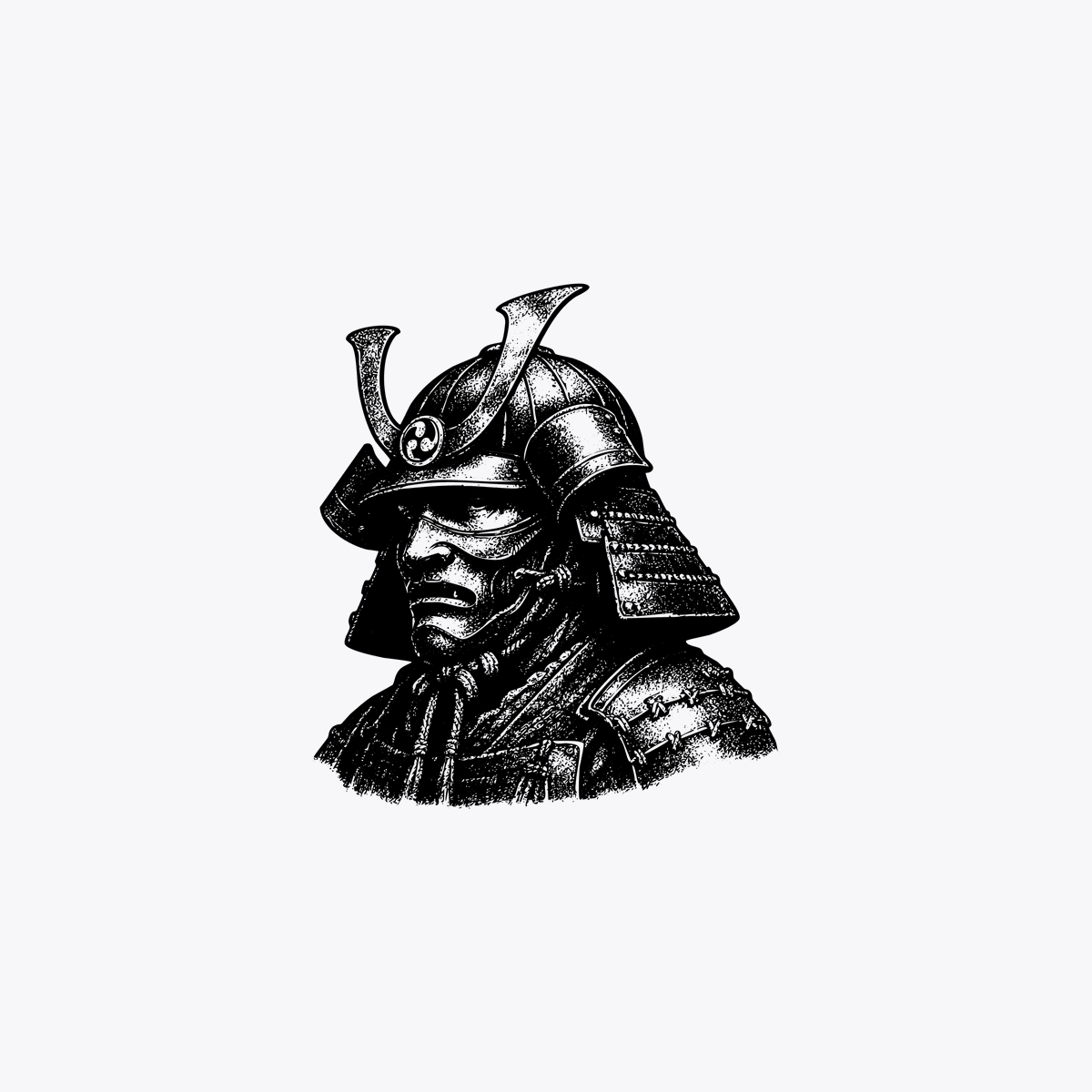
审查风格武士雕刻
Enlarge

审查风格武士雕刻

Prompt
A minimalist monochrome illustration of a traditional Japanese samurai helmet and shoulder armor, shown as a centered bust-length portrait on a plain light gray background. The armor is rendered in black ink engraving style with high contrast, dense stippling, etched linework, and vintage woodcut texture. The kabuto has two tall curved crest horns and layered side guards, with detailed lacing and plate construction visible on the shoulder section. The face area is completely obscured by a centered vertical black rectangle censor bar with slightly soft edges, covering the mask and most of the front of the helmet opening. Keep the composition small and isolated in the middle of the canvas with large negative space around it, no additional objects, no text, no border.
Category
Posters & Typography
Model
GPT Image 2
Creator
Ethan
Views0
Source ID
14817
Published
Apr 22, 2026

Guide

About "审查风格武士雕刻"

What is this prompt for?

"审查风格武士雕刻" AI image prompt for GPT Image 2 (Posters & Typography). 一幅带有审查条的黑白武士肖像,风格鲜明,适用于社论、海报或概念图形艺术。 Copy it on Picva and recreate the look in one click.

The full copyable prompt and example visuals above are ready for AI image generation or one-click recreate in Picva.

How to use this prompt

  1. Step 1

    Open the prompt detail

    Review the example visuals, category, and full prompt text for "审查风格武士雕刻".

  2. Step 2

    Copy the prompt

    Copy the prompt body from this page, or load it directly in Studio.

  3. Step 3

    Pick a model (GPT Image 2)

    Prefer GPT Image 2. If you switch models, keep subject and composition and tweak style terms.

  4. Step 4

    Generate and export

    Recreate the look in Picva, or export into your workflow for editing and publishing.

FAQ

What is the "审查风格武士雕刻" prompt?
It is an AI image-generation prompt for GPT Image 2 in the Posters & Typography category. This page includes the full prompt text, example visuals, and a one-click recreate path in Picva.
How do I use this prompt to generate an image?
Copy the prompt from this page, or use Generate / Studio. Paste it into a compatible image model, or recreate the look in Picva with optional reference images.
Which model is this prompt for?
This page lists GPT Image 2. Most descriptive prompts also transfer to nearby image models such as GPT Image, Flux, or Midjourney with light style tweaks.
Can I use the result commercially?
You can usually copy the prompt for creation, but commercial use of the final image depends on the model terms, reference-image rights, and the generated content. Follow the source author and platform rules.