19

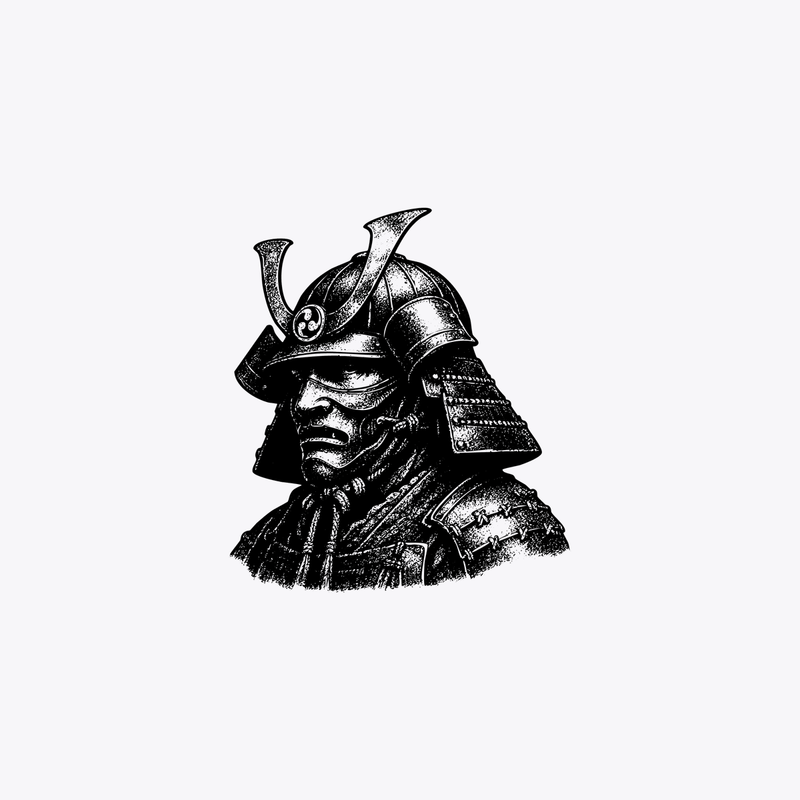
复古雕刻风格骑士头盔
Enlarge

复古雕刻风格骑士头盔

Prompt
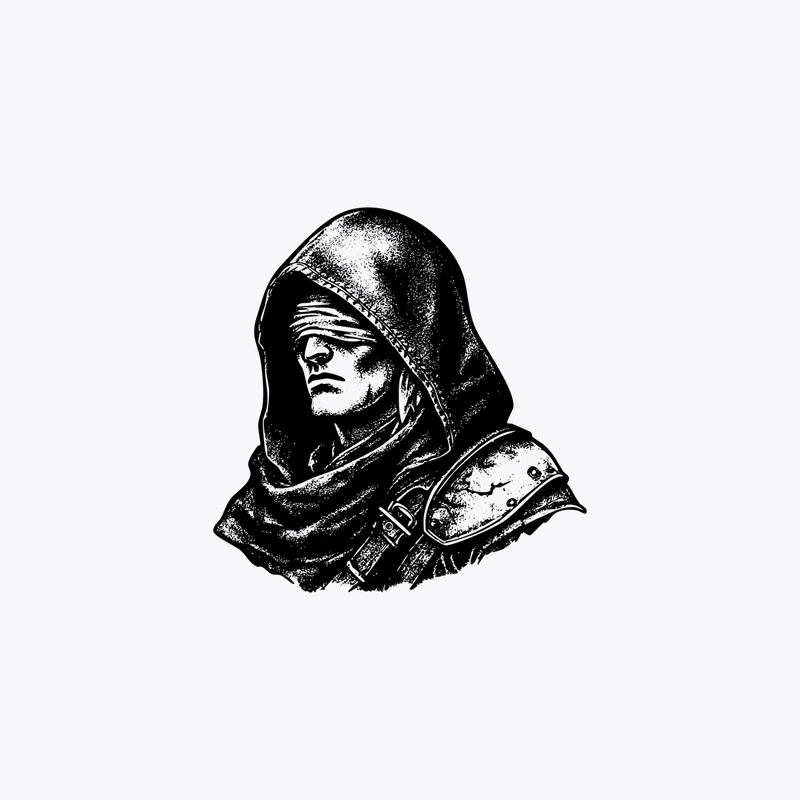
A centered black-and-white vintage ink illustration of a medieval knight’s helmet and upper neck guard, shown as a bust on a plain light gray background with lots of negative space. The helmet is angled slightly to the left in three-quarter view, with a rounded domed top, a narrow horizontal visor slit, and a faceplate featuring 6 vertical ventilation slits. Include a riveted gorget with visible metal studs and a draped cloth or cape falling over the right shoulder. Render it in an engraved woodcut or etching style with bold black outlines, dense stippling, scratchy crosshatching, and high contrast shading, like an old heraldic emblem or antique book illustration. Clean isolated composition, no text, no border, no additional objects.
Category
Brand & Logos
Model
GPT Image 2
Creator
Ethan
Views0
Source ID
14815
Published
Apr 22, 2026

Guide

About "复古雕刻风格骑士头盔"

What is this prompt for?

"复古雕刻风格骑士头盔" AI image prompt for GPT Image 2 (Brand & Logos). 此提示词可生成居中的单色中世纪头盔插图,采用复古雕刻风格,适用于 Logo、印刷品、图标或纹身风格的艺术创作。 Copy it on Picva and recreate the look in…

The full copyable prompt and example visuals above are ready for AI image generation or one-click recreate in Picva.

How to use this prompt

  1. Step 1

    Open the prompt detail

    Review the example visuals, category, and full prompt text for "复古雕刻风格骑士头盔".

  2. Step 2

    Copy the prompt

    Copy the prompt body from this page, or load it directly in Studio.

  3. Step 3

    Pick a model (GPT Image 2)

    Prefer GPT Image 2. If you switch models, keep subject and composition and tweak style terms.

  4. Step 4

    Generate and export

    Recreate the look in Picva, or export into your workflow for editing and publishing.

FAQ

What is the "复古雕刻风格骑士头盔" prompt?
It is an AI image-generation prompt for GPT Image 2 in the Brand & Logos category. This page includes the full prompt text, example visuals, and a one-click recreate path in Picva.
How do I use this prompt to generate an image?
Copy the prompt from this page, or use Generate / Studio. Paste it into a compatible image model, or recreate the look in Picva with optional reference images.
Which model is this prompt for?
This page lists GPT Image 2. Most descriptive prompts also transfer to nearby image models such as GPT Image, Flux, or Midjourney with light style tweaks.
Can I use the result commercially?
You can usually copy the prompt for creation, but commercial use of the final image depends on the model terms, reference-image rights, and the generated content. Follow the source author and platform rules.