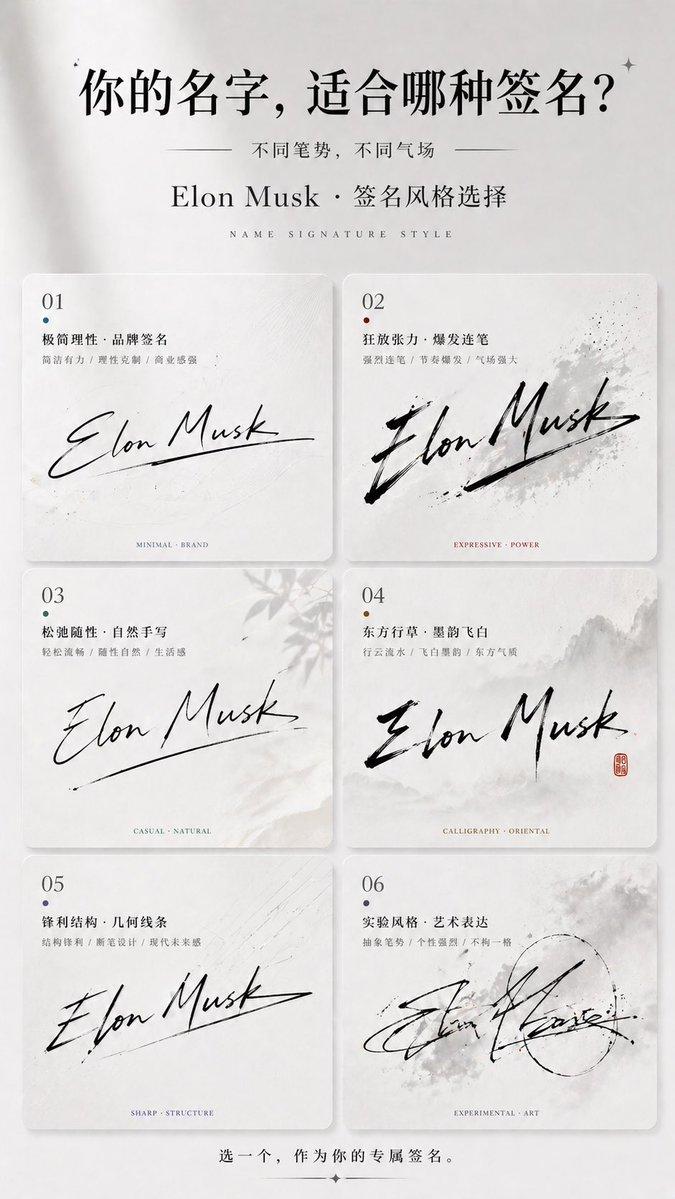
Thoughtful Systems 演示封面
Prompt
Create a refined editorial presentation cover slide in a warm, Claude-inspired design system. Use a landscape 16:9 composition with a parchment-paper background, subtle paper grain, soft shadows, and layered torn-paper collage elements. The overall palette should be warm ivory, cream, sand, charcoal, muted black, and terracotta accent. On the left half, place a small top label reading "{argument name="system label" default="Claude-inspired presentation system"}" with a small terracotta dot and a thin horizontal divider line. Below it, set an oversized elegant high-contrast serif headline in black that reads "{argument name="main headline" default="Thoughtful Systems"}", split across two lines and dominating the left side. Under the headline, add a smaller serif subheadline in terracotta reading "{argument name="subheadline" default="Warmth can still feel precise."}". Beneath that, create a vertical list of exactly 4 design principles, each on its own row with thin divider lines and a small icon at left: 1) a rectangular parchment-sheet icon with the text "Parchment canvas", 2) a serif capital T icon with the text "Serif-led hierarchy", 3) a filled terracotta circle icon with the text "Terracotta for signal", 4) a chain-link icon with the text "Organic diagrams over cold chrome". Add a tiny footer caption at bottom left reading "CLAUDE-INSPIRED PRESENTATION SYSTEM" in spaced small caps. On the right half, build a layered collage of exactly 3 paper cards: first, a tall off-white art card with a fine border containing the heading "A more considered approach", a short body paragraph about complex problems yielding to clarity, a minimal landscape line drawing with a terracotta sun, and a vertical terracotta botanical branch overlapping the card; second, a dark charcoal rectangular card partially behind it with the lowercase title "thinking process" and an exact 5-step numbered list: "01 Observe", "02 Interpret", "03 Connect", "04 Synthesize", "05 Act with care", plus a delicate circular orbital diagram in dotted lines and terracotta highlight; third, a torn off-white note card in front near the bottom with a hand-drawn overlapping-circles diagram where one crescent-shaped intersection area is shaded in terracotta, alongside a handwritten quote reading "{argument name="quote" default="Clarity emerges when systems are designed with intention."}". Include one extra light beige paper strip tucked beneath the lower cards. Emphasize tactile realism, elegant negative space, print-editorial sophistication, soft natural lighting, and a calm, thoughtful luxury-tech mood.- Category
- Charts & Infographics
- Model
- GPT Image 2
- Creator
- Russell
- Source ID
- 14870
- Published
- Apr 22, 2026
Views2

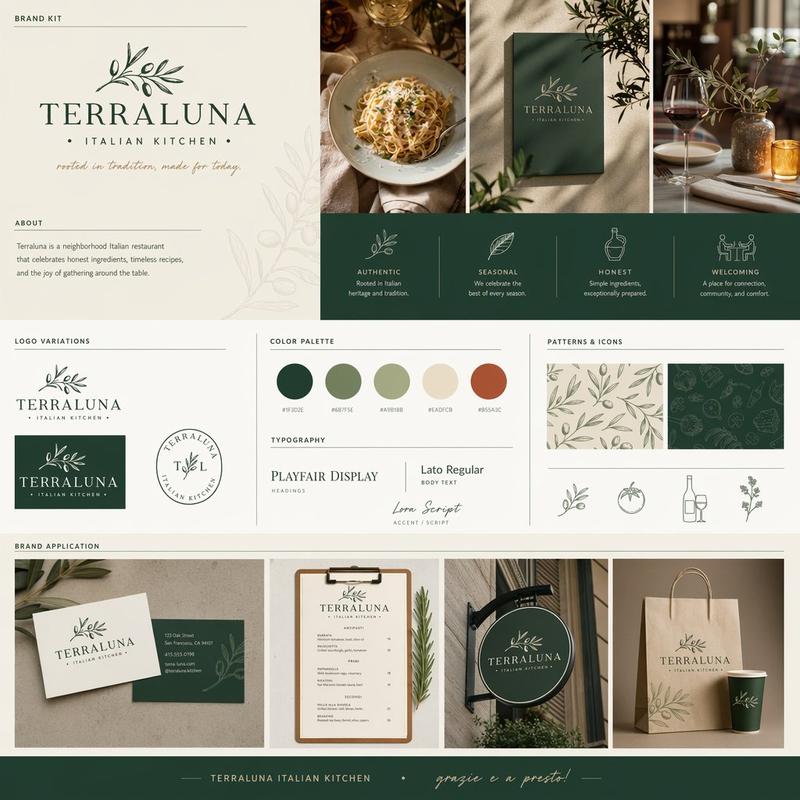
![Create a premium brand kit board for [Promptsref], presented like a professional](https://i.pixshop.app/storage/v1/render/image/public/prompt-source-media/promptsref/work-2151/image-1-718919199311845f.png?width=800&quality=75&resize=contain)