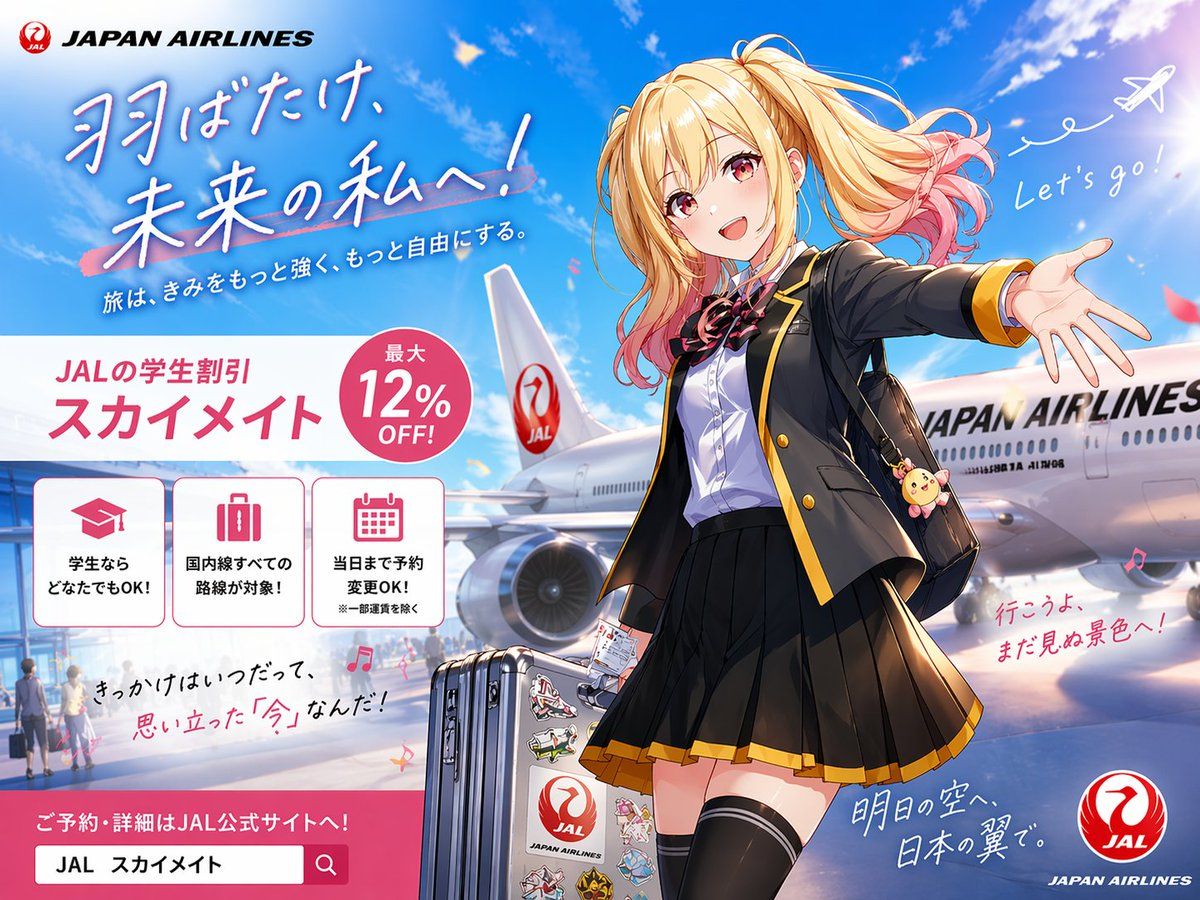
动漫风格 JAL 学生旅行海报
Prompt
A bright, polished Japanese airline promotional poster in anime illustration style, formatted as a full advertising key visual with a wide 4:3 composition. The scene shows an airport tarmac under a vivid blue sky with soft white clouds, sun flare, and a large Japan Airlines passenger aircraft parked behind the character, with the fuselage and tail logo clearly visible. In the foreground stands a cheerful high school girl traveler in a dynamic welcoming pose, one arm stretched toward the viewer as if inviting them to come along. She has long blonde twin-tail hair with soft waves and pink-dyed tips, windblown dramatically, and her face is simplified and unobstructed for a clean commercial illustration. She wears a black school blazer with gold trim, a white dress shirt, a red-and-black ribbon bow, a pleated black skirt with gold hem, thigh-high black socks, and carries a black shoulder bag with a cute round animal charm. Beside her is 1 silver rolling suitcase covered with multiple colorful travel stickers, including a prominent airline-themed sticker. The overall mood is youthful, aspirational, energetic, and travel-forward, blending school life and air travel. Include exactly 2 handwritten-style English phrases in the sky area: "Let's go!" near a doodled white airplane trail at upper right, and no other English handwritten phrase besides the brand text. Recreate the poster layout with exactly 1 airline brand block at top left reading "JAPAN AIRLINES" with a red crane logo, 1 large Japanese headline in brush-style lettering across the upper left reading {argument name="headline text" default="羽ばたけ、未来の私へ!"}, and 1 smaller Japanese subheadline beneath it reading {argument name="subheadline text" default="旅は、きみをもっと強く、もっと自由にする。"}. In the mid-left area, place a large white promotional panel with pink accents for a student discount campaign. This panel contains exactly 1 campaign title block with Japanese text reading {argument name="campaign name" default="JALの学生割引 スカイメイト"}, exactly 1 pink circular badge reading {argument name="discount text" default="最大12% OFF!"}, and exactly 3 bordered icon boxes aligned horizontally underneath. The 3 icon boxes should show: 1 graduation cap icon with Japanese text indicating students can use it, 1 suitcase icon with Japanese text indicating all domestic routes are eligible, and 1 calendar icon with Japanese text indicating same-day reservation changes are allowed. Add additional handwritten-style Japanese copy in smaller sizes around the lower half of the image for an emotional travel-ad feel, plus 1 pink call-to-action banner at the bottom left with a search-bar-like box containing Japanese reservation text. Place 1 circular red JAL logo at the bottom right corner. Use glossy anime poster rendering, crisp linework, vivid lighting, subtle lens glow, saturated sky blues, pink accent graphics, and premium commercial ad composition.- Category
- Charts & Infographics
- Model
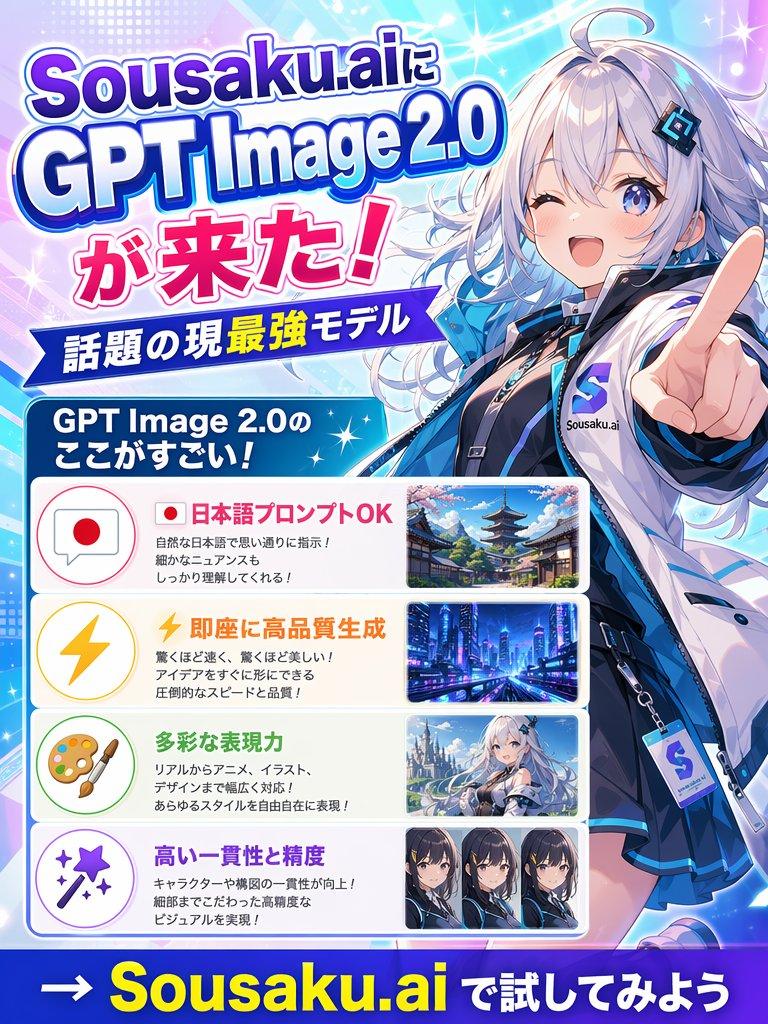
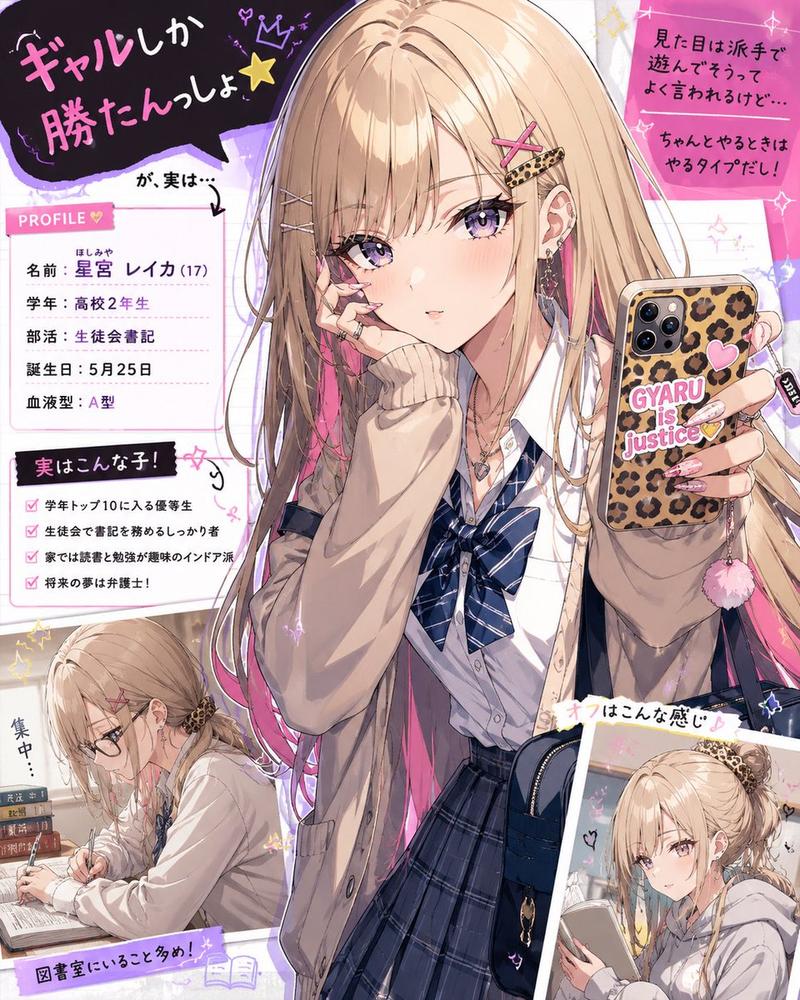
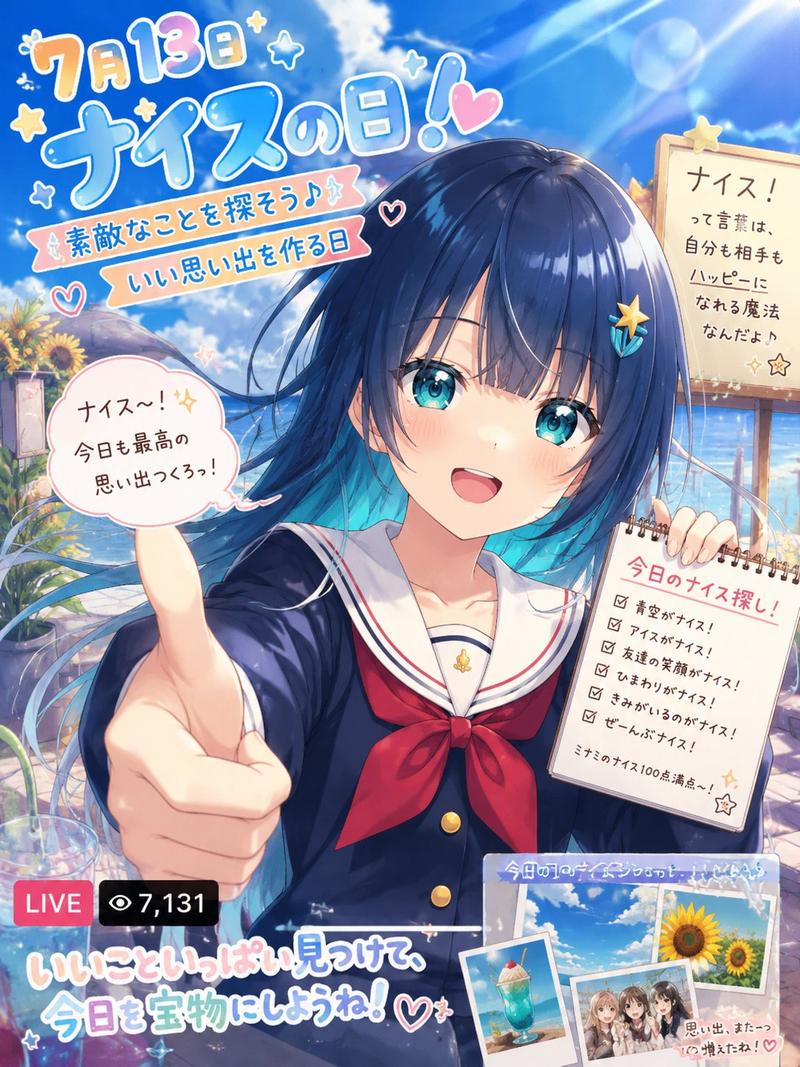
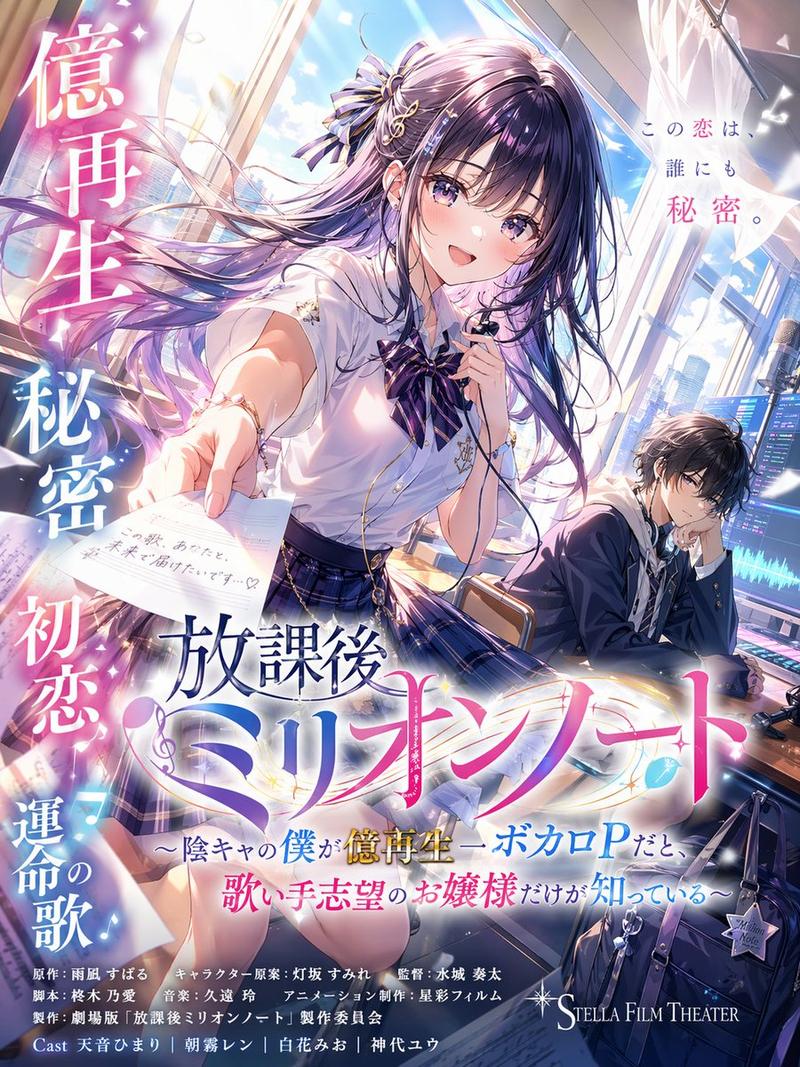
- GPT Image 2
- Creator
- 広中依緒璃
- Source ID
- 15388
- Published
- Apr 23, 2026
Views2