13

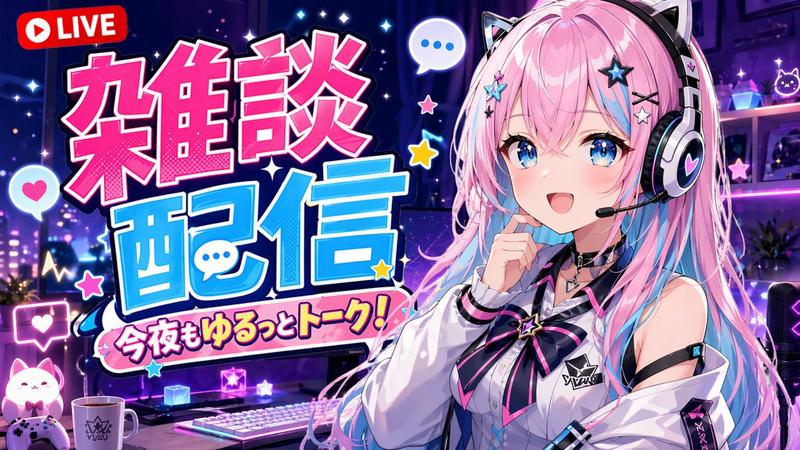
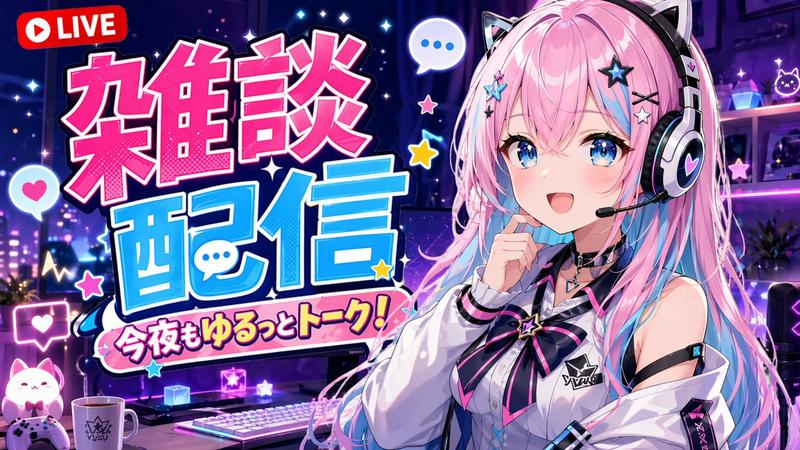
爆款 YouTube 缩略图模板
Enlarge

爆款 YouTube 缩略图模板

Prompt
Create a highly clickable YouTube thumbnail. SUBJECT: {argument name="subject" default="main character/object/person"} EXPRESSION / ACTION: [strong emotion, reaction, movement, pose] COMPOSITION: [close-up / medium shot / wide shot] [subject placement] [camera angle] [foreground/background separation] VISUAL HIERARCHY: primary focus should immediately draw attention to [important subject] secondary details should support the story without clutter LIGHTING: {argument name="lighting" default="cinematic lighting style"} [rim light / glow / dramatic contrast / soft light] COLOR DISTRIBUTION: dominant colors: [ ] accent colors: [ ] high contrast between subject and background BACKGROUND: [simple readable environment] avoid clutter support the narrative only STYLE: [realistic / anime / cinematic / watercolor / stylized / etc.] THUMBNAIL OPTIMIZATION: ultra readable at small size high contrast silhouette large facial expression clean negative space minimal objects strong emotional clarity high saturation focal points professional YouTube thumbnail composition ASPECT RATIO: {argument name="aspect ratio" default="16:9"}
Category
Posters & Typography
Model
GPT Image 2
Views5
Source ID
21541
Published
May 19, 2026

Guide

About "爆款 YouTube 缩略图模板"

What is this prompt for?

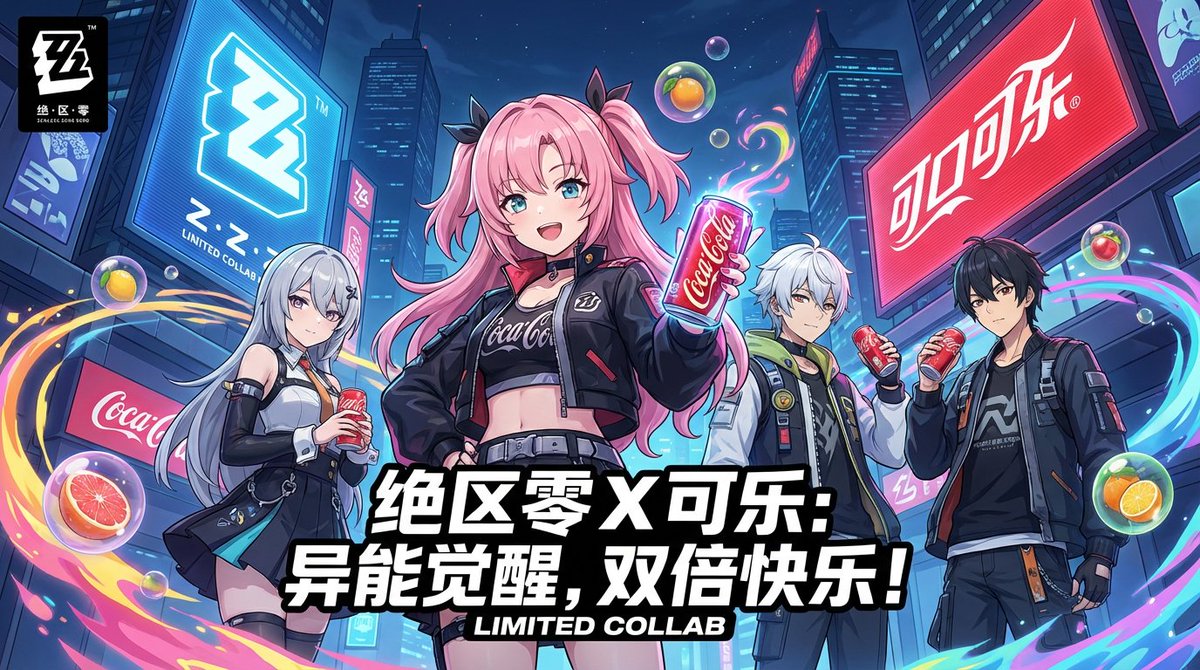
"爆款 YouTube 缩略图模板" AI image prompt for GPT Image 2 (Posters & Typography). 一套用于生成高点击率 YouTube 缩略图的综合结构,支持自定义主体、表情和光影效果。 Copy it on Picva and recreate the look…

The full copyable prompt and example visuals above are ready for AI image generation or one-click recreate in Picva.

How to use this prompt

  1. Step 1

    Open the prompt detail

    Review the example visuals, category, and full prompt text for "爆款 YouTube 缩略图模板".

  2. Step 2

    Copy the prompt

    Copy the prompt body from this page, or load it directly in Studio.

  3. Step 3

    Pick a model (GPT Image 2)

    Prefer GPT Image 2. If you switch models, keep subject and composition and tweak style terms.

  4. Step 4

    Generate and export

    Recreate the look in Picva, or export into your workflow for editing and publishing.

FAQ

What is the "爆款 YouTube 缩略图模板" prompt?
It is an AI image-generation prompt for GPT Image 2 in the Posters & Typography category. This page includes the full prompt text, example visuals, and a one-click recreate path in Picva.
How do I use this prompt to generate an image?
Copy the prompt from this page, or use Generate / Studio. Paste it into a compatible image model, or recreate the look in Picva with optional reference images.
Which model is this prompt for?
This page lists GPT Image 2. Most descriptive prompts also transfer to nearby image models such as GPT Image, Flux, or Midjourney with light style tweaks.
Can I use the result commercially?
You can usually copy the prompt for creation, but commercial use of the final image depends on the model terms, reference-image rights, and the generated content. Follow the source author and platform rules.