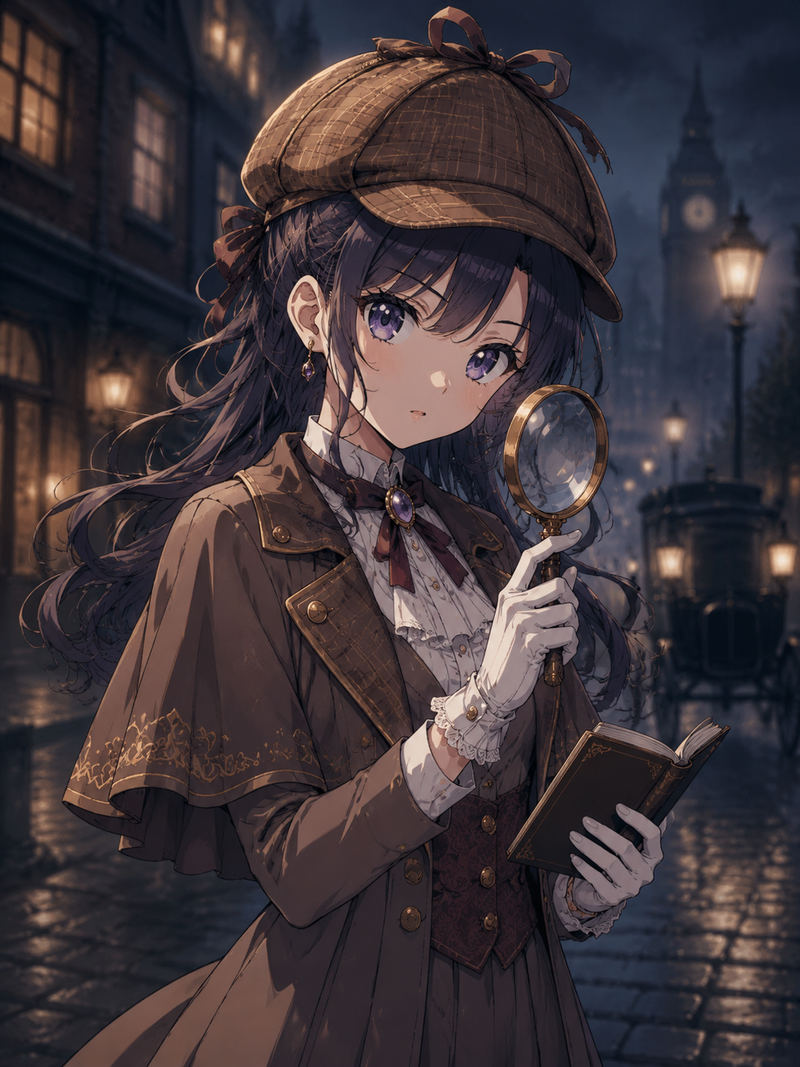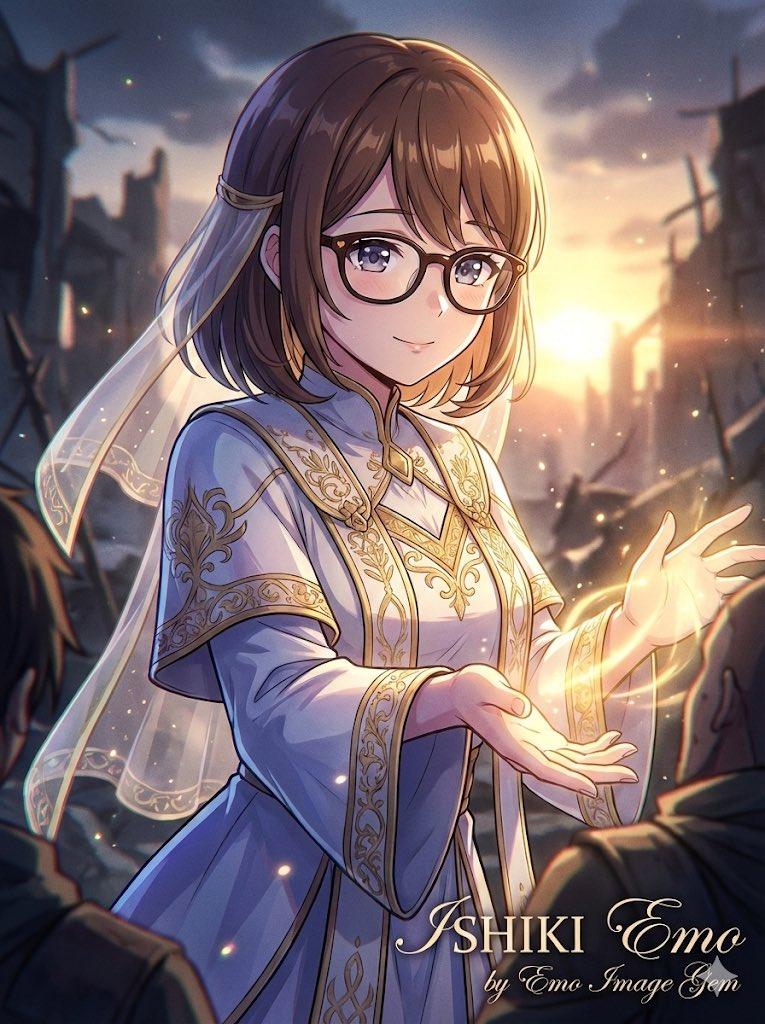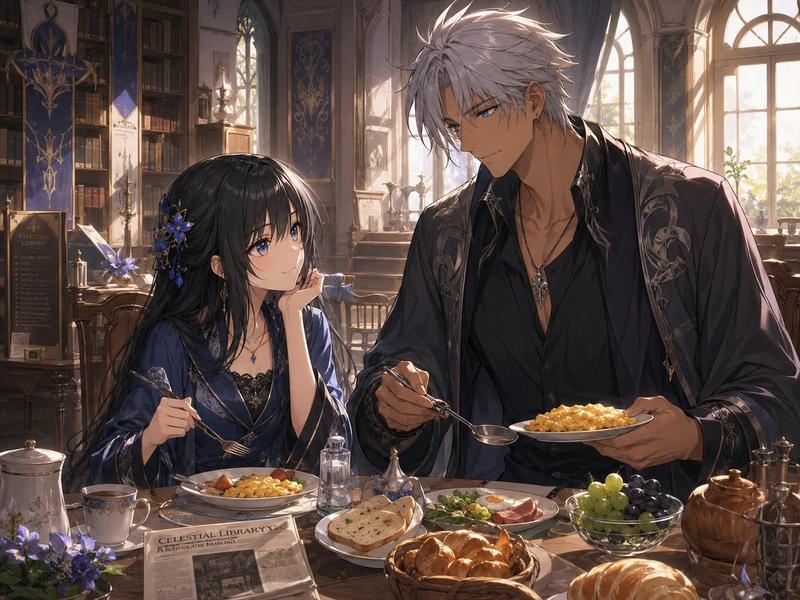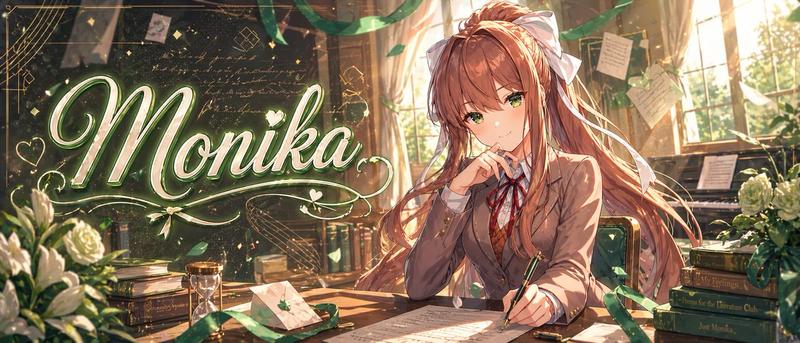
19

漫画页面排版
Enlarge

漫画页面排版

Prompt
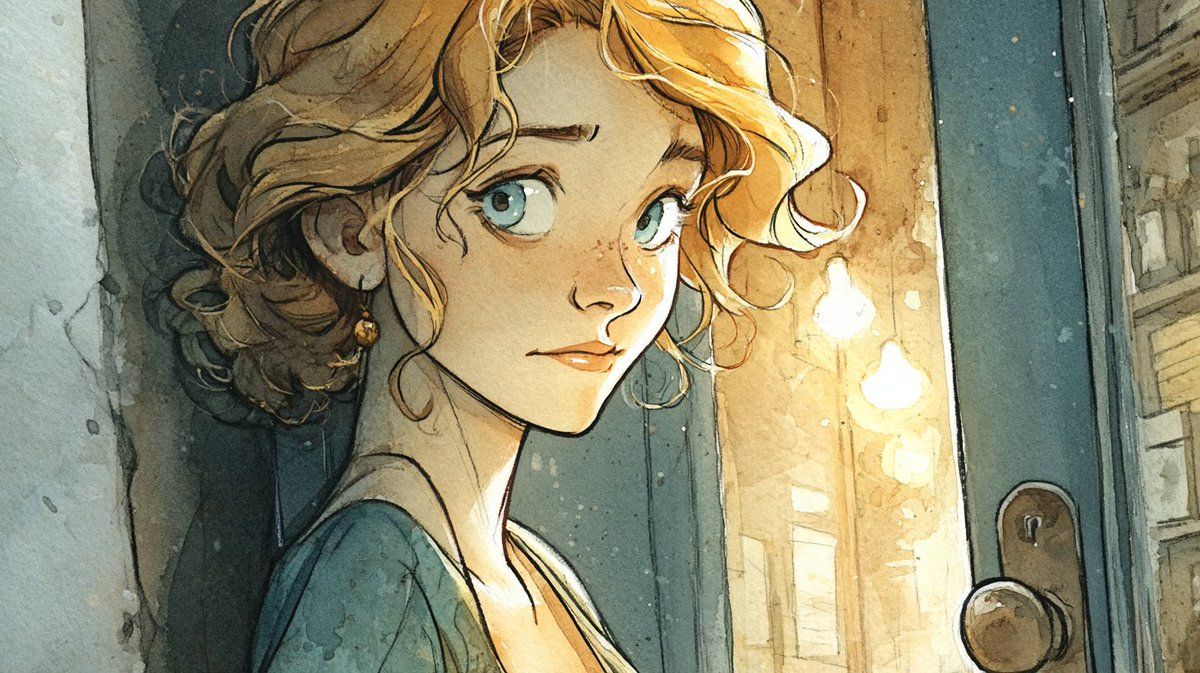
Comic book page layout, {argument name="aspect ratio" default="3:4"} ratio. Title: "{argument name="title" default="5 tips for a good Friday"}" 5 panels with consistent character throughout. Warm, gentle lighting. Panel 1: Character drinking coffee by a window, golden morning light. Caption: "Friday mornings are for breathing. The rest can wait." Panel 2: Character sending a message to a friend, sincere smiles. Caption: "One kind word can carry someone through the whole weekend." Panel 3: Character drawing or creating, absorbed in the moment. Caption: "You don't need to finish it. You just need to start." Panel 4: Character walking outside, hands in pockets, looking up at trees and sky. Caption: "The world is still beautiful. You just have to look up." Panel 5: Character peaceful, soft lighting, quiet smile. Caption: "You made it through another week. That's enough. That's everything."
Category
Posters & Typography
Model
GPT Image 2
Creator
Nimentrix
Views4
Source ID
15541
Published
Apr 24, 2026

Guide

About "漫画页面排版"

What is this prompt for?

"漫画页面排版" AI image prompt for GPT Image 2 (Posters & Typography). 一个用于创建五格漫画页面的综合提示词,包含一致的角色设定和叙事标题。 Copy it on Picva and recreate the look in one click.

The full copyable prompt and example visuals above are ready for AI image generation or one-click recreate in Picva.

How to use this prompt

  1. Step 1

    Open the prompt detail

    Review the example visuals, category, and full prompt text for "漫画页面排版".

  2. Step 2

    Copy the prompt

    Copy the prompt body from this page, or load it directly in Studio.

  3. Step 3

    Pick a model (GPT Image 2)

    Prefer GPT Image 2. If you switch models, keep subject and composition and tweak style terms.

  4. Step 4

    Generate and export

    Recreate the look in Picva, or export into your workflow for editing and publishing.

FAQ

What is the "漫画页面排版" prompt?
It is an AI image-generation prompt for GPT Image 2 in the Posters & Typography category. This page includes the full prompt text, example visuals, and a one-click recreate path in Picva.
How do I use this prompt to generate an image?
Copy the prompt from this page, or use Generate / Studio. Paste it into a compatible image model, or recreate the look in Picva with optional reference images.
Which model is this prompt for?
This page lists GPT Image 2. Most descriptive prompts also transfer to nearby image models such as GPT Image, Flux, or Midjourney with light style tweaks.
Can I use the result commercially?
You can usually copy the prompt for creation, but commercial use of the final image depends on the model terms, reference-image rights, and the generated content. Follow the source author and platform rules.