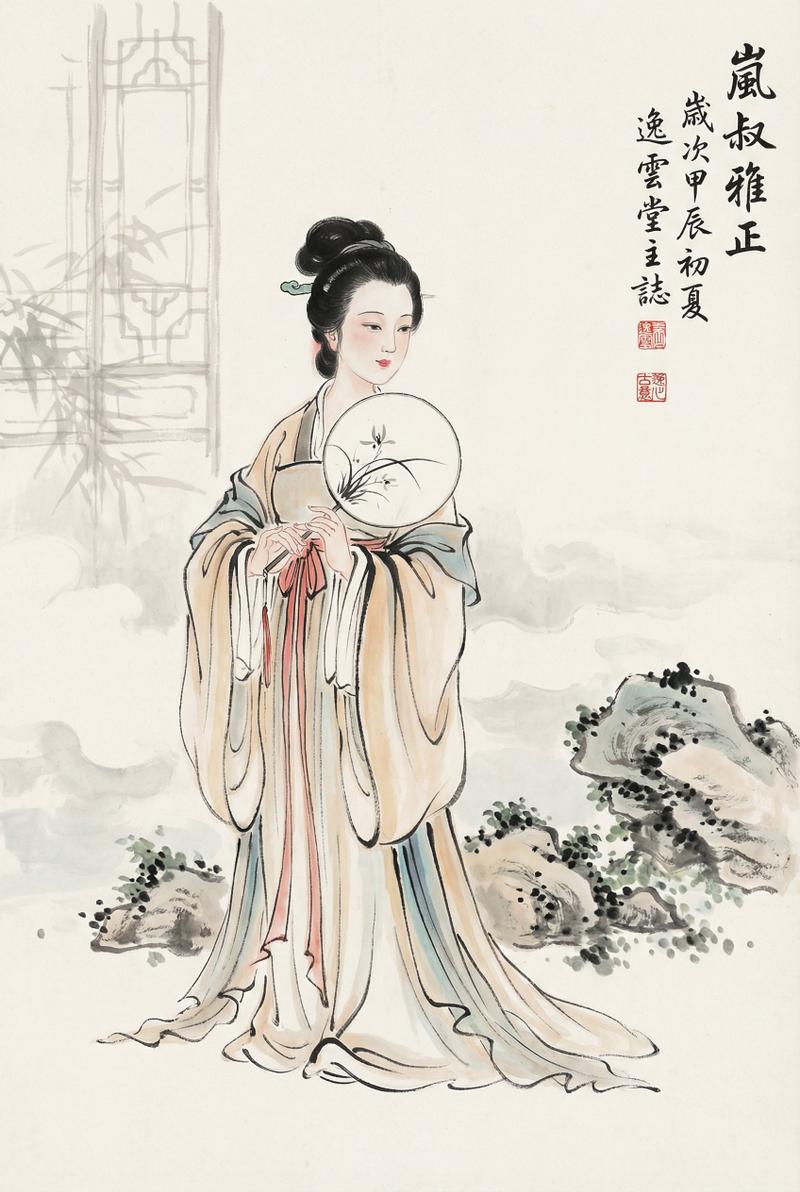
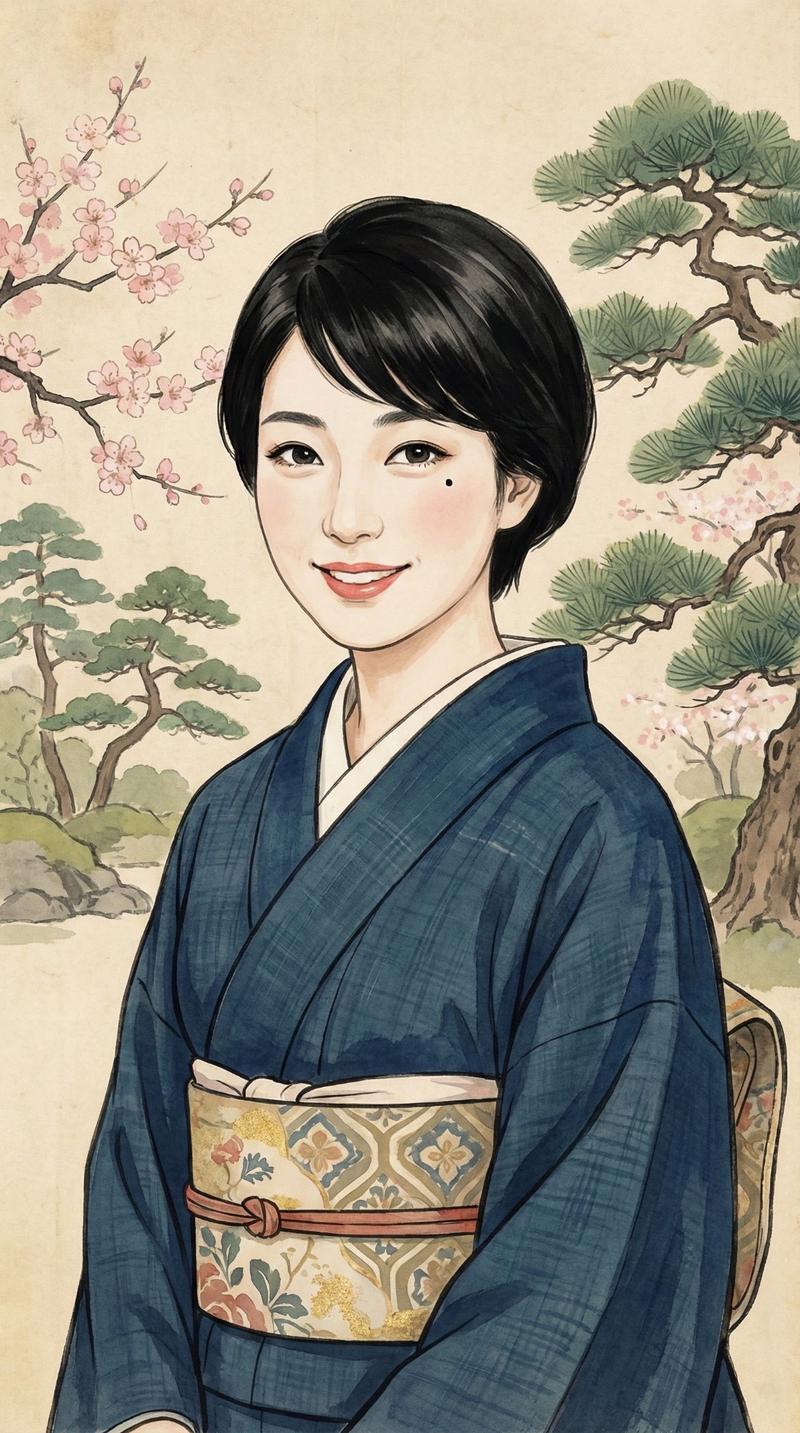
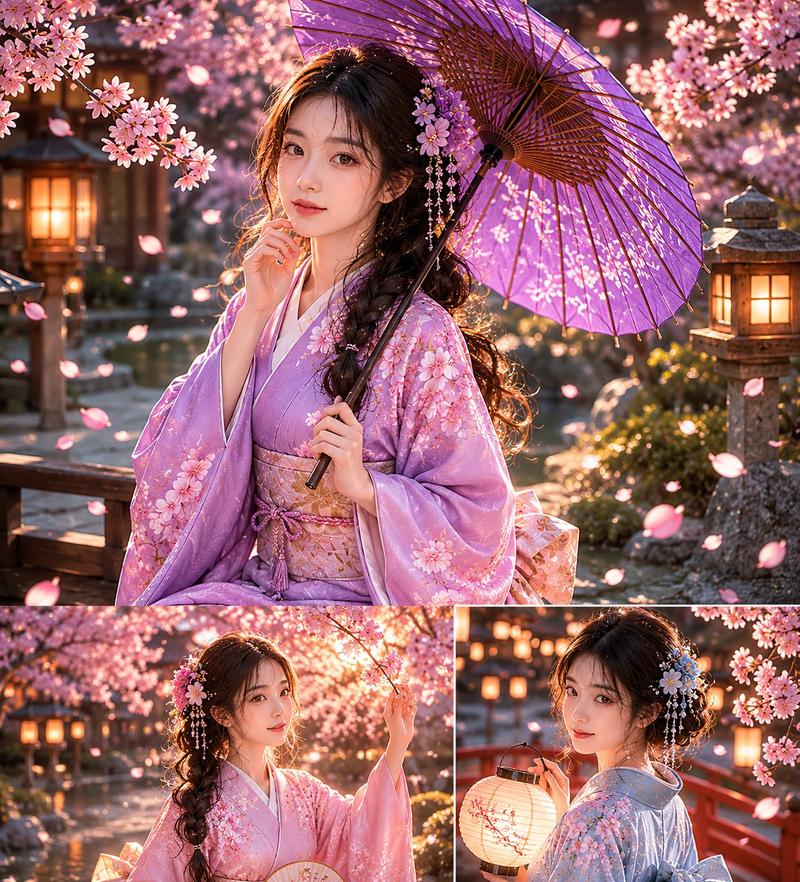
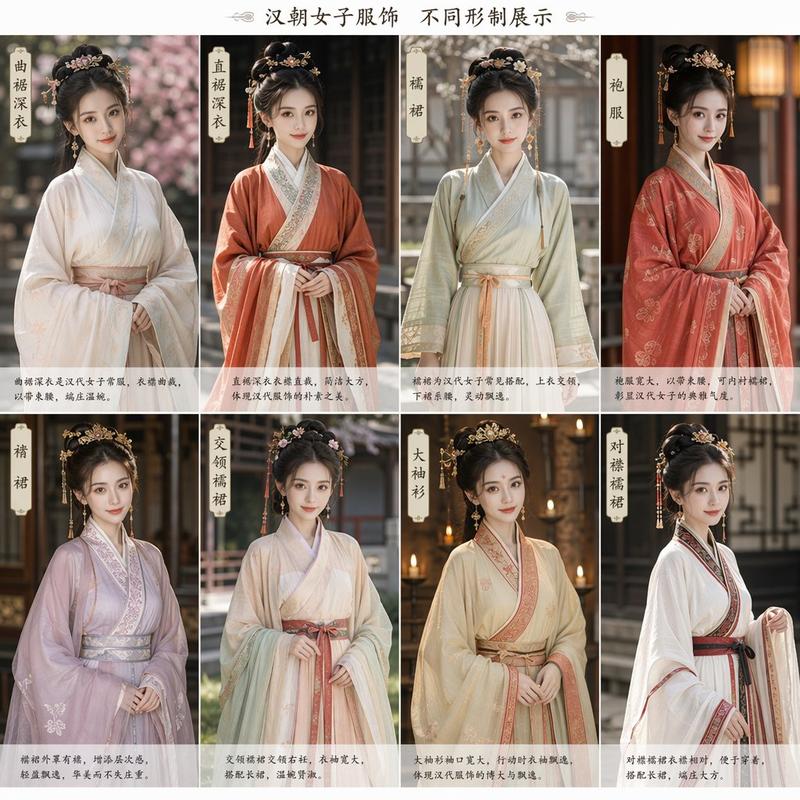
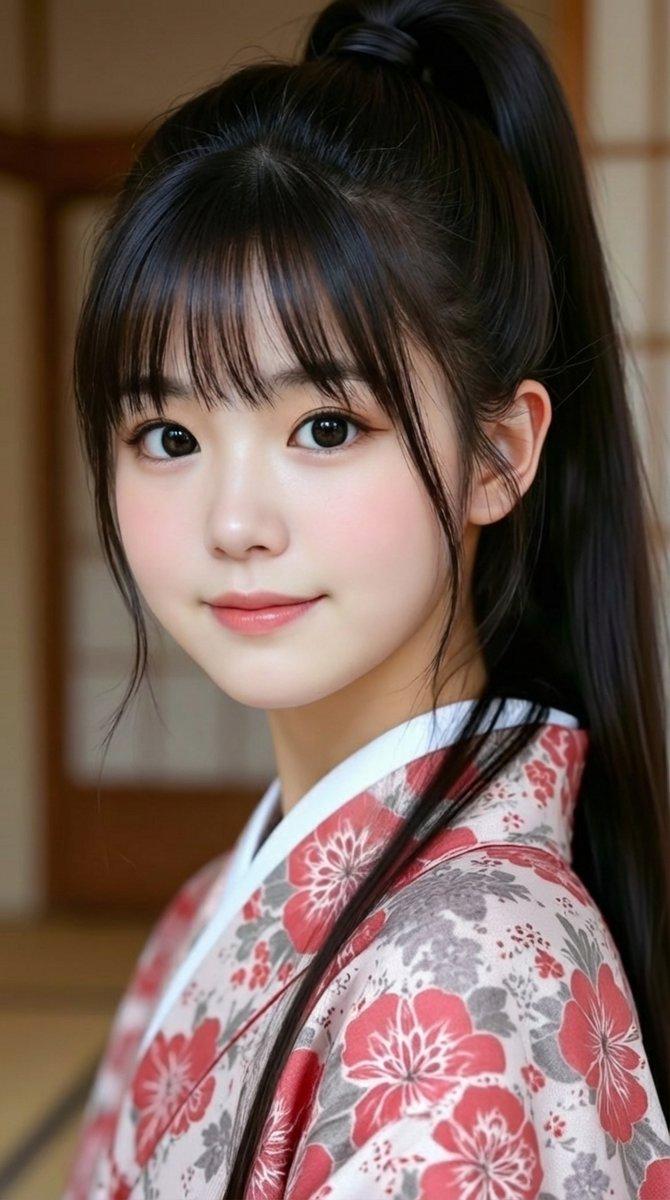
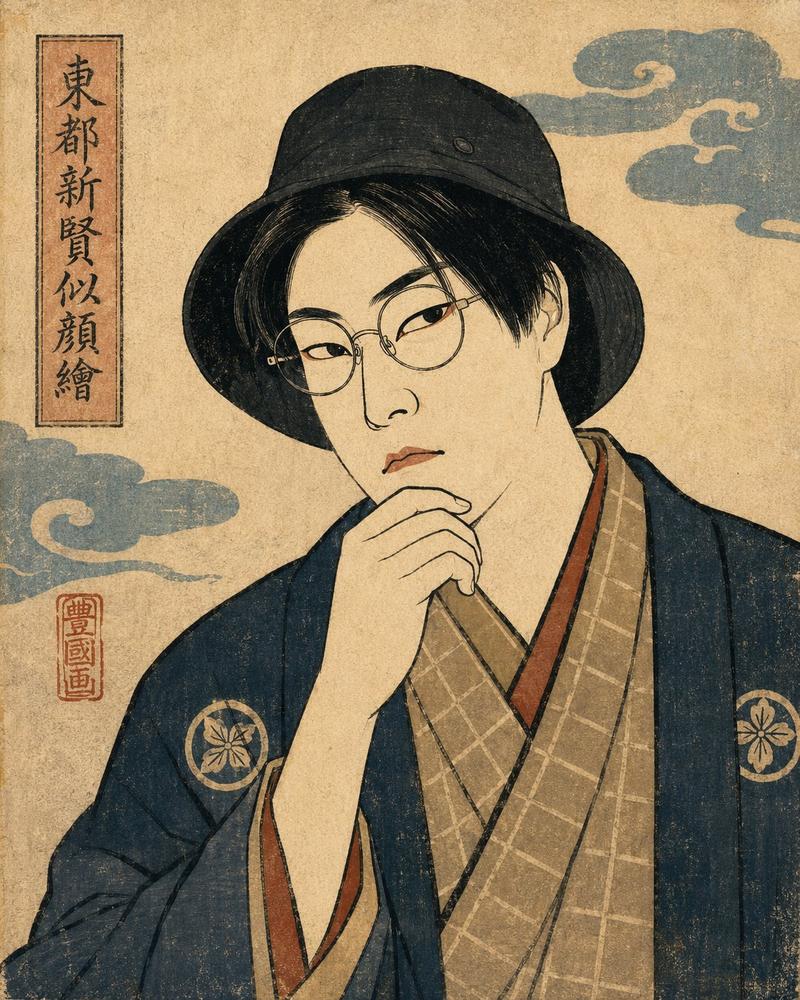
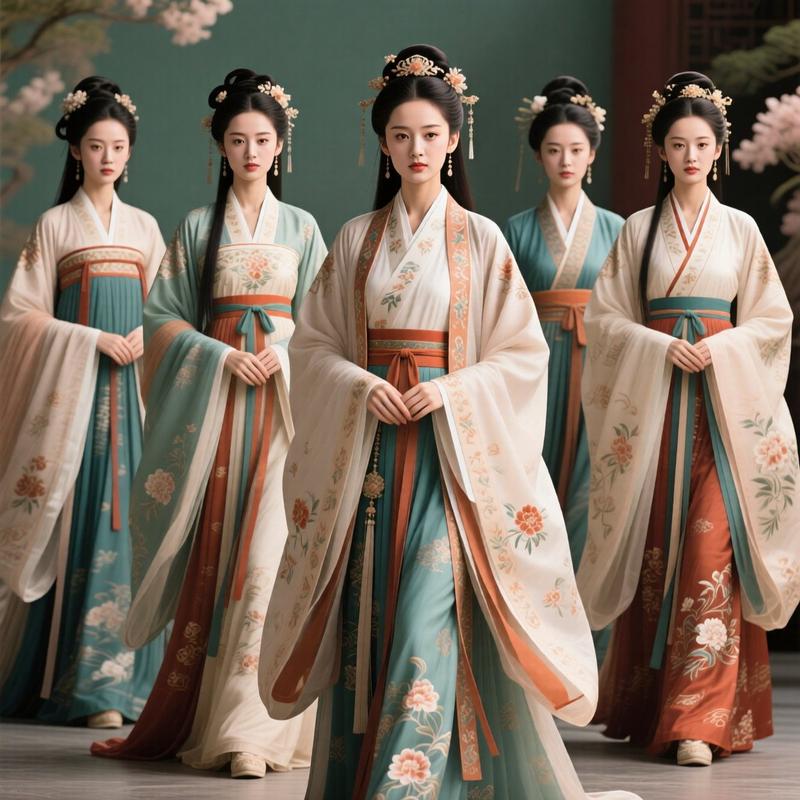
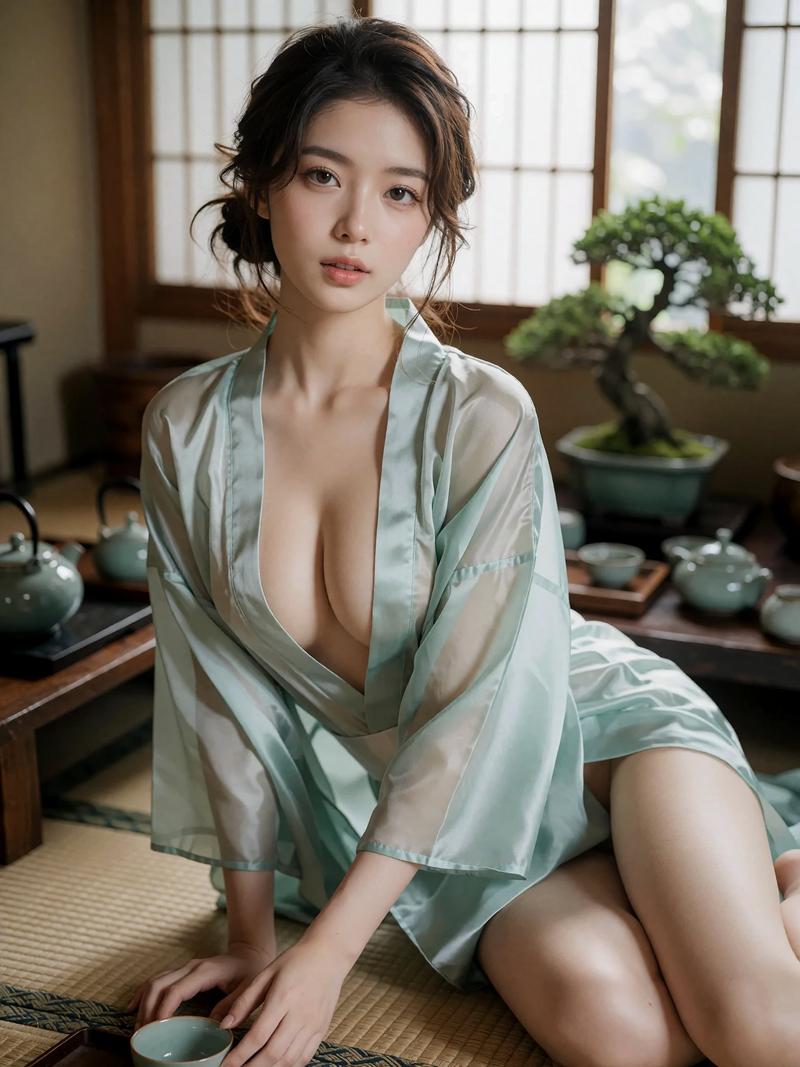
茶饮品牌产品广告样机
Prompt
请为 {argument name="beverage" default="茶饮"} 创建一张广告横幅。画面中需包含一位女性。并将该设计扩展到 {argument name="items" default="纸袋、扇子和透明文件夹"} 等促销物料中。- Category
- UI & Interfaces
- Model
- GPT Image 2
- Creator
- まいねぇ。
- Source ID
- 15578
- Published
- Apr 24, 2026
Views3
20

请为 {argument name="beverage" default="茶饮"} 创建一张广告横幅。画面中需包含一位女性。并将该设计扩展到 {argument name="items" default="纸袋、扇子和透明文件夹"} 等促销物料中。Guide
"茶饮品牌产品广告样机" AI image prompt for GPT Image 2 (UI & Interfaces). 这是一个为 GPT Image 2 设计的推广提示词,旨在创作包含模特在内的品牌饮料广告,并将其应用到纸袋、扇子等多种周边商品上。 Copy it on Picva and recreate…
The full copyable prompt and example visuals above are ready for AI image generation or one-click recreate in Picva.
Step 1
Review the example visuals, category, and full prompt text for "茶饮品牌产品广告样机".
Step 2
Copy the prompt body from this page, or load it directly in Studio.
Step 3
Prefer GPT Image 2. If you switch models, keep subject and composition and tweak style terms.
Step 4
Recreate the look in Picva, or export into your workflow for editing and publishing.