AI VR 海报对比
Prompt
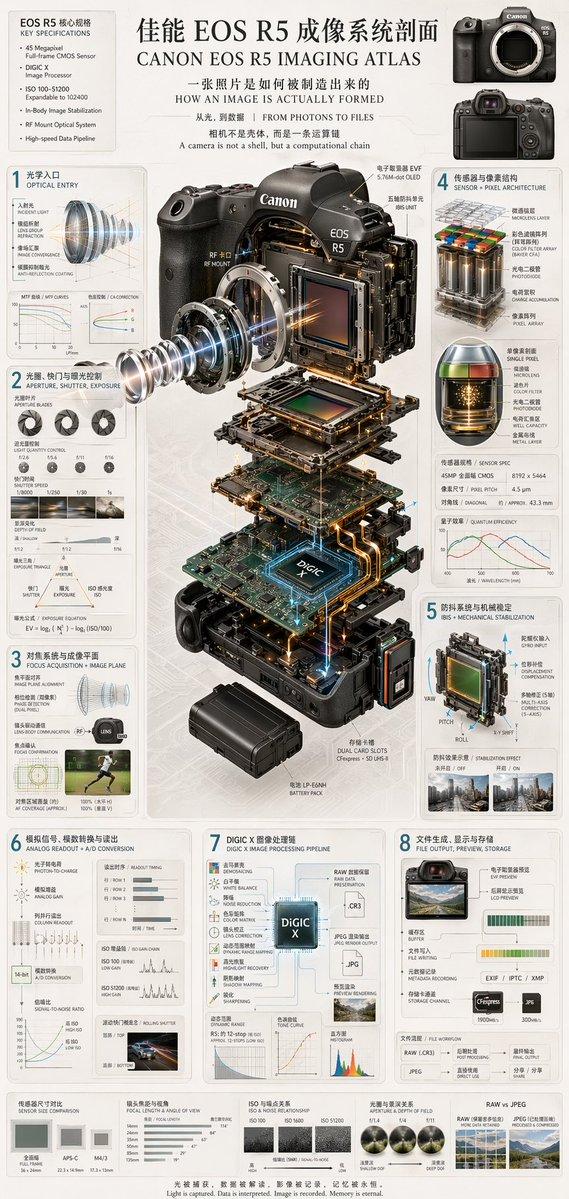
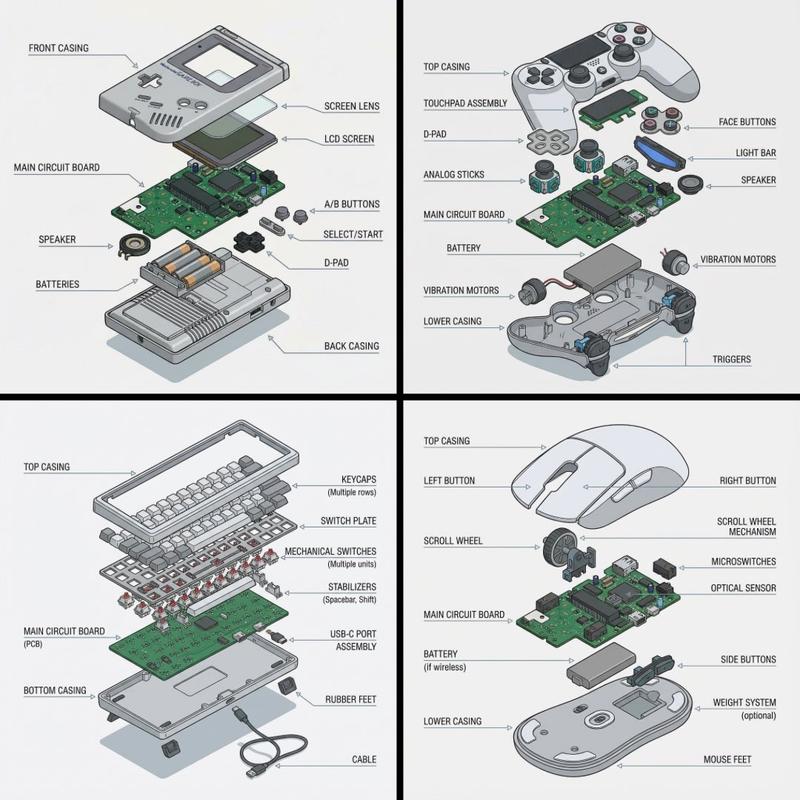
{"type":"comparison poster","style":"tech product showdown infographic, clean promotional layout, dark background with faint blue grid lines, high-contrast social-media graphic","canvas":{"aspect_ratio":"4:5","background":"black with subtle square grid"},"layout":{"sections":[{"title":"GPT image 2","position":"top-left above left poster","count":1,"labels":["GPT image 2"]},{"title":"Nano Banana","position":"top-right above right poster","count":1,"labels":["Nano Banana"]},{"title":"提示词","position":"bottom callout header","count":1,"labels":["提示词"]}],"panels":2,"panel_arrangement":"two tall vertical posters side by side, evenly spaced, centered horizontally","bottom_callout":"large rounded black text box with white border spanning most of the width"},"left_panel":{"type":"VR headset exploded-view poster","branding":"Meta Quest 3","headline":"まったく新しい現実を、まったく新しい構造から。","language":"Japanese","poster_background":"soft white to lavender-blue gradient","main_object":"Meta Quest 3 headset shown as a vertically exploded assembly render","component_count":9,"number_labels":["01","02","03","04","05","06","07","08","09"],"components":["front shell and faceplate","sensor/camera bar assembly","mainboard and chipset layer with glowing blue core","dual pancake lens modules","internal lower housing","battery modules","side strap arms","top strap and headband frame","face cushion"],"annotations":"small Japanese technical callouts around the components with thin leader lines","footer":"light gray information strip with dense small text and Meta logo at bottom right"},"right_panel":{"type":"VR headset exploded-view poster","branding":"Meta Quest 3","headline":"以全新的结构,重塑全新的现实。","language":"Chinese","poster_background":"soft white to pale gray-blue gradient","main_object":"Meta Quest 3 headset shown as a vertically exploded assembly render","component_count":9,"callout_count":8,"components":["front shell","sensor strip","mainboard with Snapdragon XR2 Gen 2 chip","dual pancake lenses","adjustable IPD mechanism","high-performance battery","head strap arms","facial interface","lower face cushion"],"callout_labels":["前面板","追踪摄像头","Pancake 透镜","高性能电池","柔软面部接口","精密设计的头带","可调节 IPD 机构","Snapdragon XR2 Gen 2"],"annotations":"bold Chinese callouts with black leader lines placed on both sides of the exploded render","footer":"light gray information strip with dense small text and Meta logo at bottom right"},"bottom_text_box":{"shape":"rounded rectangle","header_badge":"yellow pill-shaped label attached to top-left edge","body_text":"{argument name=\"prompt text\" default=\"产品爆炸图海报,VR头显,简洁的高科技3D渲染图,摄影棚灯光,闪亮的点缀,背景颜色默认为柔和的紫色和蓝色渐变,中间展示的是 VR 头显的垂直堆叠式爆炸图,显示了9个不同的内部组件:外壳、摄像头传感器、带芯片的主板、扁平镜头、内部框架、电池组、侧臂、顶带和面罩垫。\"}","text_color":"white","font":"bold sans-serif Chinese text"},"visual_details":{"rendering":"ultra-clean 3D product visualization, glossy white plastic, dark glass sensors, metallic internals, subtle purple-blue reflections","lighting":"studio lighting with polished highlights and soft shadows","mood":"professional, competitive, modern AI tool comparison graphic"}}- Category
- Charts & Infographics
- Model
- GPT Image 2
- Creator
- tumi
- Source ID
- 15666
- Published
- Apr 24, 2026
Views6