20

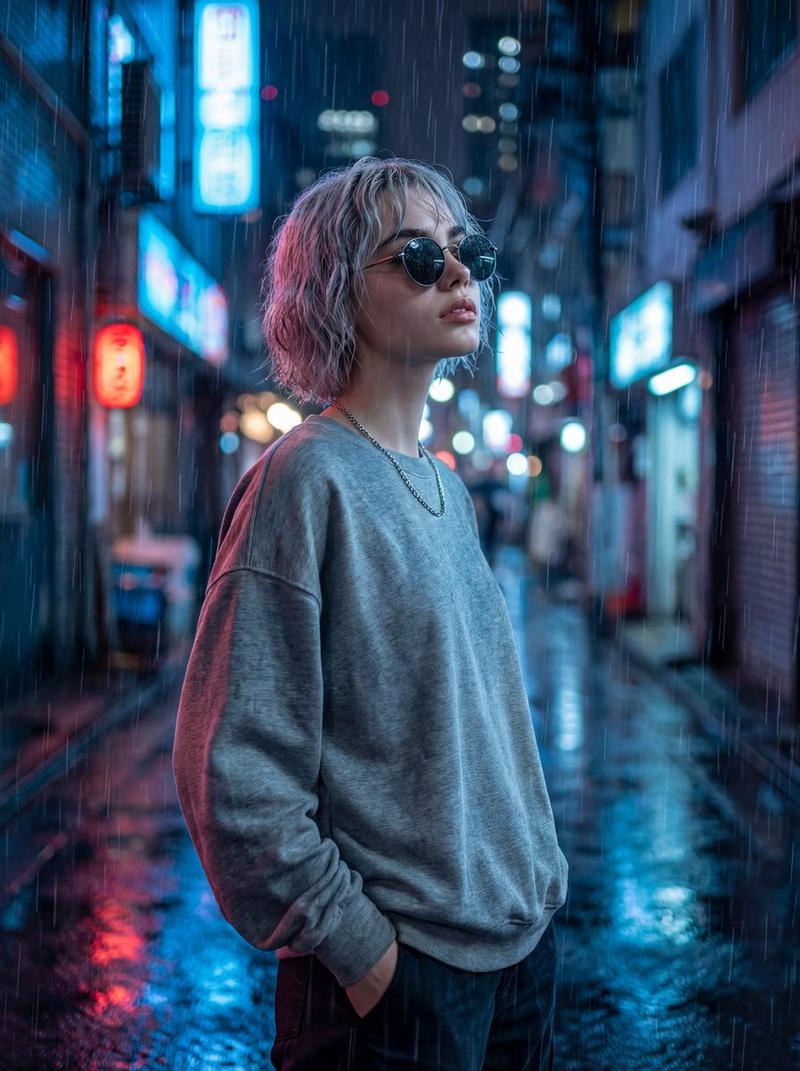
雨中日本电影横幅
Enlarge

雨中日本电影横幅

Prompt
Create an emotional Japanese movie trailer banner poster in a tall vertical composition, cinematic anime illustration style, set on a rainy nighttime city street in Japan filled with wet asphalt reflections, neon shop signs, and softly blurred high-rise buildings receding into the distance. In the center foreground, show 1 young anime girl in side profile facing left, standing alone under 1 transparent plastic umbrella with visible raindrops. She has long dark purple hair tied in a high ponytail, a slightly melancholic expression, and wears an oversized teal hoodie layered under a loose pink-and-teal plaid jacket. The mood is lonely, wistful, and dramatic, like a heartfelt live-action Japanese film advertisement reimagined as anime key art. Use cool blue and cyan tones with pink neon accents, glossy rain reflections, shallow depth of field, soft atmospheric haze, and subtle rim lighting from street signs. Add large handwritten white Japanese title text at the top reading {argument name="title text" default="AIの涙"}, with 1 smaller white subtitle line beneath it reading {argument name="tagline text" default="彼女は、なぜ泣いたのか。"}. At the bottom, add 1 bold white release line reading {argument name="release text" default="2024年秋 全国ロードショー"}. Keep the character as the emotional focal point, framed mid-shot from about waist up, umbrella arcing over her head, with the empty rain-soaked street behind her emphasizing isolation and cinematic sadness.
Category
Posters & Typography
Model
GPT Image 2
Views4
Source ID
15793
Published
Apr 24, 2026

Guide

About "雨中日本电影横幅"

What is this prompt for?

"雨中日本电影横幅" AI image prompt for GPT Image 2 (Posters & Typography). 一张垂直的动漫风格电影横幅,展示了一名撑伞的孤单少女站在霓虹闪烁的雨夜街道上,非常适合作为情感向日本电影海报或预告片的主视觉图。 Copy it on Picva and recrea…

The full copyable prompt and example visuals above are ready for AI image generation or one-click recreate in Picva.

How to use this prompt

  1. Step 1

    Open the prompt detail

    Review the example visuals, category, and full prompt text for "雨中日本电影横幅".

  2. Step 2

    Copy the prompt

    Copy the prompt body from this page, or load it directly in Studio.

  3. Step 3

    Pick a model (GPT Image 2)

    Prefer GPT Image 2. If you switch models, keep subject and composition and tweak style terms.

  4. Step 4

    Generate and export

    Recreate the look in Picva, or export into your workflow for editing and publishing.

FAQ

What is the "雨中日本电影横幅" prompt?
It is an AI image-generation prompt for GPT Image 2 in the Posters & Typography category. This page includes the full prompt text, example visuals, and a one-click recreate path in Picva.
How do I use this prompt to generate an image?
Copy the prompt from this page, or use Generate / Studio. Paste it into a compatible image model, or recreate the look in Picva with optional reference images.
Which model is this prompt for?
This page lists GPT Image 2. Most descriptive prompts also transfer to nearby image models such as GPT Image, Flux, or Midjourney with light style tweaks.
Can I use the result commercially?
You can usually copy the prompt for creation, but commercial use of the final image depends on the model terms, reference-image rights, and the generated content. Follow the source author and platform rules.