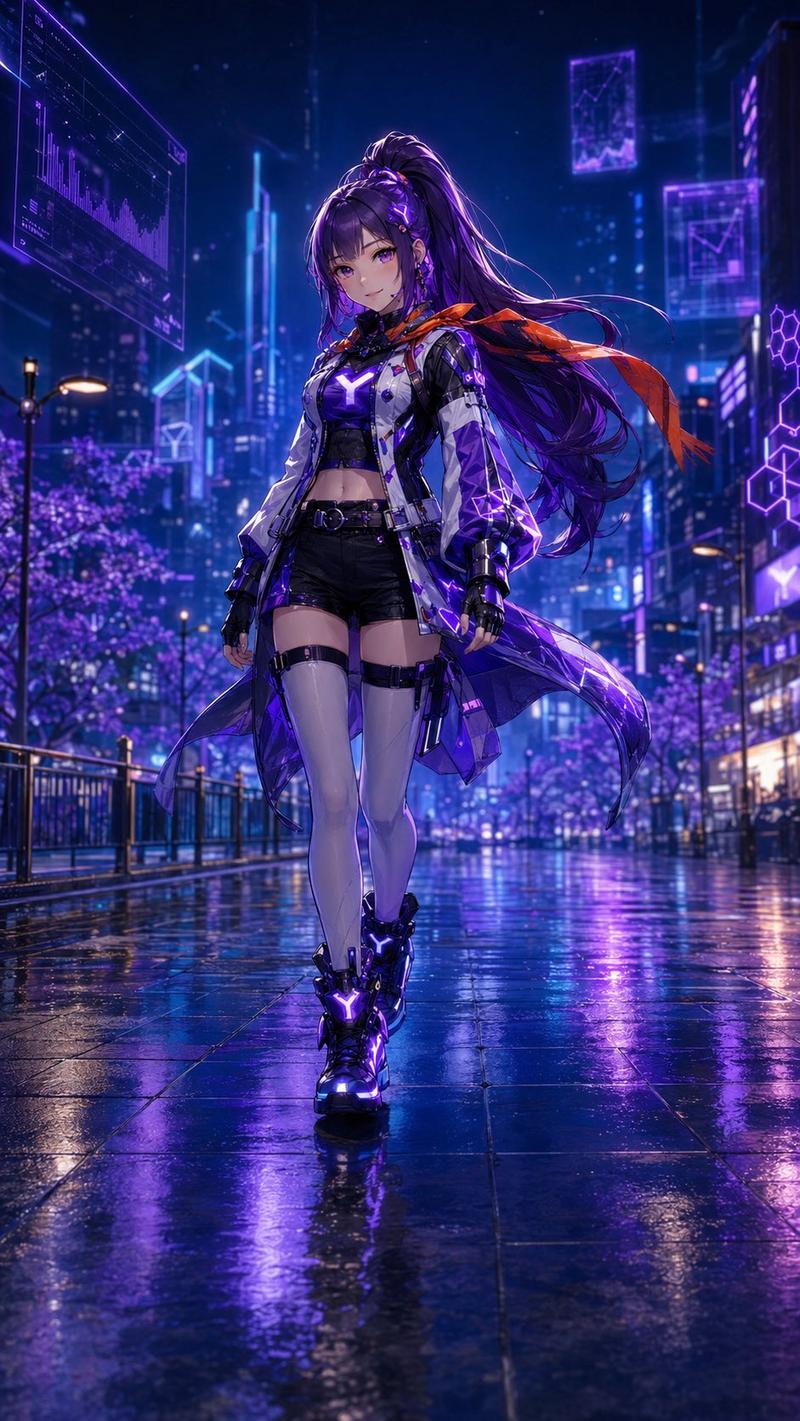
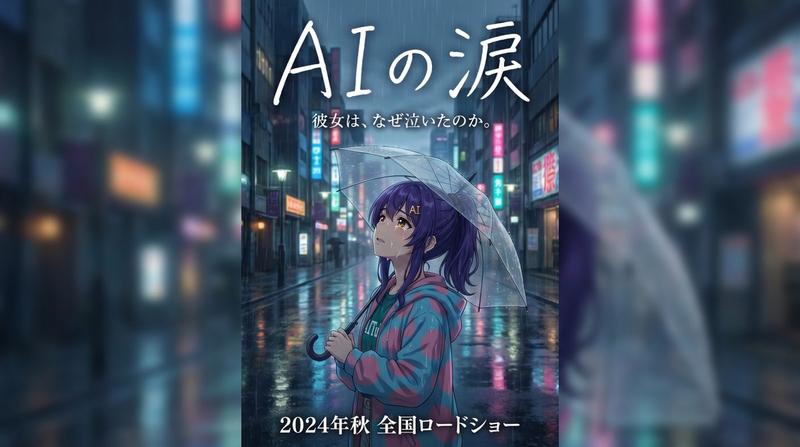
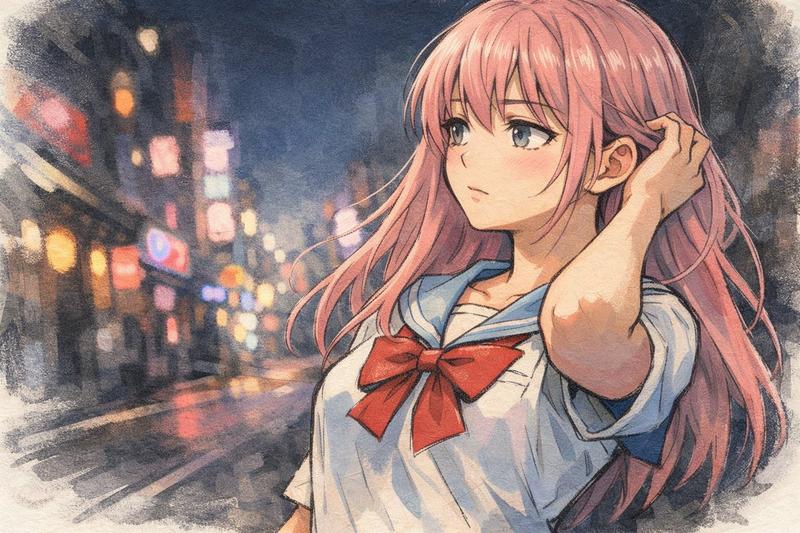
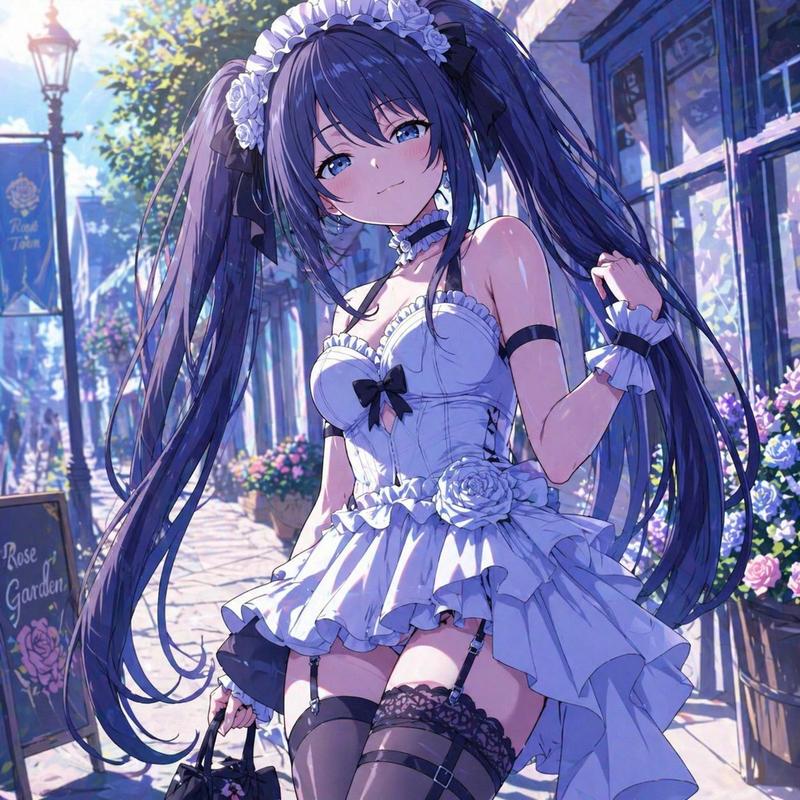
雨夜霓虹视觉小说告白
Prompt
{"type":"anime visual novel game screenshot","genre":"romantic drama dating sim","aspect_ratio":"16:9 widescreen","style":"high-detail Japanese anime illustration, cinematic visual novel UI, glossy neon lighting, soft bloom, shallow depth of field, rain-soaked atmosphere","character":{"name":"{argument name=\"character name\" default=\"花音\"}","position":"center foreground, waist-up portrait","appearance":"young woman with pale skin and a gentle delicate presence; face intentionally covered by a flat opaque square censor block in dusty pink, centered over the facial features","hair":"{argument name=\"hair color\" default=\"pale blonde\"}, shoulder-length bob with soft inward curls, side strands, luminous rim highlights","outfit":"white frilled blouse with high ruffled collar, vertical pleats, front buttons, layered ruffles over the shoulders and chest, romantic feminine styling","pose":"standing close to the viewer, shoulders slightly forward, intimate confession scene"},"background":{"setting":"rainy neon city street at night, resembling a modern Japanese entertainment district","details":"wet reflective pavement, tall buildings with glowing signs, blurred pedestrians with umbrellas, blue and magenta neon reflections, dark glossy tiled wall on the right side, cinematic bokeh lights receding into the distance","mood":"bittersweet, romantic, emotional, late-night confession after rain"},"visual_novel_ui":{"overall":"semi-transparent glassmorphism interface overlay with violet-blue gradient, glowing borders, faint floral decorations and sparkles","components_count":12,"components":[{"type":"nameplate","count":1,"position":"lower left above dialogue box","visible_text":"花音","style":"lavender translucent tab with small white flower ornament on the left"},{"type":"dialogue box","count":1,"position":"bottom third spanning nearly full width","visible_text":"……あのね、ずっと我慢してたの。\nもう限界かもしれない。\nあなたのことが、好き。……本気だよ。","style":"large translucent purple-blue rectangular box with rounded corners, thin glowing outline, soft internal gradient"},{"type":"choice buttons","count":3,"position":"inside the bottom dialogue area, aligned horizontally","labels":["「俺も好き」って、伝える","そっと、抱きしめる","驚いて、後ずさる"],"style":"rectangular translucent buttons with pale pink-blue glow and white Japanese text"},{"type":"bottom menu buttons","count":6,"position":"very bottom edge, right of center","labels":["AUTO","SKIP","LOG","SAVE","Q.LOAD","SYSTEM"],"style":"small white text with tiny icons, minimal visual novel control bar"},{"type":"close icon","count":1,"position":"upper right corner of dialogue box","label":"×","style":"subtle translucent icon"}]},"composition":"character centered slightly right, neon street depth on the left, dark wall on the right, UI occupying the lower third, strong pink and blue color contrast, polished commercial game CG quality","rendering_instructions":"create a believable screenshot of a playable visual novel scene, not a poster; keep all UI text sharp and readable, include the exact 3 choice buttons and 6 bottom menu labels, use luminous rain reflections and romantic emotional lighting","dialogue_customization":"{argument name=\"dialogue text\" default=\"……あのね、ずっと我慢してたの。\\nもう限界かもしれない。\\nあなたのことが、好き。……本気だよ。\"}","choice_customization":"{argument name=\"choice options\" default=\"「俺も好き」って、伝える / そっと、抱きしめる / 驚いて、後ずさる\"}"}- Category
- Charts & Infographics
- Model
- GPT Image 2
- Creator
- 花音-kaito-@トレンド収集&AIイラスト
- Source ID
- 18932
- Published
- May 7, 2026
Views2