19

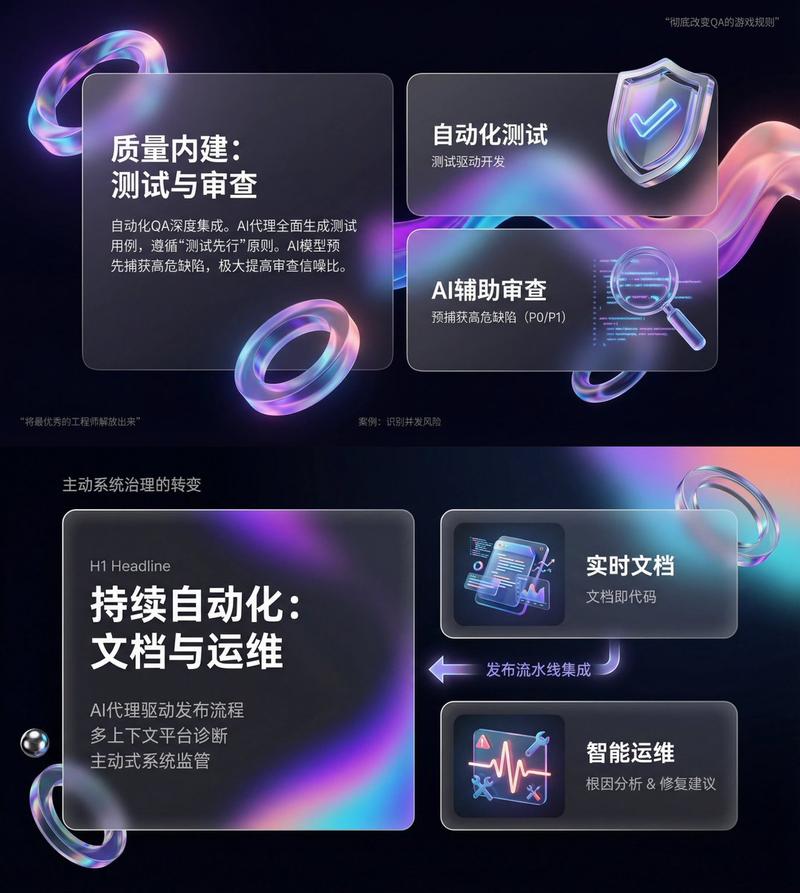
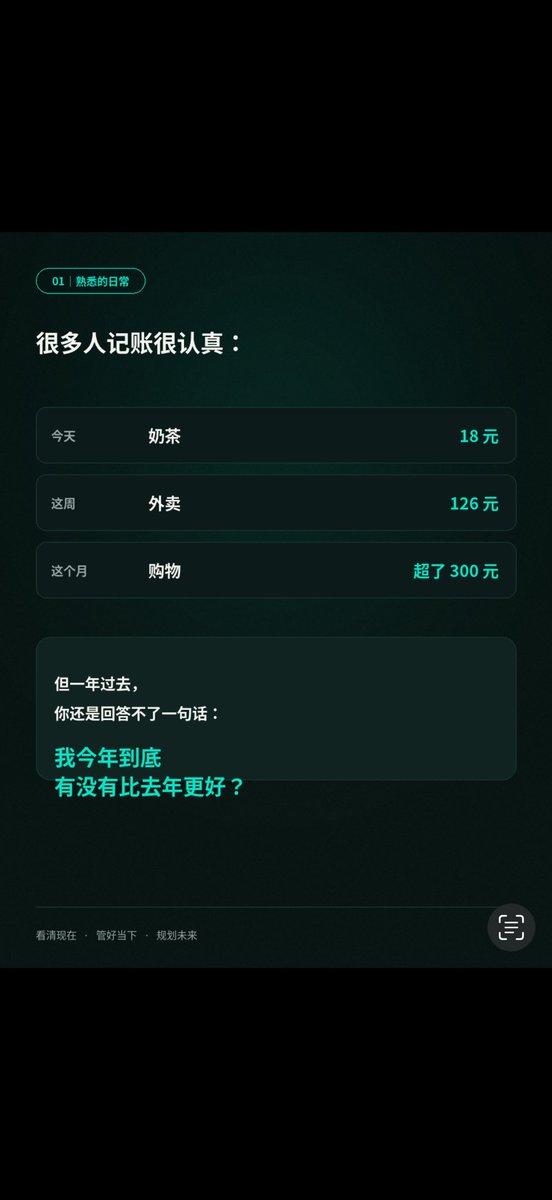
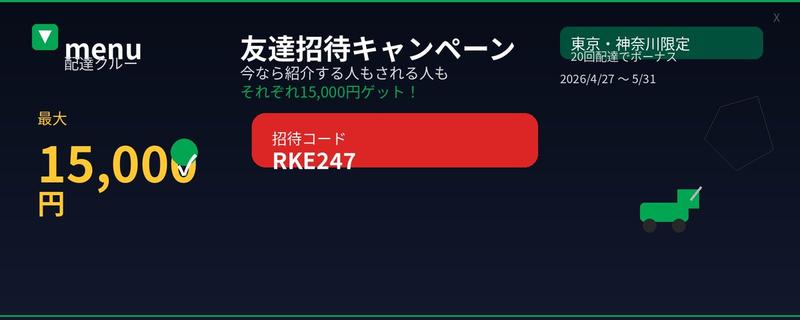
专业工具发布海报
Enlarge

Example images

专业工具发布海报

Prompt
1. 为「AI Agent 工具发布」设计一张现代科技感海报,竖版 4:5,主标题清晰醒目,副标题解释产品价值,使用黑白灰+荧光绿点缀,包含抽象网络、代码窗口、智能体节点,整体像高端 SaaS 发布海报,文字必须准确可读。 2. 生成一张适合 X/Twitter 长文的封面图,主题是「2026 AI 工具趋势」,横版 16:9,风格干净高级,包含标题、3个关键词:Agent / Workflow / Automation,背景是桌面工作流、浏览器、终端、数据面板的组合,排版像科技媒体头图。 3. 为一款 Web3 钱包安全工具生成广告图,画面中心是一部手机展示钱包界面,周围有链上地址、风险预警、盾牌图标、交易路径可视化,风格专业可信,中文标题:让每一笔链上操作更安全。 4. 制作一张中文信息图,主题是「AI Agent 的 5 层能力」,包含:理解任务、调用工具、读取数据、执行操作、复盘优化。用清晰层级结构展示,每一层配一个小图标,白底,科技蓝点缀。 5. 生成一页 4 格漫画,讲一个创作者从手动找资料、写文案、做图,到用 AI Agent 自动完成工作流的过程。风格轻松幽默,人物一致,中文对白简短清晰,最后一格突出“效率翻倍”。 6. 为一个 AI x Crypto 项目生成路线图视觉图,包含 Q2、Q3、Q4 三个阶段:MVP、Agent Marketplace、Onchain Automation。风格像融资 Deck 里的产品页,干净、可信、有未来感,文字清晰可读。
Category
Charts & Infographics
Model
GPT Image 2
Views6
Source ID
15912
Published
Apr 25, 2026

Guide

About "专业工具发布海报"

What is this prompt for?

"专业工具发布海报" AI image prompt for GPT Image 2 (Charts & Infographics). 一款用于工具发布的专业 SaaS 风格海报提示词,强调文字清晰度与现代科技美感。 Copy it on Picva and recreate the look in one clic…

The full copyable prompt and example visuals above are ready for AI image generation or one-click recreate in Picva.

How to use this prompt

  1. Step 1

    Open the prompt detail

    Review the example visuals, category, and full prompt text for "专业工具发布海报".

  2. Step 2

    Copy the prompt

    Copy the prompt body from this page, or load it directly in Studio.

  3. Step 3

    Pick a model (GPT Image 2)

    Prefer GPT Image 2. If you switch models, keep subject and composition and tweak style terms.

  4. Step 4

    Generate and export

    Recreate the look in Picva, or export into your workflow for editing and publishing.

FAQ

What is the "专业工具发布海报" prompt?
It is an AI image-generation prompt for GPT Image 2 in the Charts & Infographics category. This page includes the full prompt text, example visuals, and a one-click recreate path in Picva.
How do I use this prompt to generate an image?
Copy the prompt from this page, or use Generate / Studio. Paste it into a compatible image model, or recreate the look in Picva with optional reference images.
Which model is this prompt for?
This page lists GPT Image 2. Most descriptive prompts also transfer to nearby image models such as GPT Image, Flux, or Midjourney with light style tweaks.
Can I use the result commercially?
You can usually copy the prompt for creation, but commercial use of the final image depends on the model terms, reference-image rights, and the generated content. Follow the source author and platform rules.