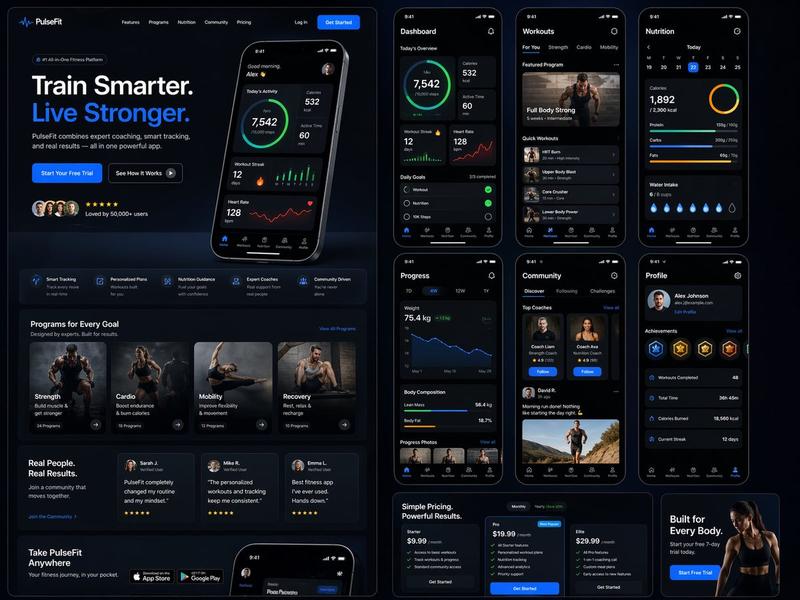
日系 AI 游戏启动仪表盘
Prompt
{"type":"futuristic dark-mode Japanese web dashboard UI mockup","app_brand":"{argument name=\"app brand\" default=\"NEURALJACK\"}","main_title":"{argument name=\"main title\" default=\"AIゲーム起動フロー デモ\"}","subtitle":"起動手順を見ながら、そのまま内的会議へ指示を出せる操作画面","style":{"theme":"cyberpunk SaaS control panel, deep navy and black background, glowing cyan borders, neon blue accents, rounded cards, subtle gradients, compact Japanese typography","canvas":"wide 16:9 screenshot-like composition","lighting":"soft blue glow, high contrast, polished product demo look"},"layout":{"top_bar":{"position":"full width top","left_logo":"rounded square cyan NJ icon plus brand text","center_title":"large bold Japanese title","right_nav_count":3,"right_nav_items":["ドキュメント","通知 with blue badge 2","設定"]},"left_sidebar":{"title":"起動フロー","position":"left column","step_count":6,"steps":[{"number":1,"label":"起動","status":"完了","icon":"rocket","state":"completed with green check"},{"number":2,"label":"認証モード選択","status":"完了","icon":"shield","state":"completed with green check"},{"number":3,"label":"ChatGPT / Codex ログイン確認","status":"完了","icon":"lock","state":"completed with green check"},{"number":4,"label":"Codex App Server 起動","status":"進行中","icon":"server","state":"active highlighted cyan"},{"number":5,"label":"ゲーム接続","status":"待機","icon":"gamepad","state":"waiting dim"},{"number":6,"label":"AI機能準備完了","status":"待機","icon":"robot","state":"waiting dim"}],"progress_card":{"label":"全体進捗","value":"50%","detail":"3 / 6 ステップ完了","bar":"cyan progress bar halfway filled"}},"center_panel":{"title":"フロー可視化","position":"main center column","sections_count":2,"sections":[{"title":"ローカル開発","position":"upper center","node_count":4,"nodes":["Game Tool UI / クライアントUI","codex app-server / ローカルサーバー","ChatGPT Plus ログイン / ブラウザ認証","Codex / AIエンジン"],"connectors":"three cyan arrows left to right","note":"開発時は Plus ログイン / 本番時は API と明示設定"},{"title":"本番運用","position":"middle center","node_count":3,"nodes":["Game Client / ゲームクライアント","AI Gateway Backend / ゲートウェイサーバー","OpenAI API / クラウドAI"],"connectors":"two cyan arrows left to right","accent":"green glowing section border"}]},"bottom_center":{"panel_count":2,"panels":[{"title":"イベントログ","position":"bottom left of center","visible_log_lines_count":3,"visible_log_lines":["[OK] NeuralJack UI booted","[INFO] waiting for instruction","[INFO] codex app-server file export mode"]},{"title":"実行プレビュー","position":"bottom right of center","content":"dark preview card with large text 次の推奨操 visible near bottom"}]},"right_panel":{"title":"指示パネル","position":"right column","instruction_box":{"text":"{argument name=\"instruction text\" default=\"ローカルLLMを使った個人AI相棒を作りたい\"}","appearance":"large dark textarea with subtle send button area"},"checkbox_count":3,"checkboxes":[{"label":"GPT-5.5 強化","state":"unchecked"},{"label":"カード生成","state":"checked cyan"},{"label":"Codexタスク化","state":"unchecked"}],"quick_actions":{"title":"クイックアクション","button_count":6,"buttons":["サポートAI","オートプレイ","クエスト生成","NPC会話","音声デモ","設定"],"arrangement":"2 rows by 3 columns, icon above label on each button"},"recommended_commands":{"title":"おすすめコマンド","chip_count":4,"chips":["起動チェック","接続テスト","ログ確認","現在状態を取得"]},"chat_prompt":{"bot_icon":"cyan circular robot icon","speech_bubble":"{argument name=\"chat bubble text\" default=\"何をしたいですか?\"}"}}},"rendering_notes":"Make the interface look like an actual implemented browser app screenshot rather than a flat illustration. Use crisp Japanese text, thin cyan outlines, rounded rectangles, small icons, active step glow, and dense but readable spacing."}- Category
- Charts & Infographics
- Model
- GPT Image 2
- Creator
- null
- Source ID
- 18415
- Published
- May 4, 2026
Views2