18

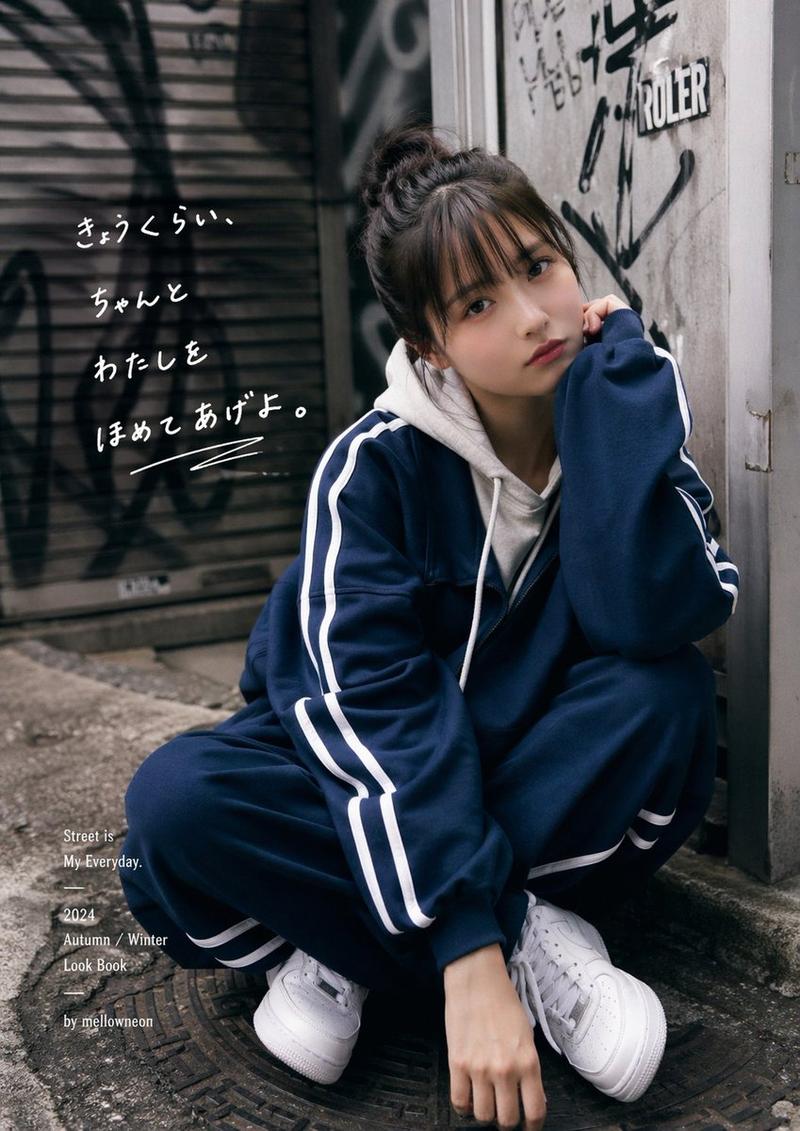
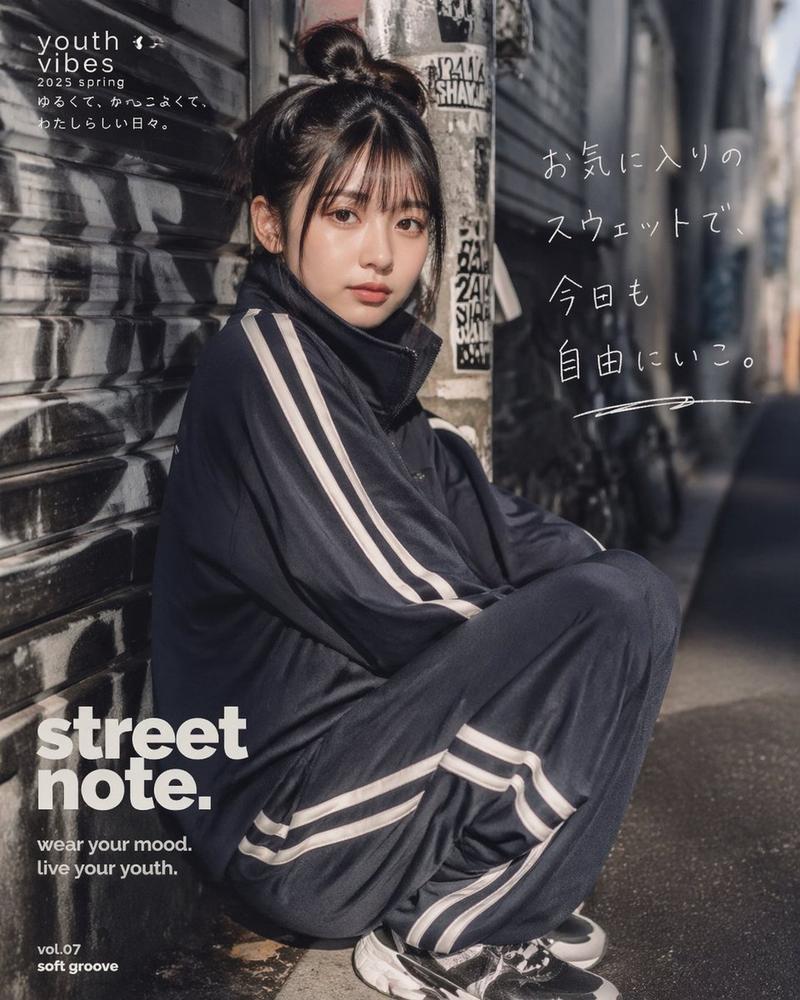
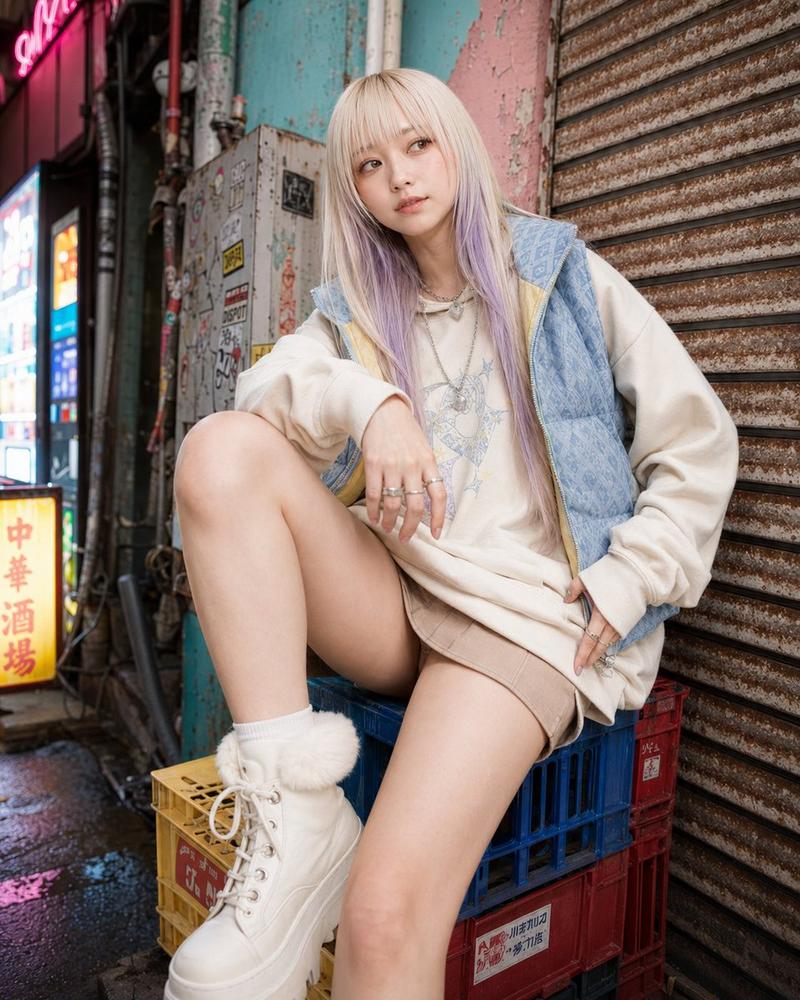
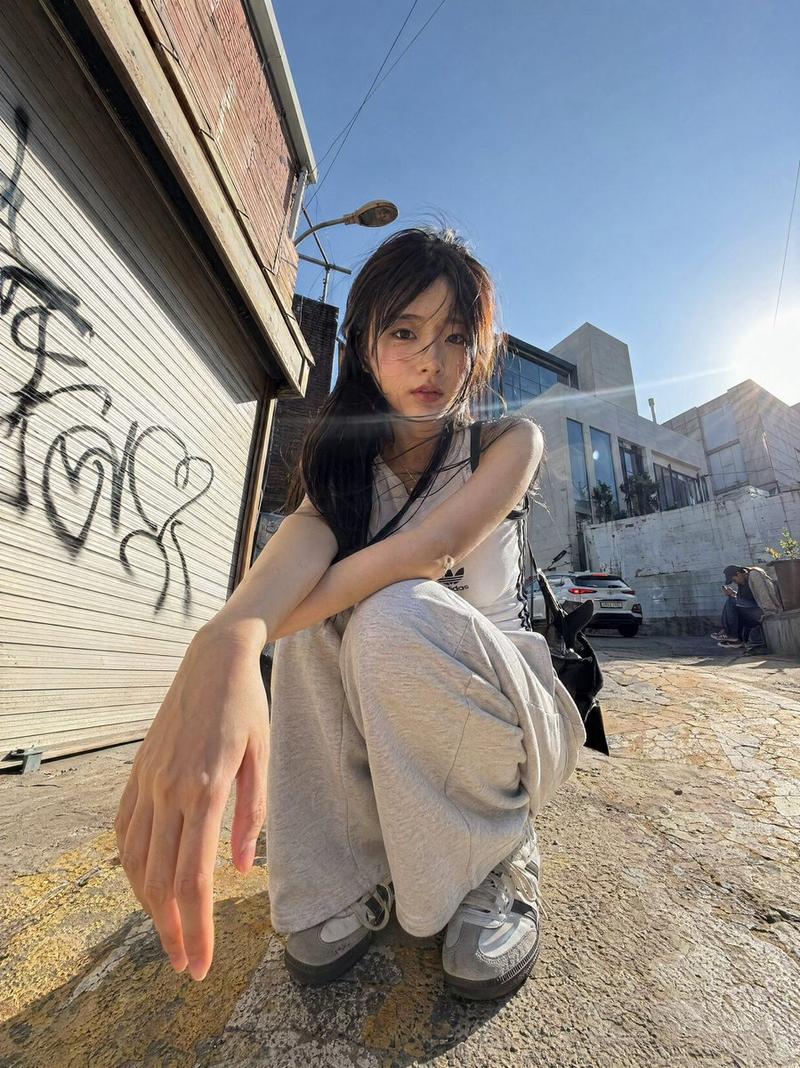
手写文字风格的休闲街头穿搭照片
Enlarge

手写文字风格的休闲街头穿搭照片

Prompt
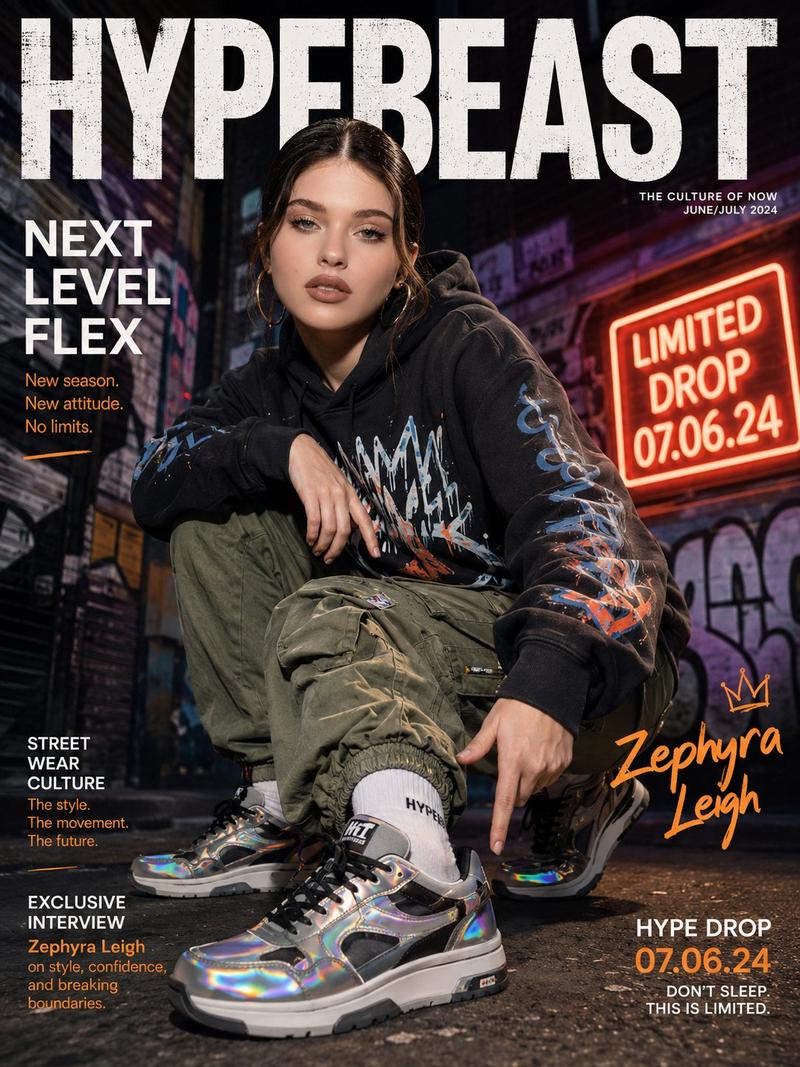
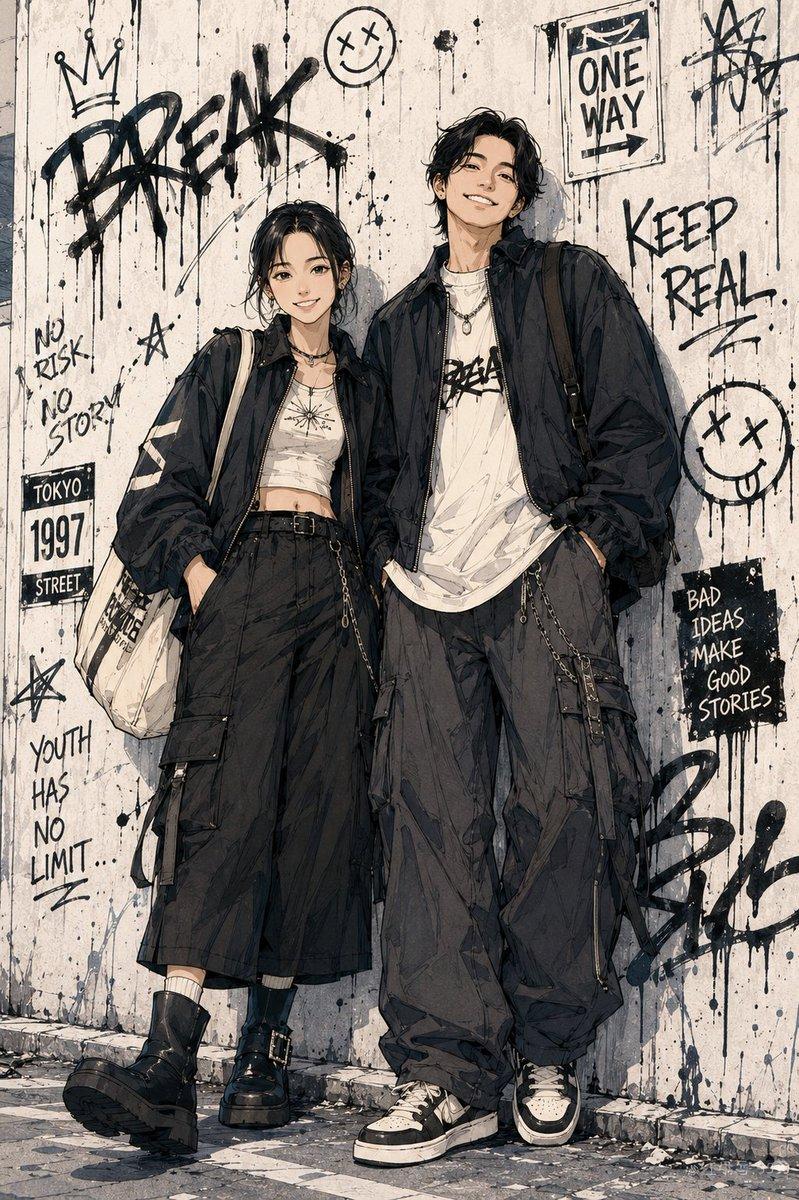
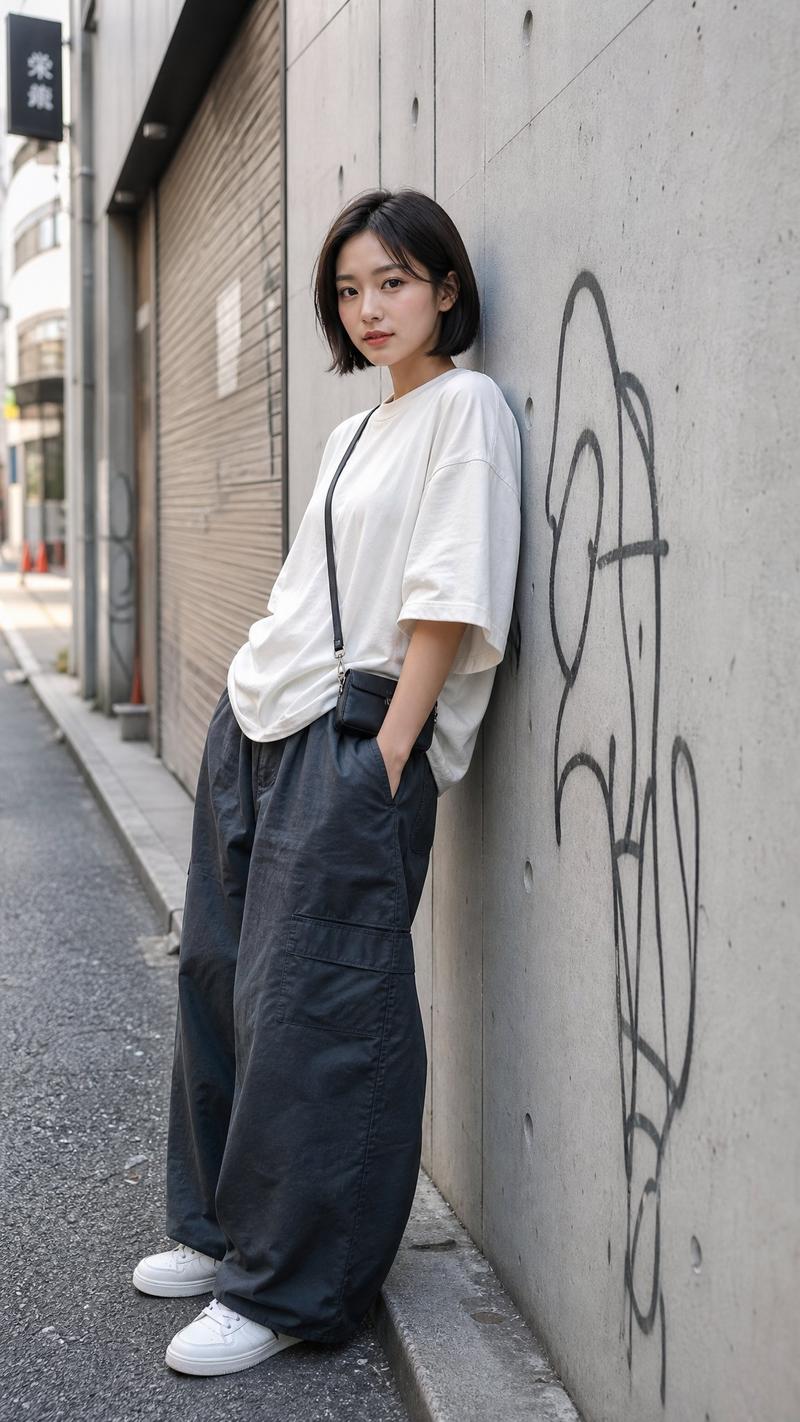
A candid street-fashion photo of a young Japanese woman sitting on a low concrete step in a narrow urban alley, shot in vertical portrait format with natural daylight and a slightly moody, realistic editorial look. She has long dark brown hair falling over her shoulders and wears an oversized navy track jacket with two white stripes running down both sleeves, loose light gray sweatpants, white crew socks, and chunky white low-top sneakers. Her pose is relaxed and slouched, knees bent and spread naturally, one shoulder leaning back against the wall, giving an effortless casual outfit snapshot vibe. The setting is gritty and authentic: weathered concrete walls, a metal door or utility panel, stickers, graffiti tags, exposed pipes, and a sunlit sidewalk with soft shadows. Add handwritten white Japanese text on the upper left wall in a casual marker style, arranged in 3 lines, reading exactly: "今日のコーデ\nわたしらしくて\nちょっとすきかも。" Keep the text looking naturally hand-drawn rather than typographically perfect. The composition should feel like a spontaneous social-media outfit post, with shallow depth of field, realistic fabric texture, subtle highlights on the hair, and understated muted city colors. Use {argument name="outfit jacket color" default="navy"}, {argument name="pants color" default="light gray"}, {argument name="hair color" default="dark brown"}, {argument name="handwritten text" default="今日のコーデ
わたしらしくて
ちょっとすきかも。"}, and {argument name="location style" default="gritty Japanese backstreet alley"}.
Category
Charts & Infographics
Model
GPT Image 2
Views2
Source ID
16035
Published
Apr 25, 2026

Guide

About "手写文字风格的休闲街头穿搭照片"

What is this prompt for?

"手写文字风格的休闲街头穿搭照片" AI image prompt for GPT Image 2 (Charts & Infographics). 此提示词可生成一张带有手写日文叠加文字的写实竖版街头时尚肖像,非常适合社交媒体发布、穿搭展示及生活方式类编辑图像。 Copy it on Picva and recre…

The full copyable prompt and example visuals above are ready for AI image generation or one-click recreate in Picva.

How to use this prompt

  1. Step 1

    Open the prompt detail

    Review the example visuals, category, and full prompt text for "手写文字风格的休闲街头穿搭照片".

  2. Step 2

    Copy the prompt

    Copy the prompt body from this page, or load it directly in Studio.

  3. Step 3

    Pick a model (GPT Image 2)

    Prefer GPT Image 2. If you switch models, keep subject and composition and tweak style terms.

  4. Step 4

    Generate and export

    Recreate the look in Picva, or export into your workflow for editing and publishing.

FAQ

What is the "手写文字风格的休闲街头穿搭照片" prompt?
It is an AI image-generation prompt for GPT Image 2 in the Charts & Infographics category. This page includes the full prompt text, example visuals, and a one-click recreate path in Picva.
How do I use this prompt to generate an image?
Copy the prompt from this page, or use Generate / Studio. Paste it into a compatible image model, or recreate the look in Picva with optional reference images.
Which model is this prompt for?
This page lists GPT Image 2. Most descriptive prompts also transfer to nearby image models such as GPT Image, Flux, or Midjourney with light style tweaks.
Can I use the result commercially?
You can usually copy the prompt for creation, but commercial use of the final image depends on the model terms, reference-image rights, and the generated content. Follow the source author and platform rules.