17

梦幻背光时尚人像
Enlarge

梦幻背光时尚人像

Prompt
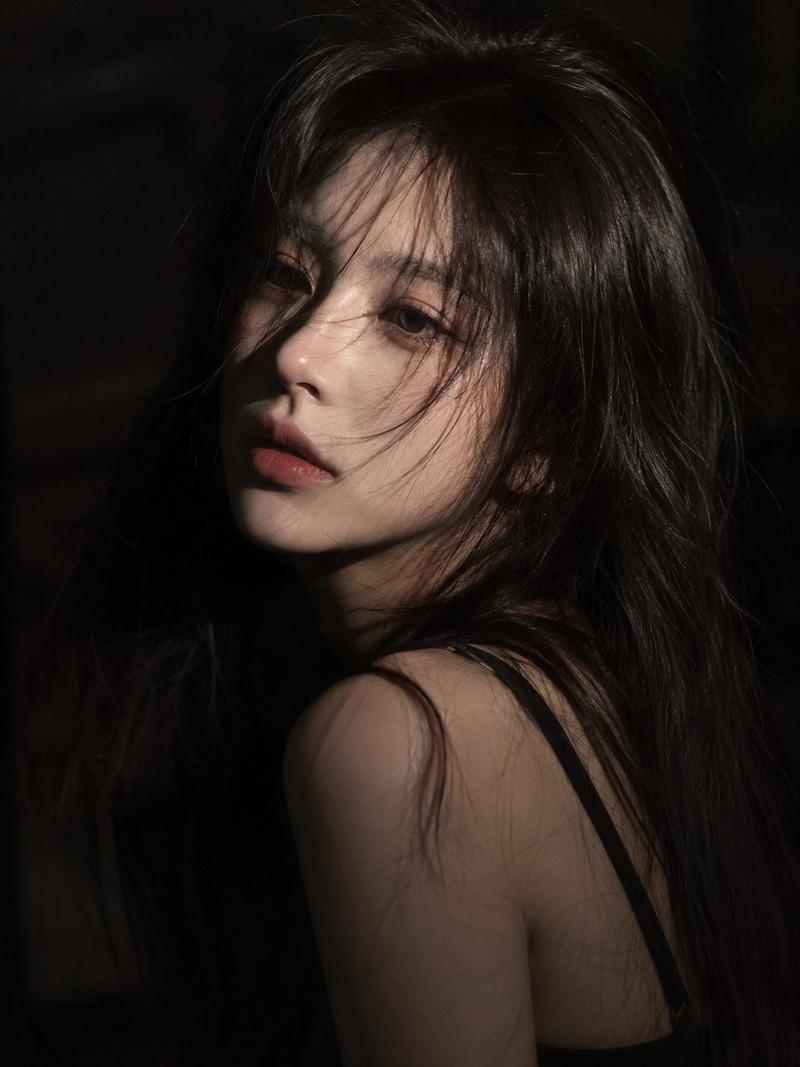
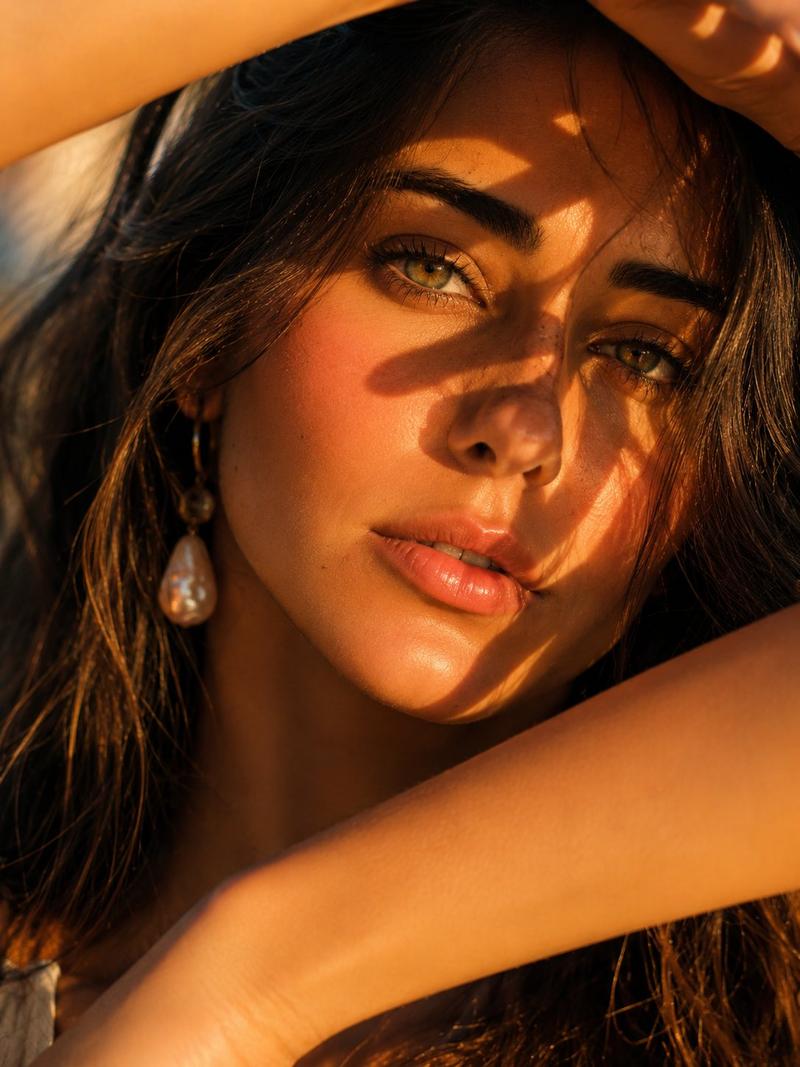
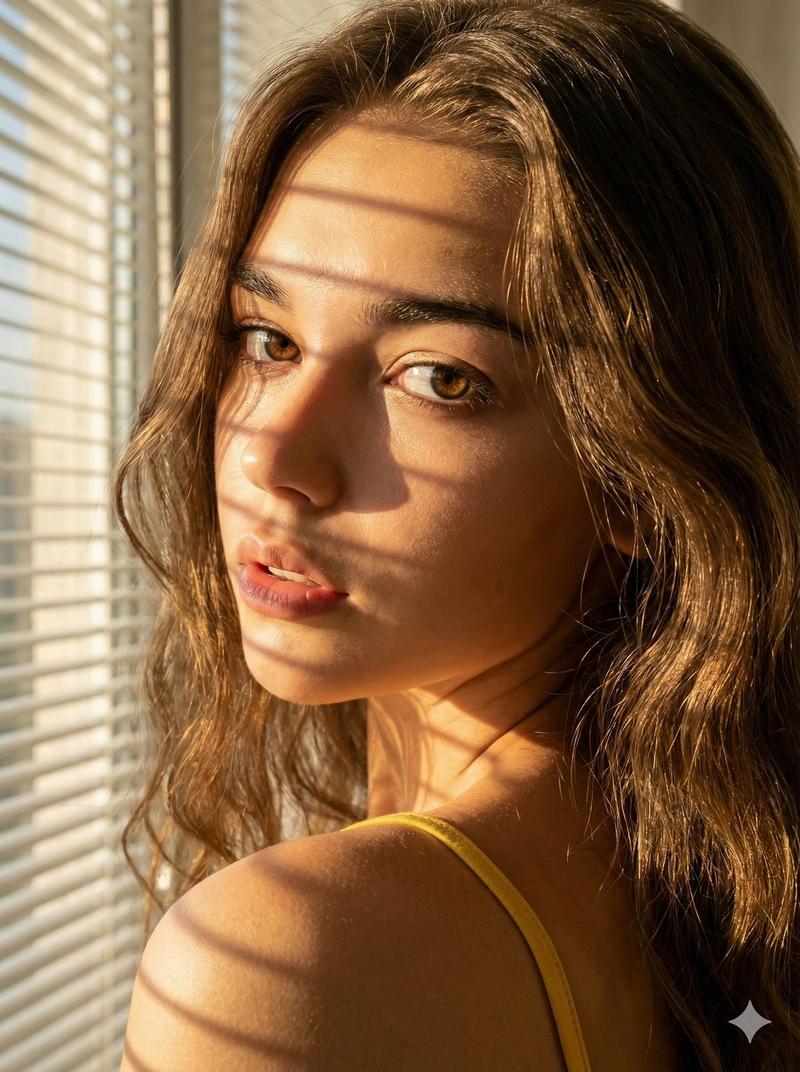
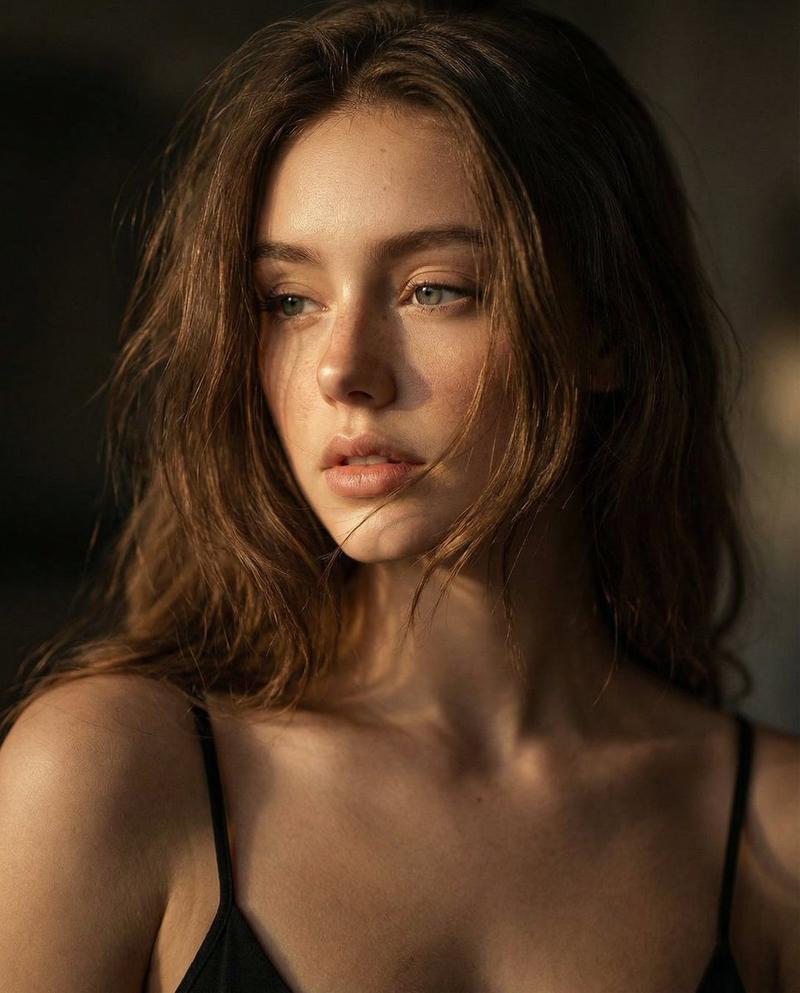
A cinematic soft-focus portrait of a woman from behind and slightly in profile, framed from the upper torso up in a vertical composition. She has {argument name="hair color" default="dark brown"} hair styled in a loose messy updo with wispy strands catching the light. Her face is mostly hidden by her pose and hair, with only a small portion of one cheek visible. She wears a {argument name="dress color" default="deep red"} sleeveless dress with an open back or low-cut side, emphasizing her bare shoulder and upper back. One hand is raised delicately near her neck or shoulder, fingers relaxed. Use strong warm backlighting and rim light, with glowing golden highlights around the hair and skin, dreamy lens flare, and large circular bokeh in the blurred background. The image should feel intimate, elegant, and slightly sensual, like a high-end fashion or beauty editorial, with shallow depth of field, creamy blur, warm amber and rose tones, and a soft cinematic glow.
Category
Photography & Realism
Model
GPT Image 2
Views8
Source ID
16129
Published
Apr 25, 2026

Guide

About "梦幻背光时尚人像"

What is this prompt for?

"梦幻背光时尚人像" AI image prompt for GPT Image 2 (Photography & Realism). 此提示词可生成一张柔和、感性的时尚风格女性人像,身着红裙,配以明亮的背光和浓郁的焦外成像效果,非常适合美妆社论或电影感人像艺术。 Copy it on Picva and recre…

The full copyable prompt and example visuals above are ready for AI image generation or one-click recreate in Picva.

How to use this prompt

  1. Step 1

    Open the prompt detail

    Review the example visuals, category, and full prompt text for "梦幻背光时尚人像".

  2. Step 2

    Copy the prompt

    Copy the prompt body from this page, or load it directly in Studio.

  3. Step 3

    Pick a model (GPT Image 2)

    Prefer GPT Image 2. If you switch models, keep subject and composition and tweak style terms.

  4. Step 4

    Generate and export

    Recreate the look in Picva, or export into your workflow for editing and publishing.

FAQ

What is the "梦幻背光时尚人像" prompt?
It is an AI image-generation prompt for GPT Image 2 in the Photography & Realism category. This page includes the full prompt text, example visuals, and a one-click recreate path in Picva.
How do I use this prompt to generate an image?
Copy the prompt from this page, or use Generate / Studio. Paste it into a compatible image model, or recreate the look in Picva with optional reference images.
Which model is this prompt for?
This page lists GPT Image 2. Most descriptive prompts also transfer to nearby image models such as GPT Image, Flux, or Midjourney with light style tweaks.
Can I use the result commercially?
You can usually copy the prompt for creation, but commercial use of the final image depends on the model terms, reference-image rights, and the generated content. Follow the source author and platform rules.