18

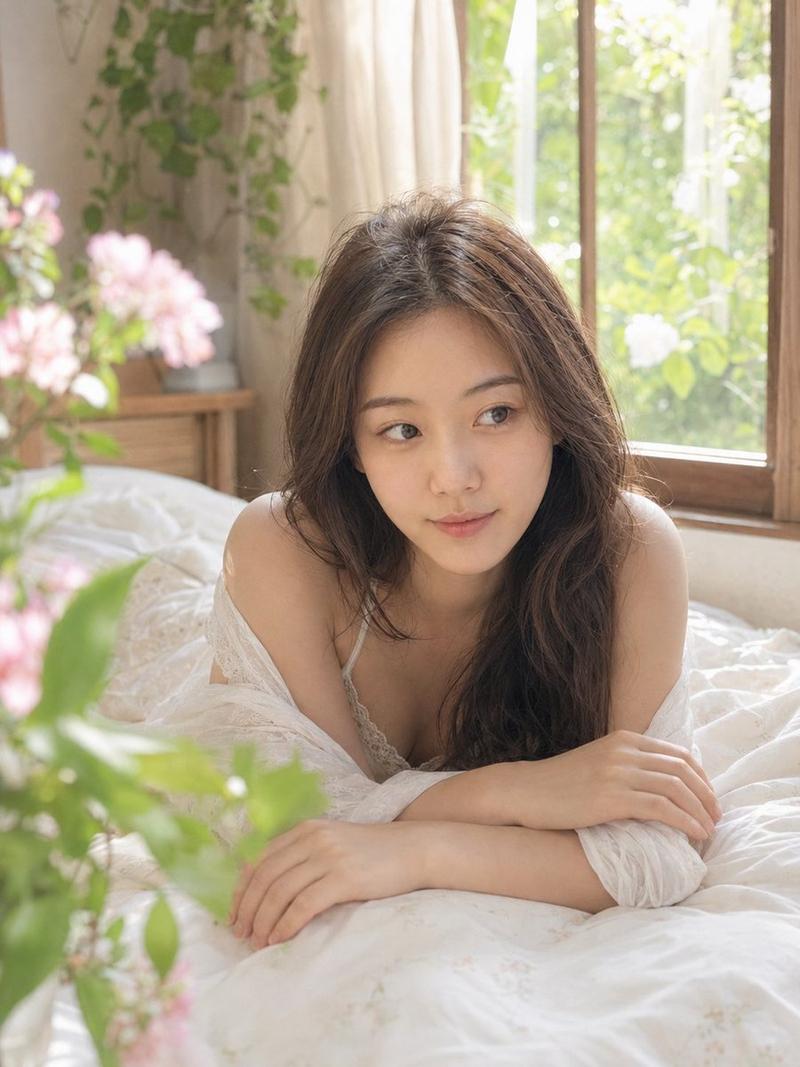
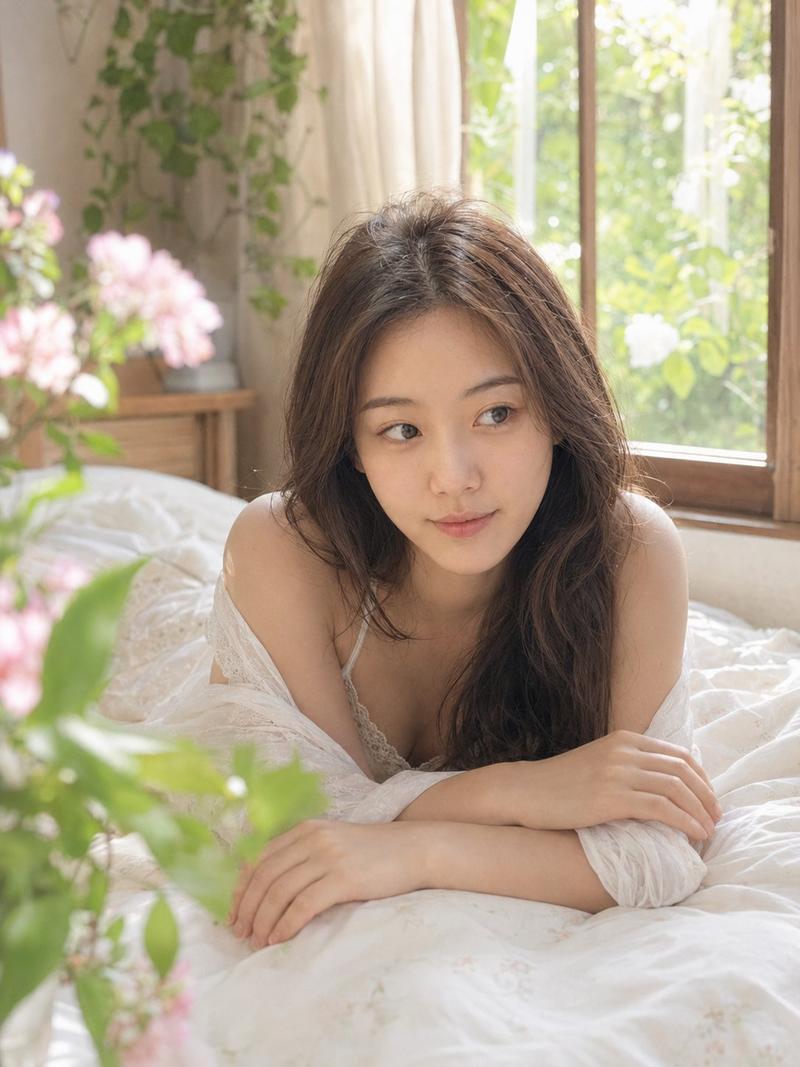
梦幻编辑风肖像
Enlarge

梦幻编辑风肖像

Prompt
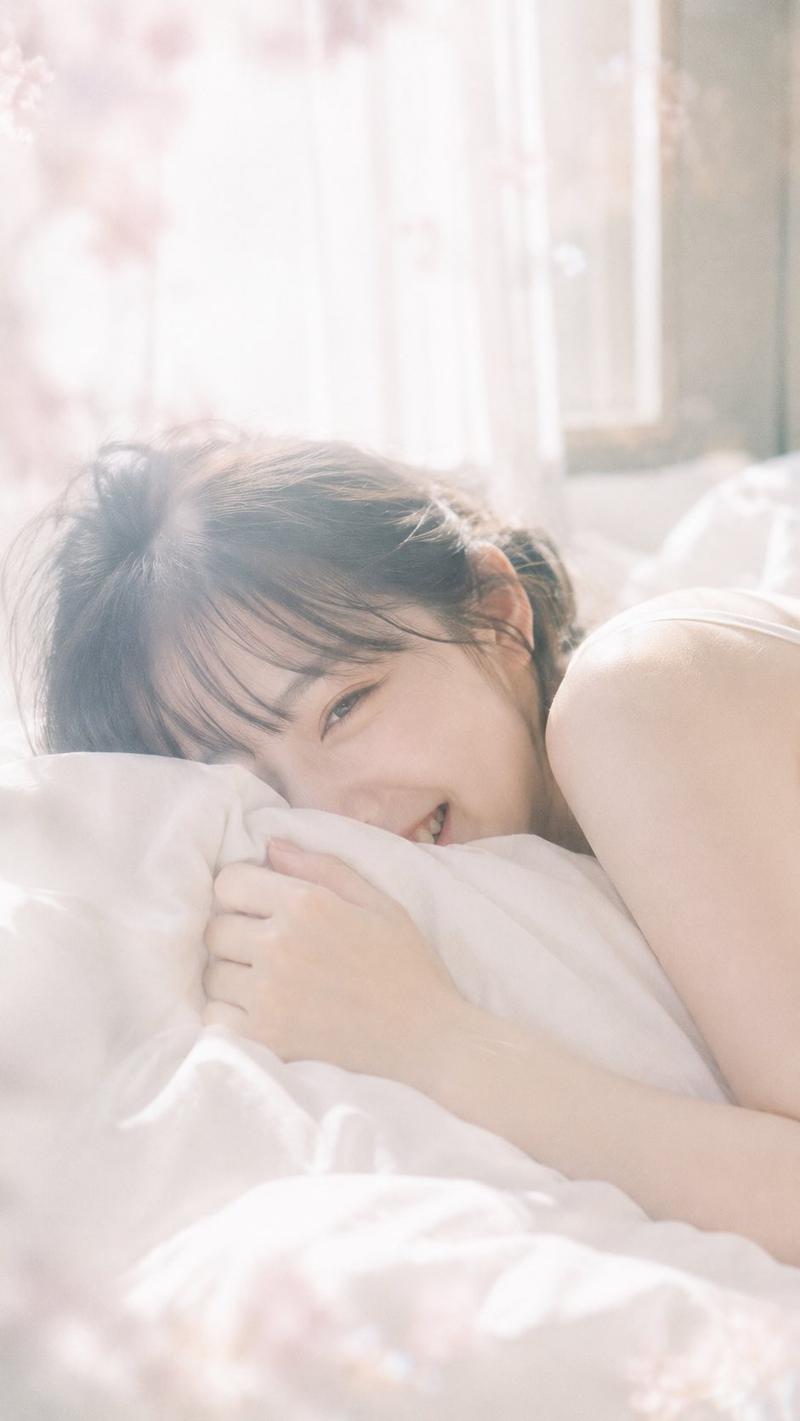
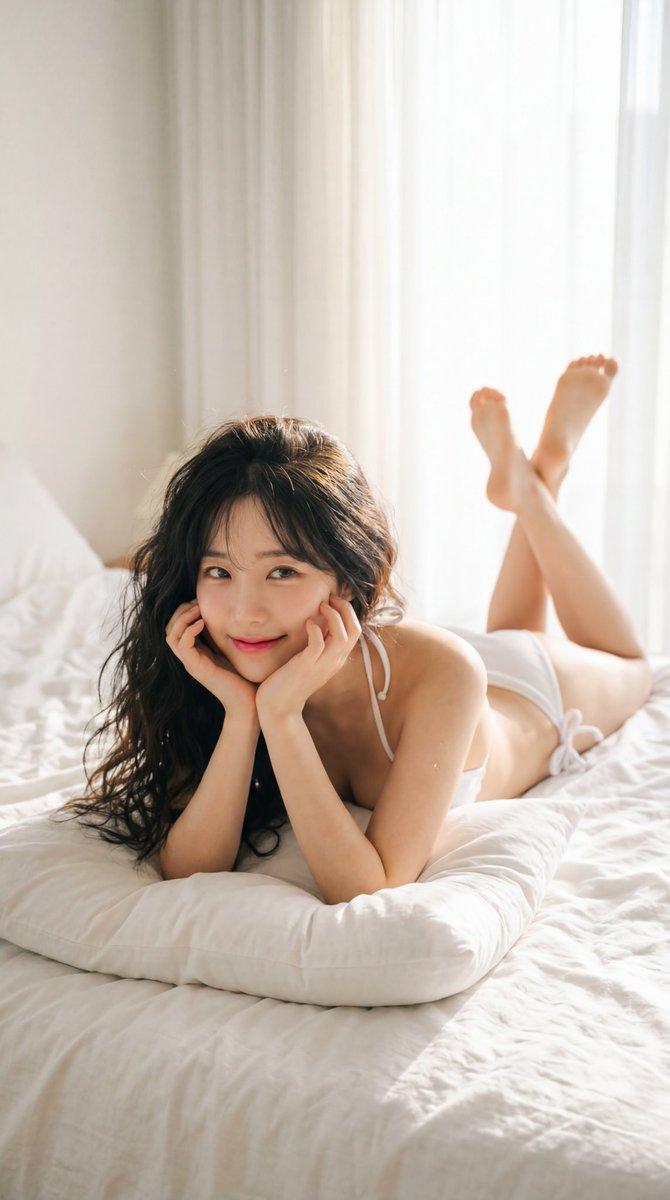
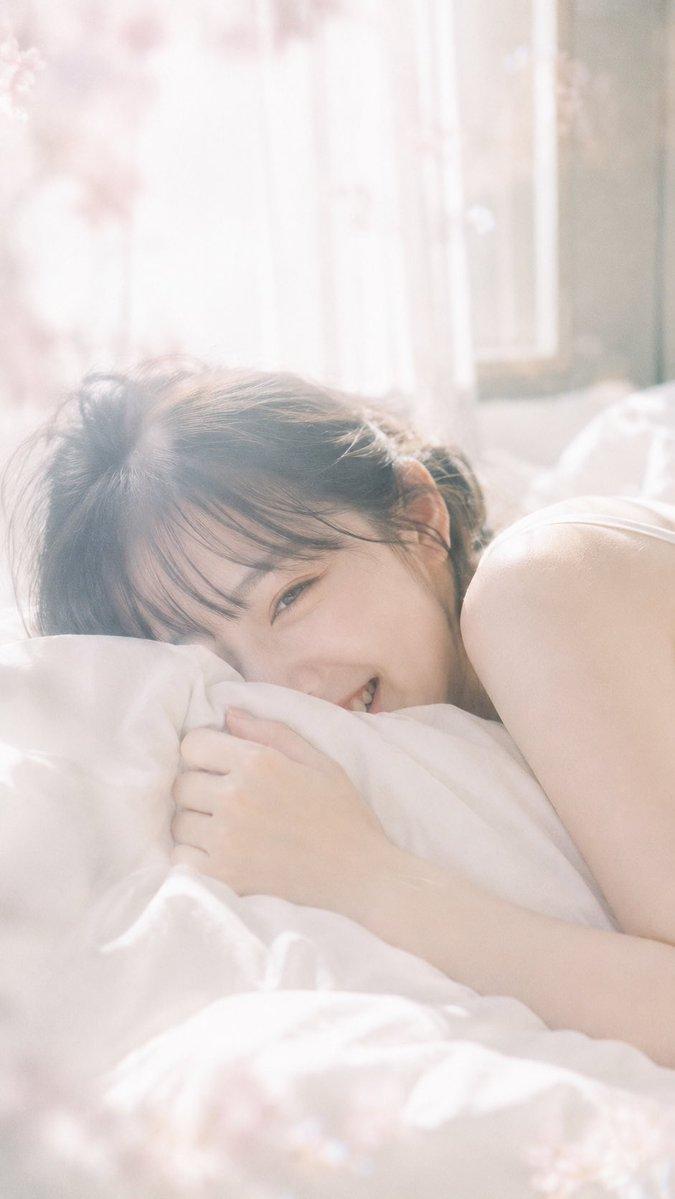
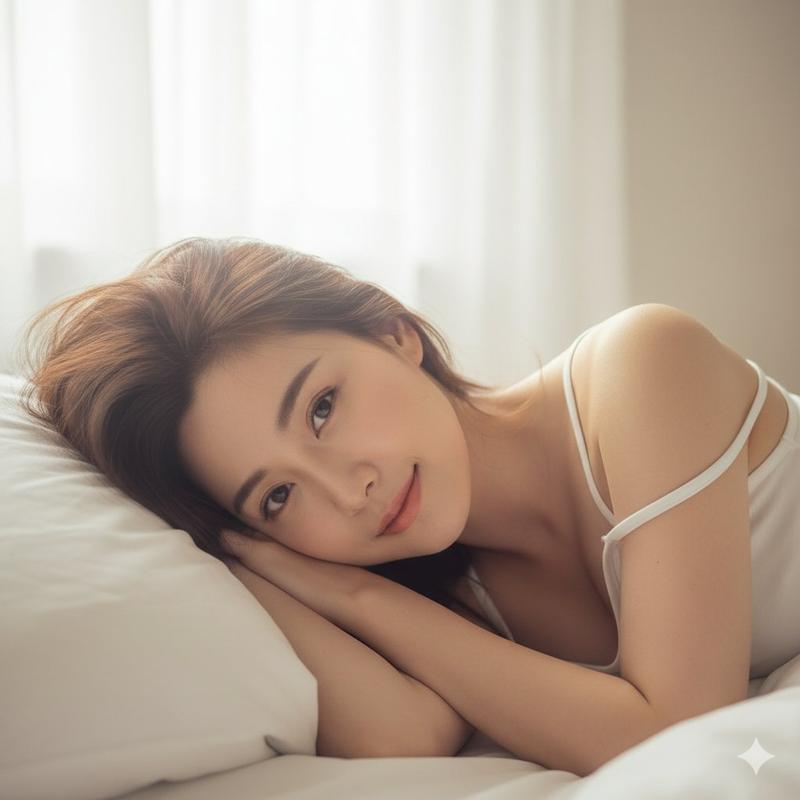
{argument name="aesthetic" default="soft dreamy editorial aesthetic"}, diffused natural light, slight overexposure, soft highlight bloom, low contrast, pastel color tones, gentle pinkish warmth, subtle grain

{argument name="subject" default="young japanese woman lying casually on bed"}, relaxed posture, loose soft clothing, hair slightly messy, face fully visible, soft unfocused gaze toward camera

light curtains, glowing atmosphere, soft shadows, imperfect composition, {argument name="mood" default="dreamy and intimate mood"} --ar 2:3
Category
Photography & Realism
Model
GPT Image 2
Views4
Source ID
16211
Published
Apr 26, 2026

Guide

About "梦幻编辑风肖像"

What is this prompt for?

"梦幻编辑风肖像" AI image prompt for GPT Image 2 (Photography & Realism). 一个柔和、梦幻的编辑风肖像提示词,以年轻日本女性为主角,利用自然光和柔和色调营造出亲密的氛围。 Copy it on Picva and recreate the look in on…

The full copyable prompt and example visuals above are ready for AI image generation or one-click recreate in Picva.

How to use this prompt

  1. Step 1

    Open the prompt detail

    Review the example visuals, category, and full prompt text for "梦幻编辑风肖像".

  2. Step 2

    Copy the prompt

    Copy the prompt body from this page, or load it directly in Studio.

  3. Step 3

    Pick a model (GPT Image 2)

    Prefer GPT Image 2. If you switch models, keep subject and composition and tweak style terms.

  4. Step 4

    Generate and export

    Recreate the look in Picva, or export into your workflow for editing and publishing.

FAQ

What is the "梦幻编辑风肖像" prompt?
It is an AI image-generation prompt for GPT Image 2 in the Photography & Realism category. This page includes the full prompt text, example visuals, and a one-click recreate path in Picva.
How do I use this prompt to generate an image?
Copy the prompt from this page, or use Generate / Studio. Paste it into a compatible image model, or recreate the look in Picva with optional reference images.
Which model is this prompt for?
This page lists GPT Image 2. Most descriptive prompts also transfer to nearby image models such as GPT Image, Flux, or Midjourney with light style tweaks.
Can I use the result commercially?
You can usually copy the prompt for creation, but commercial use of the final image depends on the model terms, reference-image rights, and the generated content. Follow the source author and platform rules.