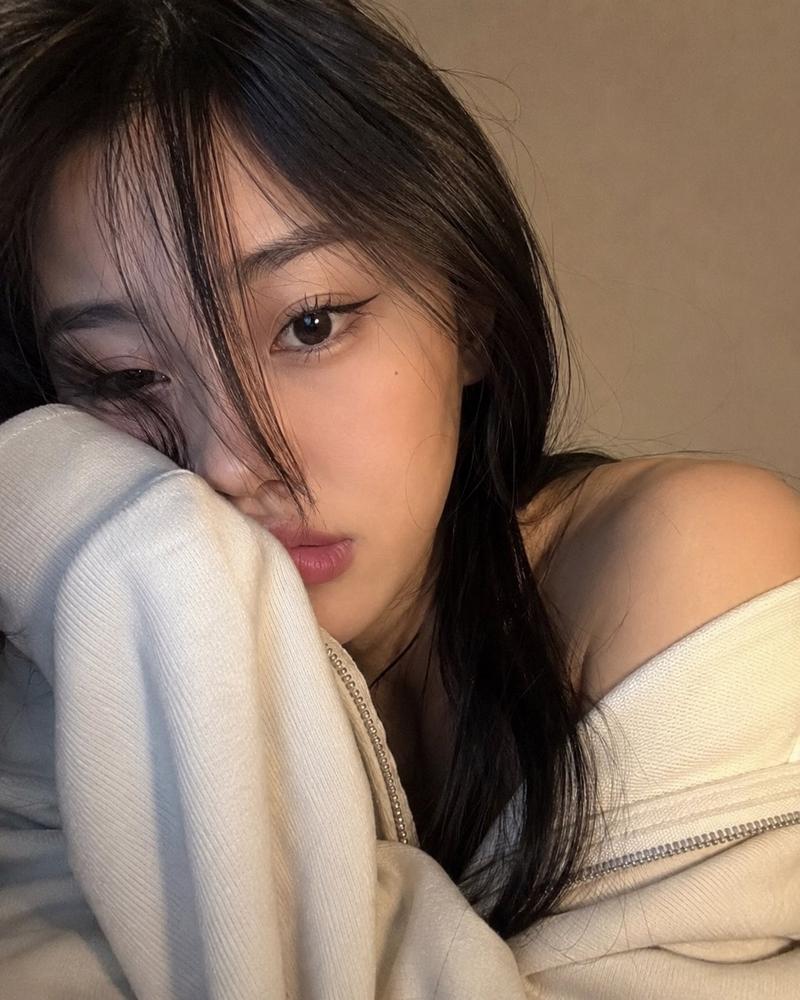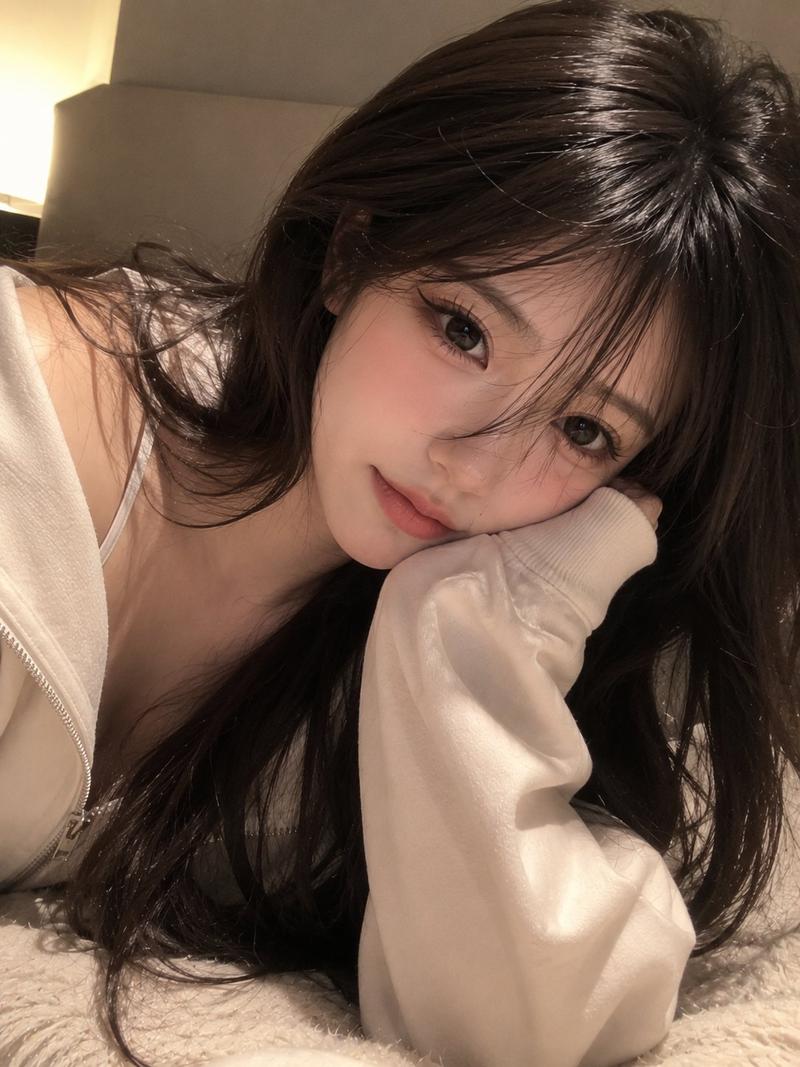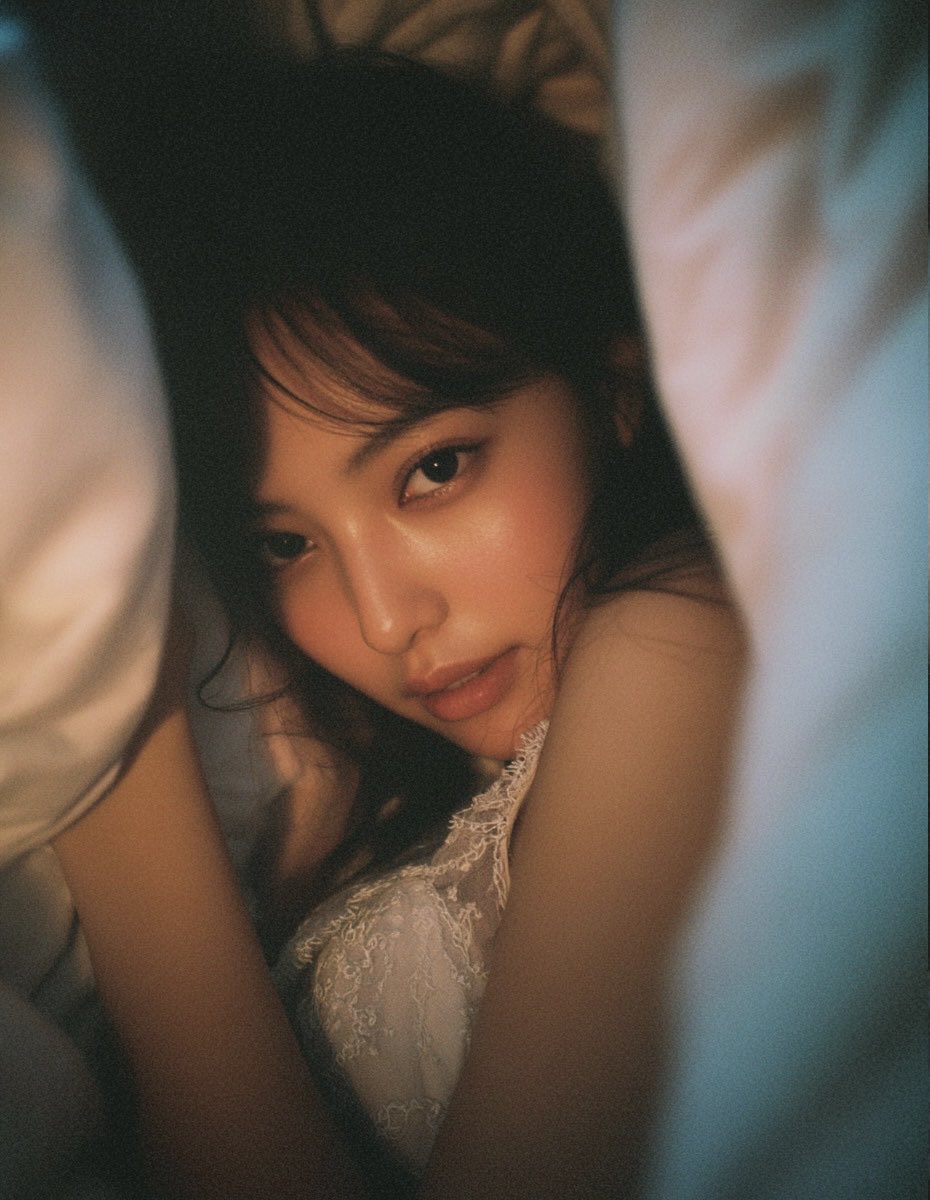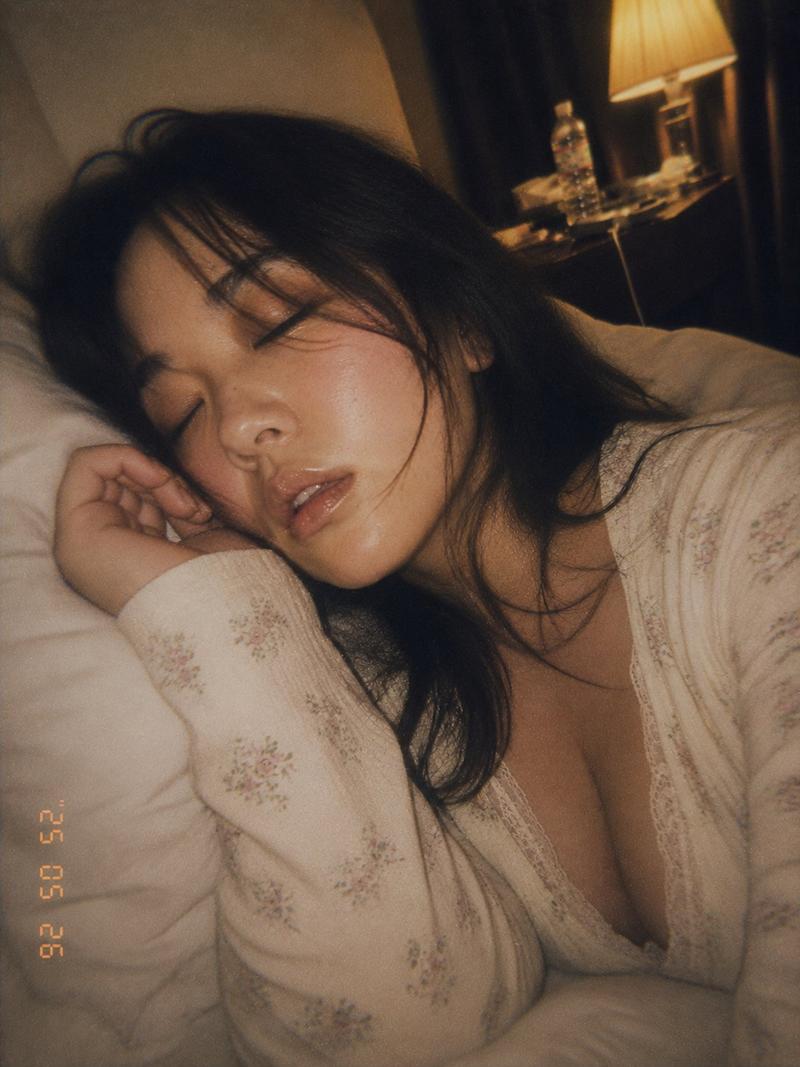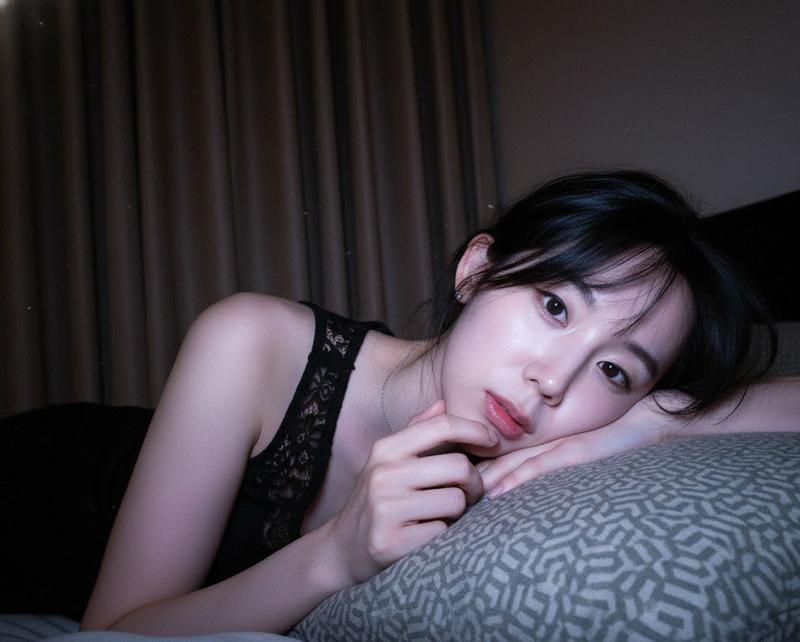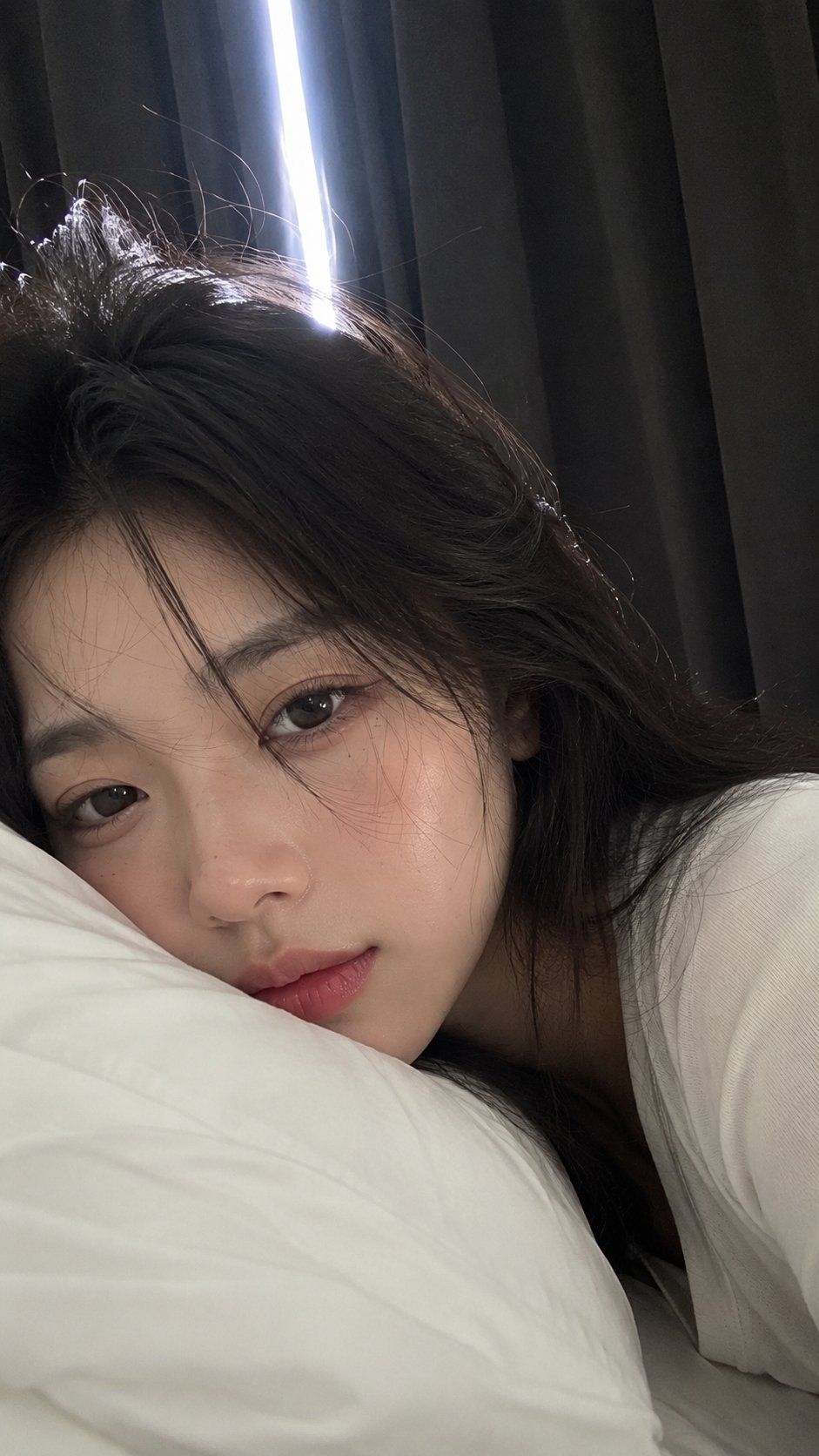
亲密晨间自拍摄影
Prompt
Create a high-quality ultra-realistic intimate morning selfie of the same adult person immediately after waking up. The image should feel like a spontaneous real-life moment casually captured with a smartphone front-facing camera. Scene and pose: The subject is lying face-down on a bed, with their back facing the window and their face turned toward the camera. The left side of the face is deeply pressed into a soft pillow, naturally compressing the cheek. The camera is extremely close to the face, creating an intimate front-camera selfie perspective. Only one person should appear. Show mainly the face and a small amount of the upper body. The subject should look: sleepy, slightly dazed, quiet, naturally soft, as if they have only just opened their eyes. The eyes should remain relaxed and slightly unfocused. Use a calm, absent-minded gaze toward the camera. Preserve the original {argument name="hair style" default="hairstyle and hair color"} from the uploaded portrait. Make the hair extremely messy and naturally tousled from sleep. Include: loose uneven strands, soft bed-head volume, slightly flattened areas from the pillow, realistic flyaway hairs. The hair should look genuinely unstyled after waking up, not intentionally styled. Makeup: Apply refined but natural {argument name="makeup style" default="Korean beauty makeup"} while preserving the original facial identity. Luminous natural skin, subtle soft blush, lightly defined eyebrows, delicate neutral eye makeup, thin eyeliner following the original eye shape, softly separated lashes, glossy natural pink lips. The makeup should remain polished but believable. Do not heavily reshape or beautify the face. The subject wears a {argument name="clothing" default="fitted white long-sleeve top"}. Only a small portion of the upper clothing should be visible because the composition is focused closely on the face. Lighting and background: Use dark black-gray curtains behind the subject. Morning light enters only through a narrow gap in the curtains from behind. Create strong but realistic contrast between light and shadow across the face. Keep the face clearly visible and softly illuminated despite the backlighting. Use subtle morning glow, natural shadow transitions, and realistic indoor light. Composition and camera: extreme facial close-up, smartphone front-camera perspective, casual imperfect framing, intimate eye-level angle, shallow depth of field, realistic lens softness, no professional studio posing. The final result should feel like an authentic private morning selfie captured without preparation. Image quality: Create premium ultra-realistic 4K-quality detail with: natural high-quality skin texture, visible pores, realistic individual hair strands, soft pillow texture, natural facial compression against the pillow, accurate anatomy, realistic morning lighting. Final mood: A sleepy, intimate, freshly awakened morning selfie that feels like a genuine everyday moment.- Category
- UI & Interfaces
- Model
- GPT Image 2
- Creator
- 𝗦𝗮𝗻𝗶𝗮
- Source ID
- 28798
- Published
- Jul 15, 2026
Views20