16

电影级监控界面美学
Enlarge

Example images

电影级监控界面美学

Prompt
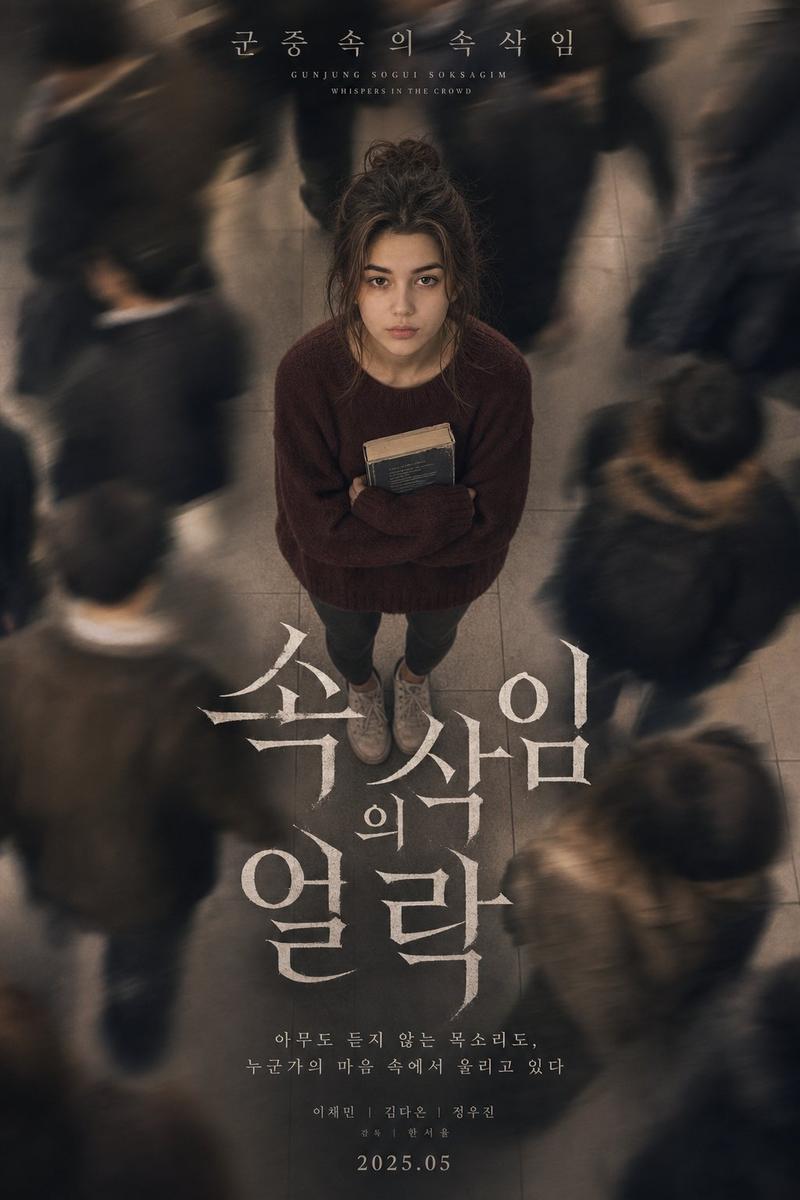
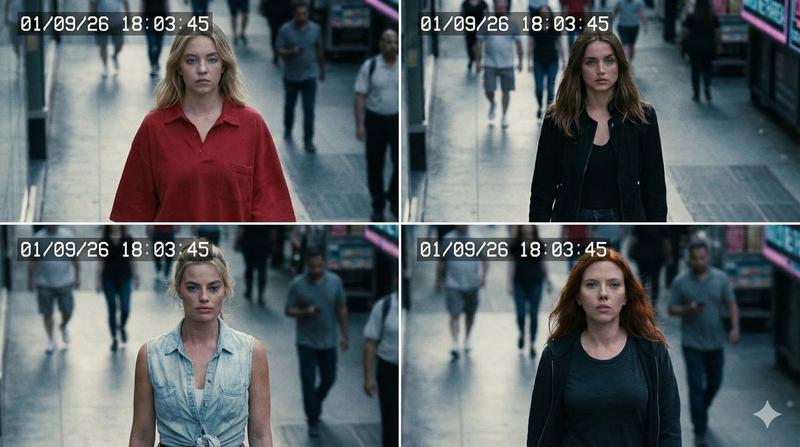
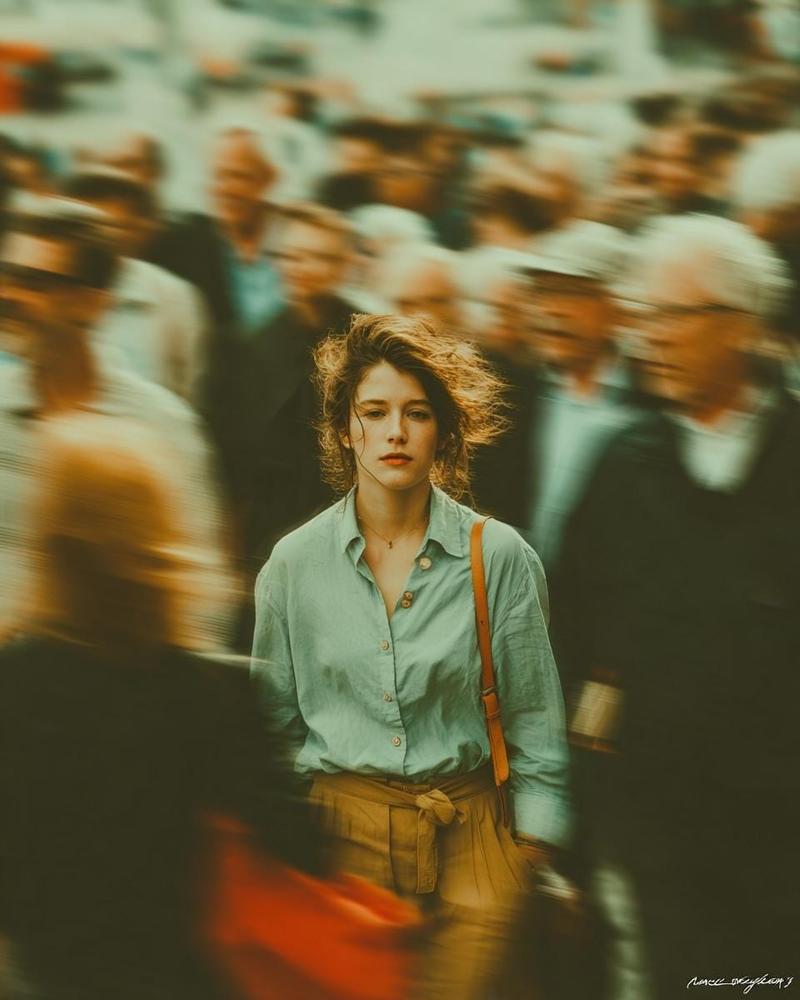
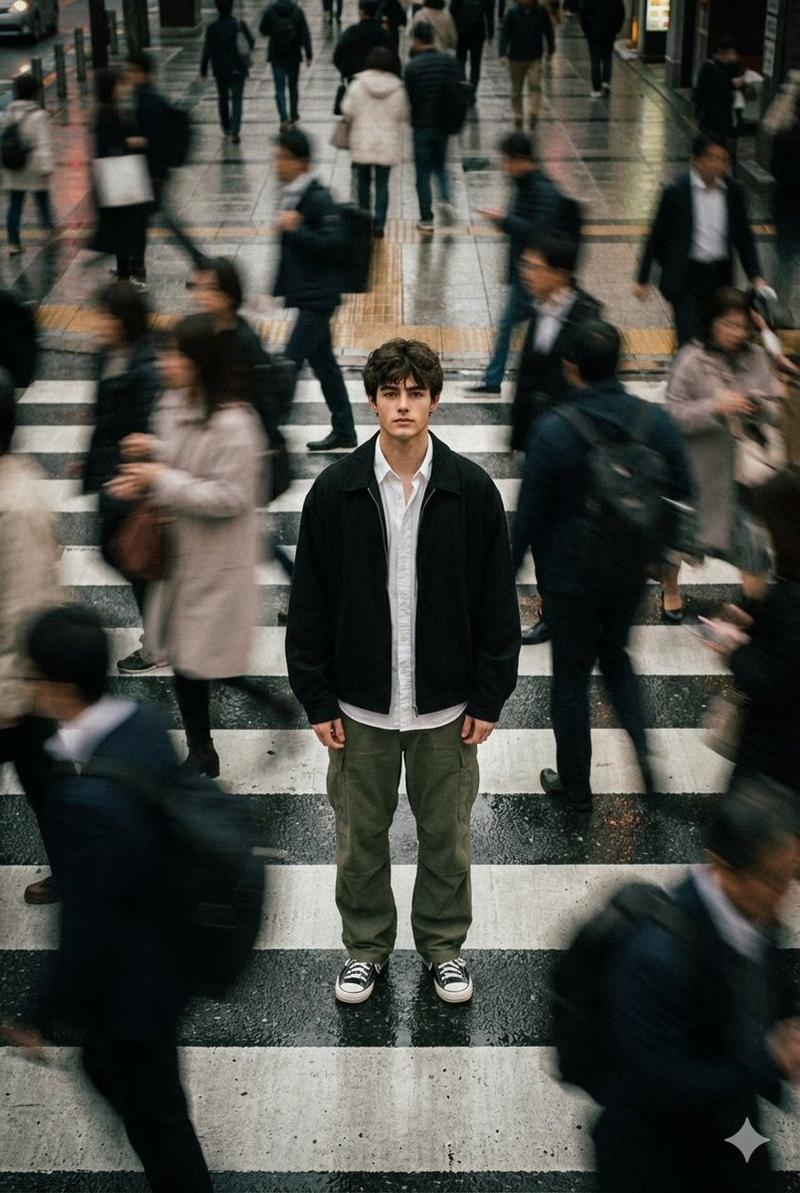
A CCTV-style surveillance footage of a {argument name="location" default="crowded street scene"} from a high angle, a {argument name="subject" default="young man"} in the center walking forward while looking up at the camera with a warm friendly smile, surrounded by blurred pedestrians in motion, {argument name="color tone" default="black and white monochrome tone"}, strong motion blur on people around her, sharp focus on the main subject, dramatic contrast, overhead perspective, AI facial recognition interface overlay, green bounding box around the woman labeled "PERSON OF INTEREST", side panel showing zoomed face portrait with data text: "SUBJECT ID: 01", "STATUS: TRACKED", "GAZE: UP", "CONFIDENCE: 86%", connecting line between face panel and subject, timestamp overlay in the corner, "REC" indicator, grainy texture, digital noise, compression artifacts, subtle scan lines, cinematic surveillance aesthetic, documentary style, slightly distorted perspective, urban environment, dynamic composition.
Category
UI & Interfaces
Model
GPT Image 2
Views10
Source ID
16216
Published
Apr 26, 2026

Guide

About "电影级监控界面美学"

What is this prompt for?

"电影级监控界面美学" AI image prompt for GPT Image 2 (UI & Interfaces). 生成一张单色 CCTV 风格的监控画面,拍摄人群中的重点目标,并配有数字 UI 叠加层和运动模糊效果。 Copy it on Picva and recreate the look in on…

The full copyable prompt and example visuals above are ready for AI image generation or one-click recreate in Picva.

How to use this prompt

  1. Step 1

    Open the prompt detail

    Review the example visuals, category, and full prompt text for "电影级监控界面美学".

  2. Step 2

    Copy the prompt

    Copy the prompt body from this page, or load it directly in Studio.

  3. Step 3

    Pick a model (GPT Image 2)

    Prefer GPT Image 2. If you switch models, keep subject and composition and tweak style terms.

  4. Step 4

    Generate and export

    Recreate the look in Picva, or export into your workflow for editing and publishing.

FAQ

What is the "电影级监控界面美学" prompt?
It is an AI image-generation prompt for GPT Image 2 in the UI & Interfaces category. This page includes the full prompt text, example visuals, and a one-click recreate path in Picva.
How do I use this prompt to generate an image?
Copy the prompt from this page, or use Generate / Studio. Paste it into a compatible image model, or recreate the look in Picva with optional reference images.
Which model is this prompt for?
This page lists GPT Image 2. Most descriptive prompts also transfer to nearby image models such as GPT Image, Flux, or Midjourney with light style tweaks.
Can I use the result commercially?
You can usually copy the prompt for creation, but commercial use of the final image depends on the model terms, reference-image rights, and the generated content. Follow the source author and platform rules.