超现实电影感克隆摄影
Prompt
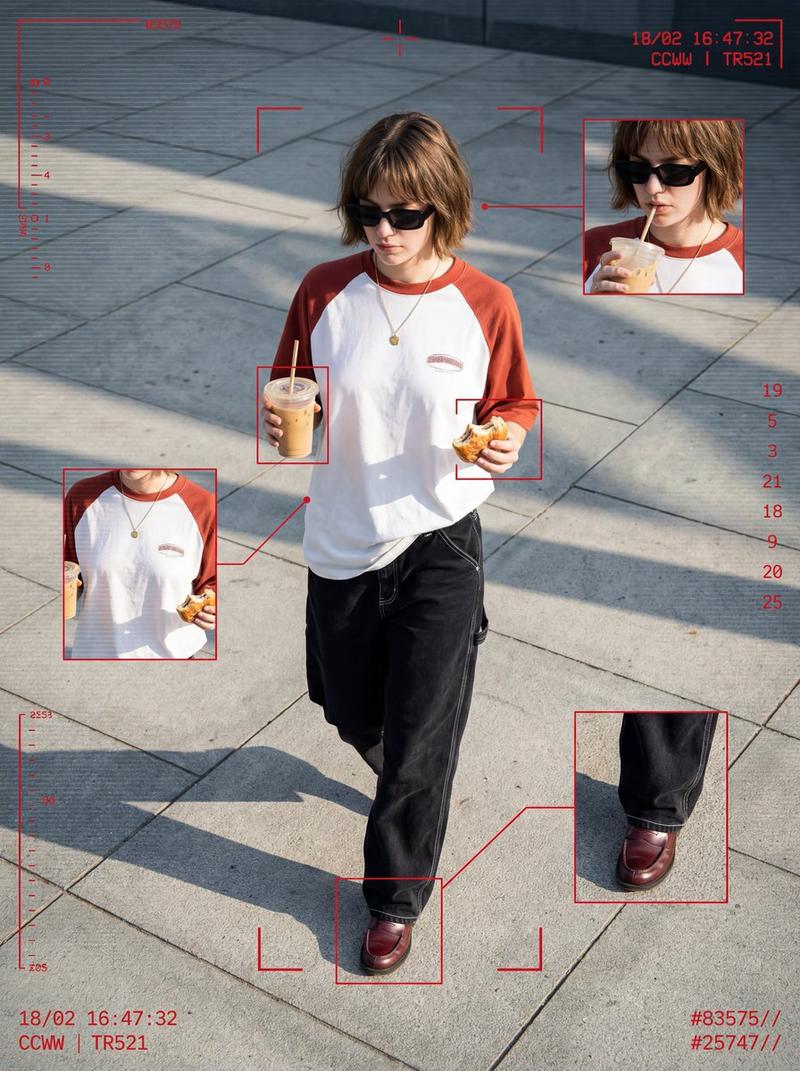
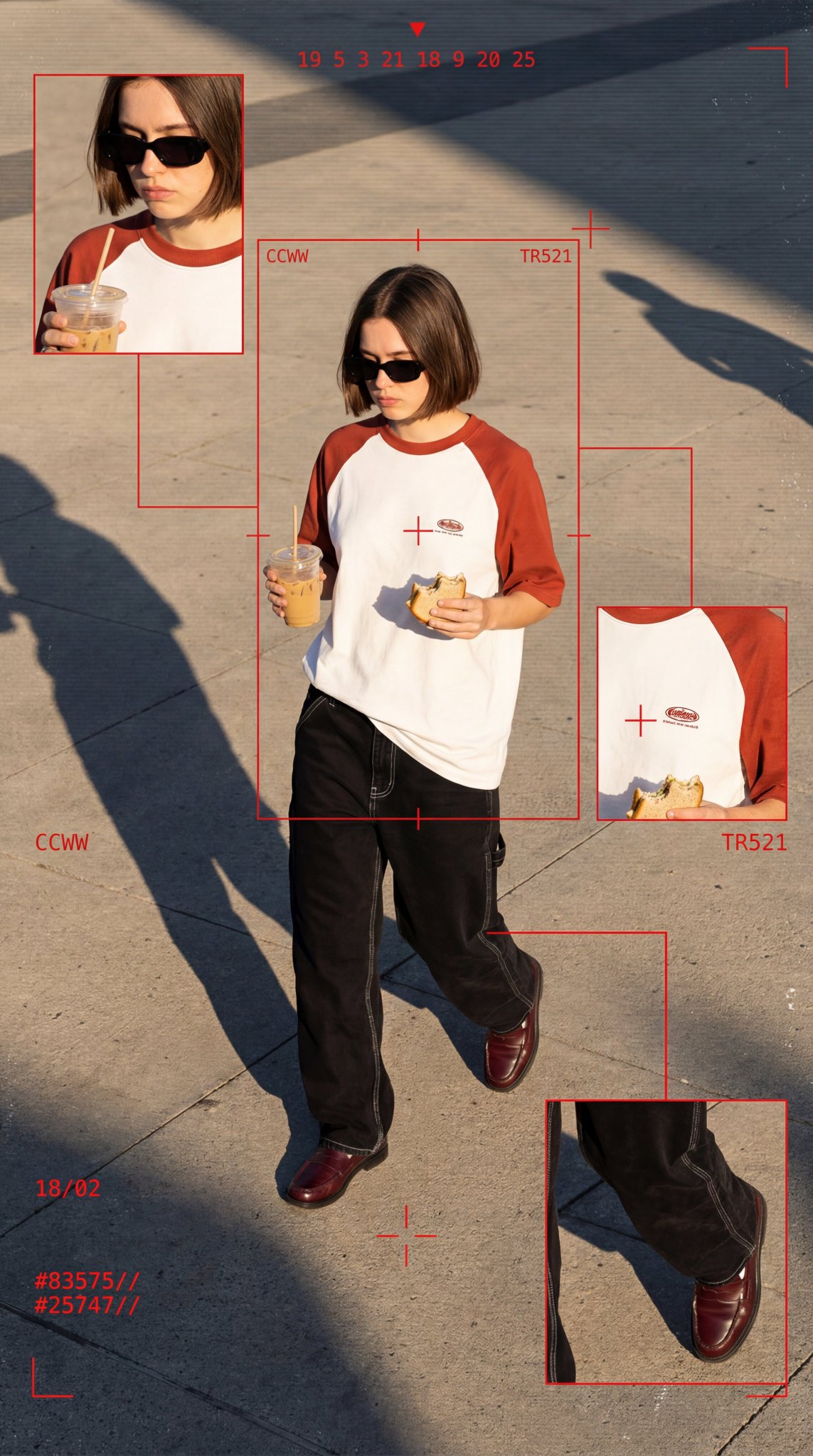
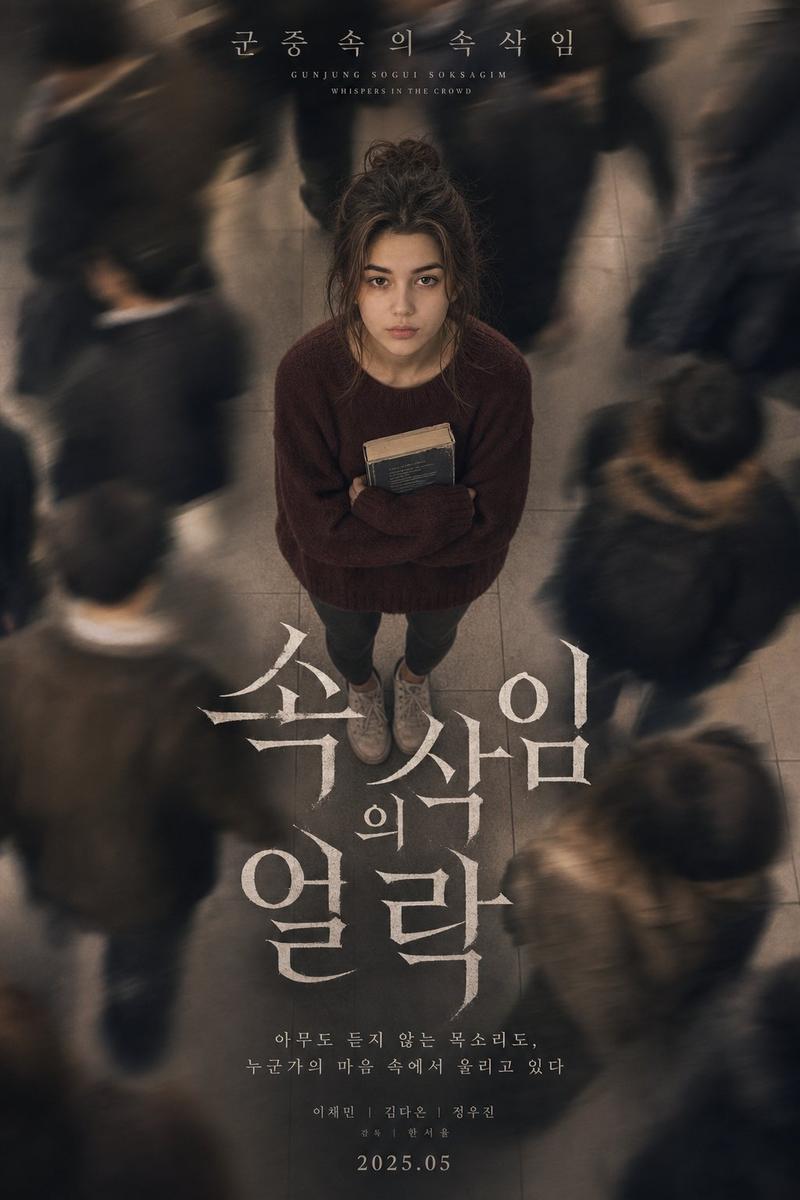
Ultra cinematic surreal clone photography, aerial high-angle shot of the SAME PERSON from the uploaded reference image standing still in the center of a large empty street/pathway while multiple copies of HIM walk around in different directions. IMPORTANT FACE LOCK: Maintain EXACT SAME FACE as uploaded reference image. Preserve identical facial structure, jawline, hairstyle, beard style, skin tone, eyebrows, eye shape, nose shape, lips, hair texture, forehead proportions, and overall identity. Do NOT change ethnicity or facial features. Keep the face highly realistic and consistent across all clones. Use the uploaded image as the primary identity reference. Face must look exactly like the real person in the reference photo. The central character is perfectly sharp, confident pose, hands in pockets, wearing a bright oversized {argument name="clothing color" default="red"} sweatshirt, black loose pants, white sneakers, and black sunglasses. All surrounding clones wear the exact same outfit and exact same face, creating a repetitive "NPC crowd" effect. Dynamic composition with motion blur on moving clones, shallow depth of field, dreamy atmosphere, soft sunlight, warm natural tones, slight haze, realistic shadows, and subtle film grain. Street photography mixed with fashion editorial aesthetics. Background includes tiled pavement and urban outdoor environment with minimal distractions. Use tilt-shift lens effect, compressed perspective, and cinematic depth. Mood: lonely but powerful, standing out while everyone else moves. Style inspired by modern Al photography, Instagram reel aesthetics, surreal identity concept art. Hyper realistic skin texture, clean anatomy, realistic proportions, realistic Indian male appearance, natural lighting, ultra detailed facial realism, cinematic color grading. NO face distortion, NO extra limbs, NO asymmetrical eyes, NO beard changes, NO different hairstyle, NO cartoon look, NO fake Al face. Camera Settings Style: Shot on Sony A7R IV, 85mm lens, f/1.8, tilt-shift blur, HDR, ultra detailed, 8K, vertical 9:16 composition.- Category
- Charts & Infographics
- Model
- GPT Image 2
- Creator
- Duet | AI
- Source ID
- 27635
- Published
- Jul 4, 2026
Views0