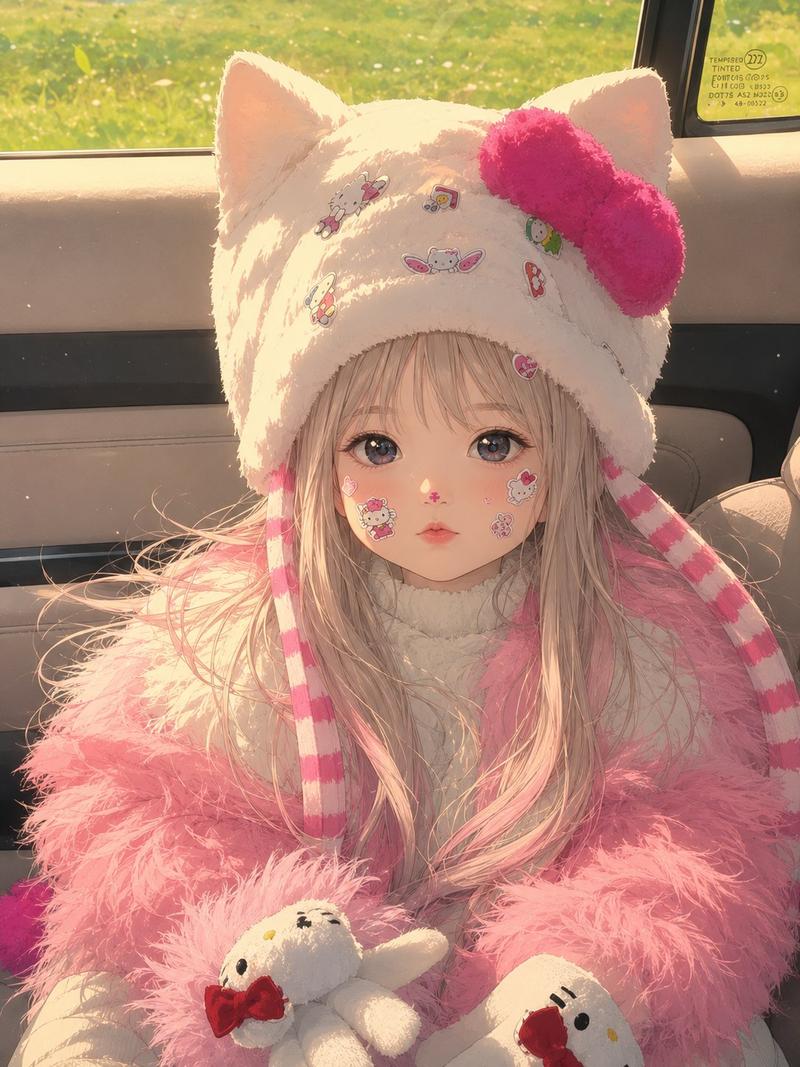
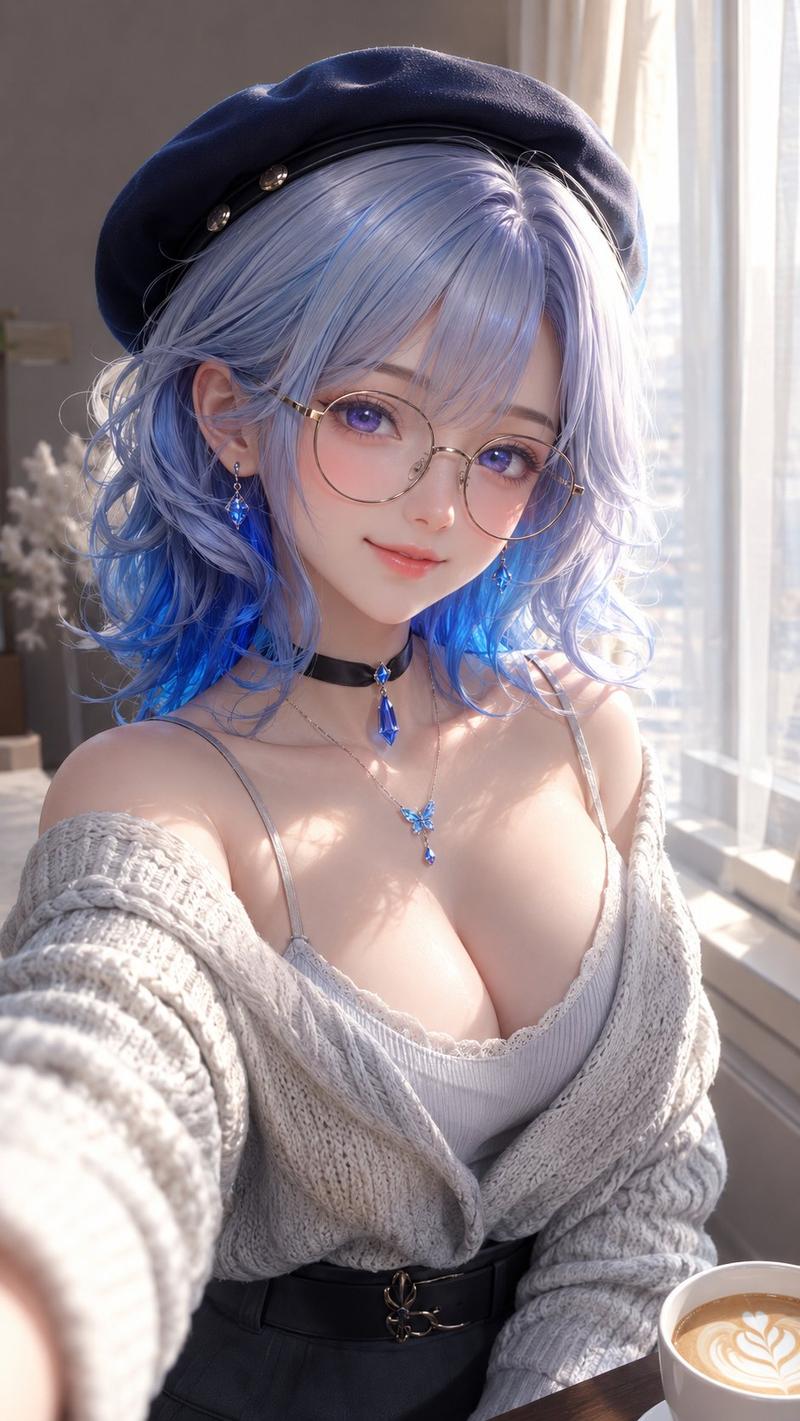
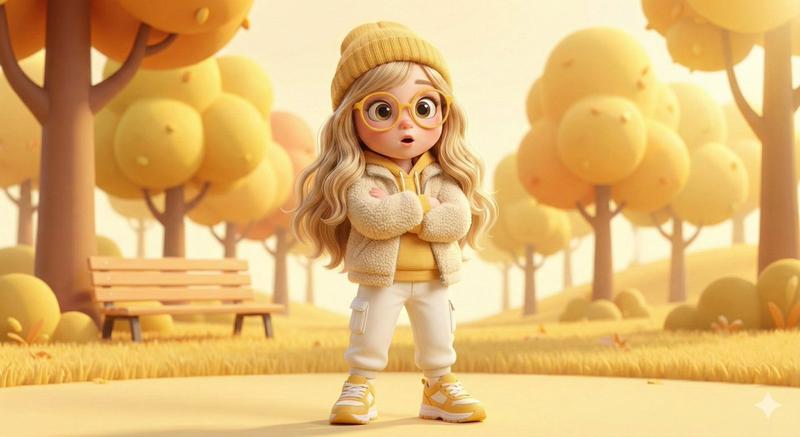
带参考匹配的 3D 动画场景
Prompt
A high-quality 3D animated scene featuring a {argument name="subject" default="young woman"} (based on the provided reference image, accurate face and identity, realistic skin texture) wearing the exact same outfit/costume as in the reference image, with all clothing details, colors, and textures preserved. She is sitting casually on a {argument name="furniture" default="soft pastel couch"} in a {argument name="room type" default="cozy, aesthetic room"}. Her posture is relaxed and expressive, with a playful, slightly amused facial expression. Next to her is the baby character “Goo Goo Gaga”, recreated exactly the same as in the provided reference image — identical appearance, outfit, proportions, facial expression, and style (no changes at all). Goo Goo Gaga is standing on the couch, playfully interacting with her (pulling her cheek or holding onto her arm), creating a cute and slightly chaotic moment. Environment: warm, cozy pastel-toned room filled with soft cushions, plush toys, and minimal aesthetic decor (colors: soft pink, peach, cream, mint). Lighting: soft cinematic lighting with warm glow, gentle shadows, depth of field, dreamy atmosphere. Style: high-end 3D cartoon (Pixar/Disney style), ultra-smooth rendering, subsurface scattering skin, fluffy fabric textures, highly detailed, clean composition. Mood: cute, playful, wholesome, expressive, slightly chaotic, viral social media aesthetic. Important: use the provided reference images for both characters — keep the woman’s face and outfit accurate, and keep Goo Goo Gaga exactly unchanged from its reference.“8K render, Unreal Engine, Octane render quality”- Category
- Posters & Typography
- Model
- GPT Image 2
- Creator
- NOOR
- Source ID
- 16254
- Published
- Apr 26, 2026
Views16