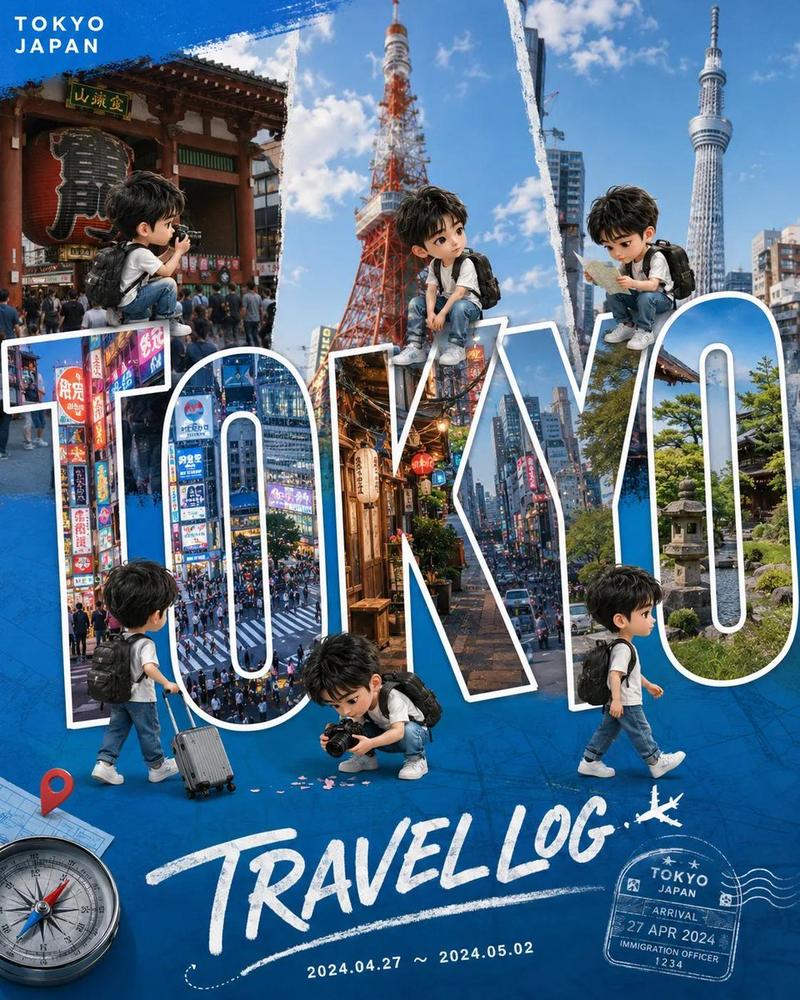
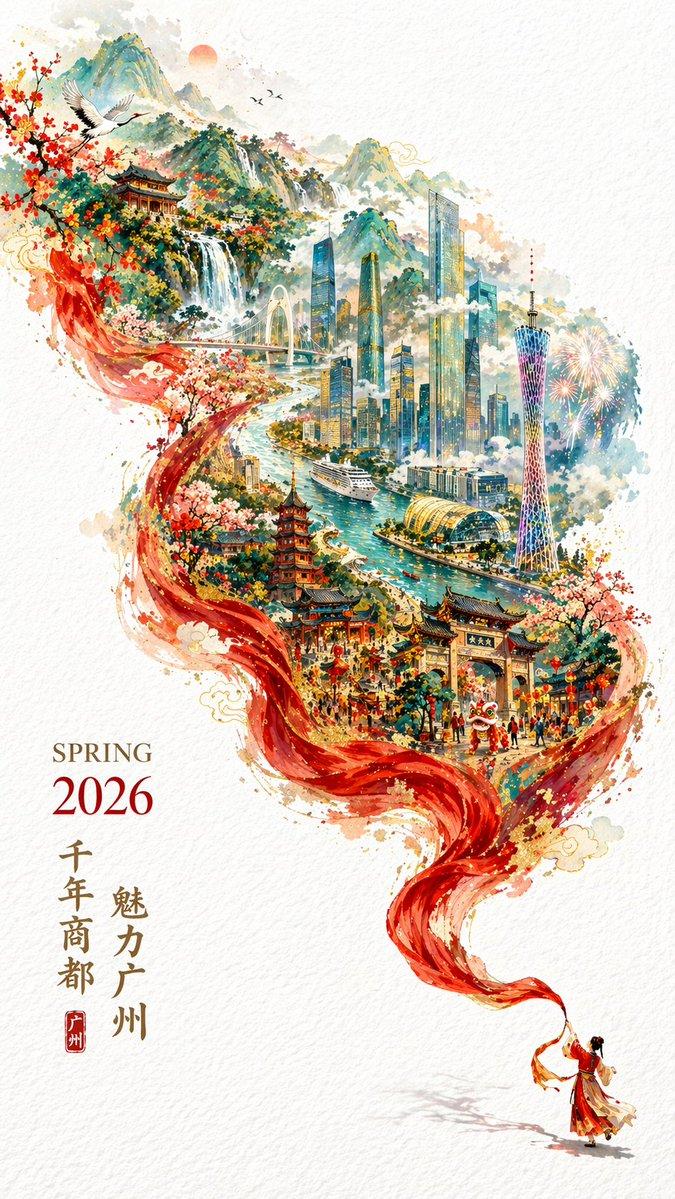
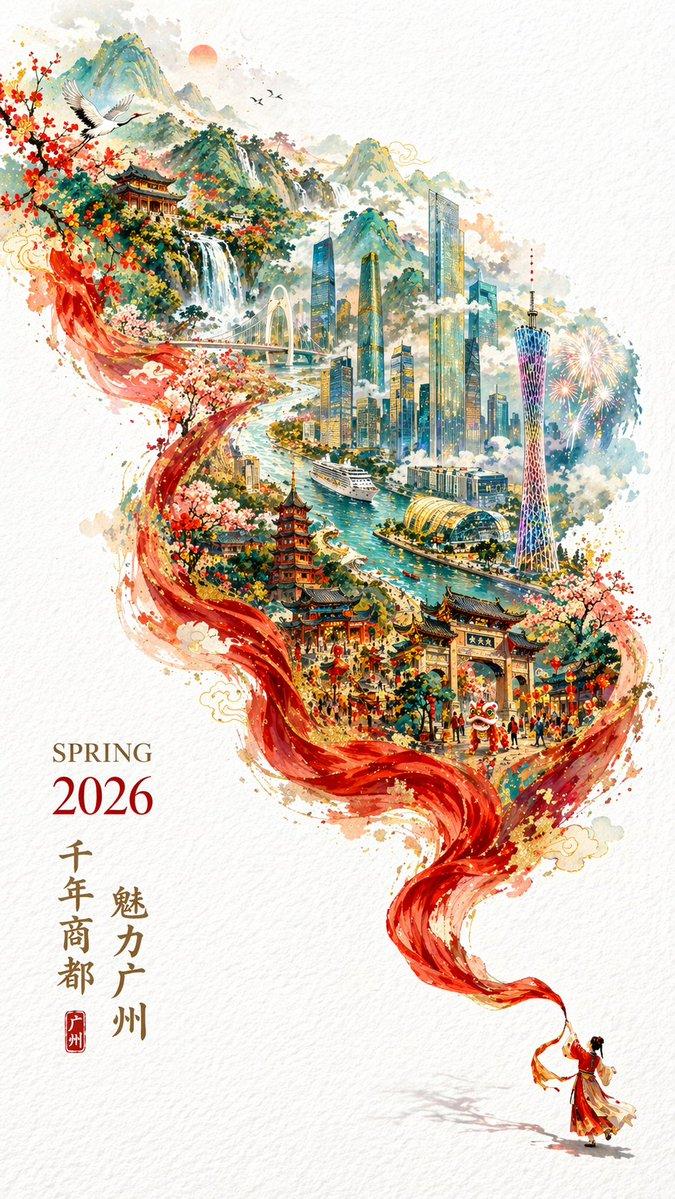
旅游海报插画
Prompt
请创作一张宣传“{argument name="place name" default="place name"}”的招贴画风格插画。将该插画置于中心位置,并展示旅游景点或著名地标的照片及名称。保持插画风格统一。背景应能体现该地点的特色。请介绍几个地点。- Category
- Posters & Typography
- Model
- GPT Image 2
- Creator
- のとろ
- Source ID
- 16289
- Published
- Apr 26, 2026
Views4
15

请创作一张宣传“{argument name="place name" default="place name"}”的招贴画风格插画。将该插画置于中心位置,并展示旅游景点或著名地标的照片及名称。保持插画风格统一。背景应能体现该地点的特色。请介绍几个地点。Guide
"旅游海报插画" AI image prompt for GPT Image 2 (Posters & Typography). 一个用于创作区域旅游海报的提示词,将核心象征性插画与当地地标的照片及名称相结合。 Copy it on Picva and recreate the look in one click.
The full copyable prompt and example visuals above are ready for AI image generation or one-click recreate in Picva.
Step 1
Review the example visuals, category, and full prompt text for "旅游海报插画".
Step 2
Copy the prompt body from this page, or load it directly in Studio.
Step 3
Prefer GPT Image 2. If you switch models, keep subject and composition and tweak style terms.
Step 4
Recreate the look in Picva, or export into your workflow for editing and publishing.