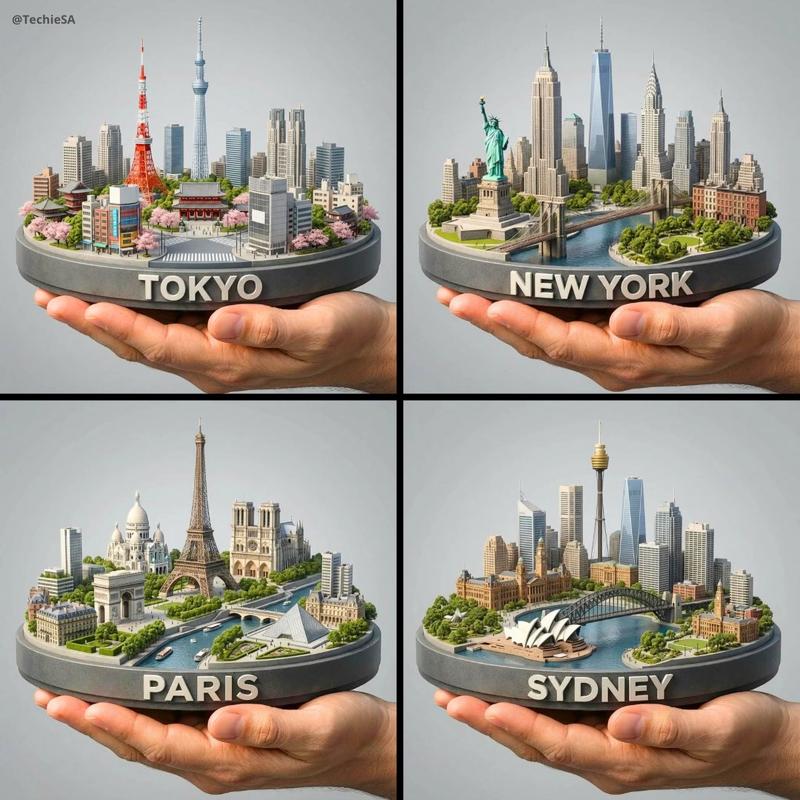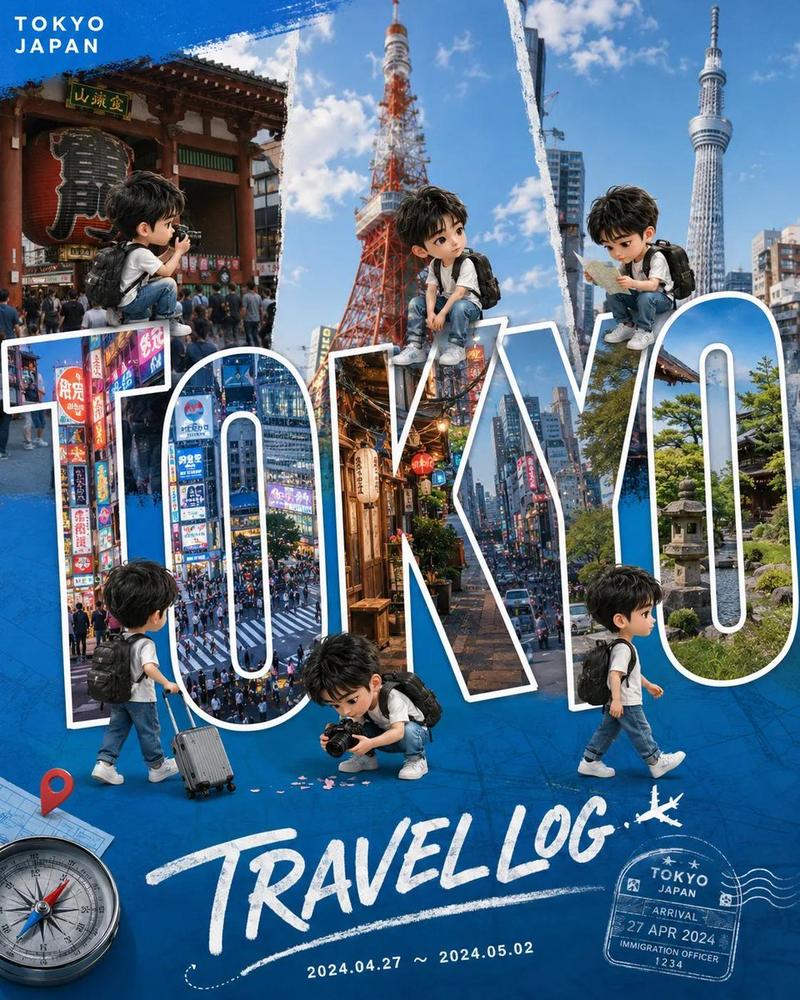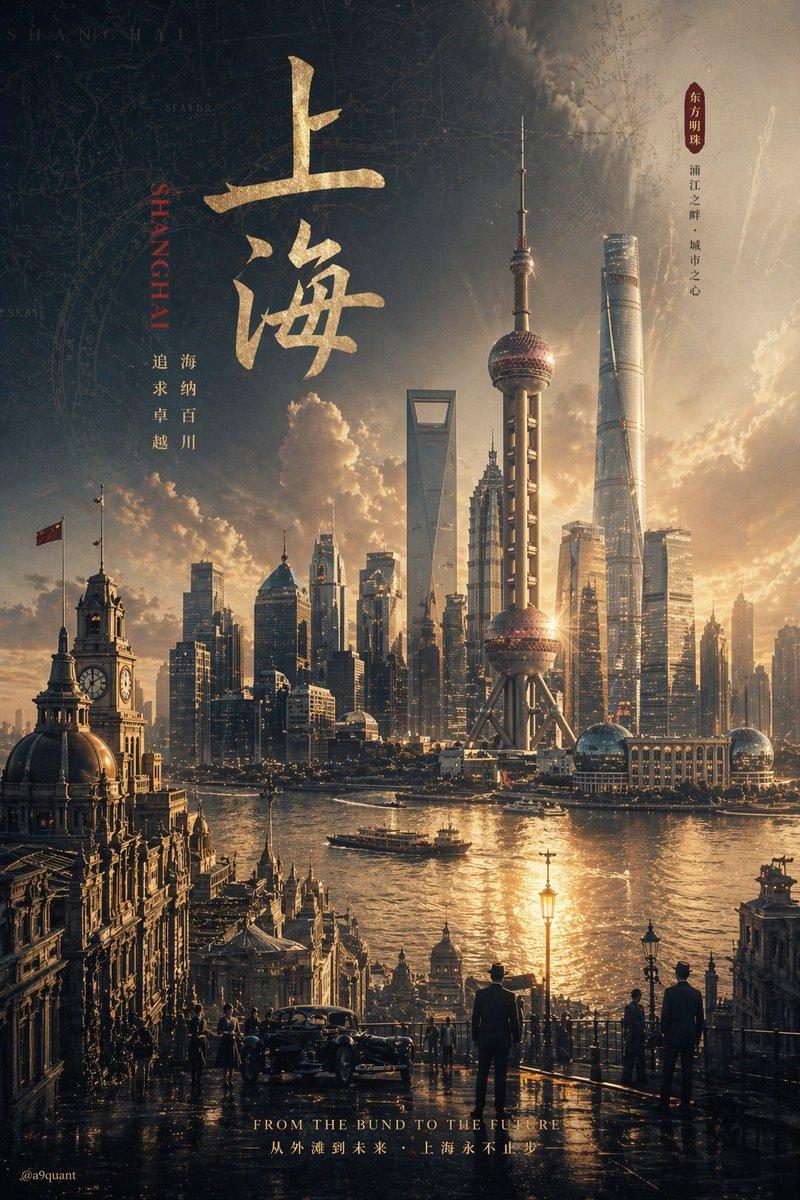
可爱的上海 Q 版旅行海报
Prompt
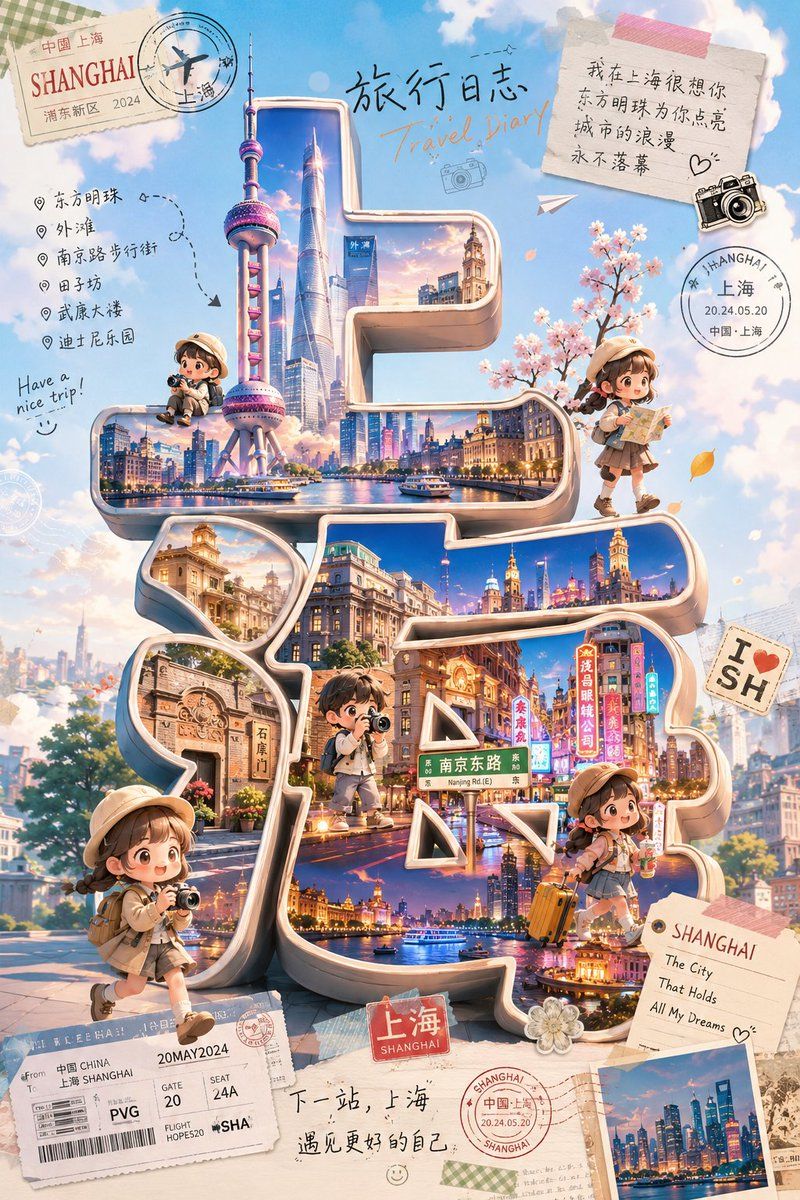
Goal: Create a cute chibi travel-blogger poster themed around {argument name="city name" default="Shanghai"}, with adorable miniature travelers exploring a giant 3D Chinese-character city title as the visual centerpiece.

Canvas: Vertical 2:3 poster, bright dreamy sky-blue background with fluffy clouds, scrapbook travel-journal collage aesthetic, warm pastel lighting, highly detailed but soft and cute.

Main layout: Place enormous glossy 3D sculptural Chinese characters spelling {argument name="large city text" default="上海"} in the center, occupying most of the poster. The characters should be cream-colored with metallic beveled edges, rounded corners, and deep inset windows. Inside the strokes of the characters, show vivid miniature cityscape scenes: Shanghai skyline, the Oriental Pearl Tower, skyscrapers, waterfront night views, historic Bund architecture, Nanjing Road neon signs, boats on the river, and warm sunset-to-night lighting. The 3D text should feel like a walkable miniature city installation.

Characters: Include exactly 5 cute Japanese-style chibi travel bloggers, all with soft round faces, tiny bodies, beige travel outfits, bucket hats or caps, backpacks, and camera/travel accessories. Count and place them as follows: 1 small seated traveler with a camera on the upper-left ledge near the Oriental Pearl Tower; 1 walking traveler on the upper-right holding a folded map; 1 standing traveler in the center lower area on the 3D text, like a tiny explorer; 1 larger traveler at the bottom-left foreground holding a camera while walking; 1 traveler at the lower-right sitting or leaning with an orange suitcase. Their faces may be simplified or softly obscured, but the poses must remain expressive and travel-blogger-like.

Travel collage details: Add exactly 10 prominent paper and stamp elements around the central city text: 1 vintage postcard stamp in the top-left reading “SHANGHAI” with smaller Chinese/Shanghai travel markings; 1 circular airplane passport stamp overlapping it; 1 handwritten title at the top center with Chinese text “旅行日志” and English text “Travel Diary”; 1 taped note in the top-right with Chinese handwritten romantic travel text and a doodled heart; 1 black vintage camera sticker near the note; 1 circular Shanghai passport stamp at upper-right reading “SHANGHAI / 上海 / 20.24.05.20”; 1 “I ♥ SH” sticker on the right; 1 boarding-pass ticket at the bottom-left with PVG, gate, seat, and Shanghai details; 1 small red luggage-label sign at the bottom center reading “上海 / SHANGHAI”; 1 postcard at the bottom-right reading “SHANGHAI / The City / That Holds / All My Dreams” with a small skyline photo.

Left-side itinerary text: Add a handwritten checklist on the left with exactly 6 destination bullets: 东方明珠, 外滩, 南京路步行街, 田子坊, 武康大楼, 迪士尼乐园. Include dotted route arrows and a small phrase “Have a nice trip!” nearby.

Bottom caption: Handwrite a short Chinese travel note near the bottom center: “下一站,上海 遇见更好的自己”, with tiny smiley doodles and stamp marks.

Visual style: Japanese soft-cute Q-version illustration mixed with polished 3D typography and travel scrapbook collage; pastel colors, creamy highlights, sparkling city reflections, small petals/leaves, decorative tape, paper textures, soft shadows, cinematic fantasy realism, extremely charming and detailed.

Constraints: Keep the huge 3D city text readable as 上海, make the city landmarks recognizable, use exactly 5 chibi travelers, preserve the listed English and Chinese visible text, avoid logos or watermarks, no extra main characters.- Category
- Charts & Infographics
- Model
- GPT Image 2
- Creator
- 小英镑知识分享
- Source ID
- 21416
- Published
- May 18, 2026
Views4