15

奇幻森林中的 Q 版天使
Enlarge

奇幻森林中的 Q 版天使

Prompt
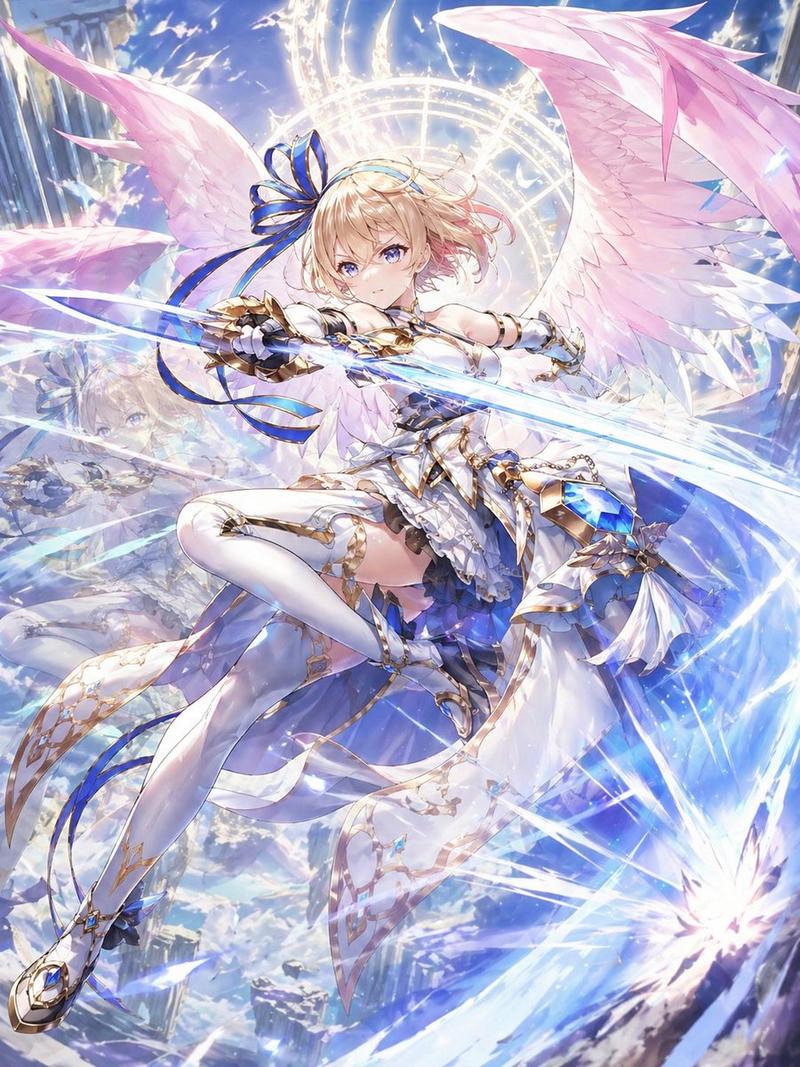
{argument name="art style" default="高质量日本动漫风格"},奇幻世界。一个 {argument name="character" default="带有白色翅膀的微型‘Q 版天使’(图 1)"} 正在 {argument name="setting" default="神秘森林"} 中优雅地飞行。Q 版天使可爱且风格化,柔软发光的翅膀散发着柔和的光芒。森林充满神秘感,点缀着参天大树、扭曲的树干、漂浮的光粒子以及生物发光的植物和蘑菇。轻雾在空间中飘荡,营造出深邃而神秘的氛围。透过树木过滤的阳光与魔法光芒交织,营造出一个梦幻般的世界。相机采用动态构图,追随 Q 版天使,描绘其在空中滑翔的姿态。表现出运动模糊以体现速度感、气流以及扇动翅膀的轨迹。光线柔和且梦幻,色调以绿色、蓝色和金色为主。光粒子和体积光充盈着整个空间。超高清,电影级,深邃构图,俯瞰视角,卓越的艺术作品。无文字,无 Logo,不要过于写实(保持动漫表现力)。
Category
Characters & People
Model
GPT Image 2
Creator
なお
Views4
Source ID
16298
Published
Apr 26, 2026

Guide

About "奇幻森林中的 Q 版天使"

What is this prompt for?

"奇幻森林中的 Q 版天使" AI image prompt for GPT Image 2 (Characters & People). 一个详细的动漫风格提示词,用于在神秘的生物发光森林背景中生成飞行的 Q 版天使角色。 Copy it on Picva and recreate the look in one…

The full copyable prompt and example visuals above are ready for AI image generation or one-click recreate in Picva.

How to use this prompt

  1. Step 1

    Open the prompt detail

    Review the example visuals, category, and full prompt text for "奇幻森林中的 Q 版天使".

  2. Step 2

    Copy the prompt

    Copy the prompt body from this page, or load it directly in Studio.

  3. Step 3

    Pick a model (GPT Image 2)

    Prefer GPT Image 2. If you switch models, keep subject and composition and tweak style terms.

  4. Step 4

    Generate and export

    Recreate the look in Picva, or export into your workflow for editing and publishing.

FAQ

What is the "奇幻森林中的 Q 版天使" prompt?
It is an AI image-generation prompt for GPT Image 2 in the Characters & People category. This page includes the full prompt text, example visuals, and a one-click recreate path in Picva.
How do I use this prompt to generate an image?
Copy the prompt from this page, or use Generate / Studio. Paste it into a compatible image model, or recreate the look in Picva with optional reference images.
Which model is this prompt for?
This page lists GPT Image 2. Most descriptive prompts also transfer to nearby image models such as GPT Image, Flux, or Midjourney with light style tweaks.
Can I use the result commercially?
You can usually copy the prompt for creation, but commercial use of the final image depends on the model terms, reference-image rights, and the generated content. Follow the source author and platform rules.