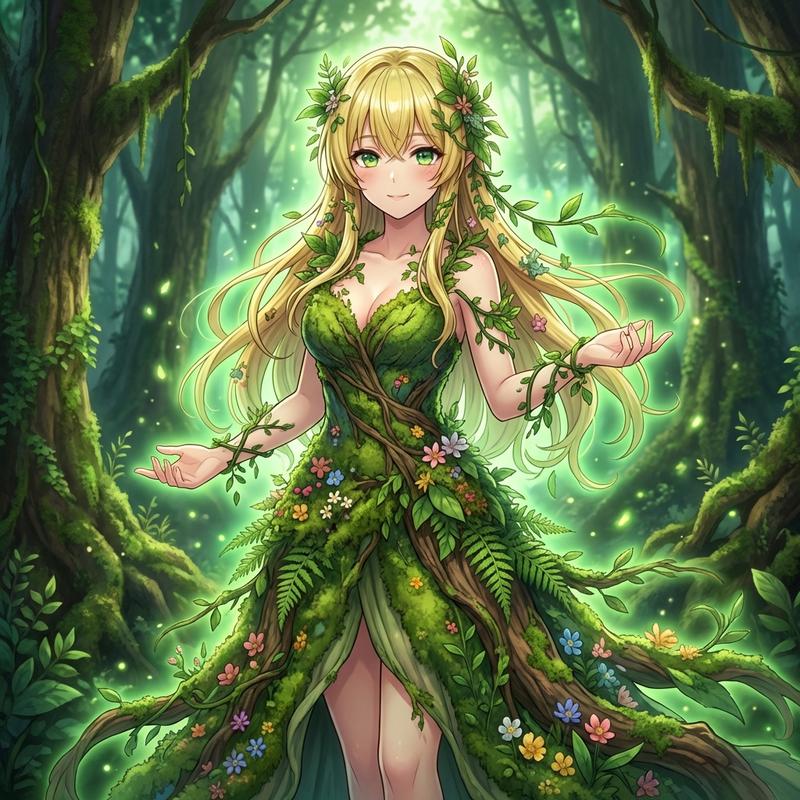
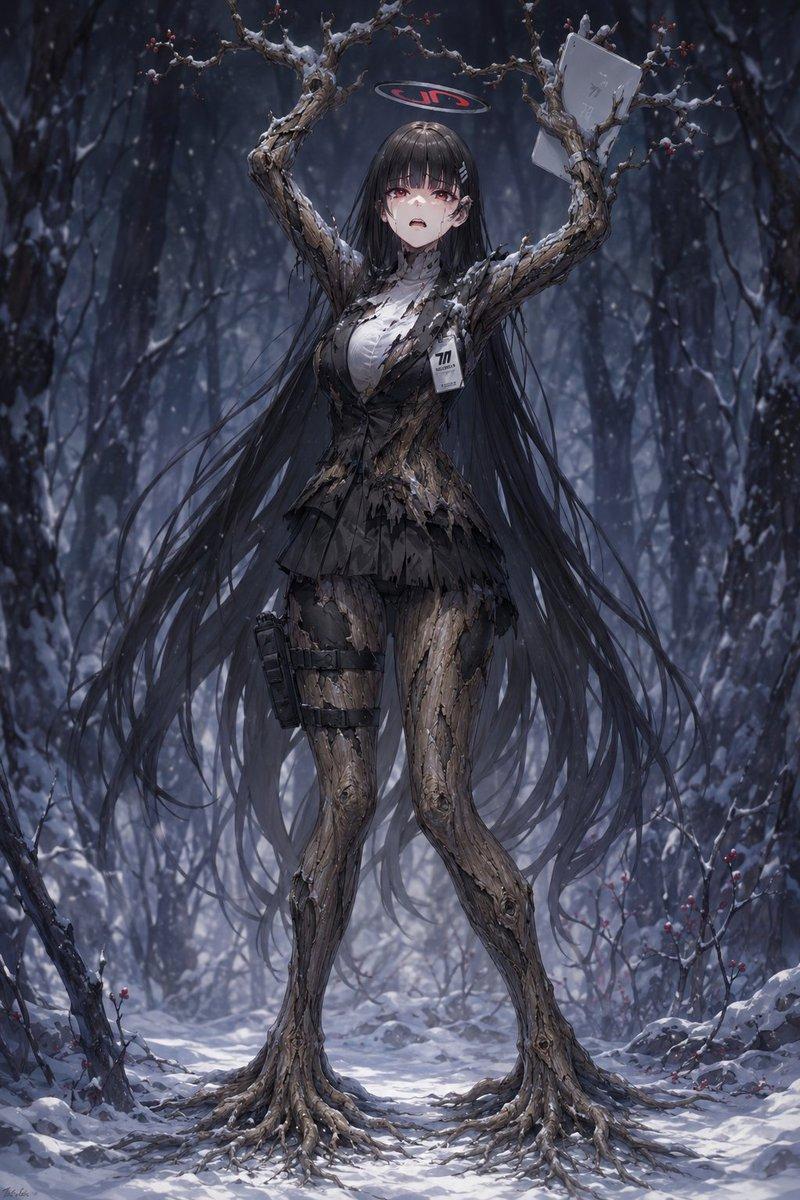
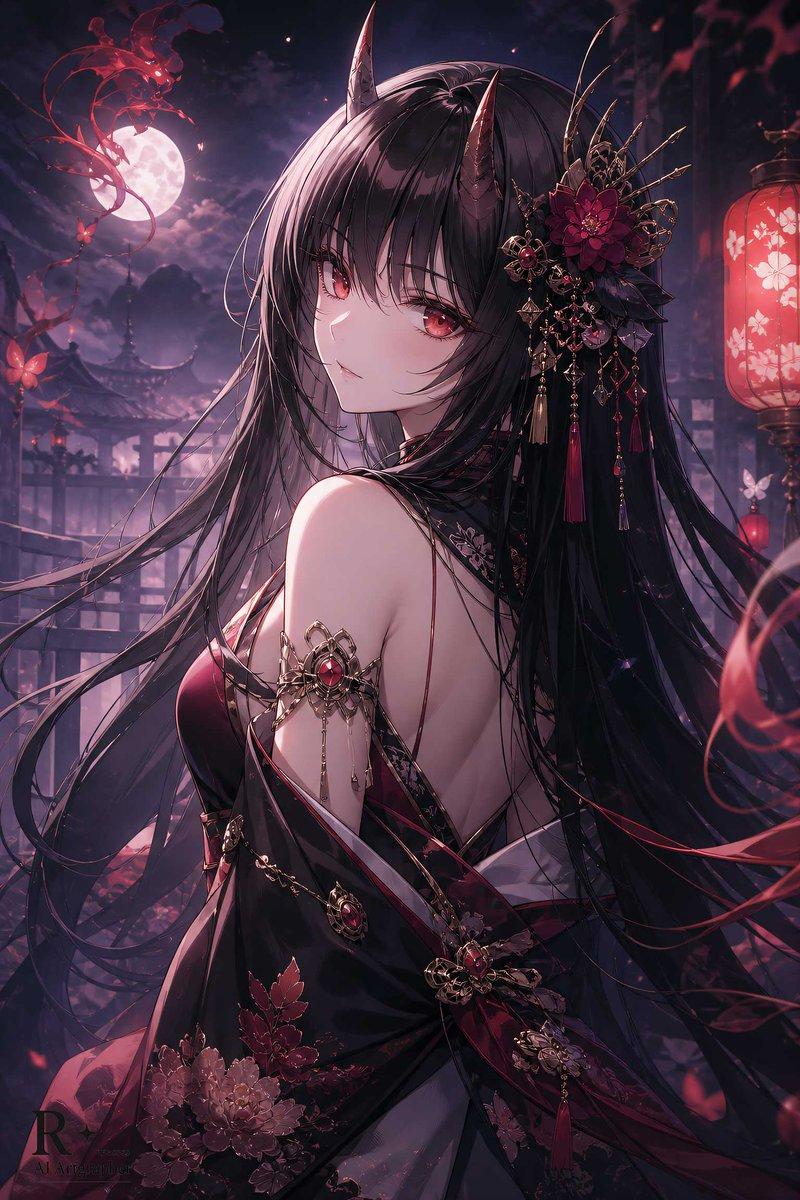
AI 转型为 Dryad
Prompt
AIで{argument name="キャラクター" default="ドライアド"}に変換してみた

森と一つになった精霊…🌲
自然の息吹を感じてください✨- Category
- 创意图片
- Model
- Nano Banana Pro
- Creator
- ちゃろん
- Source ID
- c17a8212-280e-451d-8034-abc6a23ddab5
- Published
- Mar 8, 2026
Views6
19

AIで{argument name="キャラクター" default="ドライアド"}に変換してみた
森と一つになった精霊…🌲
自然の息吹を感じてください✨Guide
"AI 转型为 Dryad" AI image prompt for Nano Banana Pro (创意图片). 这是一个与 Nano Banana Pro 配合使用的提示,用于将上传的图像转换为树精,重点在于与森林融为一体的精灵主题,并唤起大自然的气息。用户指出该提示写在图像的 ALT 文本中。 --- 尝试使…
The full copyable prompt and example visuals above are ready for AI image generation or one-click recreate in Picva.
Step 1
Review the example visuals, category, and full prompt text for "AI 转型为 Dryad".
Step 2
Copy the prompt body from this page, or load it directly in Studio.
Step 3
Prefer Nano Banana Pro. If you switch models, keep subject and composition and tweak style terms.
Step 4
Recreate the look in Picva, or export into your workflow for editing and publishing.