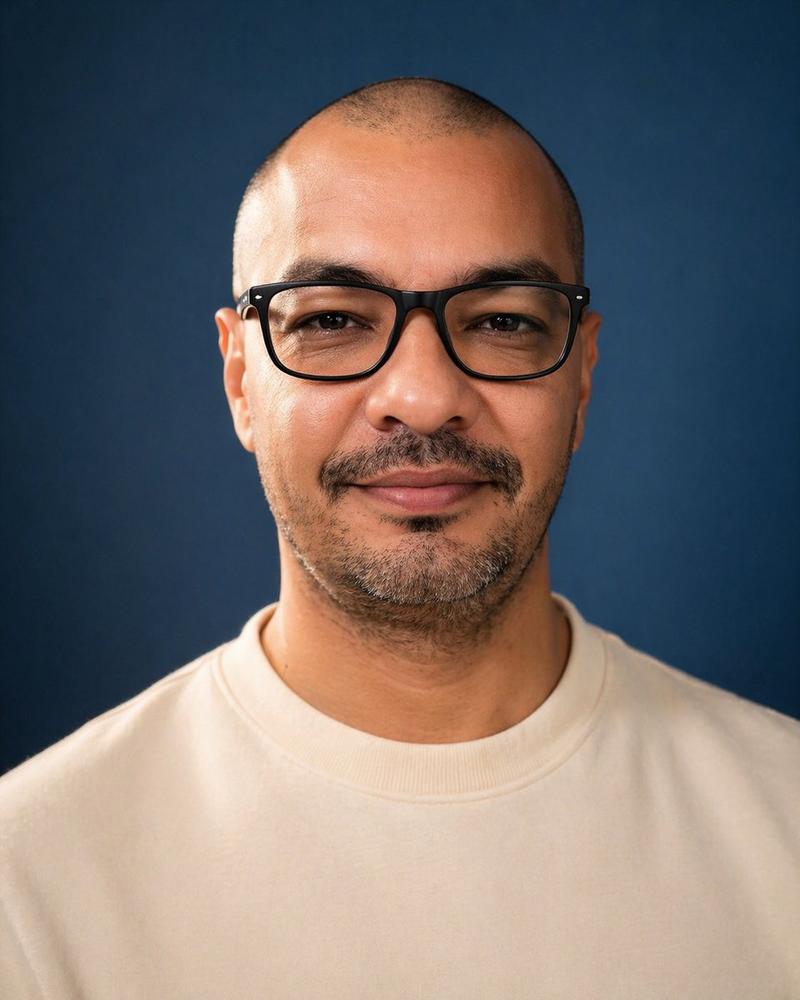
18

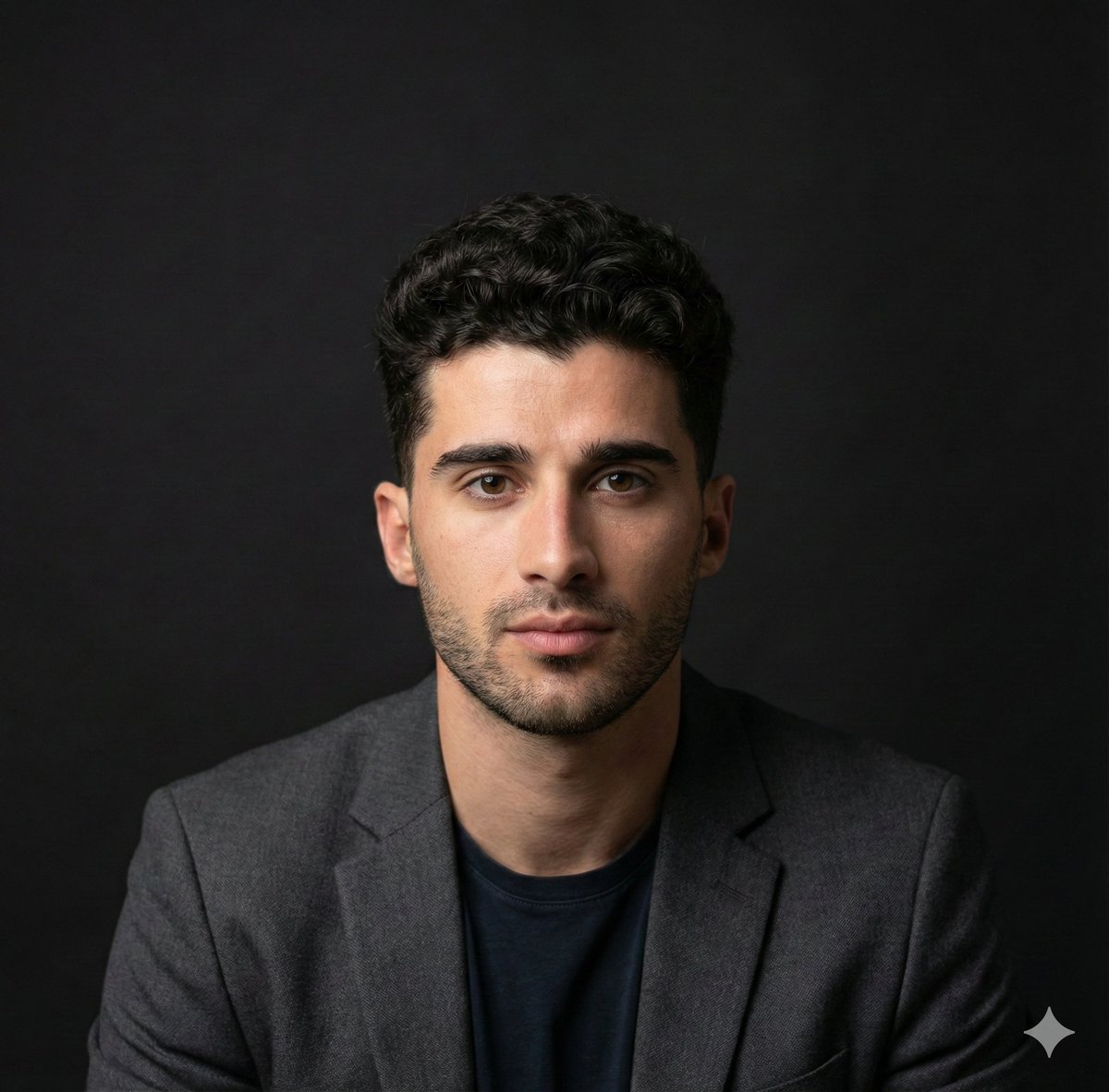
专业深色背景 LinkedIn 职业肖像
Enlarge

专业深色背景 LinkedIn 职业肖像

Prompt
A polished studio head-and-shoulders LinkedIn profile portrait of a {argument name="subject gender" default="man"} centered in frame, facing straight toward the camera with a neutral, confident expression, cropped from the upper chest to just above the head. He has short {argument name="hair color" default="dark brown"} hair with a slightly textured top, visible ears, and light stubble beard along the jaw and chin. He wears 2 clothing layers: a dark charcoal tailored blazer over a plain white crew-neck t-shirt. The background is a deep black seamless studio backdrop with a subtle soft vignette and no visible props. Use professional corporate portrait photography styling, soft directional key light from above and slightly to one side, gentle rim separation on the shoulders and hair, realistic skin texture, sharp focus on clothing and neck, shallow depth of field, high contrast, clean premium retouching, natural color grading, and a modern executive-yet-approachable look suitable for a {argument name="platform" default="LinkedIn"} profile photo. Compose it symmetrically, minimal and elegant, with the subject isolated against the dark background, photographed as if with an 85mm lens in a high-end studio.
Category
Charts & Infographics
Model
GPT Image 2
Views5
Source ID
16305
Published
Apr 27, 2026

Guide

About "专业深色背景 LinkedIn 职业肖像"

What is this prompt for?

"专业深色背景 LinkedIn 职业肖像" AI image prompt for GPT Image 2 (Charts & Infographics). 此提示词可生成简洁的摄影棚风格专业头像,适用于 LinkedIn、公司简介及个人品牌展示。 Copy it on Picva and recreate the…

The full copyable prompt and example visuals above are ready for AI image generation or one-click recreate in Picva.

How to use this prompt

  1. Step 1

    Open the prompt detail

    Review the example visuals, category, and full prompt text for "专业深色背景 LinkedIn 职业肖像".

  2. Step 2

    Copy the prompt

    Copy the prompt body from this page, or load it directly in Studio.

  3. Step 3

    Pick a model (GPT Image 2)

    Prefer GPT Image 2. If you switch models, keep subject and composition and tweak style terms.

  4. Step 4

    Generate and export

    Recreate the look in Picva, or export into your workflow for editing and publishing.

FAQ

What is the "专业深色背景 LinkedIn 职业肖像" prompt?
It is an AI image-generation prompt for GPT Image 2 in the Charts & Infographics category. This page includes the full prompt text, example visuals, and a one-click recreate path in Picva.
How do I use this prompt to generate an image?
Copy the prompt from this page, or use Generate / Studio. Paste it into a compatible image model, or recreate the look in Picva with optional reference images.
Which model is this prompt for?
This page lists GPT Image 2. Most descriptive prompts also transfer to nearby image models such as GPT Image, Flux, or Midjourney with light style tweaks.
Can I use the result commercially?
You can usually copy the prompt for creation, but commercial use of the final image depends on the model terms, reference-image rights, and the generated content. Follow the source author and platform rules.