13

舞蹈教学海报提示词
Enlarge

舞蹈教学海报提示词

Prompt
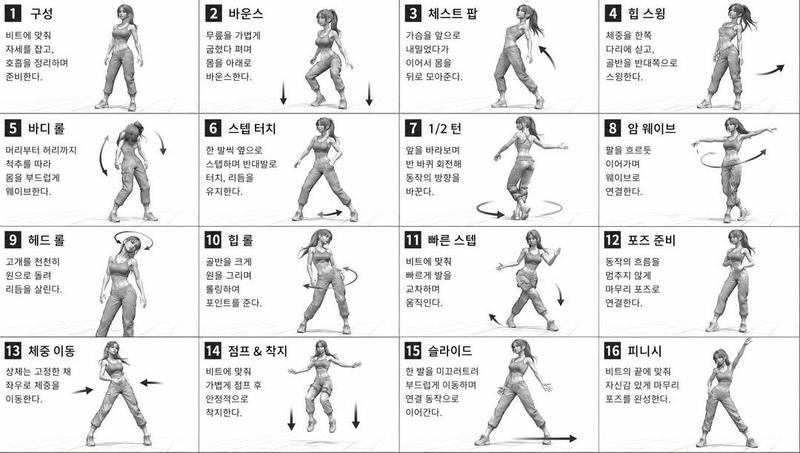
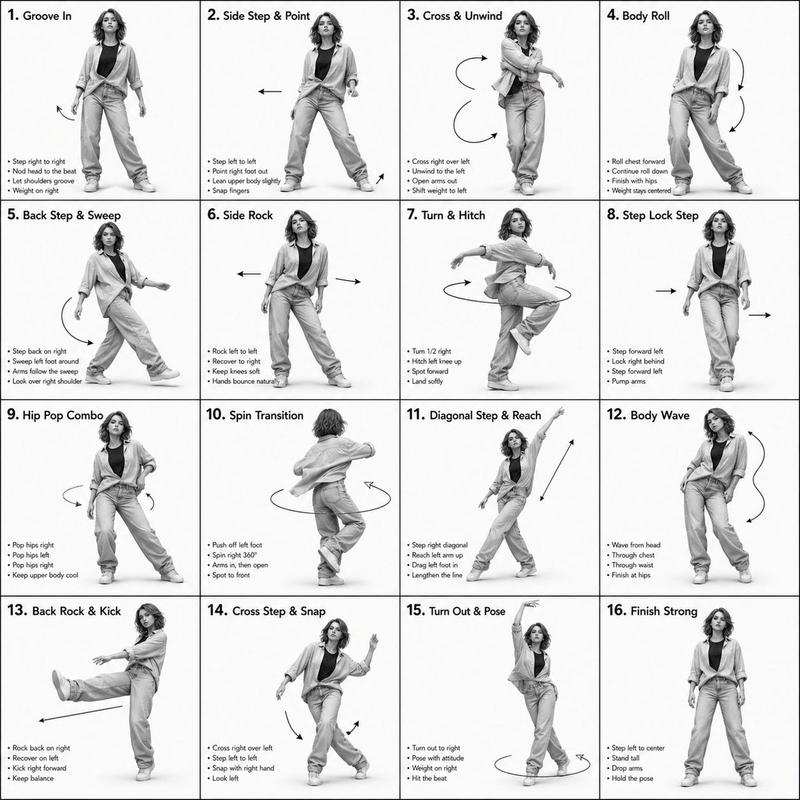
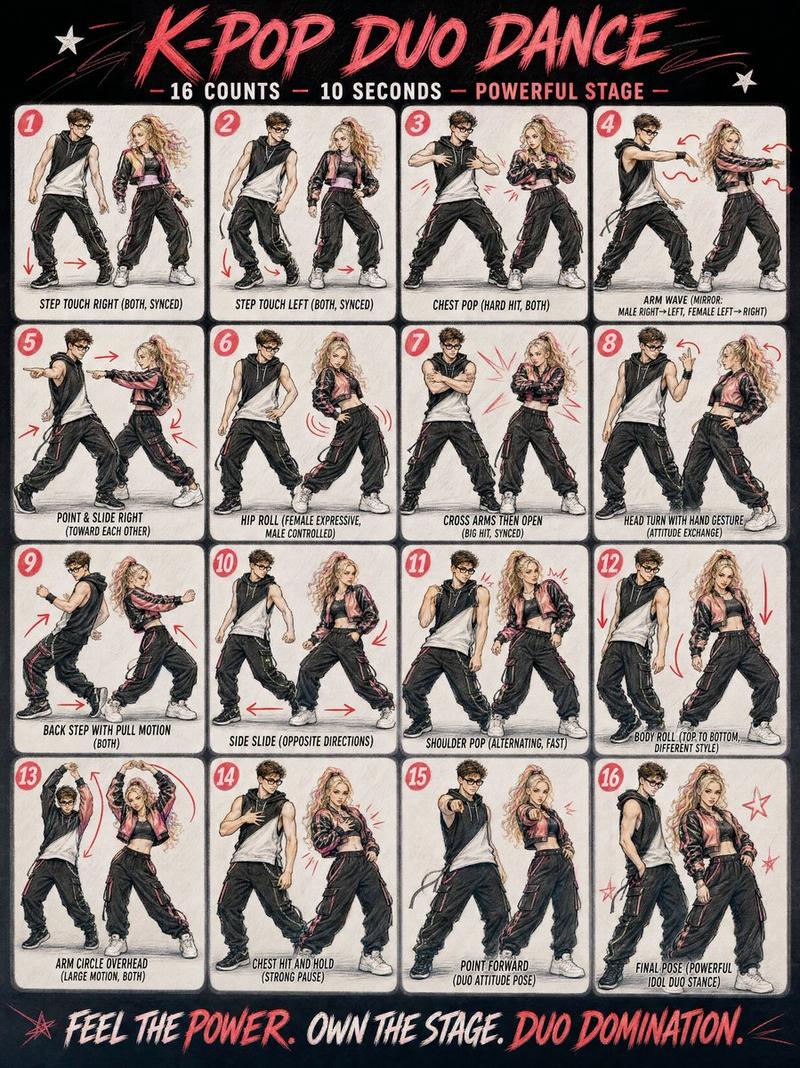
Create a clean, black-and-white instructional poster showing a {argument name="steps" default="16-step"} dance sequence performed by a single {argument name="dancer" default="female dancer"}.
Layout:
4x4 grid (16 panels total)
Each panel shows the same dancer in a different pose
Full-body, centered in each frame
Even spacing, consistent framing across all panels
Dancer:
Female, long flowing hair
Wearing a fitted, reflective/sequined crop top and long flared skirt
Elegant, confident, expressive poses inspired by {argument name="dance style" default="vogue and waacking"} dance styles
Panel Details:
Each panel has a bold number (1–16) and a short title at the top (e.g., “WATER CALL,” “LIQUID RISE,” “VOGUE FRAME,” etc.)
Include small instructional captions at the bottom of each panel
Add subtle arrows and motion lines to show movement direction (arms, hips, body flow)
Style:
Black and white (monochrome)
High contrast, sharp studio lighting
Fashion editorial photography look
Clean white or light gray background
Modern sans-serif typography
Overall Feel:
Minimalist, polished, magazine-quality layout
Smooth progression of movement across all 16 frames
Dynamic but clean, easy-to-follow instructional design
Category
Charts & Infographics
Model
GPT Image 2
Creator
Ciri
Views6
Source ID
16496
Published
Apr 27, 2026

Guide

About "舞蹈教学海报提示词"

What is this prompt for?

"舞蹈教学海报提示词" AI image prompt for GPT Image 2 (Charts & Infographics). 生成一套极简黑白风格的 16 步网格舞蹈教学海报。 Copy it on Picva and recreate the look in one click.

The full copyable prompt and example visuals above are ready for AI image generation or one-click recreate in Picva.

How to use this prompt

  1. Step 1

    Open the prompt detail

    Review the example visuals, category, and full prompt text for "舞蹈教学海报提示词".

  2. Step 2

    Copy the prompt

    Copy the prompt body from this page, or load it directly in Studio.

  3. Step 3

    Pick a model (GPT Image 2)

    Prefer GPT Image 2. If you switch models, keep subject and composition and tweak style terms.

  4. Step 4

    Generate and export

    Recreate the look in Picva, or export into your workflow for editing and publishing.

FAQ

What is the "舞蹈教学海报提示词" prompt?
It is an AI image-generation prompt for GPT Image 2 in the Charts & Infographics category. This page includes the full prompt text, example visuals, and a one-click recreate path in Picva.
How do I use this prompt to generate an image?
Copy the prompt from this page, or use Generate / Studio. Paste it into a compatible image model, or recreate the look in Picva with optional reference images.
Which model is this prompt for?
This page lists GPT Image 2. Most descriptive prompts also transfer to nearby image models such as GPT Image, Flux, or Midjourney with light style tweaks.
Can I use the result commercially?
You can usually copy the prompt for creation, but commercial use of the final image depends on the model terms, reference-image rights, and the generated content. Follow the source author and platform rules.