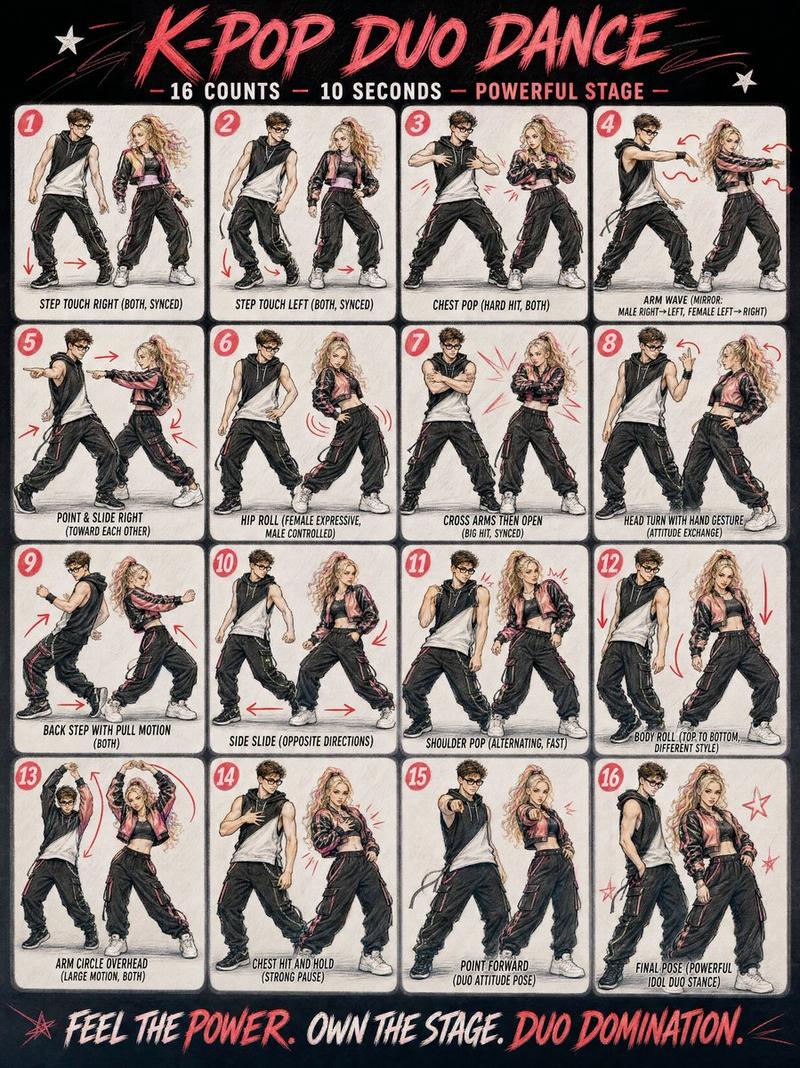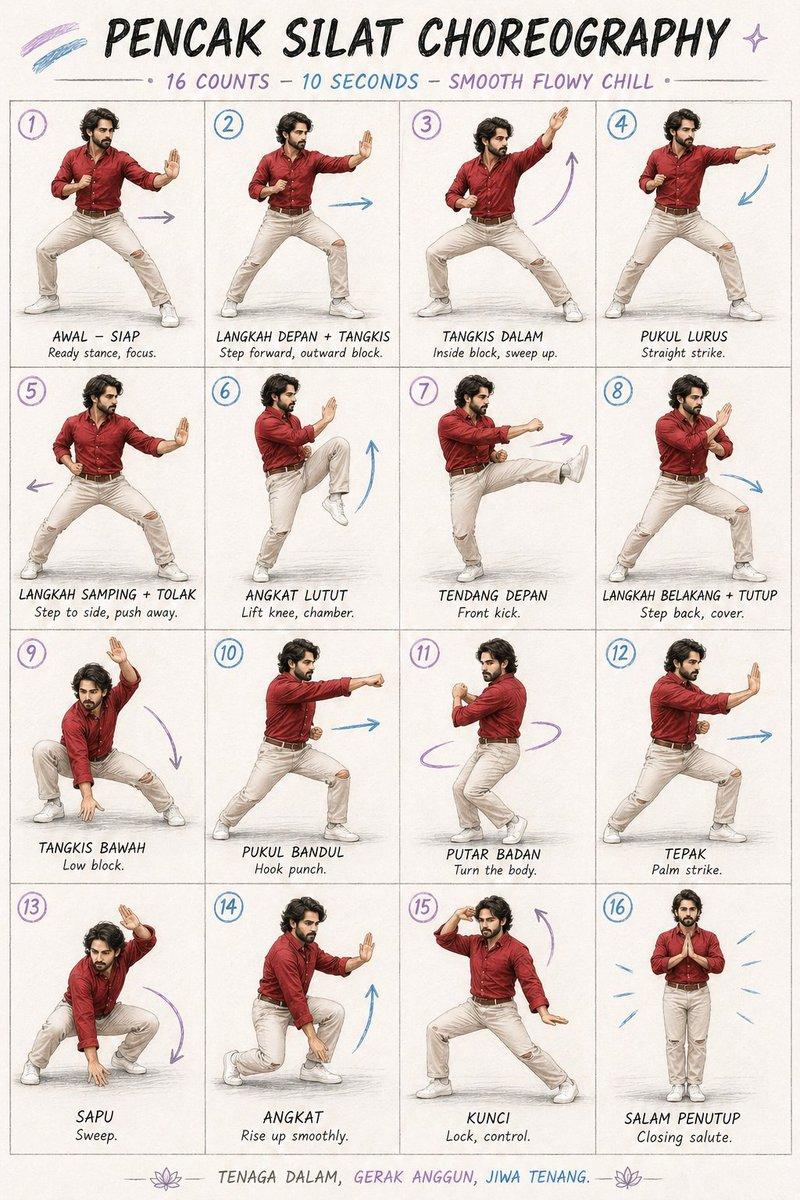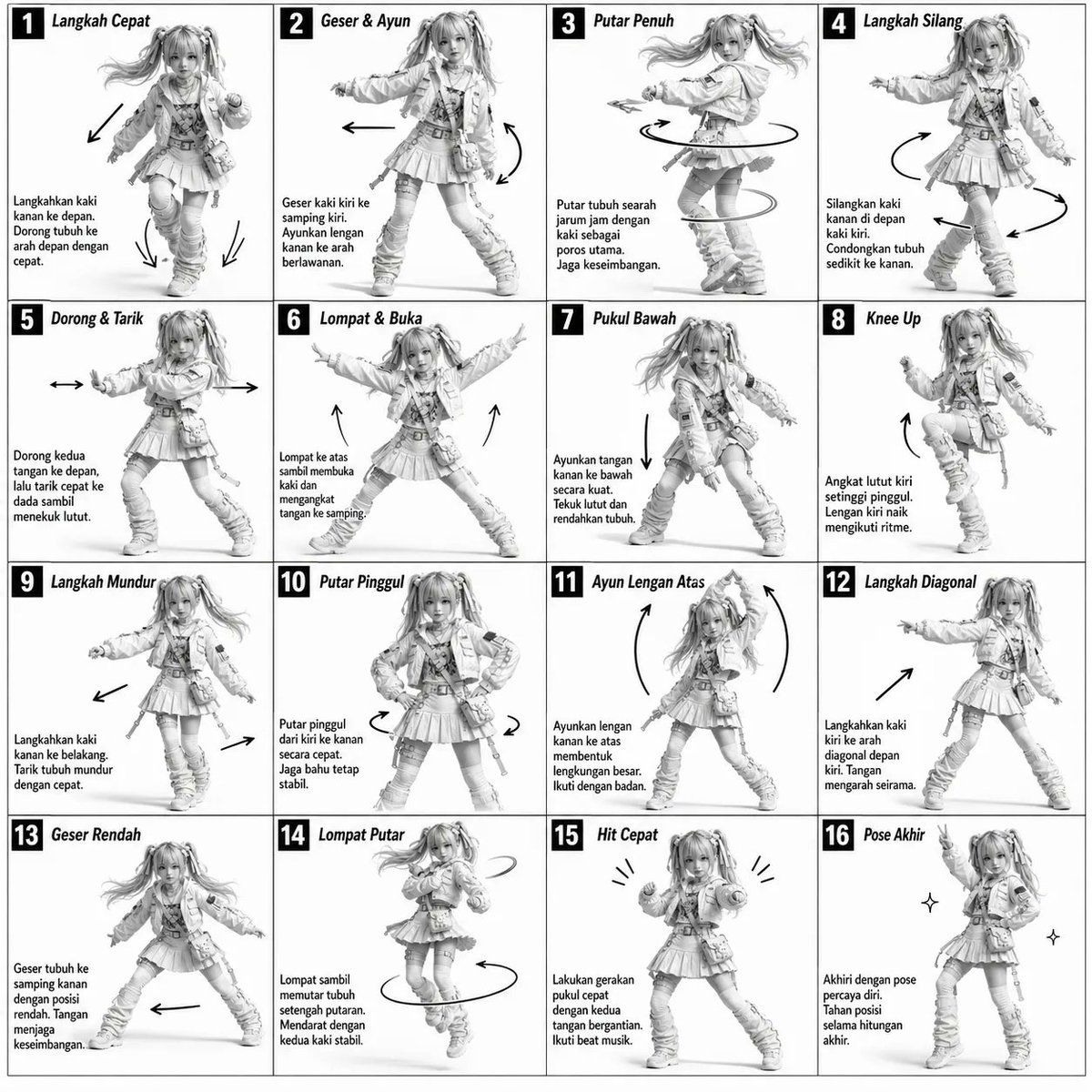
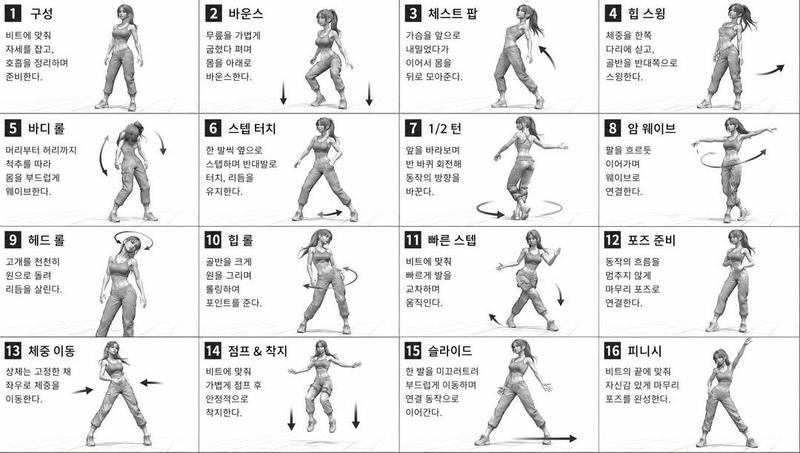
3D 灰度舞蹈参考图
Prompt
Monochromatic grayscale illustration, 3D-rendered character, clean instructional reference sheet.
White background, comic-style cell grid layout, technical diagram aesthetic.
[LAYOUT]
4×4 grid layout (16 panels total).
Each panel separated by thin black border lines.
Panels are evenly sized and consistently aligned.
Each cell is clearly numbered from 1 to 16.
[CHARACTER]
{argument name="subject" default="Young female dancer with an athletic build, ponytail hairstyle, wearing a crop top, baggy pants, and sneakers"}.
The same character must appear consistently in all panels.
[PANEL STRUCTURE – per cell]
Top-left: bold number badge + {argument name="language" default="Korean"} title text
Center: full-body character pose illustration
Bottom-left: {argument name="language" default="Korean"} description text (3–4 lines)
Overlay: directional arrows indicating movement flow
[ARROWS / MOTION INDICATORS]
Curved arrows, straight arrows, and circular rotation indicators.
Arrows should be placed around the character to clearly show movement direction and flow.
[RENDERING STYLE]
Highly detailed 3D sculpted style.
Soft studio lighting with subtle shadows.
No color — grayscale only.
Clean linework, polished finish, game concept art quality.
[NEGATIVE PROMPT]
No background scenery.
No color tones.
No additional characters.
No cluttered or complex backgrounds.- Category
- Charts & Infographics
- Model
- GPT Image 2
- Creator
- K
- Source ID
- 16800
- Published
- Apr 28, 2026
Views12




![[STYLE] Monochrome grayscale illustration, 3D-rendered character, clean instruct](https://i.pixshop.app/storage/v1/render/image/public/prompt-source-media/promptsref/work-2376/image-1-4f73adfaa9808d14.png?width=800&quality=75&resize=contain)