豪华梦想家园房地产宣传单
Prompt
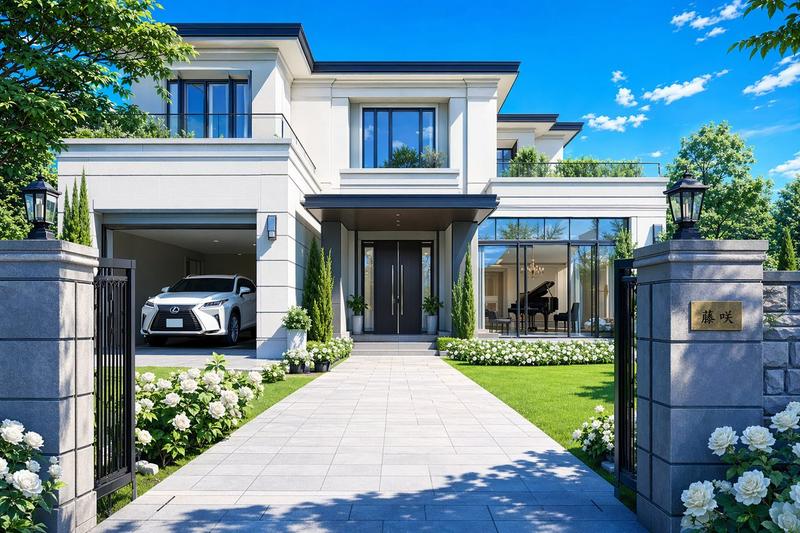
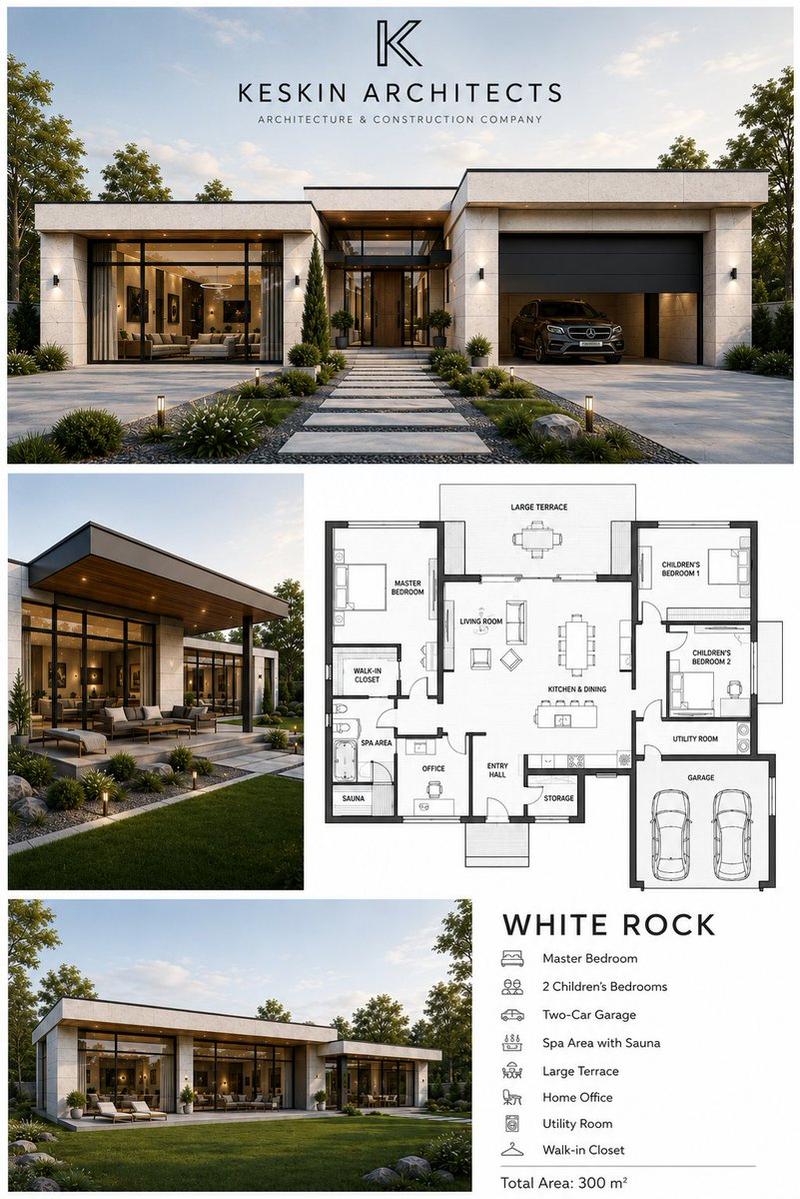
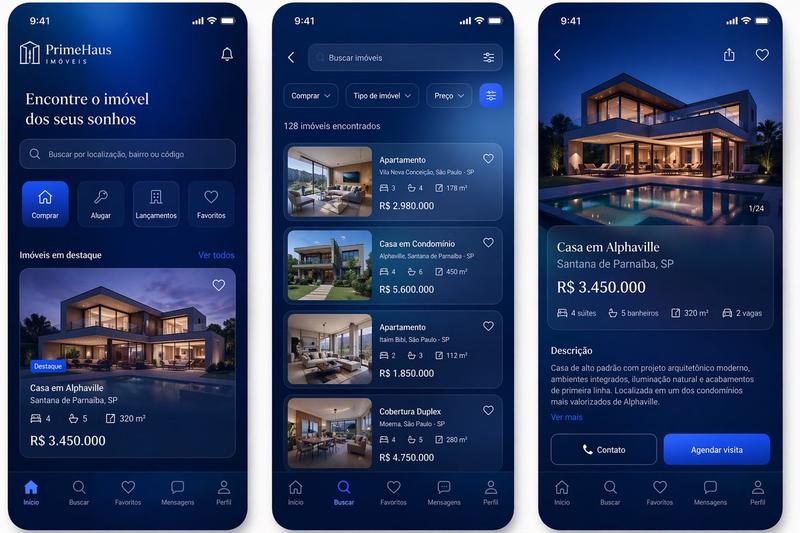
Create a polished vertical real-estate promotional flyer in a clean, modern social-media ad style, 4:5 poster composition. Use a bright daytime outdoor theme with a pale blue sky, soft clouds, and leafy green tree branches framing the top left and top right corners. The layout should feel like a premium property investment advertisement with bold typography, glossy marketing design, and a teal, red, white, and gray color palette. At the upper left, place a small uppercase headline reading {argument name="headline text" default="LIVE BETTER. INVEST SMARTER."}. Directly below it, add a very large stacked main headline: {argument name="main headline line 1" default="OWN YOUR"} in deep teal and {argument name="main headline line 2" default="DREAM HOME"} in vivid red, using a bold condensed sans-serif font. Beneath that, add a teal ribbon banner with white uppercase text reading {argument name="tagline text" default="LUXURY LIVING. LASTING VALUE."}. Under the tagline, show exactly 3 circular feature icons arranged horizontally with thin vertical separators between them: a shield icon with the caption "SECURE YOUR FUTURE", a rising bar-chart icon with the caption "HIGH VALUE INVESTMENT", and a house icon with the caption "MODERN & ELEGANT". In the middle left and lower center, feature a large photorealistic contemporary luxury house with 2 stories, white and gray exterior walls, black trim, large glass windows, a balcony, landscaped shrubs, and a paved driveway, shown from a front three-quarter angle. On the right side, place a waist-up adult Black man in a green knit sweater, facing forward and pointing directly at the viewer with an assertive sales-poster pose; his body overlaps the house and extends into the foreground. Near his lower torso, add a glossy red circular badge with a slight 3D effect containing large white uppercase text {argument name="callout text" default="BUY NOW!"}, and attach a small dark teal angled banner across its bottom edge reading "LIMITED UNITS AVAILABLE!". Across the bottom, create a dark teal panel containing exactly 3 rounded rectangular property cards with white borders and equal spacing. Card 1 should show a row of modern townhouses and the label "MODERN TERRACES"; beneath it place exactly 2 small features: "Spacious Rooms" and "24/7 Security". Card 2 should show a luxury villa with a pool and the label "LUXURY VILLAS"; beneath it place exactly 2 small features: "Premium Amenities" and "Prime Locations". Card 3 should show a detached upscale modern home and the label "EXCLUSIVE HOMES"; beneath it place exactly 2 small features: "Registered Title" and "Trusted Developer". At the very bottom, include one large empty white rounded rectangle spanning most of the width as a placeholder area for contact details or footer information. Make the overall image crisp, high-contrast, commercial, aspirational, and professionally designed like a premium real-estate marketing poster.- Category
- Charts & Infographics
- Model
- GPT Image 2
- Creator
- Babátúndé Awóyẹmí
- Source ID
- 16564
- Published
- Apr 27, 2026
Views7