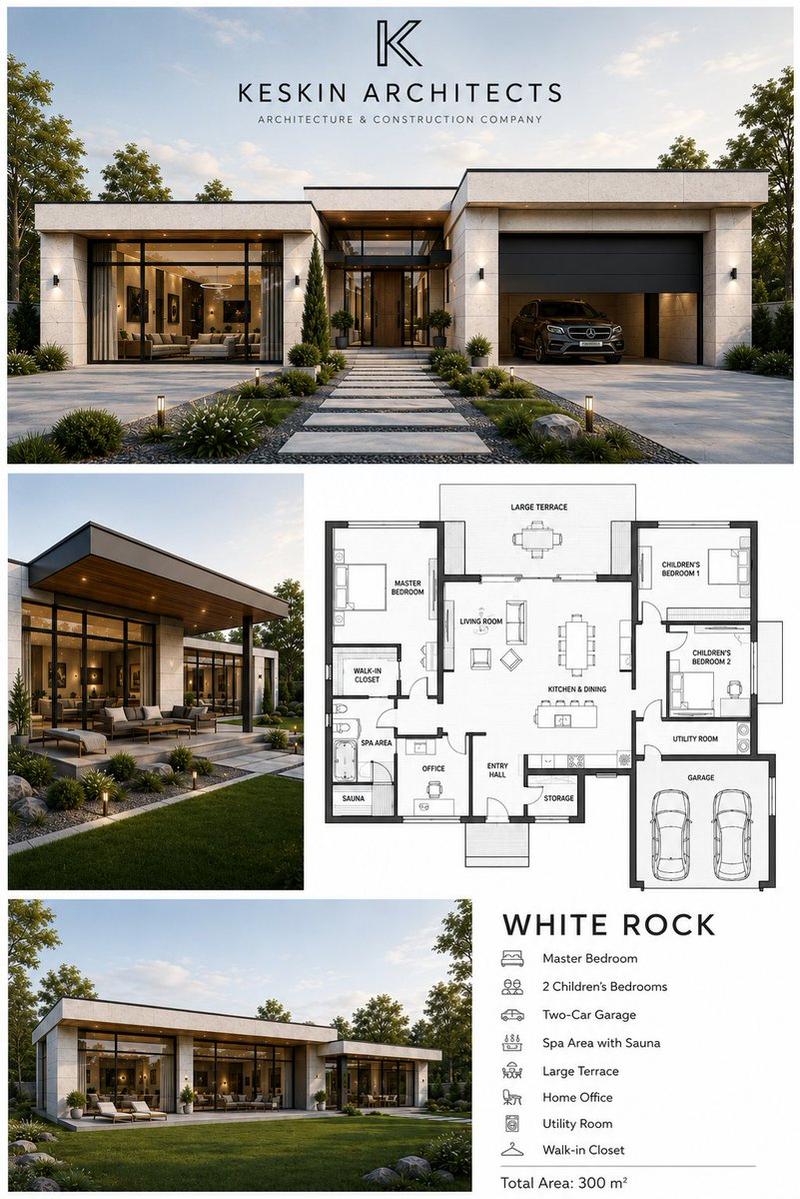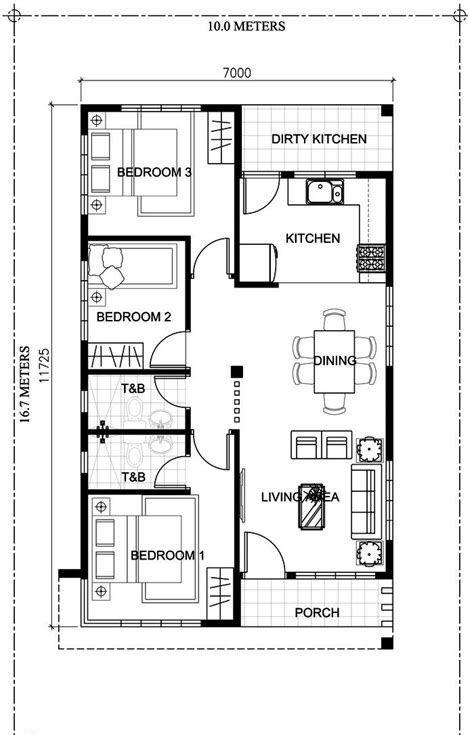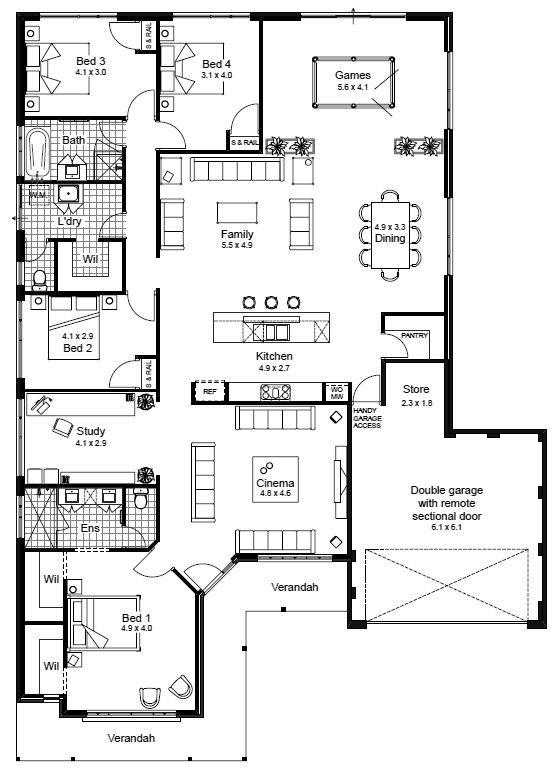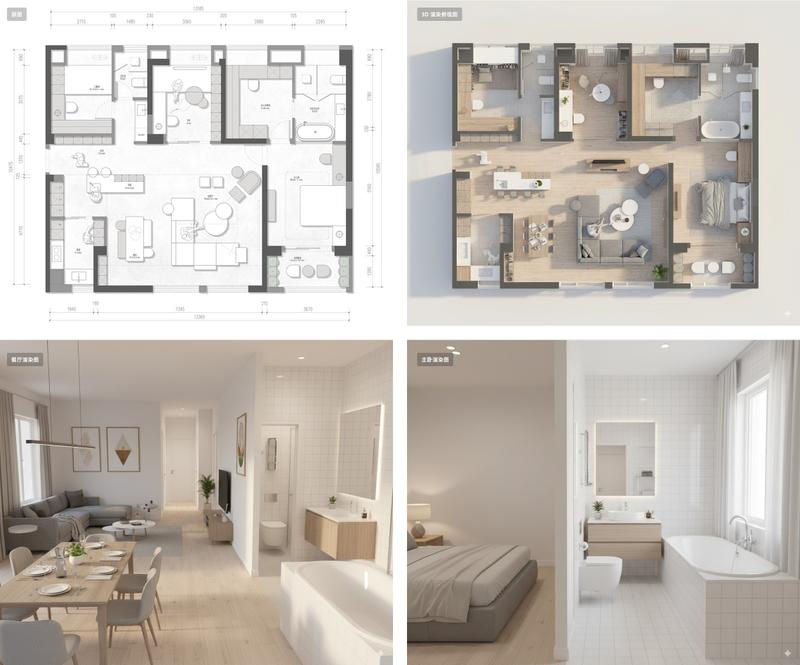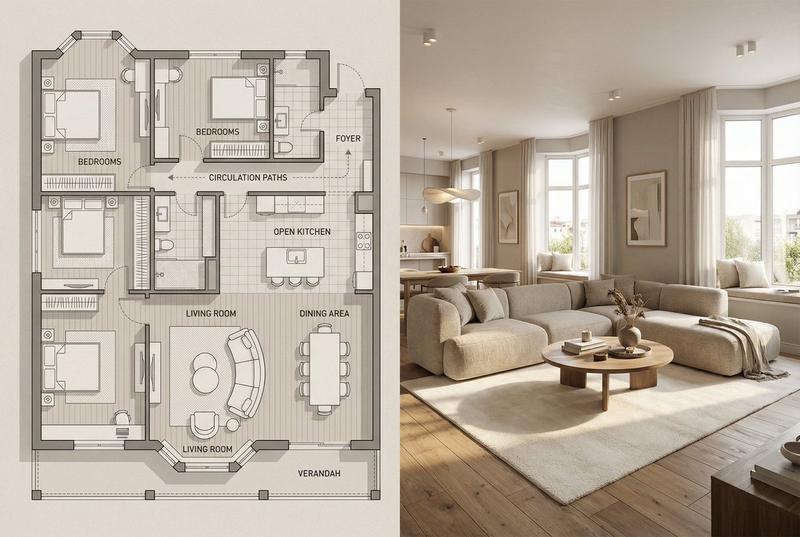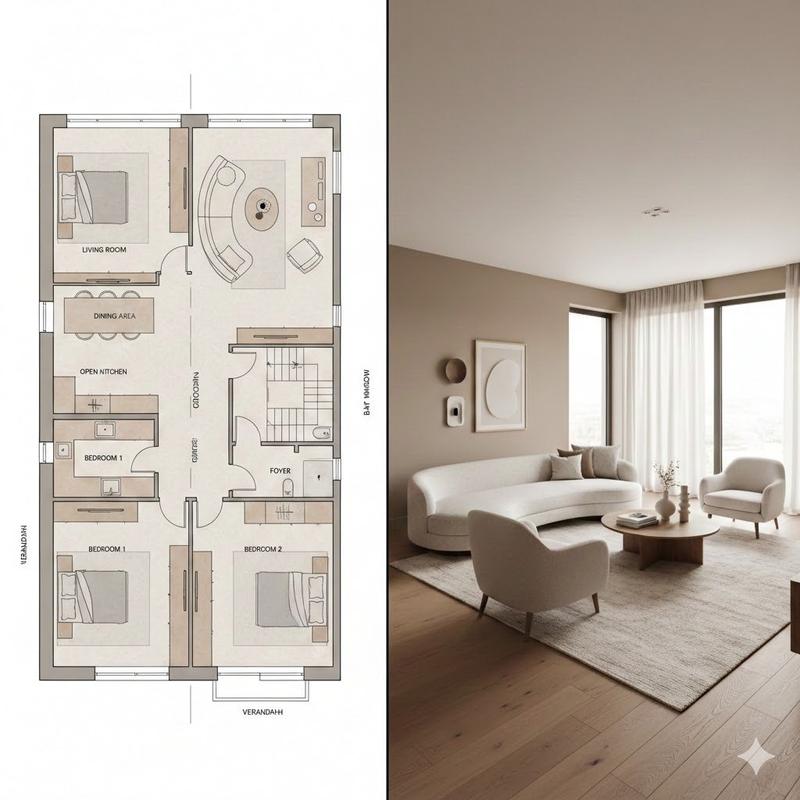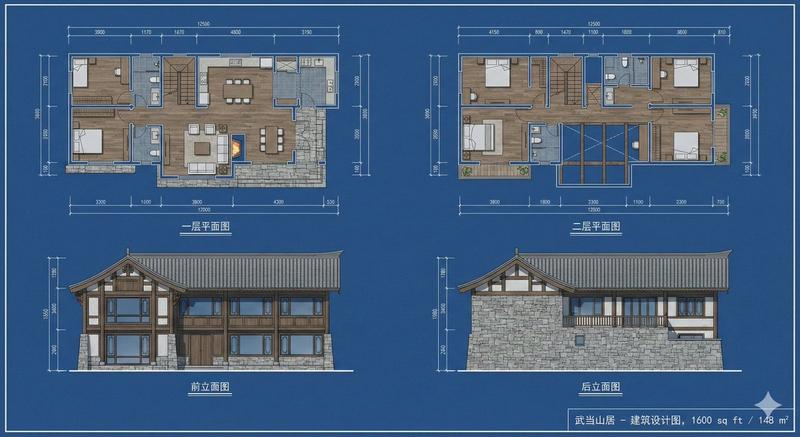
建筑蓝图与渲染图对比
Prompt
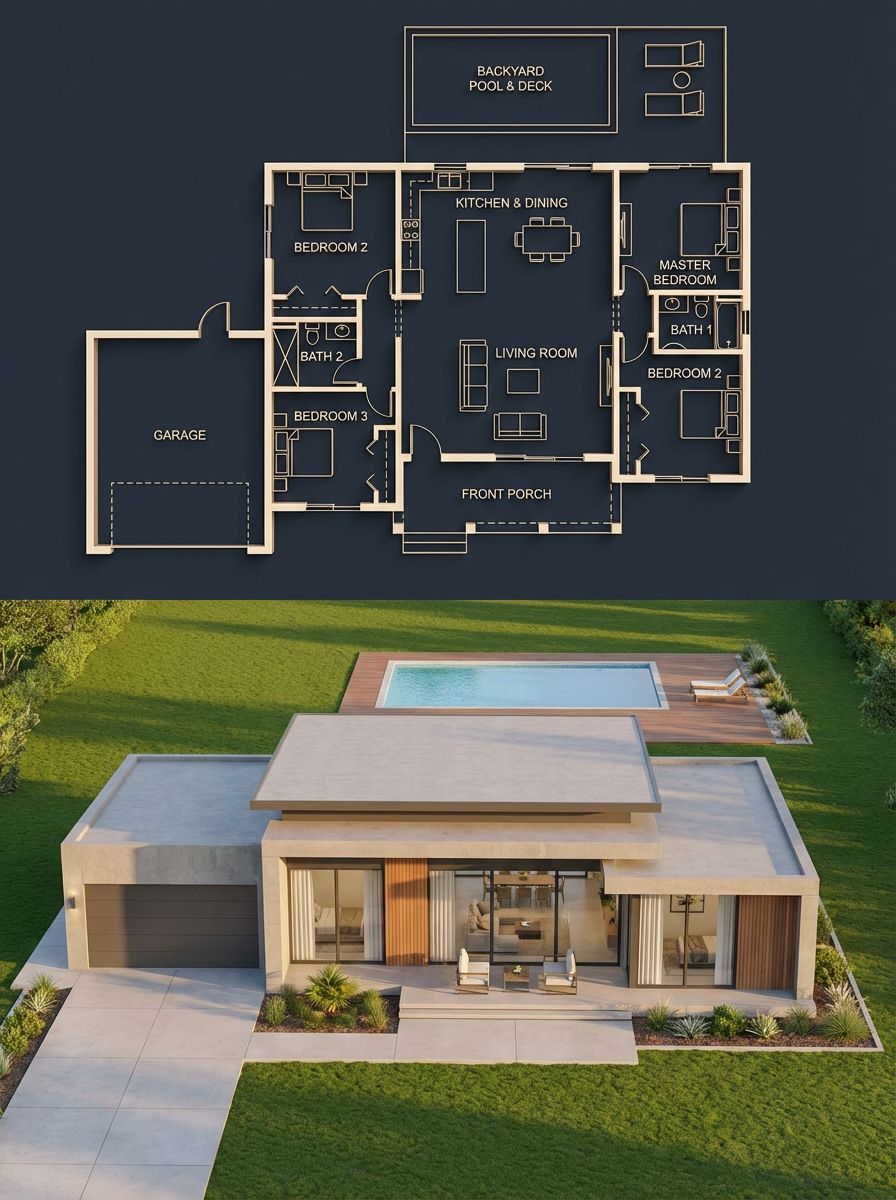
Split architectural visualization, vertical 3:4 composition, perfect structural alignment between the two halves.

Top half, {argument name="blueprint style" default="dark luxury blueprint"}: deep navy / charcoal blue background, thin glowing beige-gold lines, walls drawn with a slight 3D extrusion, clean modern sans-serif labels, soft ambient glow. Floor plan shows 3 bedrooms (left, right, bottom-right), a central living room, kitchen plus dining at top center, 2 bathrooms, a garage connected on the left side, a front porch, and a backyard pool with deck. Include furniture outlines (beds, sofa, dining table), door swings, window placements, circulation paths, and exact proportions.

Bottom half, photorealistic render of the same {argument name="building type" default="house"}: modern single-story design, flat layered roof, smooth concrete walls with wood panel accents, large glass windows. Layout must match the blueprint exactly, garage on the left, main entrance aligned with the living room, pool in the backyard matching the blueprint footprint, window placements corresponding to each room, bedroom volumes visible externally in correct positions. Suburban neighborhood setting with green lawn, minimal landscaping, a clean driveway leading to the garage, and a matching pool deck. Golden hour lighting, soft natural light with realistic shadows. Slightly elevated front perspective, 35mm architectural lens.

Hard rules: room positions identical between blueprint and render, no extra structures, all doors and windows align logically, pool size and placement match exactly. Avoid mismatch, fantasy elements, unrealistic proportions, or a cluttered environment.- Category
- Charts & Infographics
- Model
- GPT Image 2
- Creator
- PromptLab
- Source ID
- 23050
- Published
- May 28, 2026
Views6